Best Security Compliance Software for Remote Teams in 2026: 6 Tools Compared
Best security compliance software for remote teams: 6 tools compared on price, free plans and fit. Each entry gets a plain verdict. Read before you buy.
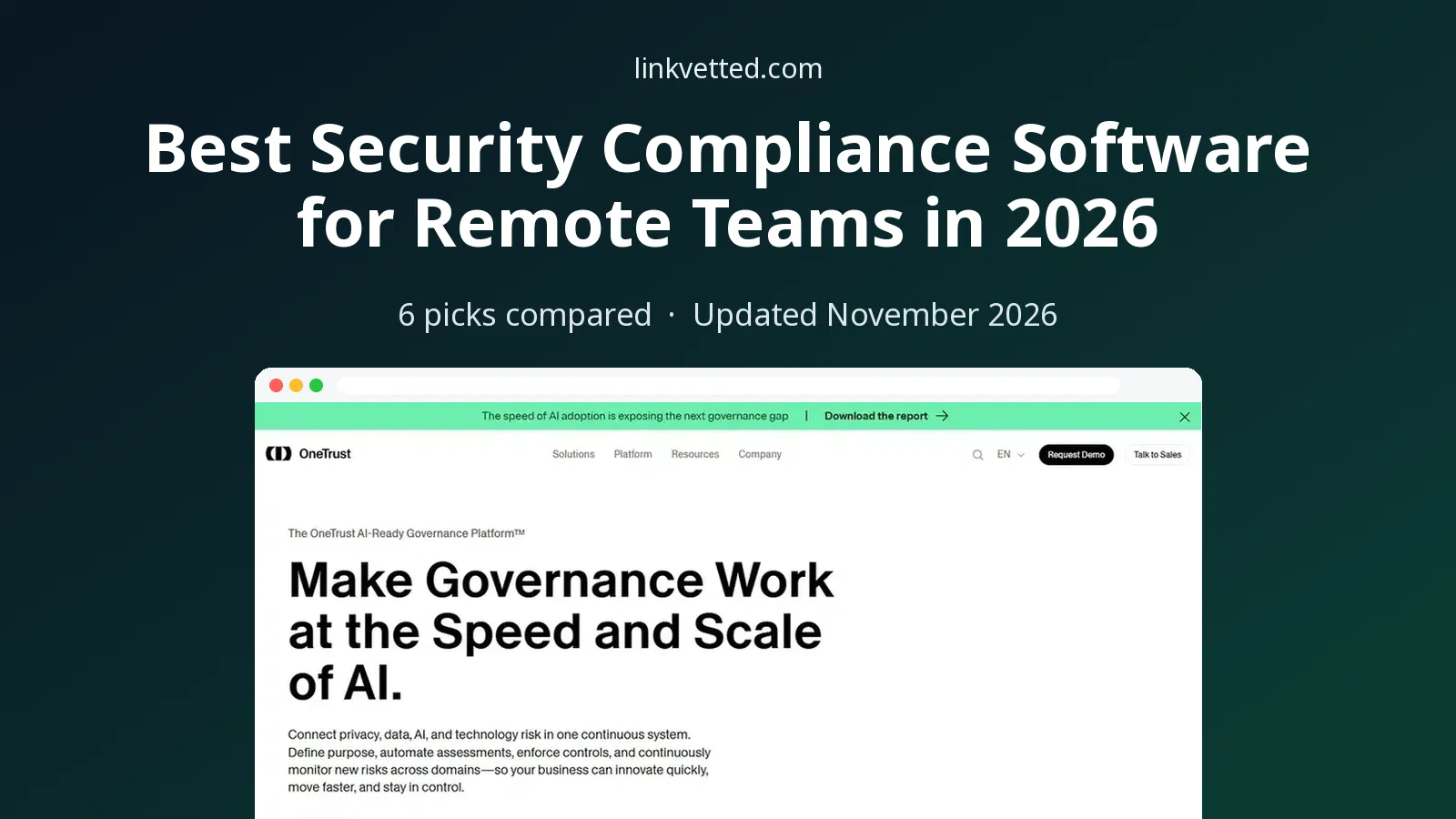
- Editor's choice
 OneTrust
Privacy, consent and AI governance
Starts atSee websiteVisit onetrust.comFull review - Great alternative
 ServiceNow
Compliance inside enterprise workflows
Starts atSee websiteVisit servicenow.comFull review - Also consider
 Hyperproof
Reducing duplicate compliance work
Starts atSee websiteVisit hyperproof.ioFull review
Direct answer
If you need privacy, consent and AI governance, OneTrust is the first tool to look at here. Listed starting prices: Secureframe from $7,500 a year. For a different need, ServiceNow covers compliance inside enterprise workflows and Hyperproof covers reducing duplicate compliance work. The full list of 6 tools follows, with prices and free plan facts.
TL;DR:
- Number one here is OneTrust, a fit for privacy, consent and AI governance.
- None of the 6 tools, from OneTrust to Vanta, has a free plan, so budget for a subscription or use a trial.
- Vanta suits quick automatic certification readiness.
- OneTrust, ServiceNow, Hyperproof and others: pricing is by quote only, so plan time for a sales conversation.
Last checked November 2026. Prices and plan details were read from the vendors' own pages in November 2026; vendors change plans often, so confirm the current price on the vendor site before you buy.
Quick comparison
| Tool | Best for | Starts at | Free plan? | |
|---|---|---|---|---|
| OneTrust | Privacy, consent and AI governance | See website | Not stated | Visit |
| ServiceNow | Compliance inside enterprise workflows | See website | Not stated | Visit |
| Hyperproof | Reducing duplicate compliance work | See website | Not stated | Visit |
 Secureframe | Automation with expert guidance | $7,500 a year | Not stated | Visit |
 LogicGate | Enterprise risk and compliance programs | See website | Not stated | Visit |
 Vanta | Quick automatic certification readiness | See website | Not stated | Visit |
Security Compliance Software for Remote Teams profiles
Choosing security compliance software for remote teams usually comes down to price, fit and limits. This LinkVetted guide sets 6 tools side by side on those three points, with the facts kept short and checkable.
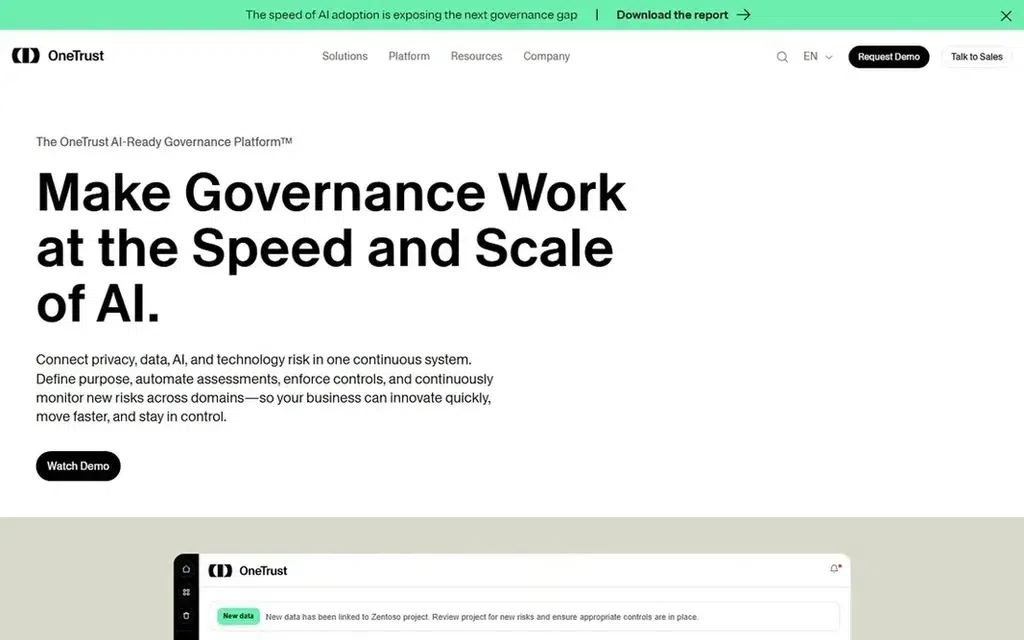
OneTrust makes the most sense for privacy, consent and AI governance. OneTrust helps businesses run privacy, consent and AI governance whereas automating compliance and reducing risk.
The main drawbacks: May be more than small teams need.
The system spans a broad surface area, which can mean more configuration than a team seeking only certification readiness needs. OneTrust does not show a starting price in this comparison, so check the vendor site for current pricing. Trial and free access: Not stated.
- Automates compliance and risk work
- AI governance capabilities
- Broader scope than certification alone
Think of ServiceNow for compliance inside enterprise workflows. The product is wide and needs skilled administration, and compliance is one use case among numerous.
As for the details, teams that only need certification automation will normally get there quicker with a dedicated compliance product. ServiceNow offers an AI product for simplifying enterprise workflows for customers and employees. This comparison lists no price for ServiceNow; ask the vendor. Free options: Not stated.
Trade-offs to know: Needs product expertise.
- Links teams and systems
- Wide workflow product
- Compliance is one use among numerous
Hyperproof is built with reducing duplicate compliance work in mind. Hyperproof presents its GRC system as a way to make compliance simpler by eliminating duplicate work and reusing controls across standards.
The main drawbacks: GRC depth may exceed straightforward certification needs.
Getting the benefit relies on mapping controls properly at the start, which takes time. In practice, remote teams pursuing several frameworks at once frequently repeat the same evidence gathering, and this approach targets that overlap straight. Pricing for Hyperproof is not stated here, so ask the vendor for current figures. Free access: Not stated.
- Compliance-oriented GRC system
- Reuses controls across standards
- Setup needs mapping controls first
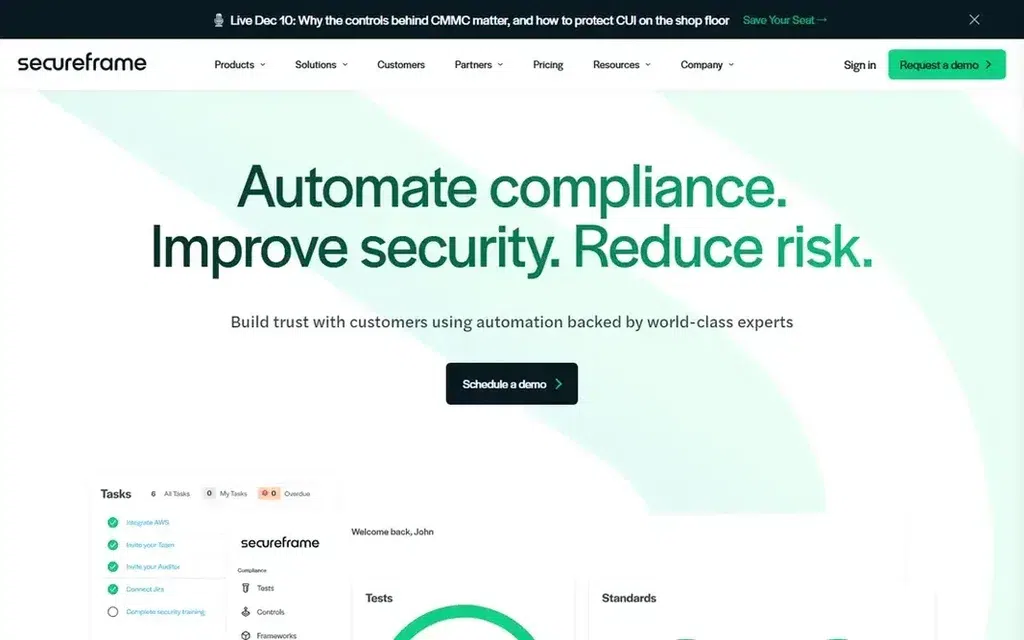
Secureframe works best for automation with expert guidance. Secureframe positions itself around getting compliant, mitigating risk and building customer trust through automation supported by experts.
Downsides: Expert support matters most for first-time programs.
It fits expanding businesses that require to answer security questionnaires and present customers a credible compliance posture. What you pay to start with Secureframe: $7,500 per year. Free options: Not stated.
- Builds customer trust materials
- Focus on risk reduction
- Scope can grow beyond core certification needs
LogicGate is aimed squarely at enterprise risk and compliance programs. Remote organizations with distributed vendors and complicated risk ownership can use it to centralize how risk is identified, tracked and reported.
Limits to weigh: Needs program ownership to configure.
In daily use, if your goal is just to reach a first certification, a focused automation product is typically a quicker route. The breadth means implementation effort and continuing administration, which can be heavy for a small remote team. No starting price is listed for LogicGate here; confirm pricing on the vendor site. On free options: Not stated.
- Handles external and cyber risk
- AI-powered product
- Geared toward bigger, structured programs
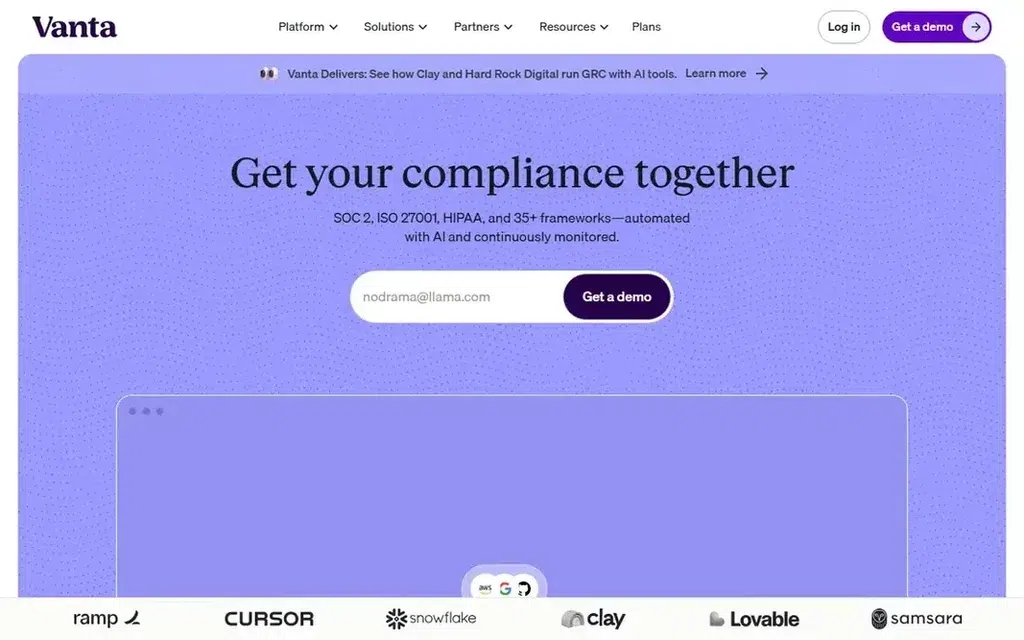
Vanta is a good fit for quick automatic certification readiness. Vanta automates the process of reaching and maintaining certification for frameworks such as SOC 2, HIPAA, ISO and PCI, along with GDPR work. It continuously watches security posture and collects evidence in place of manual spreadsheet tracking.
Teams that primarily need wide privacy and consent management instead of certification readiness should look at OneTrust instead. The product is built around automation and standard frameworks, so organizations with unusual custom requirements may need additional configuration. Pricing for Vanta is not stated here, so ask the vendor for current figures. Free options: Not stated.
Honest limits: Best value for teams with clear framework goals.
- Automates security monitoring
- Supports multiple typical frameworks
- Deep customization can need setup effort
Our selection method
LinkVetted used vendor pricing pages and product documentation as the base, then compared plans, free access and documented limits for 6 tools. Where a price is missing, the vendor does not list one publicly or ties it to a quote. Always confirm before budgeting. The order reflects how well each tool fits the most common buying scenario for security compliance software for remote teams, then price clarity, then free plan access. It is a starting point, not a verdict.
Pre-purchase checklist
- Get a written quote from OneTrust, ServiceNow, Hyperproof and others; the list shows no starting price for them.
- Before choosing OneTrust, weigh its main limit: broader scope than certification alone.
- Get the contract term, renewal terms and any onboarding fees from OneTrust in writing.
- Find out what support Secureframe includes on your plan, and whether onboarding help costs extra.
- Confirm you can export your data from ServiceNow, so leaving later does not mean losing records.
FAQ
Which tool is a good match for a remote team pursuing a first certification?
Start with OneTrust if you need privacy, consent and AI governance. ServiceNow is the better match for compliance inside enterprise workflows, and Hyperproof for reducing duplicate compliance work. The best choice depends on budget, team size and workflow.
Can I try these tools before paying?
Not by default. None of the tools, from OneTrust to Vanta, lists a free plan or a free trial here, so ask each vendor for a demo before committing.
Do these tools publish their prices?
Not all of them. OneTrust, ServiceNow, Hyperproof and others publish no starting price, so expect a quote request for those. The rest, Secureframe included, show a starting price, though seats and billing terms still change the final cost.
Is OneTrust the right pick for everyone comparing security compliance software for remote teams?
No single tool suits every team. OneTrust comes first because it fits privacy, consent and AI governance, while ServiceNow suits compliance inside enterprise workflows and Hyperproof suits reducing duplicate compliance work. Match the tool to your own size, budget and workflow before deciding.
Does any tool for security compliance software for remote teams here have a free plan?
A permanent free plan is not offered by OneTrust, Vanta or the other tools here. Plan a short evaluation period instead.
Sources
- https://www.onetrust.com
- https://www.servicenow.com
- https://hyperproof.io
- https://secureframe.com
- https://www.logicgate.com
- https://www.vanta.com