Best Security Compliance Software for Enterprise (2026): 6 Picks Checked on Vendor Pages
Best security compliance software for enterprise, compared. 6 tools with published prices, free plans and limits. Short verdicts, no fluff. Jump to the table.
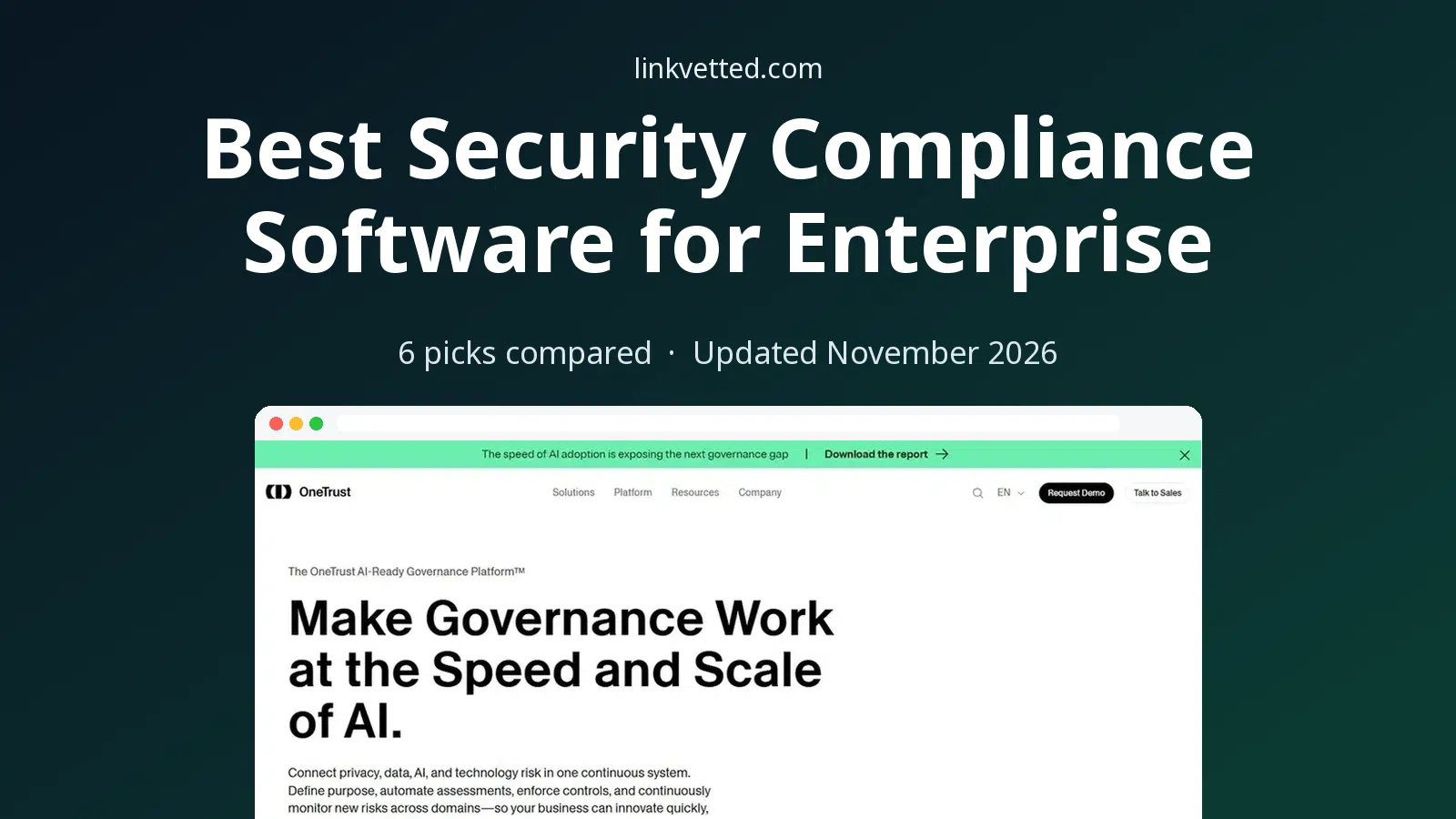
- Editor's choiceServiceNow Governance, Risk, and Compliance
Enterprise-wide risk-informed workflows
Starts atSee websiteVisit servicenow.comFull review - Great alternative
 OneTrust
Privacy, consent, and AI governance
Starts atSee websiteVisit onetrust.comFull review - Also consider
 Vanta
Quick automatic certification workflows
Starts atSee websiteVisit vanta.comFull review
Direct answer
This list puts ServiceNow Governance, Risk, and Compliance first for enterprise-wide risk-informed workflows. Listed starting prices: Secureframe from $7,500 per year. OneTrust is the stronger choice for privacy, consent, and AI governance, while Vanta suits quick automatic certification workflows. The full list of 6 tools follows, with prices and free plan facts.
TL;DR:
- ServiceNow Governance, Risk, and Compliance is the opening pick, best for enterprise-wide risk-informed workflows.
- Before buying ServiceNow Governance, Risk, and Compliance, weigh this: implementation can be resource intensive.
- A permanent free plan is missing from all 6 tools, ServiceNow Governance, Risk, and Compliance and Archer included; plan for a trial or a premium start.
- For regulatory change management at scale, Archer is worth a look.
Last checked November 2026. Prices and plan details were read from the vendors' own pages in November 2026; vendors change plans often, so confirm the current price on the vendor site before you buy.
Quick comparison
| Tool | Best for | Starts at | Free plan? | |
|---|---|---|---|---|
| ServiceNow Governance, Risk, and Compliance | Enterprise-wide risk-informed workflows | See website | Not stated | Visit |
| OneTrust | Privacy, consent, and AI governance | See website | Not stated | Visit |
| Vanta | Quick automatic certification workflows | See website | Not stated | Visit |
 LogicGate Risk Cloud | Adaptable GRC applications | See website | Not stated | Visit |
 Secureframe | Automation with expert guidance | $7,500 per year | Not stated | Visit |
 Archer | Regulatory change management at scale | See website | Not stated | Visit |
The 6 tools in detail
This LinkVetted guide covers 6 options for security compliance software for enterprise. Each profile lists a starting price, free plan details, strengths and drawbacks, so you can drop poor fits quickly.
ServiceNow Governance, Risk, and Compliance
Best for: Enterprise-wide risk-informed workflows
ServiceNow Governance, Risk, and Compliance is a good fit for enterprise-wide risk-informed workflows. ServiceNow Governance, Risk, and Compliance makes it possible for business transformation with enterprise-wide risk-informed decisions embedded in daily work.
It is suited to mature compliance functions coordinating risk across departments. Choose it when enterprise integration and workflow-native GRC are the priority. Pricing for ServiceNow Governance, Risk, and Compliance is not stated here, so ask the vendor for current figures. Free access: Not stated.
Where it is weaker: Best value within the ServiceNow ecosystem.
- Enterprise-wide governance scope
- Supports business transformation goals
- Implementation can be resource intensive
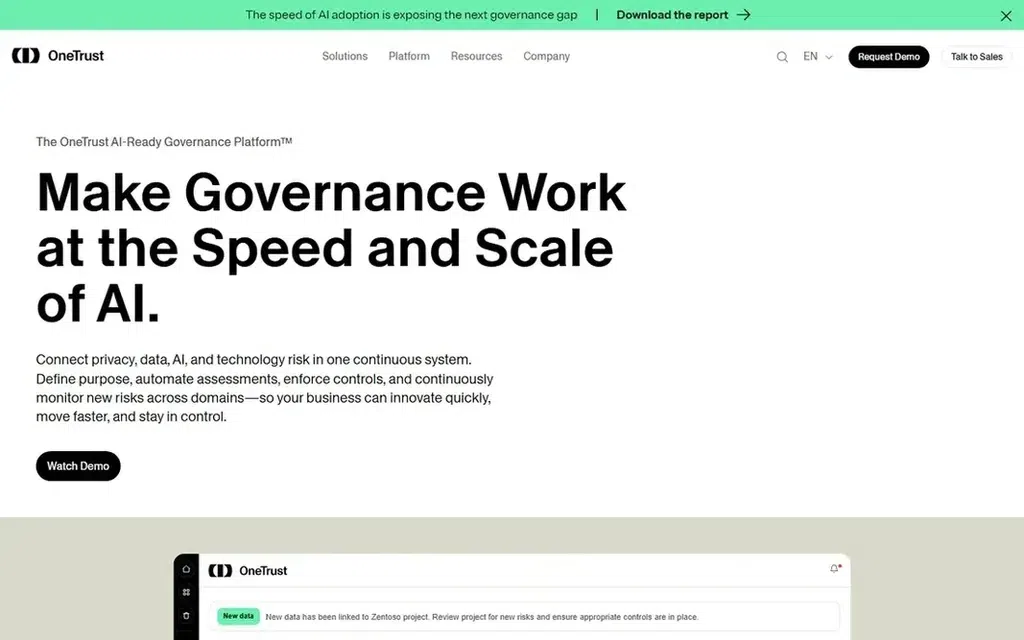
Where OneTrust fits: privacy, consent, and AI governance. OneTrust helps businesses handle privacy, consent, and AI governance whereas automating compliance and reducing risk.
Also, choose OneTrust when privacy, consent, and AI governance are central to your compliance strategy. Also, teams whose primary goal is quick security certification may prefer a more narrowly focused automation system. OneTrust shows no starting price here, so confirm the cost on the vendor site. Free plan details: Not stated.
Points against: Wide scope may need phased rollout.
- Automates compliance and cuts risk
- Addresses AI governance
- Complicated deployments need planning
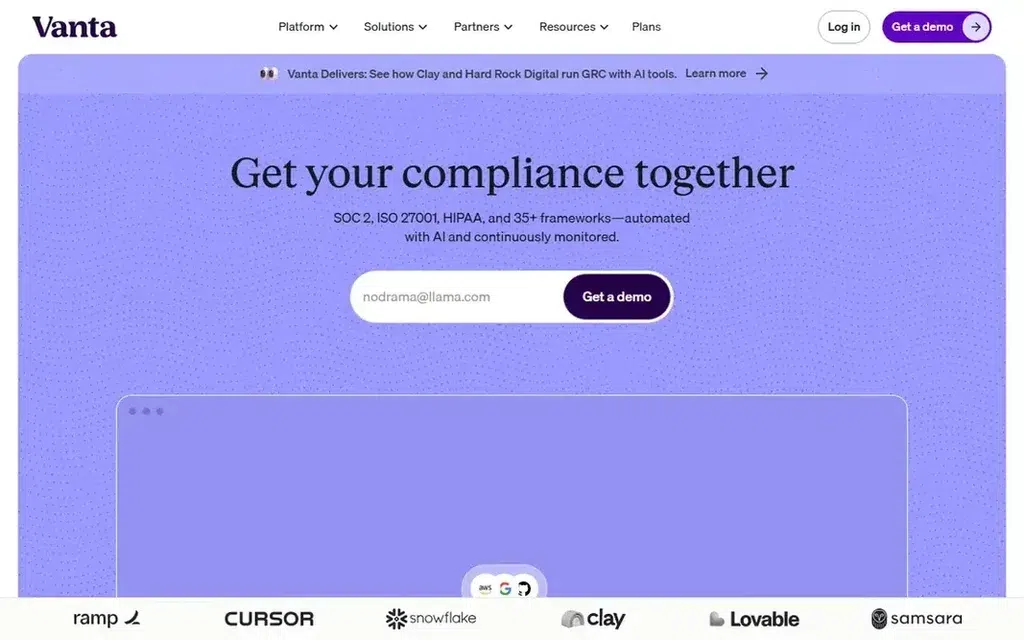
Vanta serves quick automated certification workflows. Vanta automates the complicated process of achieving certifications for example SOC 2, HIPAA, and GDPR.
It concentrates on continuous security monitoring and automatic evidence gathering, aiming to move teams from setup to audit readiness in weeks instead of months. Choose Vanta when certification automation and continuous monitoring are the priority. Vanta shows no starting price here, so confirm the cost on the vendor site. As for free access: Not stated.
Downsides: Deep customization can need additional setup.
- Automates evidence collection and security monitoring
- Aims to shorten certification timelines
- Wide framework coverage may need careful scoping
LogicGate Risk Cloud is designed for adaptable GRC applications. LogicGate Risk Cloud is an AI-powered GRC system offering plenty of applications for enterprise risk, external risk, cyber risk, and compliance management.
Where it is weaker: Application breadth may need scoping.
As for the details, choose LogicGate when you need a customizable GRC product spanning several risk domains. In practice, teams seeking only certification automation may find a focused tool more straightforward. Pricing for LogicGate Risk Cloud is not stated here, so ask the vendor for current figures. Free options: Not stated.
- AI-powered GRC system
- Wide application coverage for risk and compliance
- Configuration effort can be significant
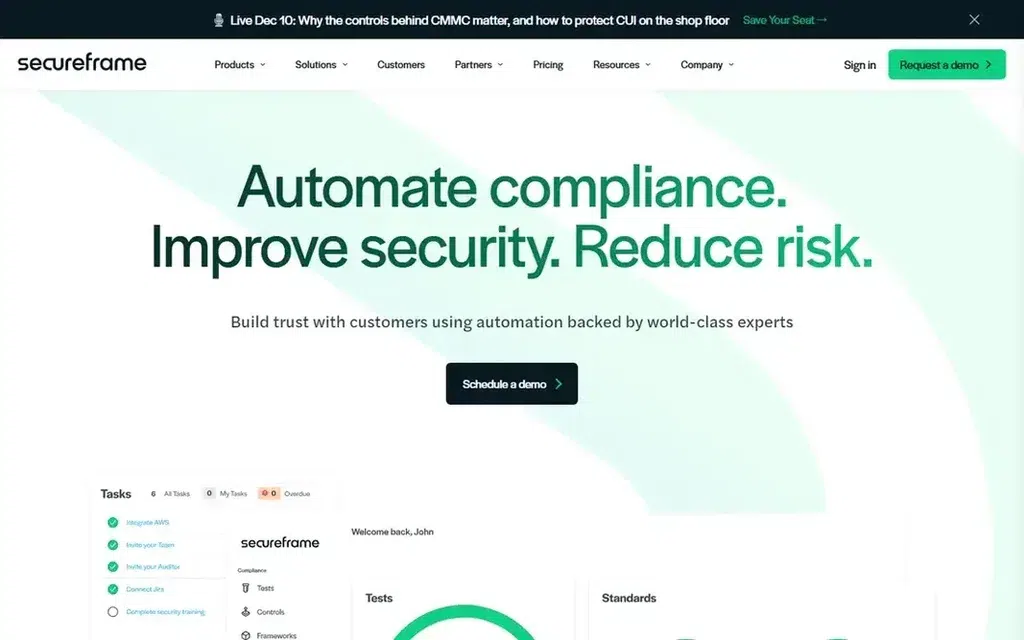
Secureframe is designed for automation with expert guidance. Secureframe helps organizations get compliant, mitigate risk, and build trust with customers through automation backed by expert guidance. Security and compliance teams seeking a balance of automation and human support frequently shortlist it.
The main drawbacks: Enterprise-scale customization may need planning.
Secureframe is most solid when the goal is framework certification and trust building instead of full business-wide governance. Organizations needing broad enterprise-wide risk modeling or regulatory change tracking may find a dedicated GRC suite a better fit. Pick it when expert-backed automation matters more than deep GRC breadth. Price to start with Secureframe: $7,500 per year. Free plan details: Not stated.
- Automates compliance and risk mitigation
- Backed by expert support
- Wide GRC depth varies by need
Where Archer fits: regulatory change management at scale. Beyond that, large compliance and risk teams that require structured governance across plenty of regulations commonly shortlist it. On top of that, Archer is aimed at enterprise complexity, so smaller organizations may find configuration and administration heavier than necessary.
In daily use, teams focused primarily on quick security framework certification may prefer a dedicated automation platform. From a buyer's view, choose Archer when regulatory change tracking and audit lineage are core requirements. Archer shows no starting price here, so confirm the cost on the vendor site. As for free access: Not stated.
What to check first: Enterprise focus may suit larger teams.
- Compliance-trained AI support
- Capable regulatory change focus
- Configuration can be complicated
How we built this list
For each of the 6 tools we noted price, free plan or trial, fit for security compliance software for enterprise and the main limit, using vendor pages and documentation. Prices and plan limits come from vendor pages and can change, so confirm them on the vendor site before you buy. Order on the page follows fit for the typical buyer first, then price transparency and free access. Your own requirements should decide the final pick.
Questions to settle before buying
- Ask ServiceNow Governance, Risk, and Compliance, OneTrust, Vanta and others for a written quote, since no starting price is shown.
- Before choosing ServiceNow Governance, Risk, and Compliance, weigh its main limit: implementation can be resource intensive.
- Verify that exporting from ServiceNow Governance, Risk, and Compliance is possible on your plan and covers all your records.
- Before rolling out Vanta, verify the integrations your workflow depends on.
- Add up seats, add-ons and usage charges for OneTrust before comparing it with cheaper entries.
FAQ
Do these tools publish their prices?
Not all of them. ServiceNow Governance, Risk, and Compliance, OneTrust, Vanta and others publish no starting price, so expect a quote request for those. The rest, Secureframe included, show a starting price, though seats and billing terms still change the final cost.
How do certification automation tools differ from full GRC products?
Certification tools like Vanta and Secureframe emphasize automating evidence and monitoring for security frameworks. Full GRC systems like ServiceNow, Archer, and LogicGate focus on enterprise-wide risk, regulatory change, and governance workflows across the business.
How are the tools for security compliance software for enterprise ordered?
The order follows typical fit for security compliance software for enterprise, with ServiceNow Governance, Risk, and Compliance first and Archer last, then price clarity and free access. It is editorial judgement, not a score, so another team could rank the tools differently.
Is ServiceNow Governance, Risk, and Compliance the right pick for everyone comparing security compliance software for enterprise?
No single tool suits every team. ServiceNow Governance, Risk, and Compliance comes first because it fits enterprise-wide risk-informed workflows, while OneTrust suits privacy, consent, and AI governance and Vanta suits fast automated certification workflows. Match the tool to your own size, budget and workflow before deciding.
How long does enterprise compliance software take to implement?
Focused automation tools frequently deploy quicker, whereas enterprise GRC suites generally need more configuration and coordination across teams. Confirm expected timelines with each vendor during evaluation.
Can I try these tools before paying?
Not by default. None of the tools, from ServiceNow Governance, Risk, and Compliance to Archer, lists a free plan or a free trial here, so ask each vendor for a demo before committing. Each of the 6 options in this security compliance software for enterprise guide has its own card above with the price, free plan and limits.
Sources
- https://www.servicenow.com/products/governance-risk-and-compliance.html
- https://www.onetrust.com
- https://www.vanta.com
- https://www.logicgate.com
- https://secureframe.com
- https://www.archerirm.com