Best Security Compliance Software for 2026: Our 5 Vetted Picks
Best security compliance software: 5 contenders ranked by fit, with entry costs and free tiers. Clear notes on pricing gaps and limits. Quick to scan.
- Editor's choice
 Archer
Regulatory change management
Starts atSee websiteVisit archerirm.comFull review - Great alternative
 OneTrust
Privacy, consent, and AI governance
Starts atSee websiteVisit onetrust.comFull review - Also consider
 Secureframe
Expert-backed compliance automation
Starts at$7,500 per yearVisit secureframe.comFull review
Direct answer
Archer leads the list, best for regulatory change management. Listed starting prices: Secureframe from $7,500 per year. OneTrust is better for privacy, consent, and AI governance, and Secureframe is better for expert-backed compliance automation. The other 2 tools in the list cover narrower or pricier cases.
TL;DR:
- Archer takes the first slot, best suited to regulatory change management.
- Before buying OneTrust, weigh this: wide scope may require configuration.
- A permanent free plan is missing from all 5 tools, Archer and Vanta included; plan for a trial or a premium start.
- Archer, OneTrust, Hyperproof and Vanta: pricing is by quote only, so plan time for a sales conversation.
Last checked November 2026. Prices and plan details were read from the vendors' own pages in November 2026; vendors change plans often, so confirm the current price on the vendor site before you buy.
Quick comparison
| Tool | Best for | Starts at | Free plan? | |
|---|---|---|---|---|
| Archer | Regulatory change management | See website | Not stated | Visit |
| OneTrust | Privacy, consent, and AI governance | See website | Not stated | Visit |
| Secureframe | Expert-backed compliance automation | $7,500 per year | Not stated | Visit |
 Hyperproof | GRC with reduced duplicate controls | See website | Not stated | Visit |
 Vanta | Automatic security monitoring and certification | See website | Not stated | Visit |
The full security compliance software list
This LinkVetted guide covers 5 options for security compliance software. Each profile lists a starting price, free plan details, strengths and drawbacks, so you can drop poor fits quickly.
Choose Archer for regulatory change management. Archer is designed for enterprise regulatory and risk programs, so smaller teams may find it more than needed for certification automation.
Its homepage notes use by plenty of leading banks. Check the vendor site for Archer pricing; none is listed in this comparison. On free options: Not stated.
Watch-outs: Enterprise GRC orientation.
- Compliance-trained AI
- Focus on regulatory change management
- May be heavy for small teams
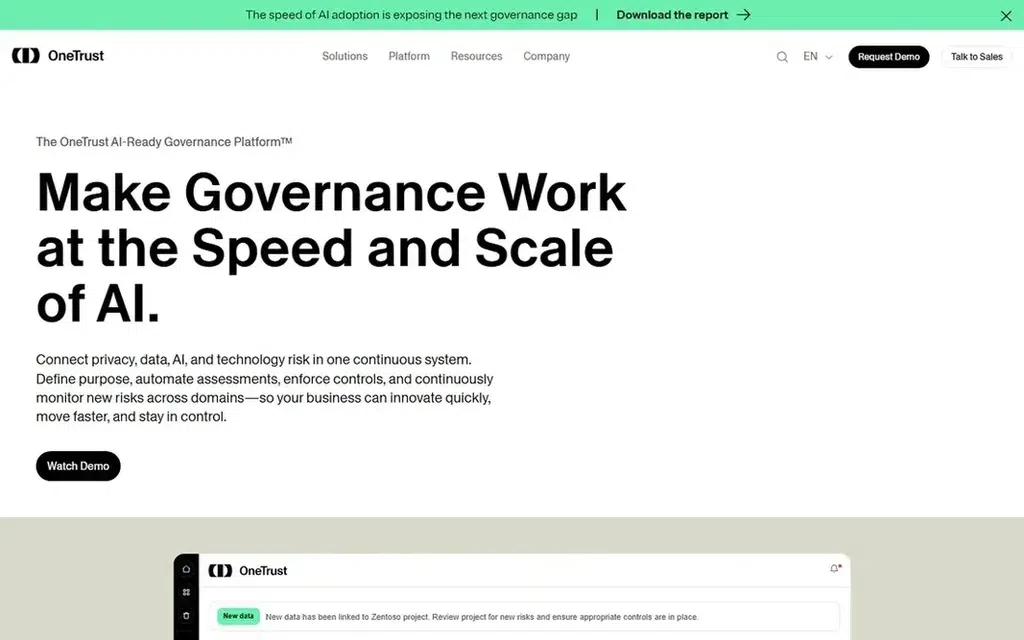
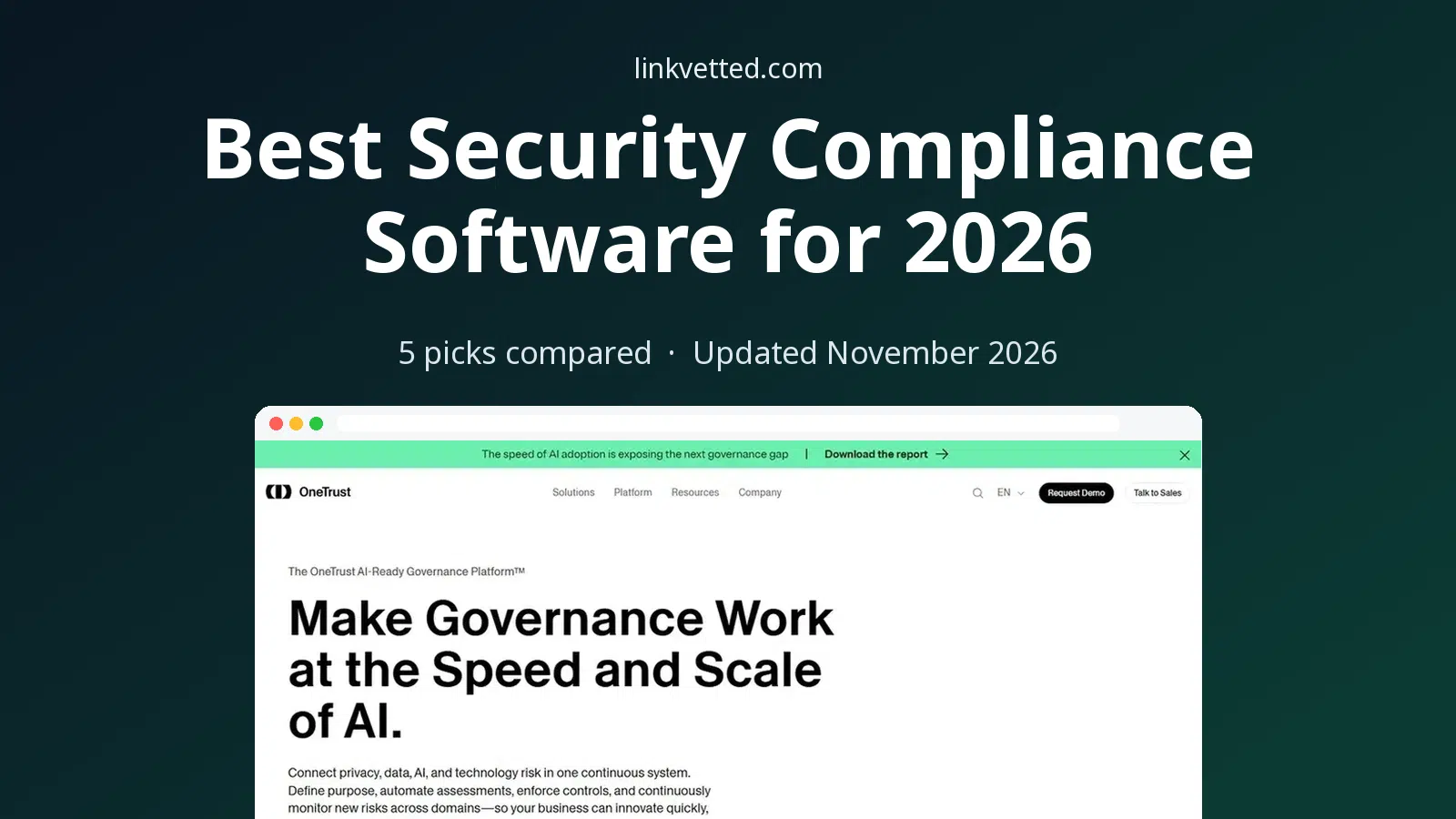
OneTrust makes the most sense for privacy, consent, and AI governance. OneTrust is wide, so teams seeking only a straightforward certification automation tool may find it heavier than necessary.
For everyday use, OneTrust helps businesses run privacy, consent, and AI governance whereas automating compliance and reducing risk. Its homepage frames the product around building trust and driving innovation. OneTrust does not show a starting price in this comparison, so check the vendor site for current pricing. Free options: Not stated.
The main drawbacks: Can be more than certification-only teams need.
- Automates compliance and risk reduction
- Includes privacy and consent management
- Wide scope may need configuration
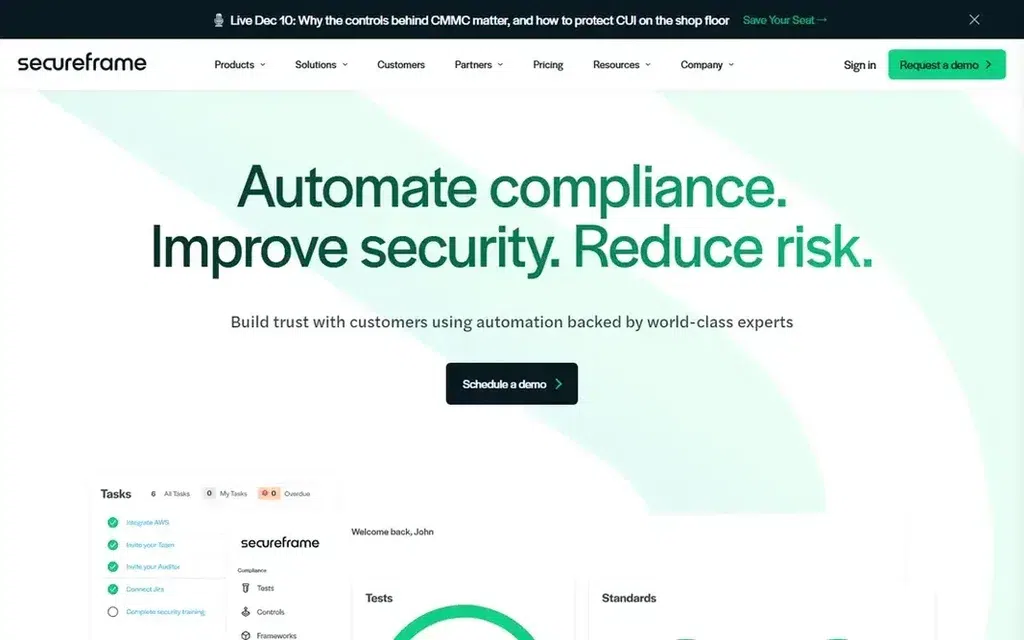
Secureframe is aimed squarely at expert-backed compliance automation. Secureframe helps businesses get compliant, mitigate risk, and build trust with customers through automation backed by experts.
Points against: May be less suited to broad GRC.
For everyday use, teams that require deep external risk management or AI governance may prefer a broader product alongside it. From a buyer's view, the system is positioned around simplifying certification work so teams can unlock growth. Entry price for Secureframe: $7,500 per year. As for free access: Not stated.
- Focus on mitigating risk
- Built to help build customer trust
- Expert access can rely on engagement
Hyperproof was built for GRC with reduced duplicate controls. Hyperproof is a GRC product that makes compliance simpler by turning governance, risk, and compliance into a growth engine. Its homepage flags eliminating duplicate work and reducing duplicative controls.
Organizations wanting a single-purpose security monitoring tool may prefer a narrower product. Hyperproof is aimed at GRC programs, so very small teams that only need entry-level certification automation may find it more than they need. Pricing for Hyperproof is not stated here, so ask the vendor for current figures. On free options: Not stated.
Drawbacks to consider: Needs setup to map controls.
- GRC system pitched at easing compliance
- Focus on eliminating duplicate work
- GRC scope may exceed certification needs
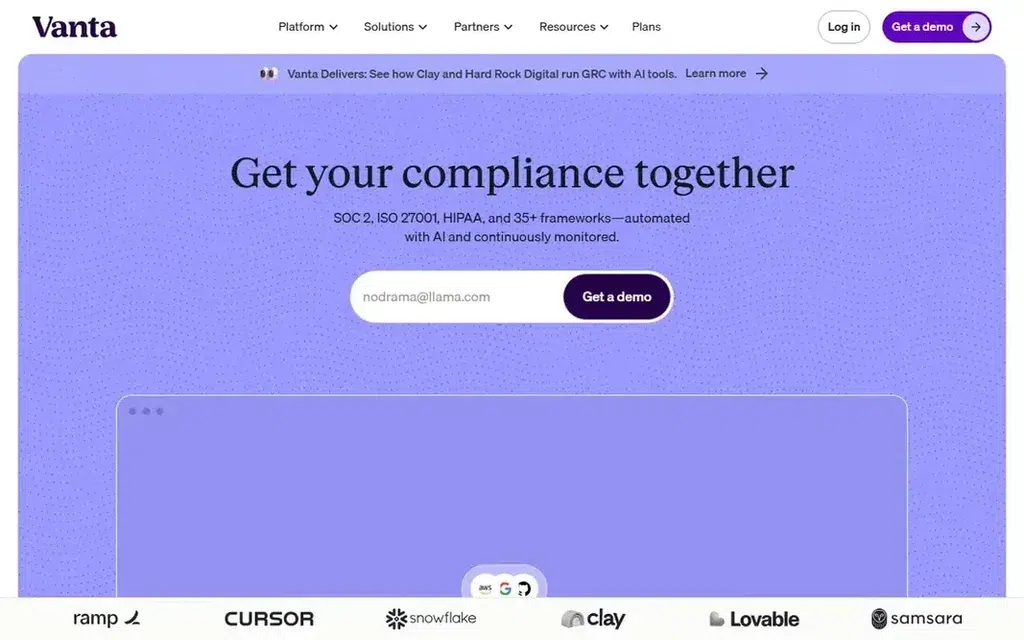
Vanta targets automatic security monitoring and certification. If your priority is regulatory change management or external risk across a large enterprise, consider a dedicated GRC product instead.
Vanta is built around security certification workflows, so teams with heavy privacy operations or wide enterprise risk needs may find it narrower than full GRC suites. Its homepage emphasizes automating security monitoring so teams can move through compliance in weeks instead of months. Pricing for Vanta is not stated here, so ask the vendor for current figures. Trial and free access: Not stated.
Drawbacks to consider: Best fit for security-led teams.
- Aims to shorten certification timelines
- Spans several compliance standards
- Framework coverage may vary by plan
What went into this list
What to confirm before you sign up
- Ask Archer, OneTrust, Hyperproof and Vanta for a written quote, since no starting price is shown.
- Read the limits listed for Archer first: enterprise GRC orientation.
- Verify that exporting from Hyperproof is possible on your plan and covers all your records.
- Ask Archer about contract length, onboarding fees and user minimums before you sign.
- See whether Secureframe offers onboarding or training, and whether it is included in the price.
FAQ
Does any tool for security compliance software here have a free plan?
No tool in this list, Archer and Vanta included, has a permanent free plan. Trials and quotes are the usual route, so plan a short evaluation period.
How are the tools for security compliance software ordered?
The order follows typical fit for security compliance software, with Archer first and Vanta last, then price clarity and free access. It is editorial judgement, not a score, so another team could rank the tools differently.
Can I try these options before paying?
Not by default. None of the tools, from Archer to Vanta, lists a free plan or a free trial here, so ask each vendor for a demo before committing. Each of the 5 options in this security compliance software guide has its own card above with the price, free plan and limits.
Do these tools publish their prices?
Not all of them. Archer, OneTrust, Hyperproof and Vanta publish no starting price, so expect a quote request for those. The rest, Secureframe included, show a starting price, though seats and billing terms still change the final cost.
Sources
- https://www.archerirm.com
- https://www.onetrust.com
- https://secureframe.com
- https://hyperproof.io
- https://www.vanta.com