6 Best SAP Store Software for Enterprise for 2026, Vetted and Compared
Best SAP store software for enterprise: 6 contenders ranked by fit, with entry costs and free tiers. Every profile names its biggest catch. No filler.
- Editor's choice
 ServiceNow
Cross-department workflow automation
Starts atSee websiteVisit servicenow.comFull review - Great alternative
 Microsoft Dynamics 365
Combined CRM and ERP from one vendor
Starts atSee websiteVisit microsoft.comFull review - Also consider
 Salesforce
Wide AI-driven customer relationship management
Starts atSee websiteVisit salesforce.comFull review
Direct answer
Our first pick is ServiceNow, best for cross-department workflow automation. Listed starting prices: DocuSign from $45 per user per month and Concur Expense from $7 per report. Look at Microsoft Dynamics 365 for combined CRM and ERP from one vendor, and at Salesforce for broad AI-driven customer relationship management. The full list of 6 tools follows, with prices and free plan facts.
TL;DR:
- ServiceNow is the opening pick, best for cross-department workflow automation.
- For travel, expense and invoice spend management, Concur Expense is worth a look.
- Starting prices begin at $45 per user per month with DocuSign.
- Salesforce stands alone as the one tool in this list with a free plan.
Last checked November 2026. Prices and plan details were read from the vendors' own pages in November 2026; vendors change plans often, so confirm the current price on the vendor site before you buy.
Quick comparison
| Tool | Best for | Starts at | Free plan? | |
|---|---|---|---|---|
| ServiceNow | Cross-department workflow automation | See website | Not stated | Visit |
| Microsoft Dynamics 365 | Combined CRM and ERP from one vendor | See website | Not stated | Visit |
| Salesforce | Wide AI-driven customer relationship management | See website | Yes | Visit |
 Workday | HR, finance and IT planning in one system | See website | Not stated | Visit |
 DocuSign | Electronic signatures and agreement management | $45 per user per month | Not stated | Visit |
| Concur Expense | Travel, expense and invoice spend management | $7 per report | Not stated | Visit |
Tool-by-tool breakdown
LinkVetted compared 6 tools for SAP store software for enterprise. The goal is a practical shortlist: published prices, free plan facts, best-fit use cases and honest limits for every entry.
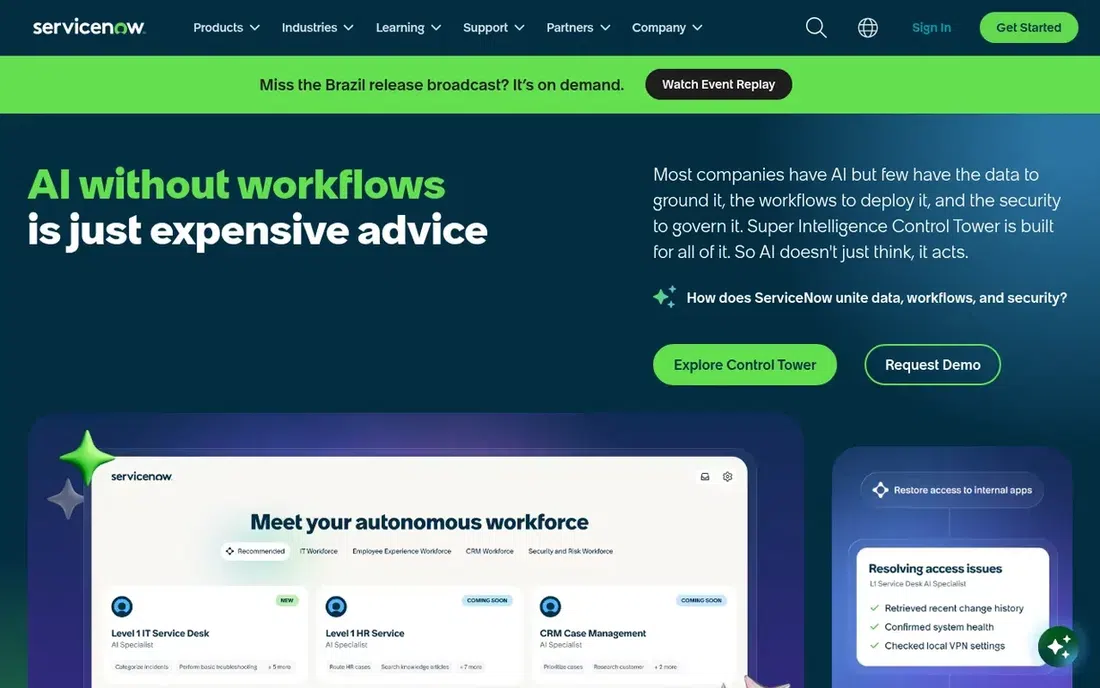
ServiceNow was built for cross-department workflow automation. Enterprises with complicated operations commonly use it as a central automation layer.
Points against: Value relies on process standardization.
From a buyer's view, organizations seeking a straightforward ticketing tool may find it more than they need. Getting value relies on mapping and standardizing processes first, which takes time and governance. Check the vendor site for ServiceNow pricing; none is listed in this comparison. Free access: Not stated.
- Serves both employees and customers
- Extensible platform for many departments
- Can need significant setup effort
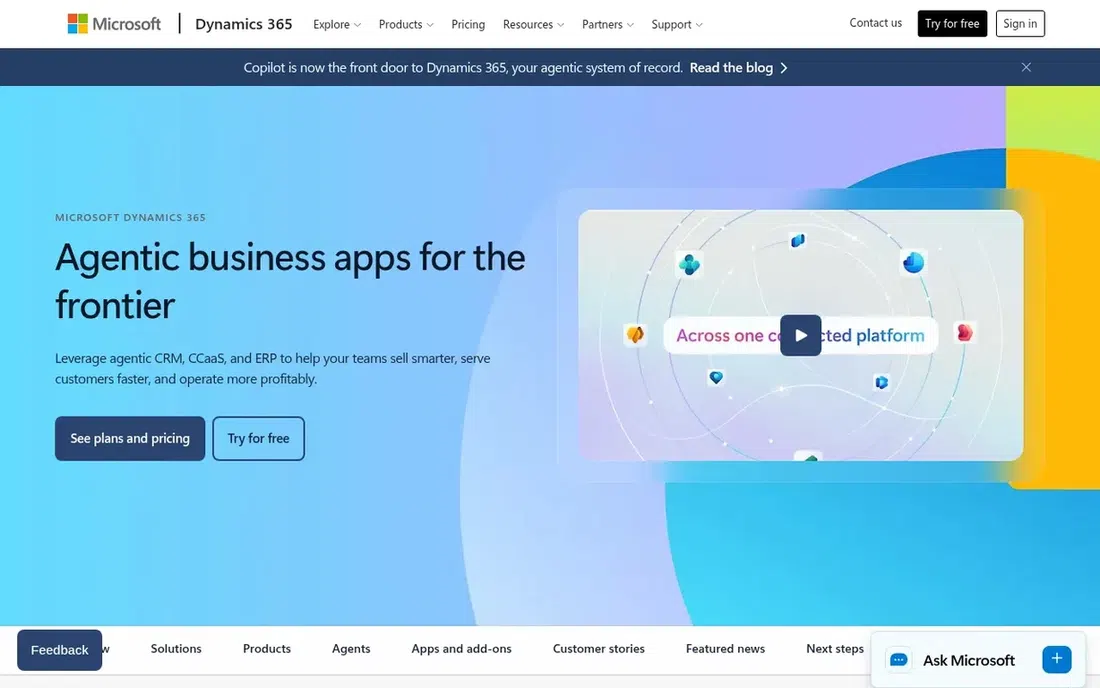
Microsoft Dynamics 365 is aimed squarely at combined CRM and ERP from one vendor. Microsoft Dynamics 365 brings together CRM and ERP business applications that link teams, processes and data.
The main drawbacks: Licensing structure can be hard to navigate.
It suits enterprises already invested in Microsoft tooling, since it links naturally with productivity and cloud services. Microsoft Dynamics 365 does not show a starting price in this comparison, so check the vendor site for current pricing. On free options: Not stated.
- Familiar Microsoft ecosystem integration
- CRM and ERP applications in one family
- Some modules need partner expertise
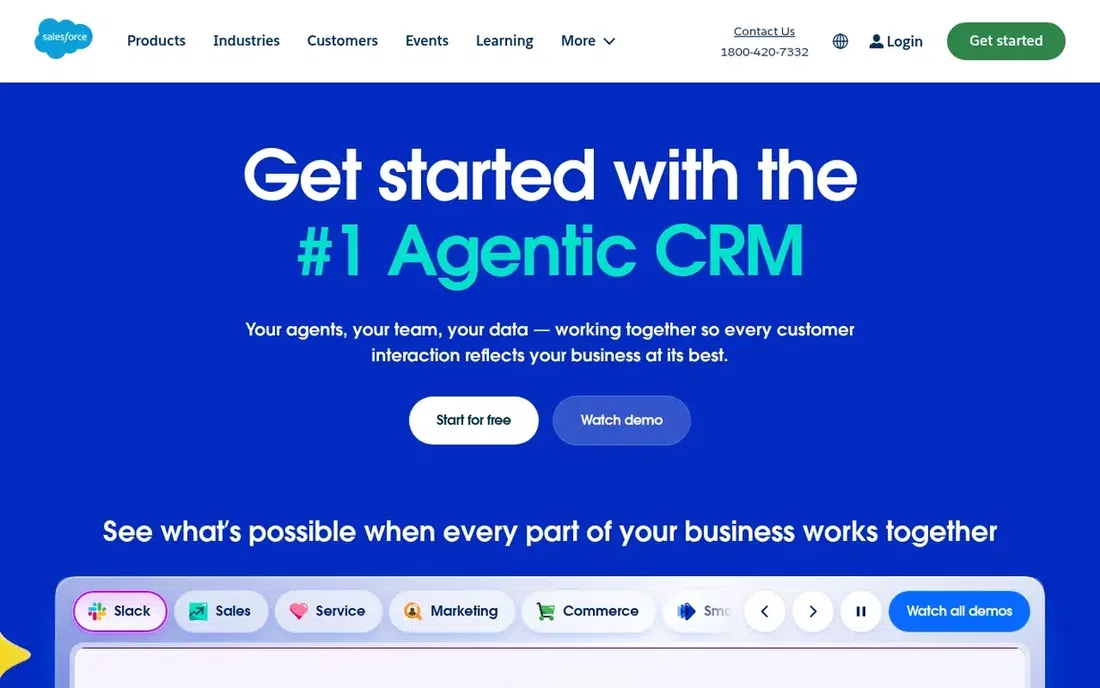
Choose Salesforce for wide AI-driven customer relationship management. Salesforce is a customer relationship management product built around sales, service and marketing workflows, with AI capabilities woven through its product line.
Consider Salesforce when customer engagement is central to your strategy. For everyday use, teams that primarily need back-office ERP or HR functions may find a more focused suite a better fit. Pricing for Salesforce is not stated here, so ask the vendor for current figures. Salesforce offers a free plan.
Points against: Configuration can become complicated.
- AI features built into the system
- Large partner and integration ecosystem
- Costs scale with extras and seats
Workday works best for HR, finance and IT planning in one product. Also, deployments can take considerable planning and change management, and the system is not pitched at every business function.
Drawbacks to consider: Implementation can be lengthy.
Also, enterprises often choose it when HR transformation is a priority alongside finance modernization. No starting price is listed for Workday here; confirm pricing on the vendor site. Trial and free access: Not stated.
- Planning and analytics capabilities
- Unified HR and finance data model
- Less suited to non-HR or finance use cases
DocuSign is a good fit for electronic signatures and agreement management. Pick DocuSign when agreement workflows are the bottleneck you want to solve.
Trade-offs to know: Focused scope compared to full suites.
It suits enterprises that manage high volumes of contracts and approvals across departments. Price to start with DocuSign: $45 per user per month. As for free access: Not stated.
- Connects with typical business systems
- Widely recognized e-signature workflow
- Advanced workflows may need configuration
Concur Expense
Best for: Travel, expense and invoice spend management
Concur Expense is built with travel, expense and invoice spend management in mind. Results rely on employees adopting the tool and on clean integration with finance systems.
Downsides: Integration setup needs planning.
Where it shines: Includes travel. As for the details, businesses with very straightforward expense needs may find lighter choices adequate. What you pay to start with Concur Expense: $7 per report. Trial and free access: Not stated.
- Visibility into enterprise spend
- Expense and invoice
- Adoption relies on employee habits
What went into this list
Selection started from tools commonly considered for SAP store software for enterprise, then narrowed to 6 that have clear pricing information or a clear quote process. Plan names, prices and limits change often. Treat the figures here as a starting point and verify them with the vendor. The order reflects how well each tool fits the most common buying scenario for SAP store software for enterprise, then price clarity, then free plan access. It is a starting point, not a verdict.
Things to verify first
- Get a written quote from ServiceNow, Microsoft Dynamics 365, Salesforce and Workday; the list shows no starting price for them.
- Look at the free plan from Salesforce closely: its caps decide whether it is usable for real work.
- Before choosing ServiceNow, weigh its main limit: can need significant setup effort.
- Price ServiceNow for your actual team size; headline prices rarely include add-ons or overage.
- Ask Workday how an export works before you move any records in; an easy exit lowers the risk.
FAQ
What should I check before signing?
Confirm integration requirements, administration effort and support terms in writing. Also review security and compliance documentation for your regions. A short pilot with real users commonly reveals gaps that demos hide.
Is ServiceNow the right pick for everyone comparing SAP store software for enterprise?
No single tool suits every team. ServiceNow comes first because it fits cross-department workflow automation, while Microsoft Dynamics 365 suits combined CRM and ERP from one vendor and Salesforce suits broad AI-driven customer relationship management. Match the tool to your own size, budget and workflow before deciding.
Do these tools publish their prices?
Not all of them. ServiceNow, Microsoft Dynamics 365, Salesforce and Workday publish no starting price, so expect a quote request for those. The rest, DocuSign included, show a starting price, though seats and billing terms still change the final cost.
Can I try these tools before paying?
Often, yes. Salesforce has a free plan. Use your own data and a real task during the test, and check what the free tier or trial limits before you rely on it. Each of the 6 options in this SAP store software for enterprise guide has its own card above with the price, free plan and limits.
What makes a tool a good fit for the SAP Store context?
Enterprises normally look for software that complements an existing SAP landscape instead of duplicates it. In practice, integration choices, shared data models and clear ownership of business processes are the central things to check.
Which options for SAP store software for enterprise have a free plan?
Salesforce is the only tool in this list with a free plan. Free plans usually cap users, projects or features, so check the limits on the vendor page. All 6 picks in this SAP store software for enterprise comparison list a starting price, free plan details and the main limits on their cards above.
Sources
- https://www.servicenow.com
- https://www.microsoft.com/en-us/dynamics-365
- https://www.salesforce.com
- https://www.workday.com
- https://www.docusign.com
- https://www.concur.com