Best Sandbox Software for 2026: Our 6 Vetted Picks
Best Sandbox software: 6 contenders ranked by fit, with entry costs and free tiers. Every pick gets a straight assessment. Pricing and limits included.
- Editor's choiceCameyo
Delivering client apps through the web
Starts atPricing on requestVisit cameyo.comFull review - Great alternative
 Oracle VM VirtualBox
Running full virtual machines for testing
Starts atPricing on requestVisit virtualbox.orgFull review - Also consider
 Microsoft Hyper-V
Windows-native virtualization for developers
Starts atPricing on requestVisit learn.microsoft.comFull review
Direct answer
For delivering client apps through the web, Cameyo is where this list starts. Alternatives: Oracle VM VirtualBox for running full virtual machines for testing, and Microsoft Hyper-V for Windows-native virtualization for developers. The other 3 tools in the list cover narrower or pricier cases. None of these vendors publish plan prices, so pricing is on request for every option.
TL;DR:
- Cameyo sits first on this list: delivering client apps through the web.
- No starting price is shown for any of the 6 tools, Cameyo and Firejail included, so plan time for sales calls.
- Firejail suits restricting untrusted apps on Linux.
- Cameyo, Firejail and the 4 others all need a premium plan or a trial, since no free plan is listed.
Last checked November 2026. Pricing on request: vendors did not publish plan prices when this guide was last checked (November 2026), so ask each vendor for a written quote.
Quick comparison
| Tool | Best for | Starts at | Free plan? | |
|---|---|---|---|---|
| Cameyo | Delivering client apps through the web | Pricing on request | Not stated | Visit |
| Oracle VM VirtualBox | Running full virtual machines for testing | Pricing on request | Not stated | Visit |
| Microsoft Hyper-V | Windows-native virtualization for developers | Pricing on request | Not stated | Visit |
| Windows Sandbox | Disposable Windows test environments | Pricing on request | Not stated | Visit |
| Docker Desktop | Container-based isolated development environments | Pricing on request | Not stated | Visit |
| Firejail | Restricting untrusted apps on Linux | Pricing on request | Not stated | Visit |
Sandbox Software, one by one
Choosing Sandbox software usually comes down to price, fit and limits. This LinkVetted guide sets 6 tools side by side on those three points, with the facts kept short and checkable.
Cameyo
Best for: Delivering client apps through the web
In short, Cameyo is for delivering client apps through the web. Instead of isolating a single desktop program locally, it concentrates on delivering apps through a browser-based model. For everyday use, if your need is containing untrusted programs on one machine, a dedicated sandbox utility is more appropriate.
Watch-outs: Concentrated on app delivery, not local sandboxing.
Cameyo's purpose is application delivery, so it is not the tool for someone seeking a local sandbox to test risky software. It is oriented toward organizational deployments instead of individual tinkering. Cameyo does not show a starting price in this comparison, so check the vendor site for current pricing. As for free access: Not stated.
- Web-first virtual app delivery
- Managed through Google
- Targeted at organizational use
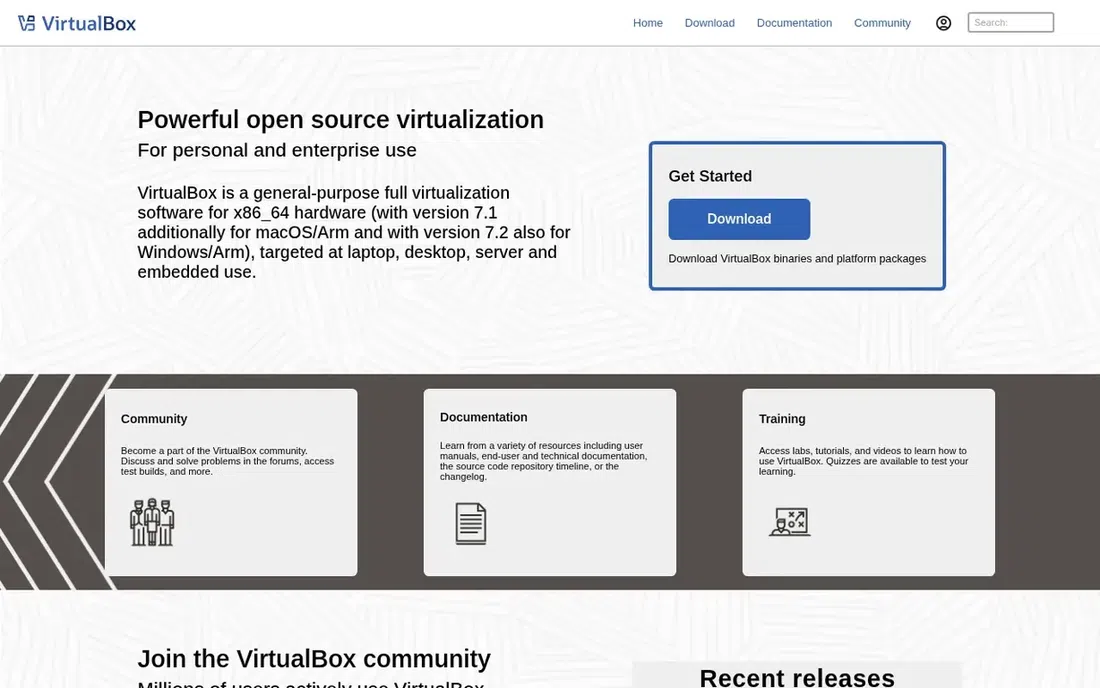
Choose Oracle VM VirtualBox for running full virtual machines for testing. Oracle VM VirtualBox is a virtualization product for creating and running full virtual machines on a host computer. It is often used to test other operating systems, try software in a contained environment, or keep separate machines for different tasks.
Watch-outs: Needs manual VM setup.
For everyday use, if you only have to contain a single program, a lighter application sandbox is a better fit. Also, VirtualBox asks you to configure and maintain each virtual machine, and running multiple at once consumes host resources. It is not made for isolating one application on an existing desktop. This comparison lists no price for Oracle VM VirtualBox; ask the vendor. Free access: Not stated.
- Well documented and widely used
- Supports numerous guest operating systems
- Resource use grows with each VM
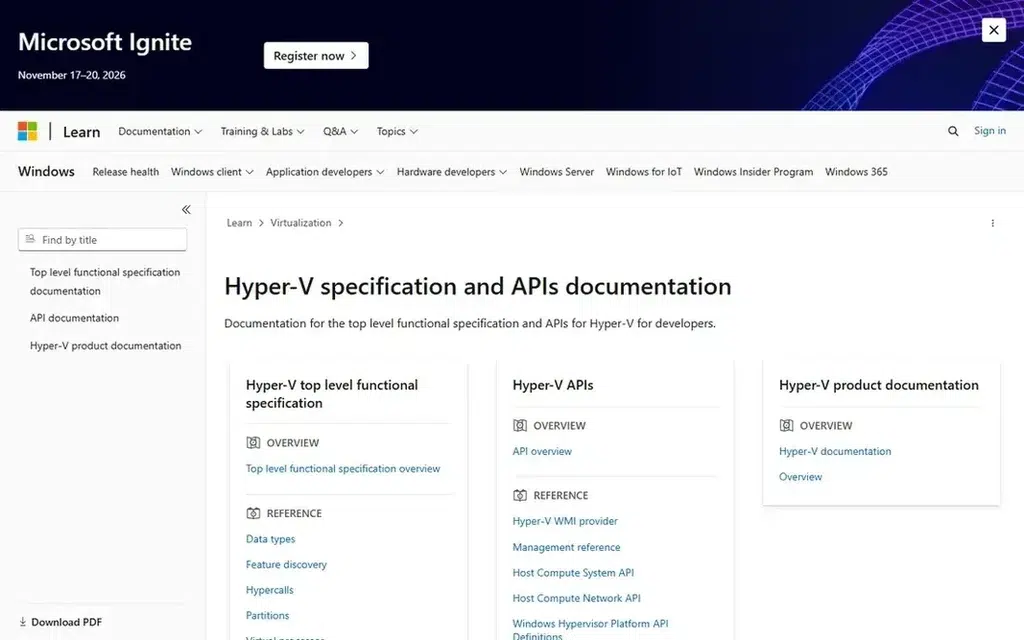
Microsoft Hyper-V is built with Windows-native virtualization for developers in mind. Microsoft Hyper-V is Microsoft's virtualization technology, documented through its specification and API references for developers.
Beyond that, Hyper-V is tied to the Windows ecosystem, so mixed or Linux-first teams may find other choices more natural. On top of that, pick it when your environment is Microsoft-centered and you need virtual machines instead of app-level sandboxing. Check the vendor site for Microsoft Hyper-V pricing; none is listed in this comparison. Free access: Not stated.
Downsides: Needs familiarity with virtualization.
- Backed by Microsoft documentation
- Built into Windows systems
- Windows-centric
Windows Sandbox
Best for: Disposable Windows test environments
Windows Sandbox is a good fit for Disposable Windows test environments. Teams working across operating systems or needing persistent virtual machines should consider other tools.
More specifically, Windows Sandbox is a Microsoft feature that supplies a separate, isolated desktop environment for running applications on Windows. It is documented as an application isolation choice and is handy for opening software you do not completely trust without affecting your central system. Check the vendor site for Windows Sandbox pricing; none is listed in this comparison. Free options: Not stated.
Limits to weigh: Windows-only.
- Documented by Microsoft
- Built into Windows
- Not intended for persistent work
Docker Desktop
Best for: Container-based isolated development environments
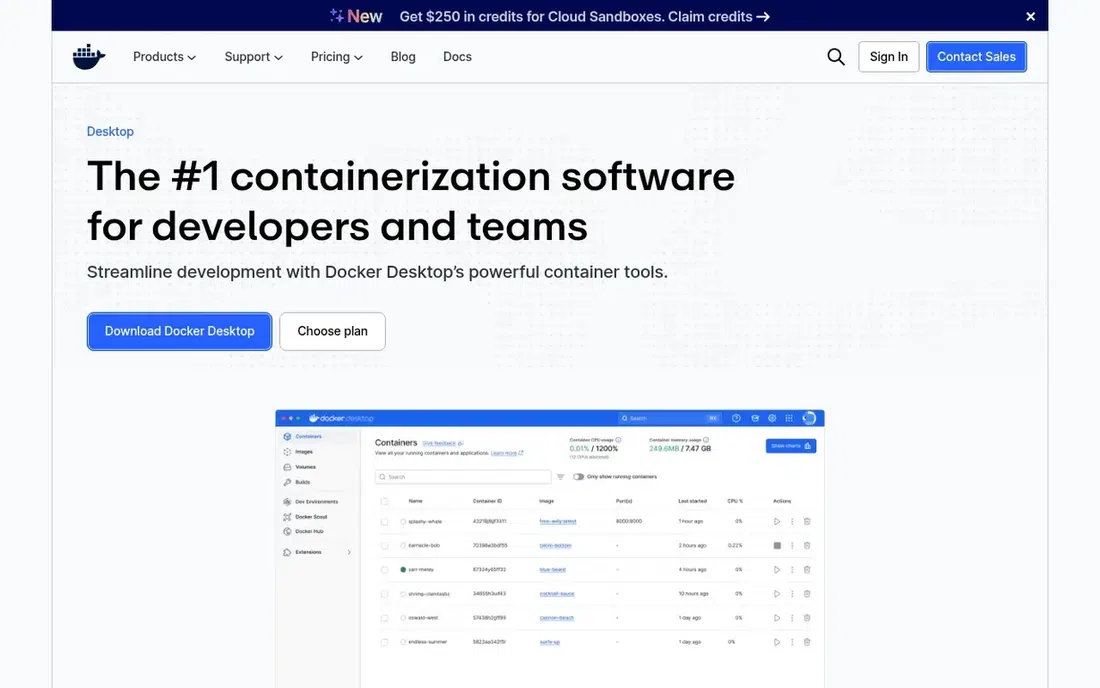
Docker Desktop was built for Container-based isolated development environments. Docker Desktop is collaborative containerization software geared toward developers who want consistent, isolated environments for building and running applications. It installs on Mac, Windows and Linux and centers on containers, which package an app with its dependencies so it behaves the same way across machines.
Since it is built around containers, Docker Desktop is not a substitute for a full virtual machine or a light app sandbox. As for the details, choose it when container workflows are the priority. Check the vendor site for Docker Desktop pricing; none is listed in this comparison. Trial and free access: Not stated.
Trade-offs to know: Concentrated on containers, not full VMs.
- Collaborative containerization workflow
- Runs on Mac
- Heavier than straightforward app sandboxes
Firejail
Best for: Restricting untrusted apps on Linux
Firejail is a good fit for restricting untrusted apps on Linux. Firejail is specific to Linux and leans toward command-line configuration, so it is not targeted at general desktop users on other systems. It also needs some understanding of Linux permissions to use well.
It lets a process run with a narrowed set of permissions and access. Pick it when you want light application confinement on Linux instead of a full VM. This comparison lists no price for Firejail; ask the vendor. As for free access: Not stated.
Where it is weaker: Linux-only.
- Open source Linux security sandbox
- Restricts application environments
- Command-line oriented
Selection criteria
The comparison looks at four things: starting price, free access, how well the feature set matches Sandbox software, and the main limit of each tool. Seat minimums, billing terms and add-ons can move the real cost, so the starting prices here are a guide and not a quote. The order reflects how well each tool fits the most common buying scenario for Sandbox software, then price clarity, then free plan access. It is a starting point, not a verdict.
A buyer's checklist
- Ask each vendor, from Cameyo to Firejail, for a written quote; none of them publishes a starting price.
- Before choosing Cameyo, weigh its main limit: focused on app delivery, not local sandboxing.
- Map your must-have features to a specific Cameyo plan before you compare prices.
- Confirm that Firejail connects to the apps your team already uses, on the plan you would actually buy.
- Pick one real project and run it in Microsoft Hyper-V first; a small pilot shows fit faster than a checklist.
FAQ
How are the tools for Sandbox software ordered?
The order follows typical fit for Sandbox software, with Cameyo first and Firejail last, then price clarity and free access. It is editorial judgement, not a score, so another team could rank the tools differently.
Do these tools publish their prices?
No. None of the tools, from Cameyo to Firejail, shows a fixed starting price here, so budget time for quotes.
Does any tool for Sandbox software here have a free plan?
A permanent free plan is not offered by Cameyo, Firejail or the other tools here. Plan a short evaluation period instead.
Is Cameyo the right pick for everyone comparing Sandbox software?
No single tool suits every team. Cameyo comes first because it fits delivering client apps through the web, while Oracle VM VirtualBox suits running full virtual machines for testing and Microsoft Hyper-V suits Windows-native virtualization for developers. Match the tool to your own size, budget and workflow before deciding.
Sources
- https://cameyo.com
- https://www.virtualbox.org
- https://learn.microsoft.com/en-us/virtualization/hyper-v-on-Windows
- https://learn.microsoft.com/en-us/windows/security/application-security/application-isolation/windows-sandbox/windows-sandbox-overview
- https://www.docker.com/products/docker-desktop
- https://firejail.wordpress.com