Best Sendible Alternatives in 2026: 8 Tools Compared
Looking for alternatives to sendible that fit your team and budget? We compare 8 social scheduling tools on price, inbox, approvals, and reports in 2026.
- Editor's choice
 Hootsuite
all-in-one social management
Starts at$99 per user per monthVisit hootsuite.comFull review - Great alternative
 Buffer
simple scheduling for small teams
Starts at$6 per channel per monthVisit buffer.comFull review - Also consider
 Sprout Social
analytics and inbox depth
Starts at$199 per seat per monthVisit sproutsocial.comFull review
TL;DR:
- Buffer and Metricool offer the cheapest ways to start, with free tiers for small accounts.
- Hootsuite and Sprout Social cost more per seat, but they cover listening, inboxes, and reporting in one place.
- Agencies that need client approvals and white-label reports should compare Planable, SocialPilot, and Agorapulse closely.
- Per-seat pricing multiplies fast, so model the cost at your real team size, not the headline price.
- Later is strongest for visual planning, while SocialPilot suits agencies that want flat pricing across many profiles.
Quick comparison
| Tool | Best for | Starts at | Free plan? | |
|---|---|---|---|---|
| Hootsuite | all-in-one social management | $99 per user per month | Free trial | Visit |
| Buffer | simple scheduling for small teams | $6 per channel per month | Yes | Visit |
| Sprout Social | analytics and inbox depth | $199 per seat per month | Free trial | Visit |
 Later | visual planning for Instagram and TikTok | $25 per month | Free trial | Visit |
 Agorapulse | inbox-first engagement | See website | Free trial | Visit |
 SocialPilot | agencies on flat pricing | $30 per month | Free trial | Visit |
 Metricool | budget analytics and scheduling | $25 per month | Yes | Visit |
 Planable | client approvals and collaboration | $39 per workspace per month | Free trial | Visit |
The best Sendible alternatives
Sendible suits many agencies, but its pricing, channel mix, or reporting may not fit your team. We compared eight tools that cover scheduling, inboxes, approvals, and client reporting, so you can pick a closer match without guessing. Our pick for most small teams is Buffer for simple scheduling, while larger teams should weigh Hootsuite or Sprout Social for depth.
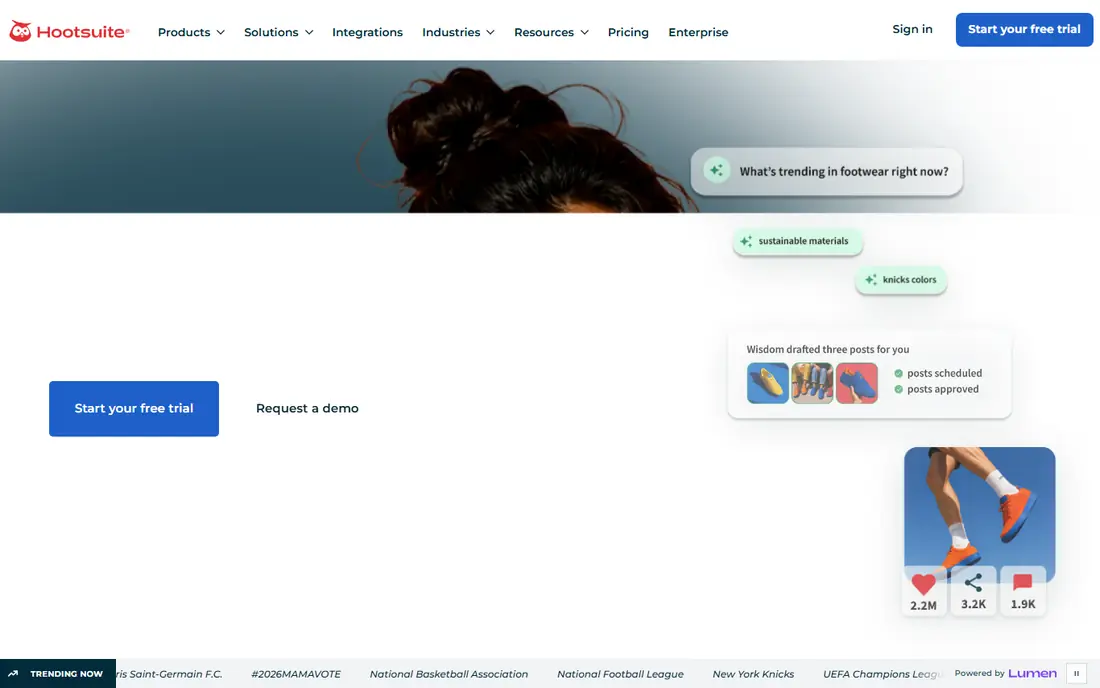
Hootsuite fits mid-size and larger teams that want planning, engagement, listening, and analytics in one system. Its depth is the main draw, with scheduling, a shared inbox, listening, and reporting kept in one workspace, which helps teams avoid juggling separate tools.
Pricing starts at $99 per user per month, and the free option is listed as Free trial. The catch is cost: every added seat is billed at the plan rate, so a five-person team pays far more than the headline figure suggests. Check the plan limits that apply to your own use, such as users, channels, events, or storage, because a plan that looks cheap at entry level can change quickly once you pass a cap.
- Broad network coverage
- Social listening and analytics
- Strong team workflows
- Per-user pricing adds up fast
- No free plan
- Some features need higher tiers
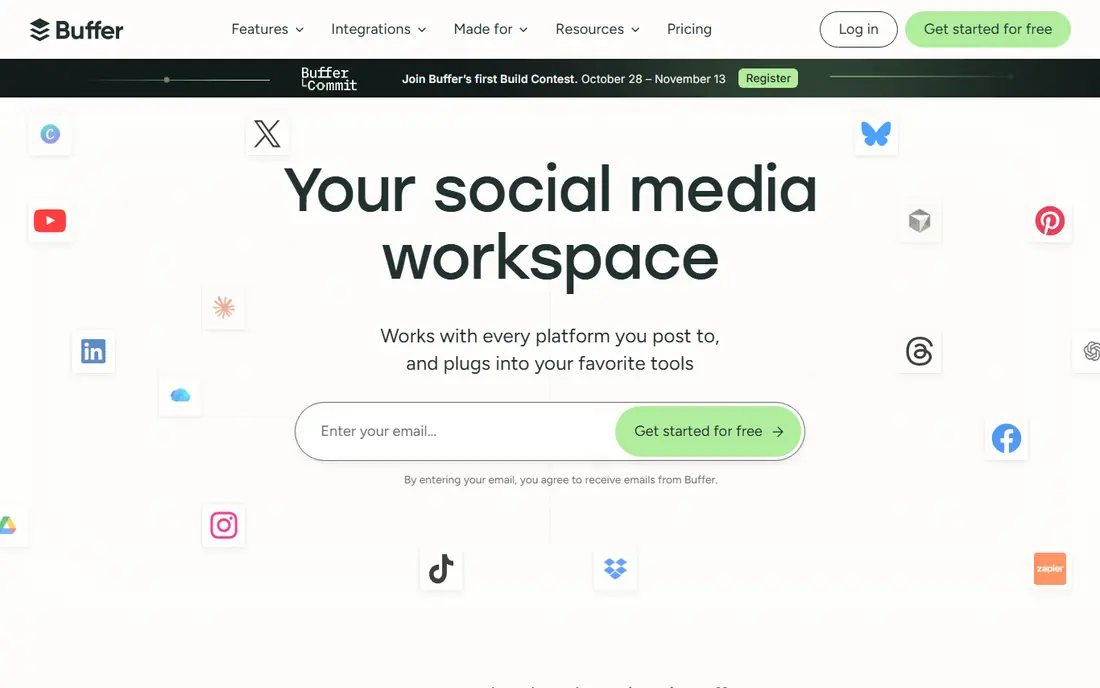
Buffer fits solo marketers and small teams that want fast scheduling without a steep learning curve. Buffer wins on simplicity. Drafting, queuing, and reviewing posts takes minutes, and the interface stays out of the way when you publish every day.
Pricing starts at $6 per channel per month, and the free option is listed as Yes. The catch is scope: teams that need a full inbox, listening, or client-ready reporting will likely outgrow the basic plans and need another tool alongside it. Check the plan limits that apply to your own use, such as users, channels, events, or storage, because a plan that looks cheap at entry level can change quickly once you pass a cap.
- Clean and fast to learn
- Free plan for a small setup
- Unlimited users on paid team plans
- Per-channel pricing grows with each account
- Listening and deep reporting are limited
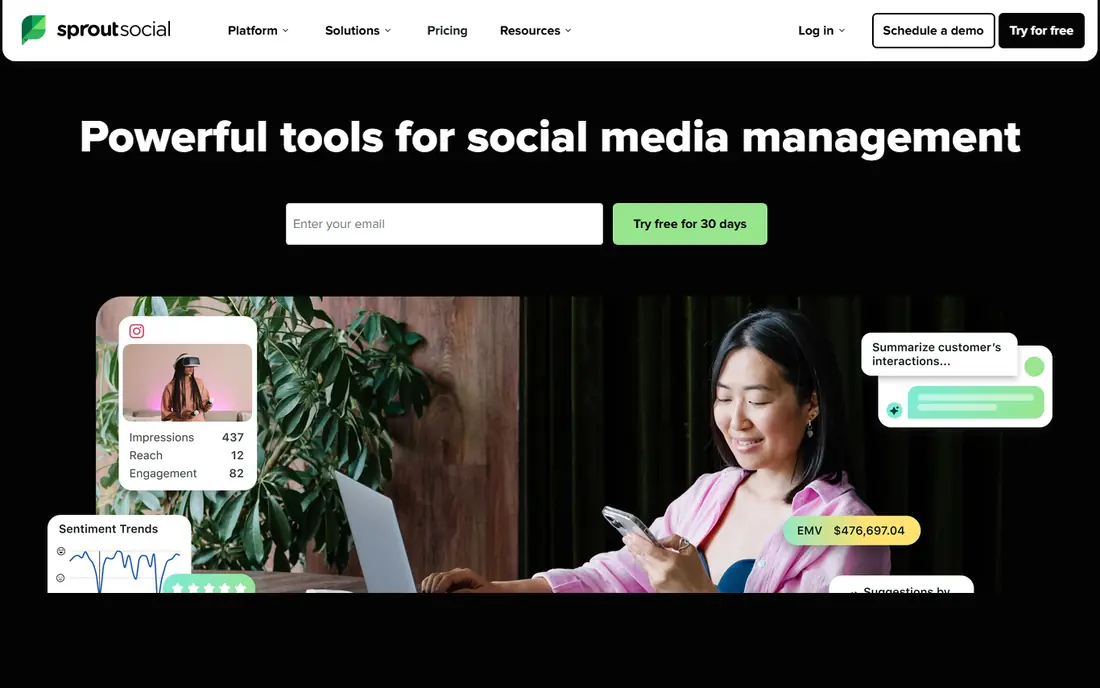
Sprout Social fits teams that live in engagement and reporting and can justify a premium seat price. Sprout Social stands out for teams that answer a high volume of comments and messages. The inbox, tagging, and reports make it easier to show what social work actually delivered.
Pricing starts at $199 per seat per month, and the free option is listed as Free trial. The catch is price and packaging. Seats are billed per person, and some listening features sit in higher tiers or add-ons, so check the total before you sign. Check the plan limits that apply to your own use, such as users, channels, events, or storage, because a plan that looks cheap at entry level can change quickly once you pass a cap.
- Strong Smart Inbox and reporting
- Good approval workflows
- Solid listening options
- High per-seat price
- Listening can be a paid add-on
- Smaller teams may pay for unused depth
Later fits creators and brands that plan visually, especially for Instagram and TikTok. Later makes visual planning feel natural, with a drag-and-drop calendar, a media library, and previews that show how a grid will look before you publish.
Pricing starts at $25 per month, and the free option is listed as Free trial. The catch is breadth. If your work spans many networks, approval chains, and client reports, Later may feel narrower than a full agency platform. Check the plan limits that apply to your own use, such as users, channels, events, or storage, because a plan that looks cheap at entry level can change quickly once you pass a cap.
- Visual calendar and media library
- Link-in-bio tools
- Creator-friendly planning
- Channel coverage varies by plan
- Some social networks need higher tiers
- Reporting is lighter than enterprise tools
Agorapulse fits teams that spend most of their day answering comments and messages. Agorapulse is built around the inbox first. Automated rules, saved replies, and team assignments help a busy team clear conversations without losing track of who answered what.
Pricing starts at See website, and the free option is listed as Free trial. The catch is the entry cost for small teams. Per-user billing means a larger team pays more even when only some members work in the inbox every day. Check the plan limits that apply to your own use, such as users, channels, events, or storage, because a plan that looks cheap at entry level can change quickly once you pass a cap.
- Strong social inbox with automation rules
- Clear reporting
- Good team roles
- Per-user pricing
- Entry price is high for solo users
- Some advanced features need higher plans
Metricool fits small businesses that want scheduling plus clear analytics at a low price. Metricool gives small teams scheduling and analytics in one affordable package. Autolists help recycle useful posts, and the analytics views make it easier to see which posts earned attention.
Pricing starts at $25 per month, and the free option is listed as Yes. The catch is add-on pricing for some networks, which can lift the real monthly total above the headline plan price. Check which networks you need before you judge the cost. Check the plan limits that apply to your own use, such as users, channels, events, or storage, because a plan that looks cheap at entry level can change quickly once you pass a cap.
- Free plan to start
- Analytics across social and web
- Autolists for repeat content
- Some networks need paid add-ons
- Free plan has limits
- Team features grow with higher plans
Planable fits agencies and marketing teams that need fast, clear client approval on every post. Planable shines where approval is the bottleneck. Clients can preview posts exactly as they will appear, leave comments, and approve work without long email threads.
Pricing starts at $39 per workspace per month, and the free option is listed as Free trial. The catch is that Planable is a collaboration and approval tool first, not a full engagement platform. Teams that also need inbox management will need another tool for replies. Check the plan limits that apply to your own use, such as users, channels, events, or storage, because a plan that looks cheap at entry level can change quickly once you pass a cap.
- Visual approval workflows
- Client-friendly previews
- Workspace-based pricing
- No full social inbox
- Network coverage is narrower than some rivals
- Costs rise with workspaces
How we picked these
We compared official pricing pages, feature lists, and public plan details for each tool in October 2026, and we focused on the features that decide a switch: scheduling, inbox, approvals, reporting, channel coverage, and total cost at a realistic team size. We did not claim hands-on testing, and we treated vendor marketing claims with care, checking plan limits and billing models where they were published.
We also gave weight to free plans and trials, because a short test with real posts shows problems faster than a sales page does. A tool made this list only if it is available today, supports the core social networks most small businesses use, and offers a clear paid path when a free tier runs out.
How to pick the right Sendible alternative
Start with your team size and your client count, because billing models change the answer more than any single feature does. A per-seat tool can look affordable for one person and expensive for five, while a flat plan can look dear for a solo user and cheap for an agency. Write down how many people will log in, how many profiles you manage, and how many posts you publish each week, then price each shortlisted tool at those exact numbers.
Next, rank the work you actually do. If most of your day is answering messages, pick an inbox-first tool. If approval delays slow you down, pick a tool with clear client previews and comments. If reporting wins or keeps clients, test the report exports before you pay, and check whether white-label reports need a higher plan or an add-on.
Finally, run a two-week test with real content. Connect your main profiles, schedule a normal week, route one post through approvals, and export one report. If any step feels awkward or slow, that friction will repeat every week, so choose the tool that felt easiest on the tasks you repeat most.
FAQ
What are the best Sendible alternatives for agencies?
SocialPilot, Planable, and Agorapulse are strong agency choices, because they cover client management, approvals, and reporting in different ways. SocialPilot suits flat pricing across many profiles, Planable suits approval-heavy work, and Agorapulse suits inbox-heavy teams. Compare total cost at your client count, since billing models differ a lot.
Is there a free alternative to Sendible?
Yes. Buffer and Metricool both offer free plans that suit a small setup with a few channels. Free plans have limits on channels, scheduled posts, or reports, so they work best for solo users or a very small team. Upgrade when you need more profiles, users, or reporting depth.
Which Sendible alternative is cheapest for a small team?
Buffer and Metricool usually cost least at entry level, while SocialPilot can be cheaper for agencies with many profiles. The cheapest headline price is not always the cheapest total, because per-seat and per-channel pricing grows with your team. Price each tool at your real team size before you decide.
Can I move scheduled posts from Sendible to a new tool?
Most tools do not import a full Sendible queue automatically, so plan to rebuild scheduled posts during a short overlap period. Export your content calendar and media first, then recreate priority posts in the new tool. A two-week overlap avoids gaps in your publishing schedule.
Do these tools support TikTok, Instagram, and LinkedIn?
Most of the tools on this list support the major networks, but coverage and features vary by plan and network. TikTok and Instagram often have specific limits on direct publishing, stories, or reels. Check the vendor page for each network you use before you buy, and test one post per network during a trial.
SocialPilot
Best for: agencies on flat pricing
SocialPilot fits agencies that manage many client profiles and want predictable monthly billing. SocialPilot appeals to agencies because flat plan pricing keeps costs predictable as client profiles grow. Client management, approvals, and bulk scheduling cover the daily agency workflow well.
Pricing starts at $30 per month, and the free option is listed as Free trial. The catch is polish and depth. Some reports and analytics feel thinner than premium rivals, so agencies with demanding reporting needs should test those outputs first. Check the plan limits that apply to your own use, such as users, channels, events, or storage, because a plan that looks cheap at entry level can change quickly once you pass a cap.