Best Sandbox for Malware Analysis in 2026: 6 Tools Compared
Need the best Sandbox for malware analysis? We compare 6 tools on cost, free access and who each suits. The weak spots sit next to the strengths. No filler.
- Editor's choiceVMware NSX Advanced Threat Prevention
Network-integrated threat prevention
Starts atSee websiteVisit vmware.comFull review - Great alternative
 Any.Run
Interactive cloud malware analysis
Starts atSee websiteVisit any.runFull review - Also considerCrowdStrike Falcon Sandbox
Integrated enterprise threat detection
Starts at$7.99 per device per monthVisit crowdstrike.comFull review
Direct answer
If you need network-integrated threat prevention, VMware NSX Advanced Threat Prevention is the first tool to look at here. Listed starting prices: CrowdStrike Falcon Sandbox from $7.99 per device per month. If your case is different, Any.Run suits interactive cloud malware analysis and CrowdStrike Falcon Sandbox suits integrated enterprise threat detection. The remaining 3 options are covered below with prices and limits.
TL;DR:
- Top of the list is VMware NSX Advanced Threat Prevention, which targets network-integrated threat prevention.
- The main caution on Check Point SandBlast: Sandbox is one piece of a bigger system.
- Cuckoo Sandbox is the one to check for open-source self-hosted automation.
- The lowest published monthly entry price here is $7.99 per device per month, from CrowdStrike Falcon Sandbox.
Last checked November 2026. Prices and plan details were read from the vendors' own pages in November 2026; vendors change plans often, so confirm the current price on the vendor site before you buy.
Quick comparison
| Tool | Best for | Starts at | Free plan? | |
|---|---|---|---|---|
| VMware NSX Advanced Threat Prevention | Network-integrated threat prevention | See website | Not stated | Visit |
| Any.Run | Interactive cloud malware analysis | See website | Not stated | Visit |
| CrowdStrike Falcon Sandbox | Integrated enterprise threat detection | $7.99 per device per month | Free trial | Visit |
| Check Point SandBlast | Consolidated system security | See website | Not stated | Visit |
| Fortinet FortiSandbox | Inline AI-based file inspection | See website | Not stated | Visit |
 Cuckoo Sandbox | Open-source self-hosted automation | See website | Not stated | Visit |
Sandbox for Malware Analysis compared in detail
Short on time? The summary and table above give the quick view of 6 tools for Sandbox for malware analysis, and the profiles that follow give the detail behind each entry.
VMware NSX Advanced Threat Prevention
Best for: Network-integrated threat prevention
VMware NSX Advanced Threat Prevention serves network-integrated threat prevention. VMware NSX Advanced Threat Prevention is positioned within VMware by Broadcom's cloud infrastructure portfolio, which includes app systems, private cloud, edge, networking and security.
What to check first: Tied to VMware infrastructure context.
In practice, since it is tied to VMware infrastructure, it is not a practical standalone choice for teams outside that environment. Confirm current availability and feature scope with the vendor, as product lines evolve. This comparison lists no price for VMware NSX Advanced Threat Prevention; ask the vendor. On free options: Not stated.
- Part of enterprise cloud infrastructure
- Supports edge and private cloud setups
- Not a standalone consumer sandbox
Any.Run was built for interactive cloud malware analysis. Any.Run describes itself as an interactive online malware sandbox and cloud-based malware analysis service, letting analysts study suspicious and malicious activity using its toolset.
It suits analysts and incident responders who want practical, interactive investigation of samples in a hosted environment, with the ability to observe behavior as it unfolds instead of only reading automatic reports. Any.Run shows no starting price here, so confirm the cost on the vendor site. Free access: Not stated.
Points against: Cloud dependency for analysis.
- Interactive online sandbox
- Tools for studying malicious activity
- Interactive focus may not suit full automation
CrowdStrike Falcon Sandbox
Best for: Integrated enterprise threat detection
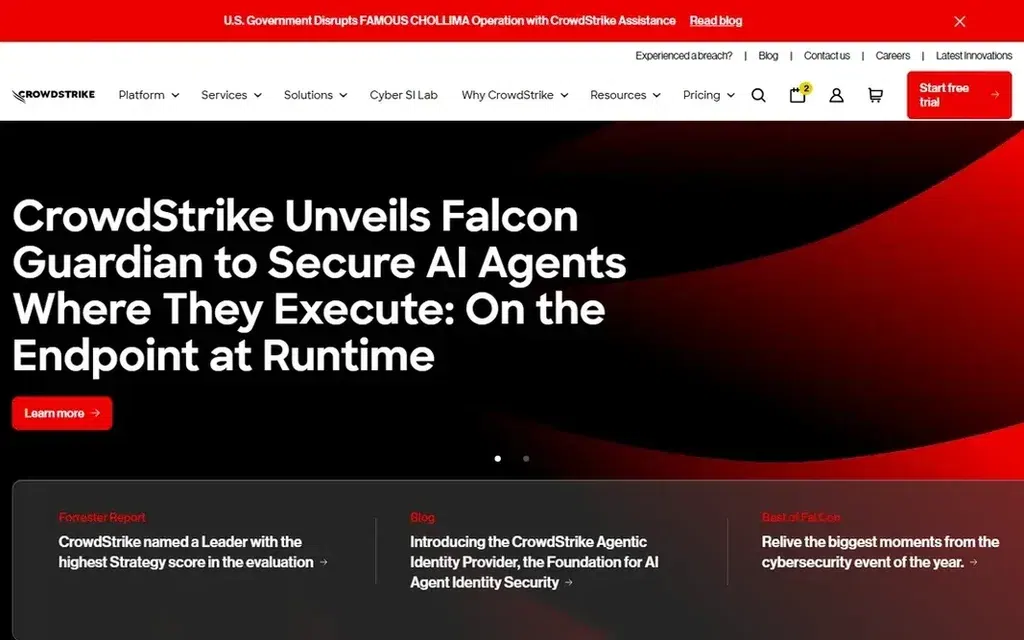
Where CrowdStrike Falcon Sandbox fits: integrated enterprise threat detection. Confirm integration and deployment details straight with the vendor before committing.
Points against: Less centred on standalone open analysis.
CrowdStrike Falcon Sandbox sits within CrowdStrike's cloud-native cybersecurity system, which the vendor describes as protecting endpoints, cloud workloads, identities and data. In daily use, for organizations already standardizing on that product, the sandbox can support malware analysis alongside broader detection and response, making it a natural fit for security teams that want analysis tied to enterprise-wide protection instead of a separate point tool. Starting cost for CrowdStrike Falcon Sandbox: $7.99 per device per month. Trial and free access: Free trial.
- Merges detection with analysis workflows
- Suits a wide cloud-native security system
- May suit bigger teams
Check Point SandBlast
Best for: Consolidated system security
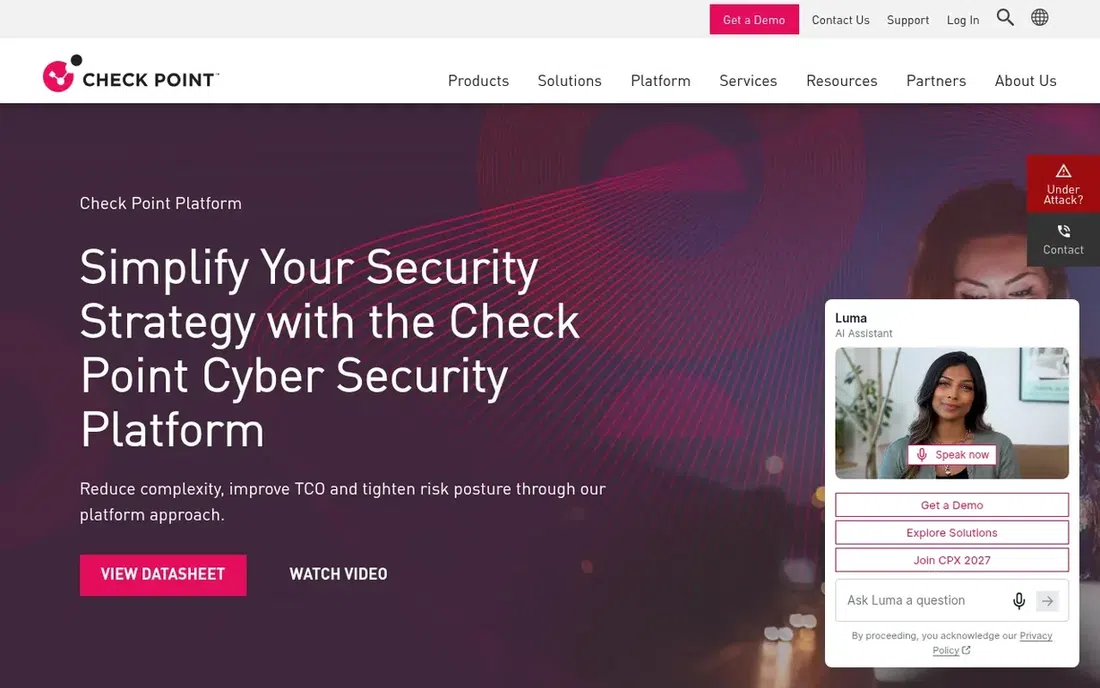
For consolidated system security, Check Point SandBlast is a natural candidate. Teams wanting a straightforward, self-contained analysis tool may find it more than necessary. Since SandBlast is presented as part of a broader system, standalone evaluation needs checking how the sandbox component is licensed and deployed.
Honest limits: Sandbox is one piece of a bigger system.
For everyday use, Check Point SandBlast is offered within Check Point's AI-powered cybersecurity system, described as thorough, consolidated and collaborative. From a buyer's view, confirm the specific sandbox capabilities with the vendor. Check the vendor site for Check Point SandBlast pricing; none is listed in this comparison. Free options: Not stated.
- Part of a consolidated security product
- Collaborative product approach
- Detail relies on product configuration
Fortinet FortiSandbox
Best for: Inline AI-based file inspection
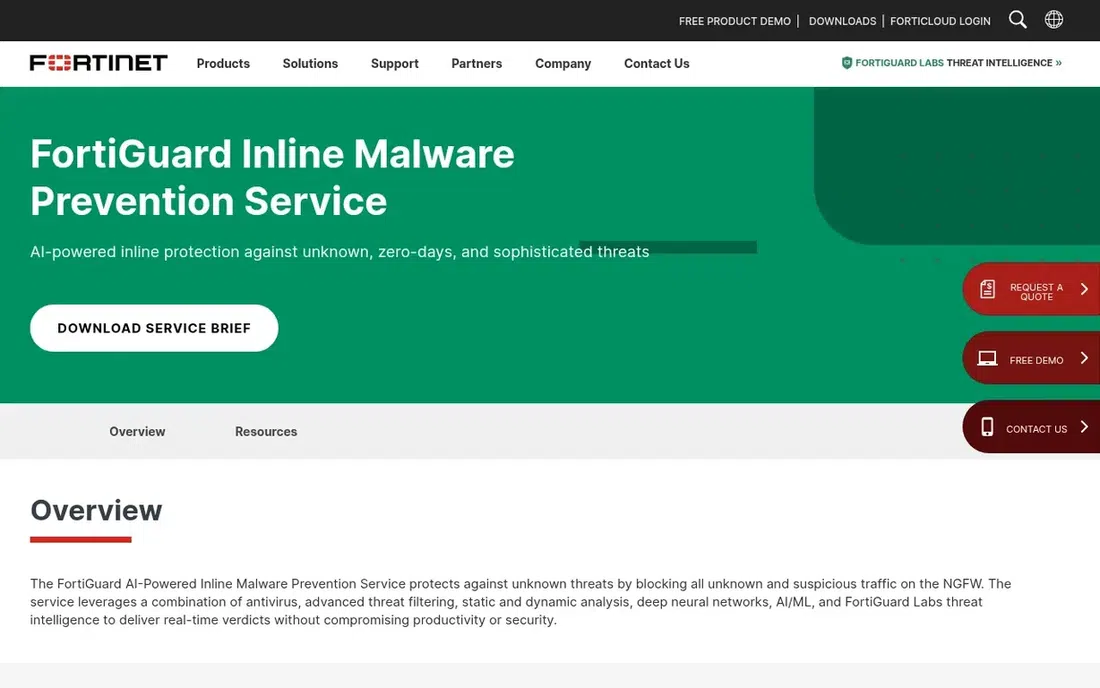
Fortinet FortiSandbox makes the most sense for inline AI-based file inspection. Fortinet FortiSandbox is presented as part of the FortiGuard AI-based inline malware prevention service, performing AI-powered live inspection of files to protect against unknown threats, zero-days and sophisticated file-based attacks.
Those outside the Fortinet ecosystem may prefer a vendor-neutral sandbox. Verify supported file types and integration choices with the vendor before deciding. This comparison lists no price for Fortinet FortiSandbox; ask the vendor. On free options: Not stated.
Where it is weaker: Best value within Fortinet environments.
- Targeted at sophisticated file-based attacks
- AI-powered live file inspection
- Centred on file-based threat vectors
Cuckoo Sandbox makes the most sense for open-source self-hosted automation. Cuckoo Sandbox is a widely known open-source malware analysis sandbox that teams can host and operate themselves. Its open nature makes it a typical starting point for custom analysis pipelines.
Limits to weigh: Less turnkey than hosted services.
Self-hosting means your team takes care of installation, maintenance and isolation safeguards, which can be demanding. Check the project's current documentation and community activity to confirm it matches your needs. This comparison lists no price for Cuckoo Sandbox; ask the vendor. Free options: Not stated.
- Self-hosted control over analysis
- Suited to automatic sample processing
- Needs in-house setup and upkeep
How the list was put together
For each of the 6 tools we noted price, free plan or trial, fit for Sandbox for malware analysis and the main limit, using vendor pages and documentation. Seat minimums, billing terms and add-ons can move the real cost, so the starting prices here are a guide and not a quote. The ranking is editorial: typical fit first, then clear pricing, then free access. If your needs are unusual, read the profiles rather than relying on position.
Things to verify first
- Confirm the entry price on the vendor page. For VMware NSX Advanced Threat Prevention, Any.Run, Check Point SandBlast and others that means a quote rather than a fixed price.
- Run a trial of CrowdStrike Falcon Sandbox with real work before paying for a year; your own workflow is the best test.
- Before choosing VMware NSX Advanced Threat Prevention, weigh its main limit: tied to VMware infrastructure context.
- Look at the renewal terms for Fortinet FortiSandbox: auto-renewal, notice periods and price changes can matter more than the first-year price.
- Confirm that Any.Run connects to the apps your team already uses, on the plan you would actually buy.
FAQ
Can I try these tools before paying?
Often, yes. CrowdStrike Falcon Sandbox offers a free trial. Use your own data and a real task during the test, and check what the free tier or trial limits before you rely on it.
How are the tools for Sandbox for malware analysis ordered?
VMware NSX Advanced Threat Prevention sits first and Cuckoo Sandbox last because the order follows typical fit for Sandbox for malware analysis, then price clarity and free access. It is a judgement call, so read each profile for fit and limits.
Is an open-source sandbox enough?
Cuckoo Sandbox can work well for teams with engineering capacity to host and maintain it. Managed or platform-embedded choices reduce operational burden but may offer less control over the environment.
Does any tool for Sandbox for malware analysis here have a free plan?
A permanent free plan is not offered by VMware NSX Advanced Threat Prevention, Cuckoo Sandbox or the other tools here. CrowdStrike Falcon Sandbox offer a trial. Plan a short evaluation period instead.
Is VMware NSX Advanced Threat Prevention the right pick for everyone comparing Sandbox for malware analysis?
No single tool suits every team. VMware NSX Advanced Threat Prevention comes first because it fits network-integrated threat prevention, while Any.Run suits interactive cloud malware analysis and CrowdStrike Falcon Sandbox suits integrated enterprise threat detection. Match the tool to your own size, budget and workflow before deciding.
Sources
- https://www.vmware.com
- https://any.run
- https://www.crowdstrike.com
- https://www.checkpoint.com/sandblast
- https://www.fortinet.com/products/sandbox/fortisandbox
- https://cuckoosandbox.org