Best Retail Task Management Software for 2026: Our 6 Vetted Picks
Comparing the best retail task management software? 6 contenders, each with entry cost, free tier and best-fit buyer. Every tool lists pros and cons. No filler.
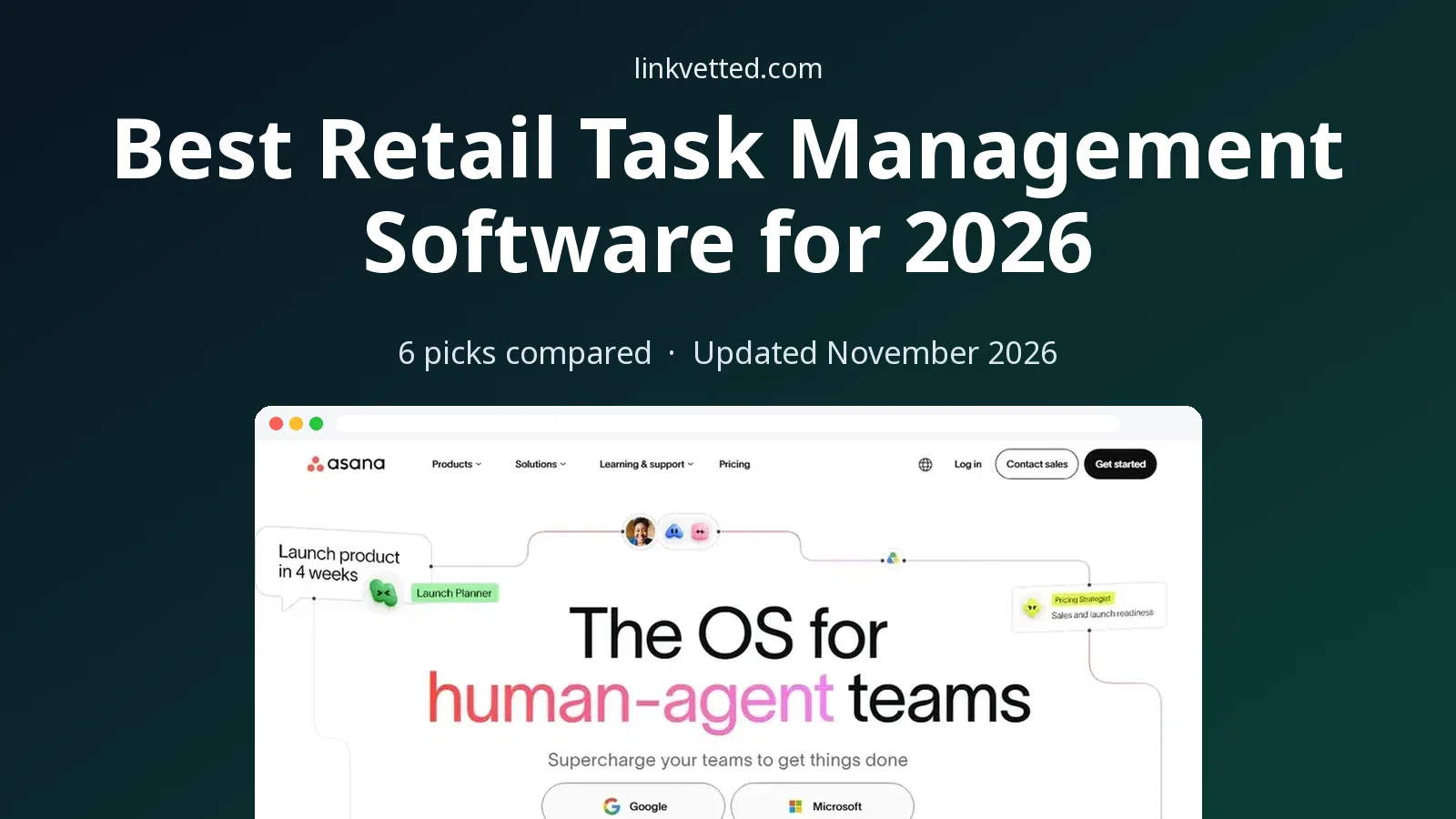
- Editor's choice
 Asana
Planning and automating repeatable workflows
Starts at$10.99 per user a monthVisit asana.comFull review - Great alternative
 Monday.com
AI-assisted workspace for retail operations
Starts at$9 per seat a monthVisit monday.comFull review - Also consider
 Zoho Projects
Structured retail project planning and tracking
Starts atSee websiteVisit zoho.comFull review
Direct answer
Start with Asana if you need planning and automating repeatable workflows. Listed starting prices: Asana from $10.99 per user a month, Monday.com from $9 per seat a month and Smartsheet from $12 per Member/month. For a different need, Monday.com covers AI-assisted workspace for retail operations and Zoho Projects covers structured retail project planning and tracking. The full list of 6 tools follows, with prices and free plan facts.
TL;DR:
- This list starts with Asana, which is built for planning and automating repeatable workflows.
- What to know about Smartsheet first: enterprise focus may be heavy for small shops.
- For straightforward board-based store task tracking, Trello is worth a look.
- The lowest published monthly entry price here is $5 per user per month, from Trello.
- Asana, Monday.com, ClickUp, Trello: these are the 4 tools out of 6 that offer a free plan.
Last checked November 2026. Prices and plan details were read from the vendors' own pages in November 2026; vendors change plans often, so confirm the current price on the vendor site before you buy.
Quick comparison
| Tool | Best for | Starts at | Free plan? | |
|---|---|---|---|---|
| Asana | Planning and automating repeatable workflows | $10.99 per user a month | Yes | Visit |
| Monday.com | AI-assisted workspace for retail operations | $9 per seat a month | Yes | Visit |
| Zoho Projects | Structured retail project planning and tracking | See website | Not stated | Visit |
 Smartsheet | Governed enterprise retail work at scale | $12 per Member/month | Not stated | Visit |
 ClickUp | Consolidating tasks, docs, goals, and chat | $9 per user a month | Yes | Visit |
 Trello | Straightforward board-based store task tracking | $5 per user a month | Yes | Visit |
Retail Task Management Software profiles
LinkVetted compared 6 tools for retail task management software. The goal is a practical shortlist: published prices, free plan facts, best-fit use cases and honest limits for every entry.
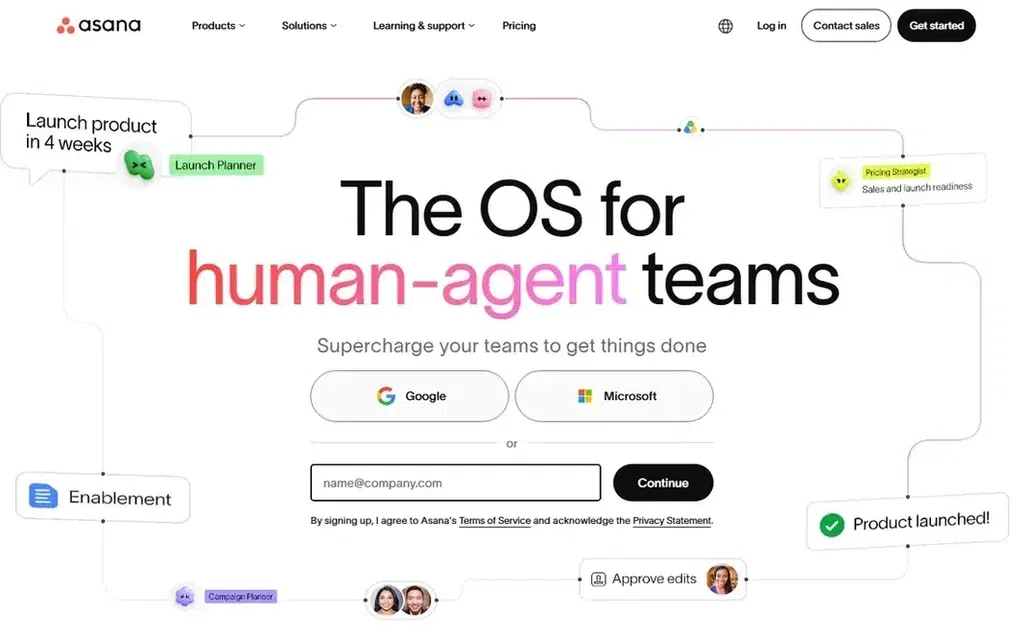
For planning and automating repeatable workflows, Asana is a natural candidate. Asana is work and project management software for teams that plan, automate, and execute critical workflows together.
Limits to weigh: May be more than small teams need.
In daily use, choose Asana when repeatable processes and coordinated execution across teams are central. The workflow and automation focus means initial configuration takes thought, and very small teams may not need that depth. On cost, Asana starts like this: $10.99 per user per month. Asana has a free plan.
- Supports critical workflow execution
- Work management for teams
- Advanced structure needs setup effort
Think of Monday.com for AI-assisted workspace for retail operations. The broad feature range means teams should plan their workspace structure carefully, or boards can sprawl.
Trade-offs to know: Feature range can distract.
For everyday use, pick Monday.com when you want a wide workspace with AI assistance supporting varied retail operations in one place. In daily use, Monday.com presents itself as an AI workspace for people and agents, where teams execute, handle, and operate together to drive business results. Price to start with Monday.com: $9 per seat per month. You can start on Monday.com without paying.
- Pitched at driving business results
- Supports executing and managing work together
- Wide system needs structuring
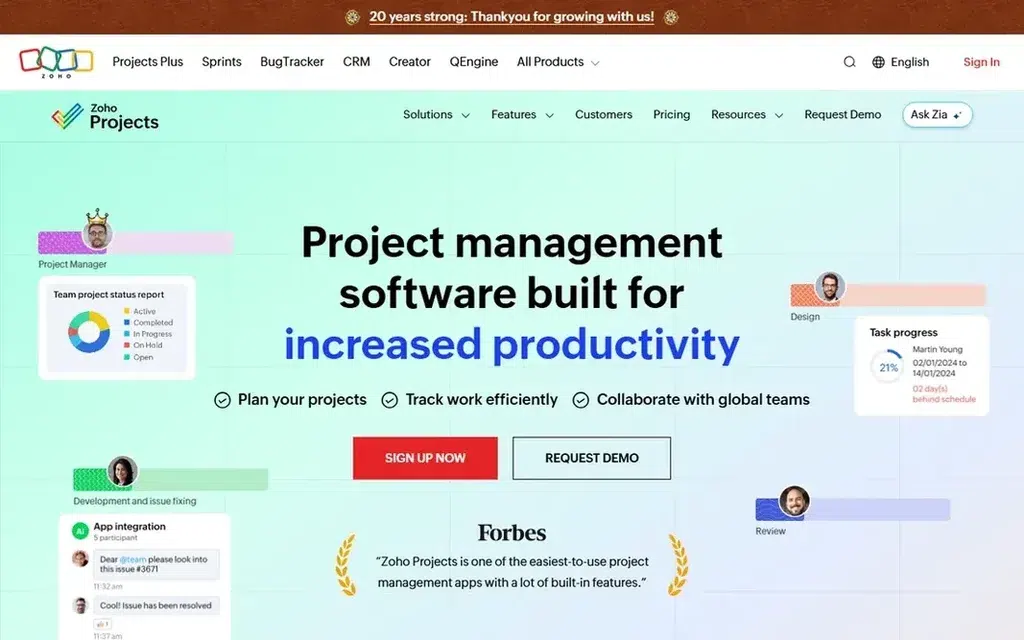
For structured retail project planning and tracking, Zoho Projects is a natural candidate. Zoho Projects is a cloud-based project management tool built to help teams plan, track, and collaborate toward project goals.
Where it is weaker: May feel heavy for straightforward store checklists.
As for the details, for retail teams, that means campaign rollouts, store openings, or seasonal resets can be organized as projects with tasks and shared visibility. Zoho Projects does not show a starting price in this comparison, so check the vendor site for current pricing. Free options: Not stated.
- Cloud-based project planning and tracking
- Task and goal tracking in one place
- Setup needs planning
Pick Smartsheet if this describes you: governed enterprise retail work at scale. Smartsheet positions itself as an execution hub for enterprise work, where people and AI get work done together with the governance and visibility enterprises need.
Points against: Enterprise focus may be heavy for small shops.
Retail organizations managing multi-store programs, compliance tracking, or large rollouts can benefit from that emphasis on oversight. More specifically, if your team wants fast, informal task boards, a lighter tool may fit better. Smartsheet starts at: $12 per Member/month. On free options: Not stated.
- Governance and visibility features
- People and AI work together
- Needs deliberate setup
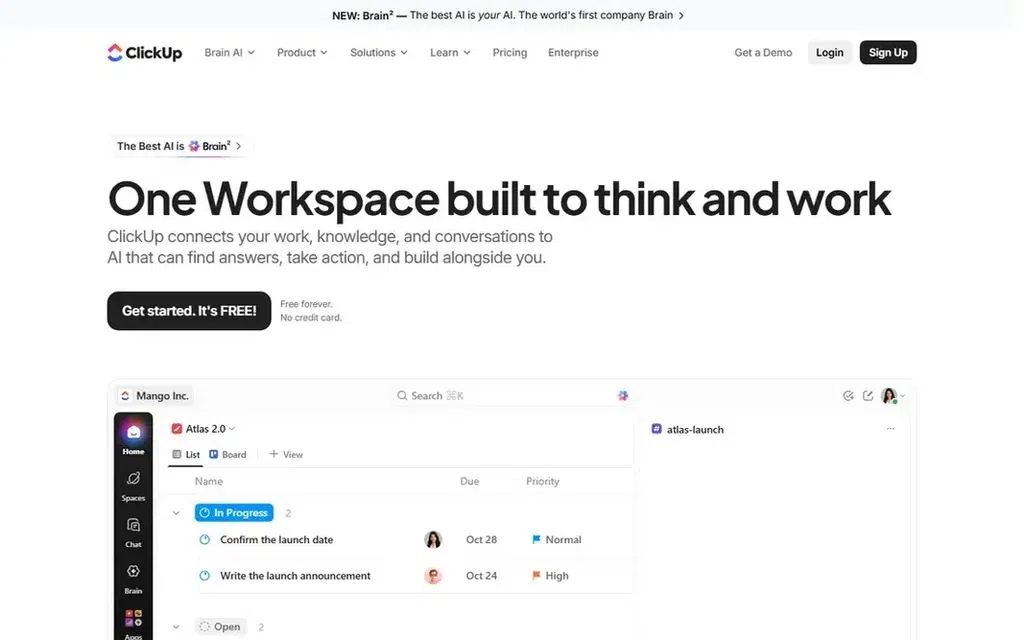
ClickUp works best for consolidating tasks, docs, goals, and chat. Since it handles so much ground, new users may need time to set up and learn the interface. Teams wanting a single straightforward list may find it busy.
For everyday use, retail teams that juggle separate tools for task lists, internal documentation. Team messaging can use it to bring that work together. From a buyer's view, pick ClickUp when consolidation across tasks, documents, and communication is the goal. If you prefer a narrow, purpose-built tool, consider a more straightforward choice. ClickUp starts at: $9 per user per month. ClickUp includes a free tier.
Upsides: chat together. Limits to weigh: Breadth can overwhelm new users.
- Adaptable for different team workflows
- Positions itself as an all-in-one work app
- Configuration takes time
Trello is built with straightforward board-based store task tracking in mind. Trello concentrates on capturing, organizing, and tackling to-dos from anywhere, with Inbox, Boards, and Planner available even on mobile.
Trade-offs to know: Restricted structure for large operations.
If you need deep reporting and governed workflows, a heavier system may be better. Price to start with Trello: $5 per user per month. Trello has a free plan.
- Simple to capture and organize to-dos
- Boards, Inbox, Planner
- Less suited to complicated programs
What went into this list
For each of the 6 tools we noted price, free plan or trial, fit for retail task management software and the main limit, using vendor pages and documentation. Seat minimums, billing terms and add-ons can move the real cost, so the starting prices here are a guide and not a quote. Position on the page reflects fit for a typical buyer first, with price clarity and free access breaking ties. Treat it as a guide, not a ruling.
Pre-purchase checklist
- Confirm the entry price on the vendor page. For Zoho Projects that means a quote rather than a fixed price.
- Read the fine print on the free plans from Asana, Monday.com, ClickUp and Trello; seat, project and feature caps differ.
- Before choosing Asana, weigh its main limit: advanced structure needs setup effort.
- Ask whether Trello integrates with your current software, and whether that comes standard or as an add-on.
- Ask the daily users to test Monday.com on a live task before you roll it out to everyone.
FAQ
Do these tools publish their prices?
Not all of them. Zoho Projects publishes no starting price, so expect a quote request for it. The rest, Asana included, show a starting price, though seats and billing terms still change the final cost.
Is Asana the right pick for everyone comparing retail task management software?
No single tool suits every team. Asana comes first because it fits planning and automating repeatable workflows, while Monday.com suits AI-assisted workspace for retail operations and Zoho Projects suits structured retail project planning and tracking. Match the tool to your own size, budget and workflow before deciding.
How are the tools for retail task management software ordered?
Asana sits first and Trello last because the order follows typical fit for retail task management software, then price clarity and free access. It is a judgement call, so read each profile for fit and limits.
Can I try these options before paying?
Often, yes. Asana, Monday.com, ClickUp and Trello have a free plan. Use your own data and a real task during the test, and check what the free tier or trial limits before you rely on it.
Sources
- https://asana.com
- https://monday.com
- https://www.zoho.com/projects
- https://www.smartsheet.com
- https://clickup.com
- https://trello.com