The 6 Best Retail Task Management Software for Remote Teams in 2026, Ranked
Searching for the best retail task management software for remote teams? Here are 6 options with prices and free plans. Each tool is judged on the same checks.
- Editor's choiceHotSchedules
Hospitality-focused scheduling and engagement
Starts atSee websiteVisit hotschedules.comFull review - Great alternative
 Homebase
Hourly retail teams with scheduling and payroll
Starts at$30 per location a monthVisit joinhomebase.comFull review - Also consider
 When I Work
Straightforward shift scheduling and team messaging
Starts at$2.50 per user per monthVisit wheniwork.comFull review
Direct answer
If you need hospitality-focused scheduling and engagement, HotSchedules is the first tool to look at here. Listed starting prices: Homebase from $30 per location a month, When I Work from $2.50 per user per month and Deputy from $5 per user a month. Homebase fits hourly retail teams with scheduling and payroll; When I Work fits straightforward shift scheduling and team messaging. The full list of 6 tools follows, with prices and free plan facts.
TL;DR:
- HotSchedules is the opening pick, best for hospitality-focused scheduling and engagement.
- When I Work has the lowest monthly starting price in this list: $2.50 per user per month.
- The main caution on When I Work: restricted project management depth.
- For frontline retail teams needing one app, Connecteam is worth a look.
Last checked November 2026. Prices and plan details were read from the vendors' own pages in November 2026; vendors change plans often, so confirm the current price on the vendor site before you buy.
Quick comparison
| Tool | Best for | Starts at | Free plan? | |
|---|---|---|---|---|
| HotSchedules | Hospitality-focused scheduling and engagement | See website | Not stated | Visit |
| Homebase | Hourly retail teams with scheduling and payroll | $30 per location a month | Yes | Visit |
| When I Work | Straightforward shift scheduling and team messaging | $2.50 per user per month | Free trial | Visit |
 Deputy | Shift planning with labor forecasting | $5 per user a month | Free trial | Visit |
 Asana | Project and task coordination across locations | $10.99 per user per month | Yes | Visit |
 Connecteam | Frontline retail teams needing one app | $29 a month | Yes | Visit |
Our 6 retail task management software for remote teams
Short on time? The summary and table above give the quick view of 6 retail task management software for remote teams, and the profiles that follow give the detail behind each entry.
HotSchedules
Best for: Hospitality-focused scheduling and engagement
HotSchedules targets hospitality-focused scheduling and engagement. Retailers with food service or customer-facing operations may find its scheduling and staff engagement approach handy for remote coordination. Its hospitality orientation means some general retail task management needs may not be covered in depth.
Trade-offs to know: Positioned toward hospitality instead of general retail.
Worth adding: choose HotSchedules when scheduling and staff engagement in a hospitality-style setting are central. More specifically, teams needing wide project tracking should look at work management tools as well. HotSchedules does not show a starting price in this comparison, so check the vendor site for current pricing. As for free access: Not stated.
- Communication with employees
- Scheduling and engagement for staff
- Restricted project task features
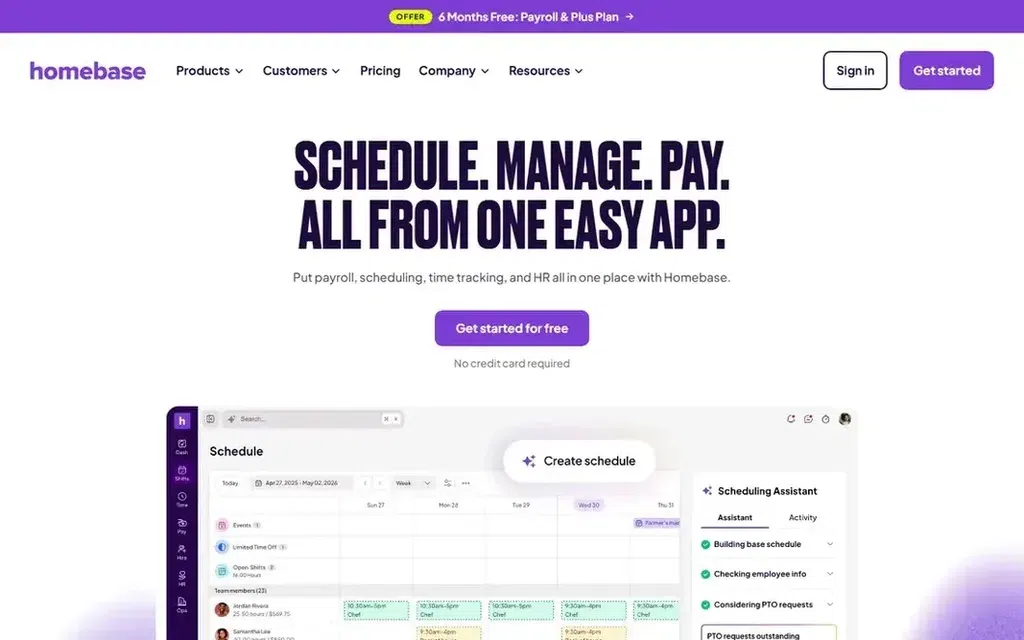
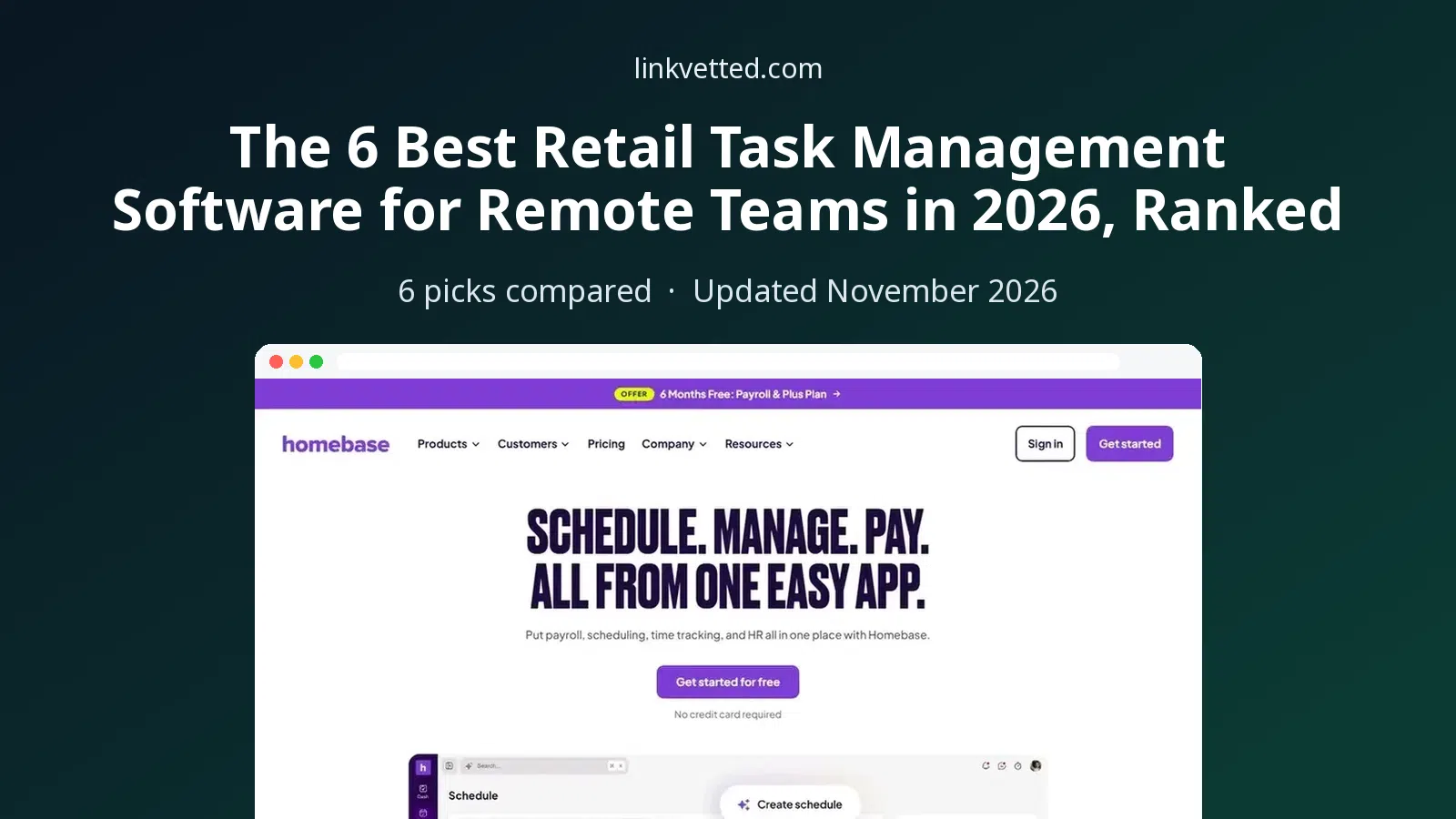
Choose Homebase for hourly retail teams with scheduling and payroll. Retail managers who require to coordinate store shifts whereas keeping remote oversight of hours and payroll find it practical. Its strengths sit in scheduling and payroll instead of in-depth project or task management, so teams needing rich workflow boards may want a separate product.
What to check first: Payroll focus may not fit every retailer.
Where Homebase stands out: Simple app-based access for staff. Retailers with salaried staff and light shift work may find parts of it unnecessary. Pick Homebase when hourly scheduling and payroll are the core need. Homebase cost at the entry level: $30 per location per month. Homebase offers a free plan.
- Aimed at hourly teams
- Scheduling
- Project task tracking is restricted
When I Work serves straightforward shift scheduling and team messaging. For retail locations coordinating hourly workers with remote supervisors, it keeps shift changes and updates in a shared place.
Price to start with When I Work: $2.50 per user per month. On free options: Free trial.
Points against: Restricted project management depth.
- Schedule shifts and track time in one app
- Straightforward for hourly staff
- Task workflows are entry-level
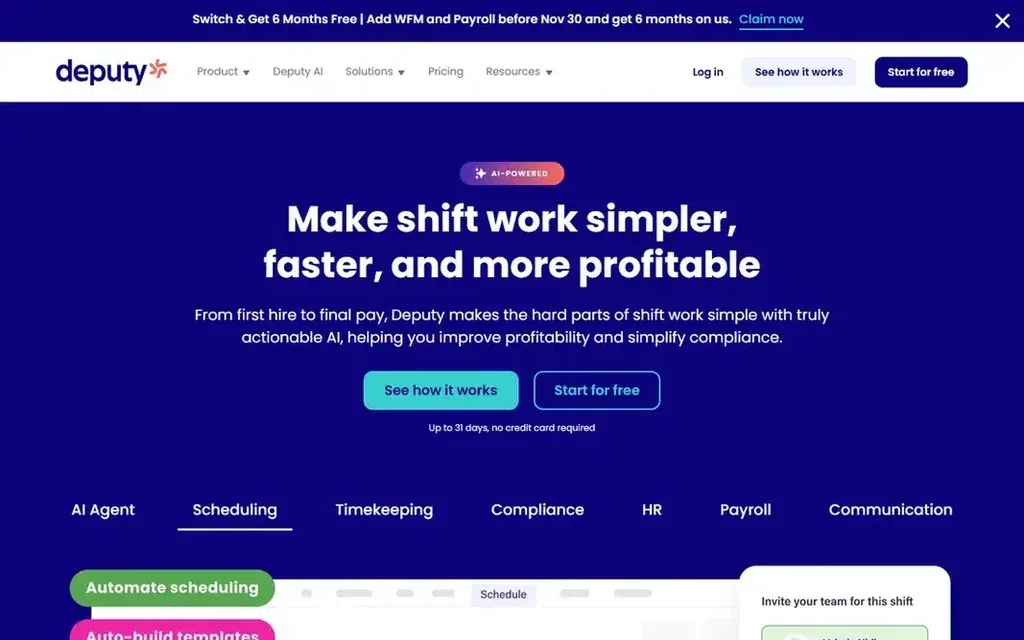
Deputy was built for shift planning with labor forecasting. The product leans toward scheduling and labor planning, so dedicated task and project tracking is not its central focus.
Retail operations with variable staffing and remote managers can use it to forecast labor needs and keep schedules organized. Beyond that, Deputy gives you employee scheduling, HR and payroll software with AI labor forecasting, pitched at companies that require to plan shifts carefully. On cost, Deputy starts like this: $5 per user per month. Free options: Free trial.
Honest limits: Feature depth may overwhelm very small teams.
- AI labor forecasting support
- Employee scheduling with HR features
- Task management is secondary
Asana is built with project and task coordination across locations in mind. Asana is work and project management software for teams, built to plan, automate and execute workflows together.
Starting cost for Asana: $10.99 per user per month. A free plan is available with Asana.
Where it is weaker: Not designed for hourly shift scheduling.
- Automation of workflows
- Work and project management focus
- Needs setup for retail processes
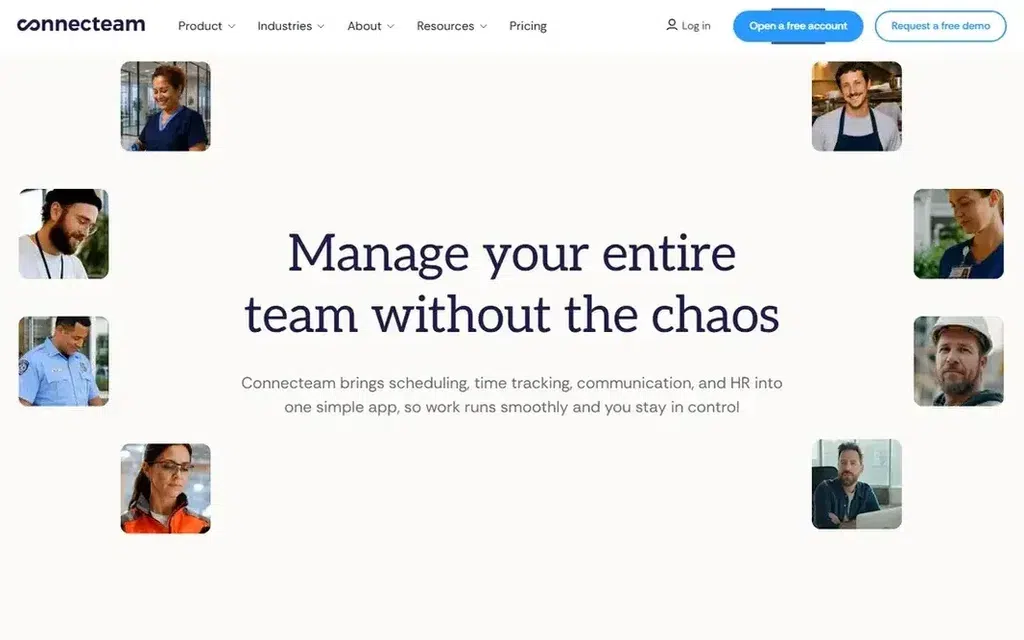
Connecteam is built with frontline retail teams needing one app in mind. Connecteam is an employee management app designed for frontline teams, combining scheduling, time tracking, communication and task tools in one place.
Downsides: Wide feature set can feel large for small teams.
For retail operations with staff spread across keeps and remote coordinators, it cuts the have to juggle separate apps for shifts, updates and daily checklists. Smaller teams that only need entry-level scheduling might prefer a leaner tool. On cost, Connecteam starts like this: $29 per month. You can start on Connecteam without paying.
- Time tracking and communication in one app
- Straightforward setup for scattered workflows
- Less suited to deep project management
How these tools were picked
The comparison looks at four things: starting price, free access, how well the feature set matches retail task management software for remote teams, and the main limit of each tool. Figures are shown as the vendors publish them. Billing terms, seat minimums and add-ons can change the real cost. The order reflects how well each tool fits the most common buying scenario for retail task management software for remote teams, then price clarity, then free plan access. It is a starting point, not a verdict.
A buyer's checklist
- Confirm the entry price on the vendor page. For HotSchedules that means a quote rather than a fixed price.
- Read the fine print on the free plans from Homebase, Asana and Connecteam; seat, project and feature caps differ.
- Run a trial of When I Work and Deputy with real work before paying for a year; your own workflow is the best test.
- Read the limits listed for HotSchedules first: positioned toward hospitality instead of general retail.
- Ask whether Connecteam integrates with your current software, and whether that comes standard or as an add-on.
- Read the plan comparison for When I Work carefully; key features often start on a higher tier.
FAQ
Which options for retail task management software for remote teams have a free plan?
Homebase, Asana and Connecteam offer a free plan in this list. Free plans usually cap users, projects or features, so check the limits on the vendor page. Several others offer a trial instead.
Do these tools publish their prices?
Not all of them. HotSchedules publishes no starting price, so expect a quote request for it. The rest, Homebase included, show a starting price, though seats and billing terms still change the final cost. All 6 picks in this retail task management software for remote teams comparison list a starting price, free plan details and the main limits on their cards above.
How do remote managers stay connected to store teams?
Scheduling apps frequently push shift updates and announcements through a shared app. Check that notifications and access work well for employees who are not at a desk.
Can I try these tools before paying?
Often, yes. Homebase, Asana and Connecteam have a free plan and When I Work and Deputy offer a free trial. Use your own data and a real task during the test, and check what the free tier or trial limits before you rely on it.
Can scheduling tools also manage project tasks?
Retail teams with complicated rollouts or campaigns may pair a scheduling app with a work management tool. Match the tool to the balance of shift work and project work in your operation.
How are the tools for retail task management software for remote teams ordered?
The order follows typical fit for retail task management software for remote teams, with HotSchedules first and Connecteam last, then price clarity and free access. It is editorial judgement, not a score, so another team could rank the tools differently.
Sources
- https://www.hotschedules.com
- https://joinhomebase.com
- https://wheniwork.com
- https://www.deputy.com
- https://asana.com
- https://connecteam.com