5 Best Retail Task Management Software for Startups for 2026, Vetted and Compared
Best retail task management software for startups in 2026: 5 tools with starting prices, free plans and limits. Short verdicts, no fluff. Compare quickly.
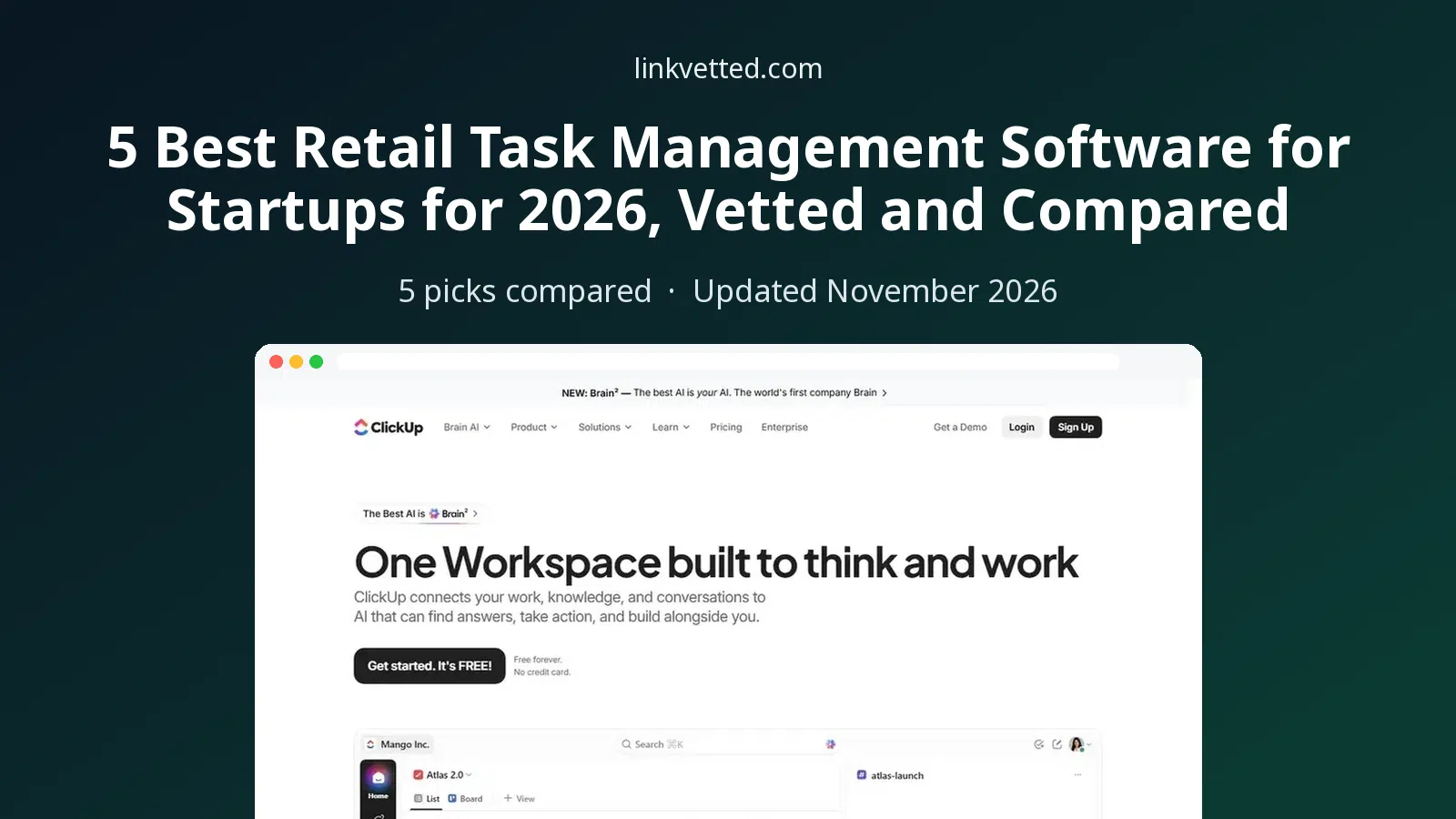
- Editor's choice
 Trello
Straightforward visual task boards
Starts at$5 per user a monthVisit trello.comFull review - Great alternative
 Airtable
Database-style retail task tracking
Starts at$20 per user a monthVisit airtable.comFull review - Also consider
 ClickUp
All-in-one productivity for lean teams
Starts at$9 per user a monthVisit clickup.comFull review
Direct answer
Trello is the first pick on this list for simple visual task boards. Listed starting prices: Trello from $5 per user a month, Airtable from $20 per user a month and ClickUp from $9 per user a month. Airtable is the stronger choice for database-style retail task tracking, while ClickUp suits all-in-one productivity for lean teams. Details, prices and limits for the rest of the 5 tools are below.
TL;DR:
- Trello is the opening pick, best for straightforward visual task boards.
- Free plans exist at 5 of 5 tools (Trello, Airtable, ClickUp, Monday.com, Asana).
- Asana suits structured task and project coordination.
- Before buying Trello, weigh this: restricted for complicated project tracking.
Last checked November 2026. Prices and plan details were read from the vendors' own pages in November 2026; vendors change plans often, so confirm the current price on the vendor site before you buy.
Quick comparison
| Tool | Best for | Starts at | Free plan? | |
|---|---|---|---|---|
| Trello | Straightforward visual task boards | $5 per user a month | Yes | Visit |
| Airtable | Database-style retail task tracking | $20 per user a month | Yes | Visit |
| ClickUp | All-in-one productivity for lean teams | $9 per user a month | Yes | Visit |
 Monday.com | Configurable boards for retail operations | $9 per seat a month | Yes | Visit |
 Asana | Structured task and project coordination | $10.99 per user per month | Yes | Visit |
The full retail task management software for startups list
LinkVetted put together this guide to retail task management software for startups for readers who want a clear shortlist without reading every vendor page. It compares 5 tools on starting price, free plans, who each one suits and where each one falls short.
Think of Trello for straightforward visual task boards. Trello helps teams capture, organize, and tackle to-dos from anywhere, with boards, cards, and an inbox. For everyday use, if you need more structure or automation, Asana or ClickUp could be better.
Honest limits: Fewer built-in automation choices.
As for the details, retail startups can use it for straightforward task tracking like store opening checklists, daily operations, and staff assignments. More specifically, Trello is less suited to complicated workflows, in-depth reporting, or database-style tracking, so expanding startups may outgrow it. In practice, choose Trello when simplicity and fast adoption are the priority. Price to start with Trello: $5 per user per month. You can start on Trello without paying.
- Mobile-friendly for on-the-go updates
- Quick to learn and use
- Limited for complicated project tracking
In short, Airtable is for database-style retail task tracking. Airtable lets teams build enterprise-ready AI workflows, apps, and agents, with live collaboration and automation. Choose Airtable when you need an adaptable database behind your retail operations.
On top of that, if you prefer a ready-made task tool, Trello or Asana may be quicker to adopt. For everyday use, Airtable needs thoughtful setup to structure data and may be more than a small team needs for entry-level task tracking. Worth adding: retail startups can produce a database for inventory, store tasks, or vendor tracking, then view the same data as a grid, calendar, or board. Price to start with Airtable: $20 per user per month. Airtable offers a free plan.
Honest limits: May be overkill for straightforward task lists.
- Automations for repetitive tasks
- Live collaboration
- Needs some setup to structure data
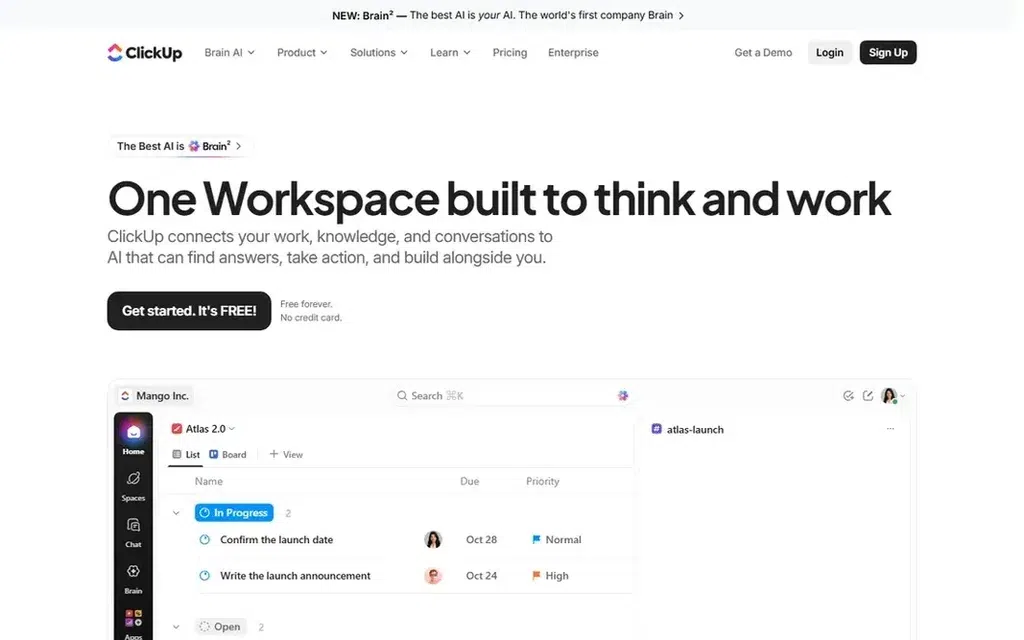
ClickUp works best for all-in-one productivity for lean teams. ClickUp is described as the everything app for work, combining tasks, docs, goals, and chat.
Downsides: Feature density can overwhelm beginners.
As for the details, for retail startups, this means you can track store tasks, document procedures, set goals, and communicate without switching tools. Price to start with ClickUp: $9 per user per month. ClickUp includes a free tier.
- Several views including lists and boards
- Tasks, docs, goals
- Initial setup needs thoughtful configuration
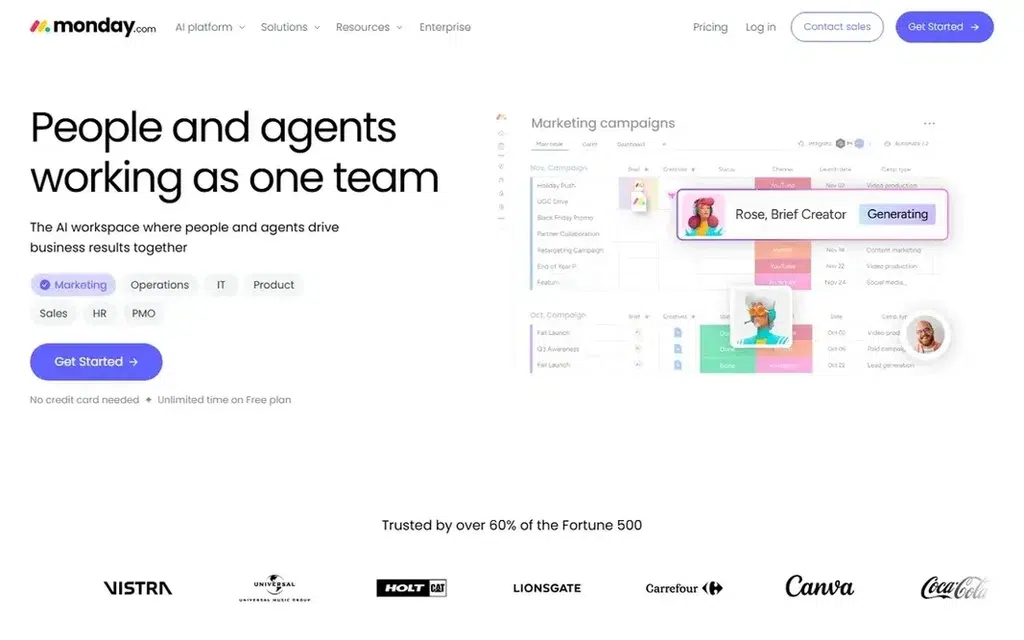
Monday.com makes the most sense for configurable boards for retail operations. Retail startups can build boards for merchandising, staffing, and launch checklists, then adjust columns and automations as needs change.
Trade-offs to know: May need admin time to keep boards tidy.
The adaptability of Monday.com can become a drawback if teams produce too plenty of boards without governance, so plan a straightforward structure early. The starting price for Monday.com: $9 per seat per month. Free access exists with Monday.com.
- AI agents assist with routine work
- Highly visual and configurable boards
- Customization can result in inconsistent setups
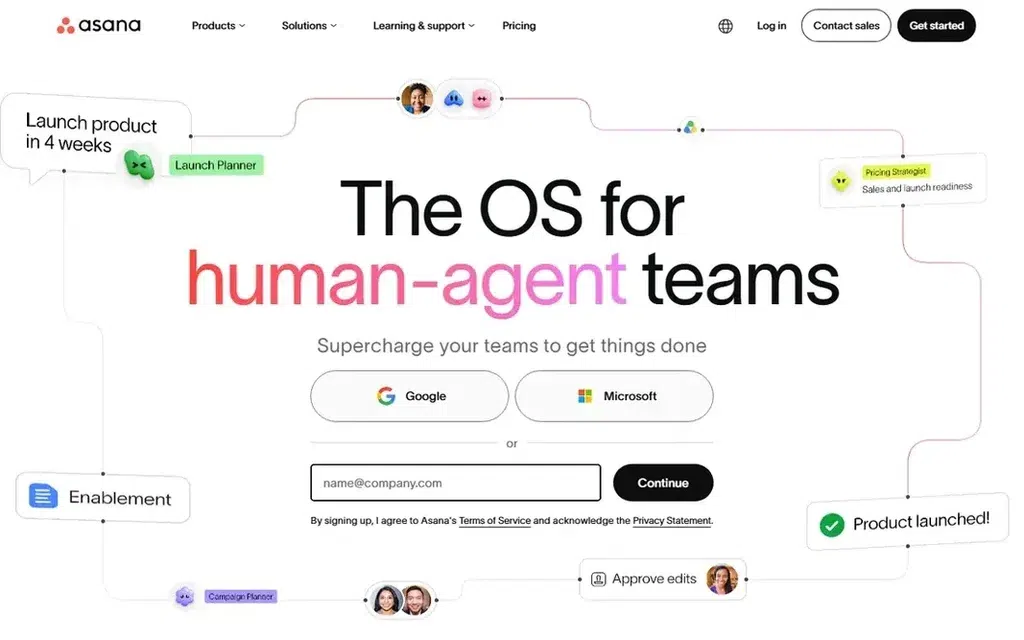
Where Asana fits: structured task and project coordination. Asana may feel heavy for very small teams that only need straightforward lists.
Trade-offs to know: Advanced features may overwhelm new users.
It is not designed as a database for in-depth inventory records. From a buyer's view, otherwise, Asana is a solid default for coordinating retail operations. What you pay to start with Asana: $10.99 per user per month. Asana has a free plan.
- Automation for recurring retail tasks
- Several project views for different workflows
- Less suited to database-style inventory tracking
How we compared the tools
The comparison looks at four things: starting price, free access, how well the feature set matches retail task management software for startups, and the main limit of each tool. Treat prices as a snapshot: vendors change plans often, so check the vendor site for the figure that applies today. We ordered the tools by general fit, then by how clearly pricing is shown, then by free access. A buyer with unusual needs may reorder them.
A buyer's checklist
- Confirm the entry price on the vendor page: Trello starts at $5 per user per month, but seat counts and billing terms change the total.
- Read the fine print on the free plans from Trello, Airtable, ClickUp and others; seat, project and feature caps differ.
- Before choosing Trello, weigh its main limit: restricted for complicated project tracking.
- Involve the people who will use Asana daily; a short pilot beats a long feature checklist.
- Ask ClickUp which support channels and response times come with the plan you would buy.
FAQ
What should a retail startup look for in task management software?
Look for clear task assignment, due dates, and a view that matches how your team works, like boards or lists. Retail startups also benefit from mobile access and automation for recurring tasks like inventory checks.
Do these tools publish their prices?
Yes. Every tool from Trello to Asana shows a starting price, though seats, add-ons and billing terms still change the final cost. Prices, free plan details and limits for all 5 tools in this retail task management software for startups roundup sit on the individual cards above.
How are the tools for retail task management software for startups ordered?
Trello sits first and Asana last because the order follows typical fit for retail task management software for startups, then price clarity and free access. It is a judgement call, so read each profile for fit and limits.
Which options for retail task management software for startups have a free plan?
On this list, Trello, Airtable, ClickUp, Monday.com and Asana include a free plan. Caps on seats, usage or features are common, so test the free plan against your real workload.
Can I try these tools before paying?
Often, yes. Trello, Airtable, ClickUp and others have a free plan. Use your own data and a real task during the test, and check what the free tier or trial limits before you rely on it.
Sources
- https://trello.com
- https://www.airtable.com
- https://clickup.com
- https://monday.com
- https://asana.com