Best Resource Utilization Reporting Software for PMOs in 2026: 6 Tools Compared
6 best resource utilization reporting software for PMOs, compared on pricing, free plans and best-fit use. Weaknesses are named for every tool. Pick by budget.
- Editor's choice
 Wrike
Controlled enterprise work delivery
Starts atSee websiteVisit wrike.comFull review - Great alternative
 ClickUp
Consolidating work in one app
Starts at$9 per user a monthVisit clickup.comFull review - Also consider
 Adobe Workfront
Enterprise PMOs centralizing resources
Starts atSee websiteVisit business.adobe.comFull review
Direct answer
Our first pick is Wrike, best for controlled enterprise work delivery. Listed starting prices: ClickUp from $9 per user a month, Smartsheet from $12 per Member/month and Monday.com from $9 per seat a month. If your case is different, ClickUp suits consolidating work in one app and Adobe Workfront suits enterprise PMOs centralizing resources. The remaining 3 options are covered below with prices and limits.
TL;DR:
- This list starts with Wrike, which is built for controlled enterprise work delivery.
- For the cheapest start, look at ClickUp: $9 per user per month.
- Only 3 of the 6 tools have a free plan (ClickUp, Monday.com, Asana), so check the caps.
- Asana suits cross-team workflow visibility.
- Check the limits for Smartsheet before you commit: advanced setups need admin effort.
Last checked November 2026. Prices and plan details were read from the vendors' own pages in November 2026; vendors change plans often, so confirm the current price on the vendor site before you buy.
Quick comparison
| Tool | Best for | Starts at | Free plan? | |
|---|---|---|---|---|
| Wrike | Controlled enterprise work delivery | See website | Not stated | Visit |
| ClickUp | Consolidating work in one app | $9 per user a month | Yes | Visit |
| Adobe Workfront | Enterprise PMOs centralizing resources | See website | Not stated | Visit |
 Smartsheet | Governed execution with visible reporting | $12 per Member/month | Not stated | Visit |
 Monday.com | AI-assisted workspace reporting | $9 per seat a month | Yes | Visit |
 Asana | Cross-team workflow visibility | $10.99 per user a month | Yes | Visit |
The best resource utilization reporting software for PMOs
LinkVetted put together this guide to resource utilization reporting software for PMOs for readers who want a clear shortlist without reading every vendor page. It compares 6 tools on starting price, free plans, who each one suits and where each one falls short.
In short, Wrike is for controlled enterprise work delivery. Wrike describes itself as an AI-powered enterprise work management product and a trusted work delivery system for people and AI, helping enterprises reach outcomes quicker without losing control of how work gets done. That control emphasis resonates with PMOs responsible for consistent process and reporting.
The main drawbacks: Control focus may add process overhead.
In practice, a control-oriented system can introduce process overhead, and reporting quality relies on how carefully work types and assignments are configured. In practice, teams seeking minimal administration may find it heavier than needed. Check the vendor site for Wrike pricing; none is listed in this comparison. As for free access: Not stated.
- Work delivery product for people and AI
- Emphasis on control over how work gets done
- Configuration affects reporting quality
ClickUp was built for consolidating work in one app. Breadth brings complexity, and utilization reporting relies on teams following shared conventions for tasks, goals and time-related fields.
Reasons to shortlist it: Wide feature set for varied teams.
Downsides: Breadth can complicate configuration. Without that discipline, views can diverge. ClickUp starts at: $9 per user per month. Free access exists with ClickUp.
- Tasks, docs
- Aims to maximize productivity
- Reporting consistency needs standards
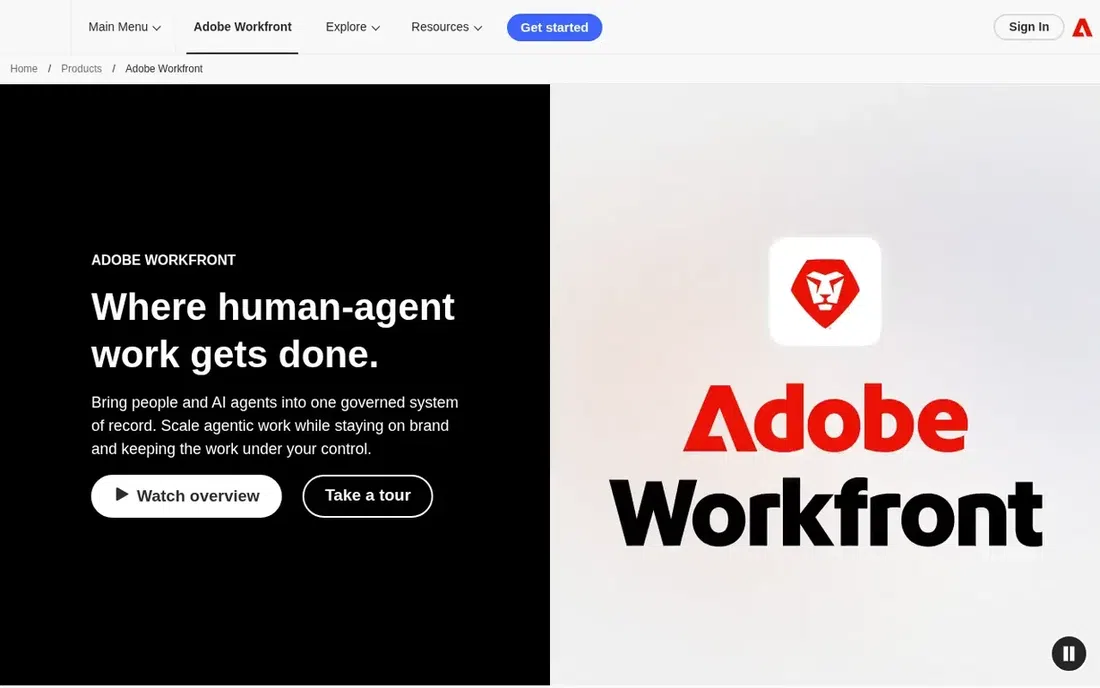
Adobe Workfront is a good fit for enterprise PMOs centralizing resources. For a PMO, that centralization matters since utilization reporting relies on consistent data about who is doing what. If your priority is light utilization views instead of a full work management backbone, a more straightforward tool may be the better fit.
Smaller PMOs or teams without dedicated administrators may find the depth unnecessary. Beyond that, the tradeoff is scope: a system designed for enterprise work management typically asks for configuration time and process discipline before reporting becomes reliable. Check the vendor site for Adobe Workfront pricing; none is listed in this comparison. Free access: Not stated.
Points against: Enterprise focus may overwhelm small teams.
- Supports human-agent collaboration
- Centralizes work and resource management
- Wide setup may need planning
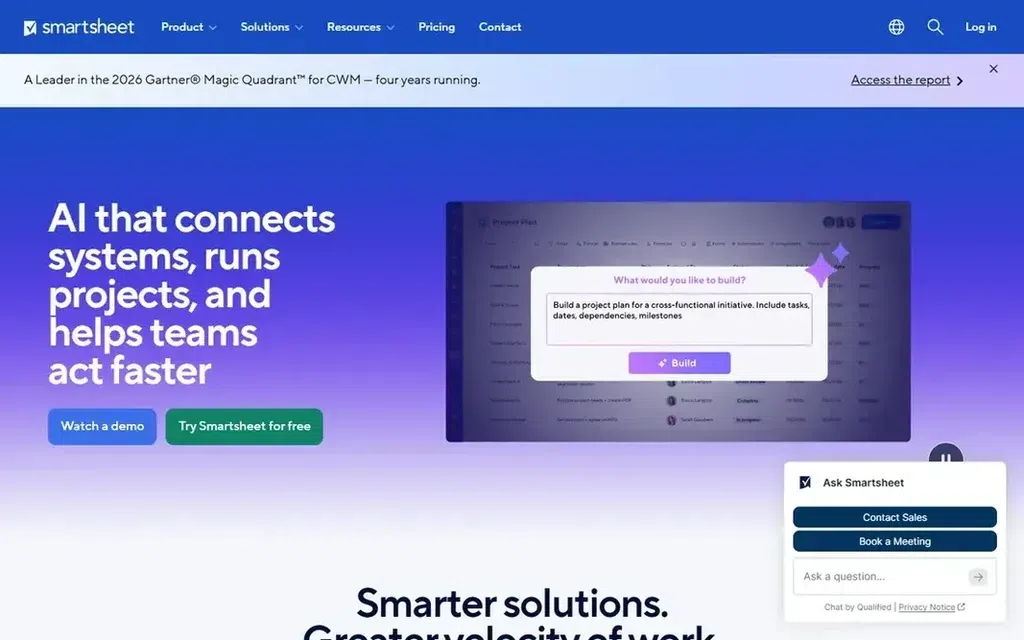
Smartsheet is a good fit for governed execution with visible reporting. Smartsheet describes itself as an execution hub where people and AI get work done together, with the governance and visibility enterprises need.
Watch-outs: Advanced setups need admin effort.
Beyond that, heavy customization may call for administrative support. On top of that, if you need reporting that emerges automatically from a tightly defined project model, a purpose-built work management system may suit you better. Smartsheet pricing: $12 per Member/month. As for free access: Not stated.
- Familiar spreadsheet-style structure
- Supports enterprise-scale coordination
- Reporting depth relies on structure
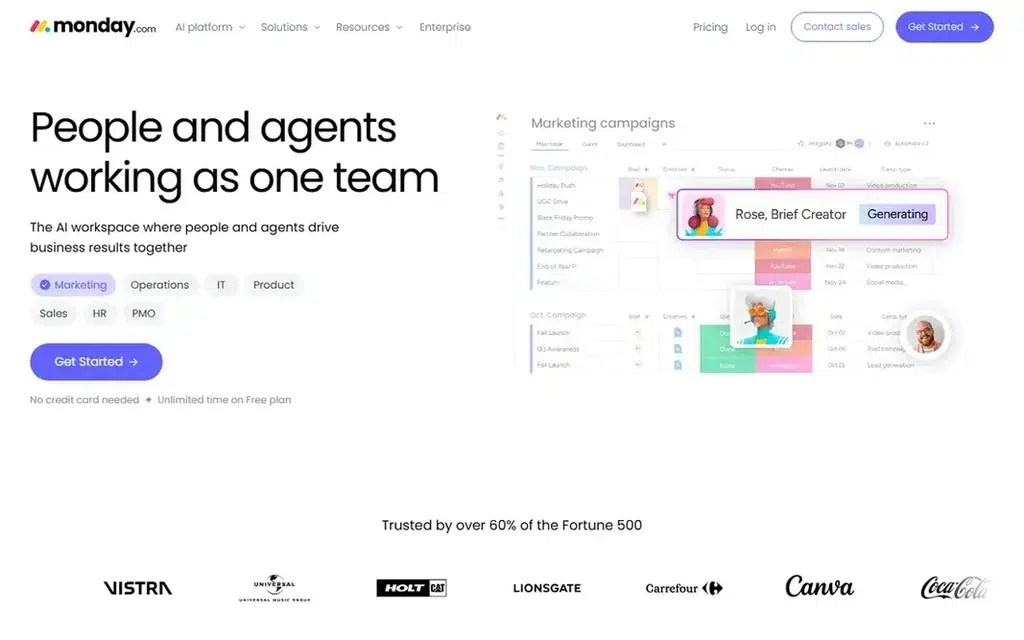
Where Monday.com fits: AI-assisted workspace reporting. Adaptability cuts both ways: when teams build their own boards, utilization reporting can become inconsistent except when the PMO sets standards.
Trade-offs to know: Adaptable structure needs governance.
Monday.com cost at the entry level: $9 per seat per month. Monday.com offers a free plan.
- One workspace for execution and operations
- Adaptable boards for varied teams
- Reporting consistency relies on setup
Asana is built with cross-team workflow visibility in mind. PMOs frequently use it to build a shared view of work across teams, which supports utilization conversations by showing where effort is committed.
What users get: Plan.
Points against: Resource depth varies by setup.
From a buyer's view, if you need deep, dedicated resource capacity modeling as the core function, a system built around resource management may be a more solid match. Asana cost at the entry level: $10.99 per user per month. Asana includes a free tier.
- Work management for teams and AI agents
- Clear cross-team work visibility
- Large portfolios need disciplined structure
How we compared the tools
We compared the tools on published pricing, free plan or trial availability, feature coverage for resource utilization reporting software for PMOs, and the limits each vendor documents. Seat minimums, billing terms and add-ons can move the real cost, so the starting prices here are a guide and not a quote. Position on the page reflects fit for a typical buyer first, with price clarity and free access breaking ties. Treat it as a guide, not a ruling.
What to confirm before you sign up
- Ask Wrike and Adobe Workfront for a written quote, since no starting price is shown.
- Read the fine print on the free plans from ClickUp, Monday.com and Asana; seat, project and feature caps differ.
- Read the limits listed for Wrike first: control focus may add process overhead.
- Run a one or two week pilot of Wrike with the people who will use it every day.
- Check how data leaves Monday.com: formats, limits and whether exports are available on every plan.
FAQ
Can I try these tools before paying?
Often, yes. ClickUp, Monday.com and Asana have a free plan. Use your own data and a real task during the test, and check what the free tier or trial limits before you rely on it. For the full picture, the cards above cover all 6 entries of this resource utilization reporting software for PMOs list, including price, free plan and limits.
Is Wrike the right pick for everyone comparing resource utilization reporting software for PMOs?
No single tool suits every team. Wrike comes first because it fits controlled enterprise work delivery, while ClickUp suits consolidating work in one app and Adobe Workfront suits enterprise PMOs centralizing resources. Match the tool to your own size, budget and workflow before deciding.
Can a PMO use Smartsheet or Asana for utilization reporting?
Yes, both can support utilization views when projects, owners and effort are recorded consistently. The key is setting shared conventions so reports stay comparable across teams.
Which resource utilization reporting software for PMOs have a free plan?
On this list, ClickUp, Monday.com and Asana include a free plan. Caps on seats, usage or features are common, so test the free plan against your real workload. Prices, free plan details and limits for all 6 tools in this resource utilization reporting software for PMOs roundup sit on the individual cards above.
What should a PMO look for in utilization reporting software?
Look for consistent capture of assignments and effort, report adaptability across portfolios, and governance that keeps data comparable between teams. Integration with existing project and finance systems also matters, since utilization reporting is only handy when it reflects real commitments.
What is the cheapest option for resource utilization reporting software for PMOs in this list?
On published monthly entry prices, ClickUp is the lowest here at $9 per user per month. Entry price is only part of the cost, because seats, add-ons and billing terms can change the total. Each of the 6 options in this resource utilization reporting software for PMOs guide has its own card above with the price, free plan and limits.
Sources
- https://www.wrike.com
- https://clickup.com
- https://business.adobe.com/products/workfront/main.html
- https://www.smartsheet.com
- https://monday.com
- https://asana.com