Best Resource Management Tools for IT Departments for 2026: Our 6 Vetted Picks
Searching for the best resource management tools for IT departments? Here are 6 options with prices and free plans. The catches are listed up front. No hype.
- Editor's choice
 Freshservice
Fast deployment with simple administration
Starts atPricing on requestVisit freshworks.comFull review - Great alternative
 Jira Service Management
Teams already using Atlassian tools
Starts atPricing on requestVisit atlassian.comFull review - Also consider
 SolarWinds Service Desk
Employee-facing service desk operations
Starts atPricing on requestVisit solarwinds.comFull review
Direct answer
This list puts Freshservice first for quick deployment with simple administration. Jira Service Management is better for teams already using Atlassian tools, and SolarWinds Service Desk is better for employee-facing service desk operations. Free plan facts and limits for all 6 tools follow. None of these vendors publish plan prices, so pricing is on request for every option.
TL;DR:
- Freshservice is the opening pick, best for fast deployment with simple administration.
- Neither Freshservice nor Cherwell Service Management, nor any of the other 4 tools, has a permanent free plan; trials and quotes are the norm.
- Every tool from Freshservice to Cherwell Service Management works by quote, with no list price shown.
- Cherwell Service Management fits automating routine IT tasks.
Last checked November 2026. Pricing on request: vendors did not publish plan prices when this guide was last checked (November 2026), so ask each vendor for a written quote.
Quick comparison
| Tool | Best for | Starts at | Free plan? | |
|---|---|---|---|---|
| Freshservice | Fast deployment with simple administration | Pricing on request | Not stated | Visit |
| Jira Service Management | Teams already using Atlassian tools | Pricing on request | Not stated | Visit |
| SolarWinds Service Desk | Employee-facing service desk operations | Pricing on request | Not stated | Visit |
 ServiceNow IT Service Management | ITIL-aligned enterprise service control | Pricing on request | Not stated | Visit |
| TeamDynamix | No-code ITSM with project management | Pricing on request | Not stated | Visit |
| Cherwell Service Management | Automating routine IT tasks | Pricing on request | Not stated | Visit |
The best resource management tools for IT departments
LinkVetted put together this guide to resource management tools for IT departments for readers who want a clear shortlist without reading every vendor page. It compares 6 tools on starting price, free plans, who each one suits and where each one falls short.
Freshservice targets fast deployment with simple administration. Teams that value a clean, approachable interface for staff.
Points against: Customization depth varies by need.
Departments with highly specialized processes should map requirements carefully before committing. Check the vendor site for Freshservice pricing; none is listed in this comparison. On free options: Not stated.
- AI-powered ITSM system
- Straightforward to use
- Enterprise features may need review
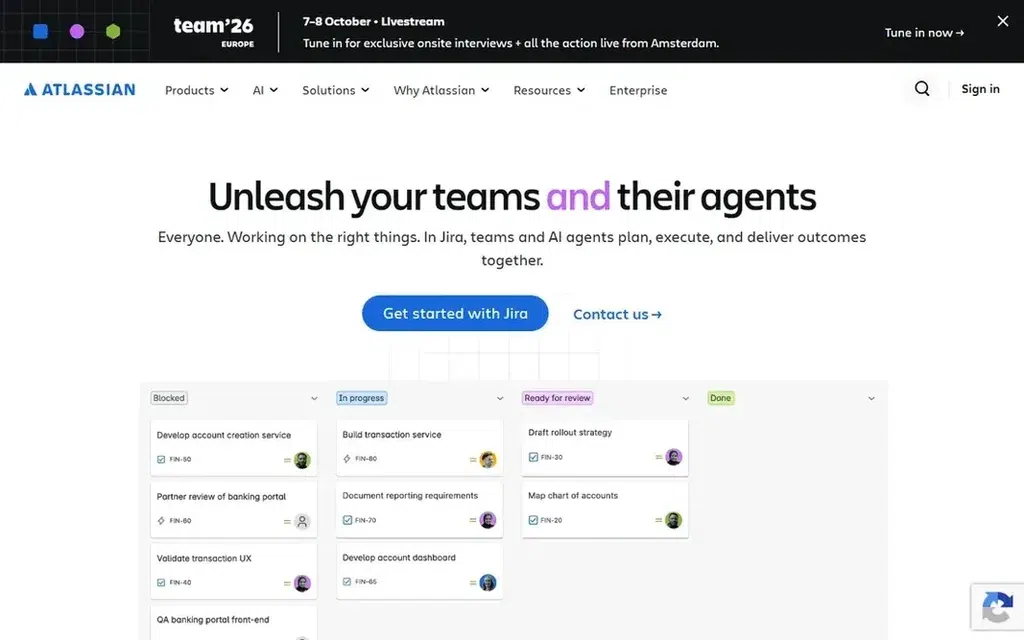
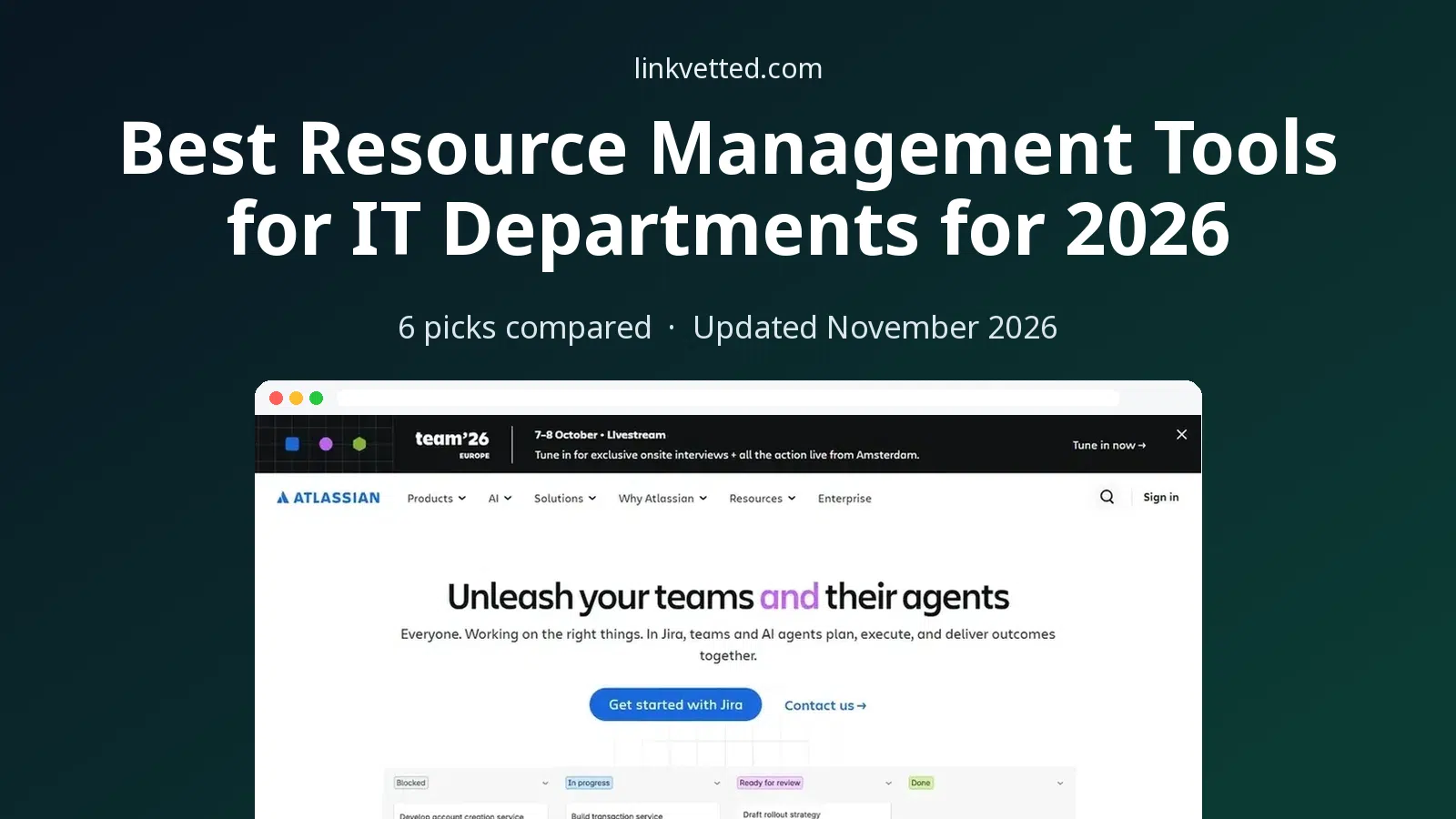
Where Jira Service Management fits: teams already using Atlassian tools. Jira Service Management delivers AI-powered ITSM for incident response, change management and request fulfillment.
Honest limits: Advanced setup takes planning.
In daily use, if you need a standalone ITSM system with no adjacent tooling, compare the other choices here. Beyond that, departments outside the Atlassian ecosystem may not gain the same benefit, and deeper configuration takes planning. Jira Service Management does not show a starting price in this comparison, so check the vendor site for current pricing. Free plan details: Not stated.
- Capable incident response support
- AI-powered ITSM capabilities
- Best value inside the Atlassian ecosystem
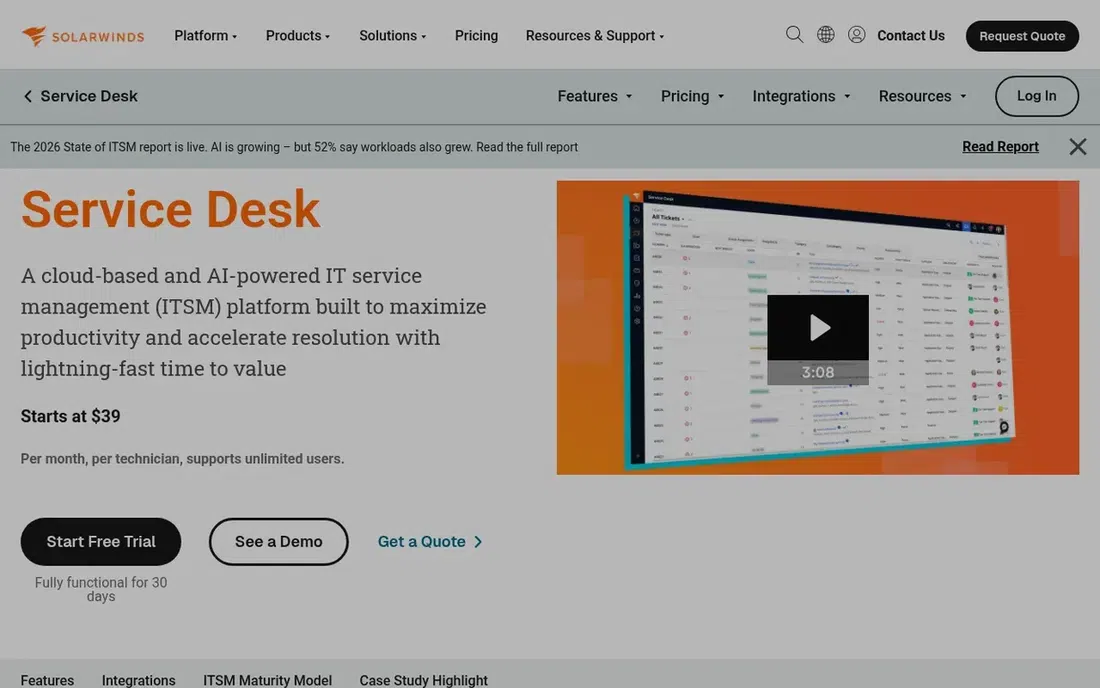
SolarWinds Service Desk is a good fit for employee-facing service desk operations. SolarWinds Service Desk is an ITSM option that understands what it takes to run employee services successfully.
Check the vendor site for SolarWinds Service Desk pricing; none is listed in this comparison. Free options: Not stated.
Watch-outs: Narrower than full product suites.
- Straightforward service desk scope
- Centred on employee services
- May need extras for asset depth
ServiceNow IT Service Management
Best for: ITIL-aligned enterprise service control
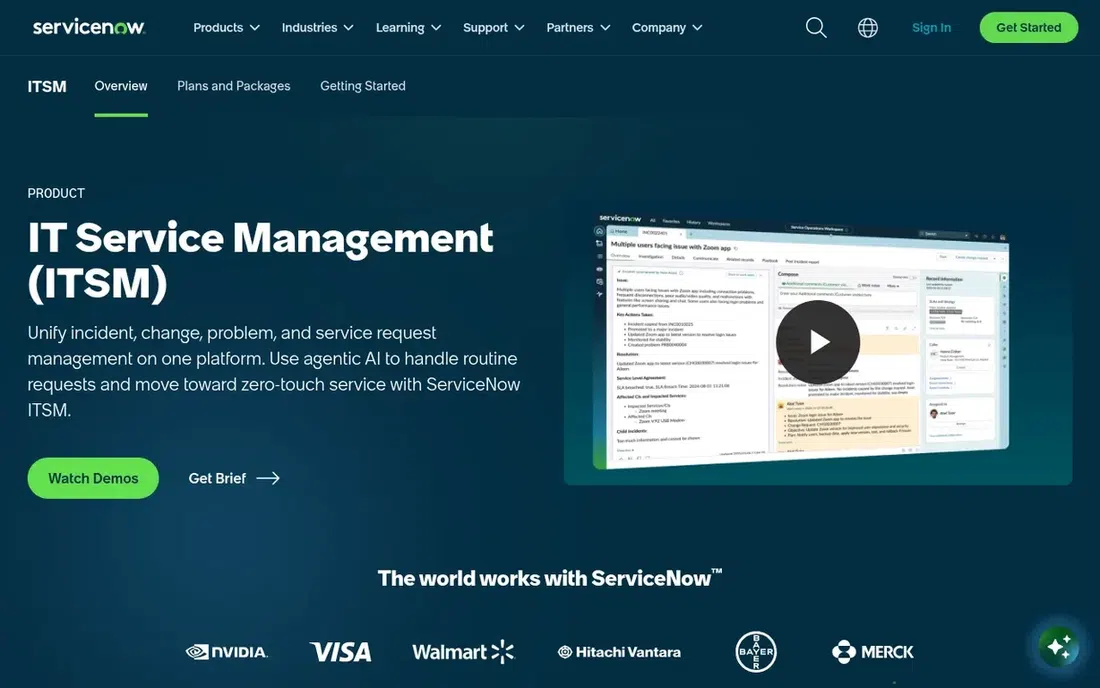
Pick ServiceNow IT Service Management if this describes you: ITIL-aligned enterprise service control. The breadth of the system means setup and continuing administration take real effort, so smaller teams may find it more than they need.
In daily use, ServiceNow IT Service Management is built around ITIL standards, including access and availability of services, service request fulfillment and simplified service delivery. No starting price is listed for ServiceNow IT Service Management here; confirm pricing on the vendor site. On free options: Not stated.
Where it falls short: Wide scope can feel heavy.
- Simplifies request fulfillment
- Handles access and service availability
- Configuration demands effort
TeamDynamix
Best for: No-code ITSM with project management
TeamDynamix makes the most sense for no-code ITSM with project management. The broad feature set means onboarding takes time and focus.
Limits to weigh: Wide feature set takes onboarding.
In practice, if your department only needs ticket handling, a more straightforward service desk may be a better match. TeamDynamix shows no starting price here, so confirm the cost on the vendor site. On free options: Not stated. What TeamDynamix does well: Merges ITSM, ITAM; Conversational AI included.
- PPM and iPaaS
- Codeless system
- Best fit for mixed service and project work
Cherwell Service Management
Best for: Automating routine IT tasks
Cherwell Service Management is a good fit for automating routine IT tasks. It suits teams looking to cut manual service work and provide staff more room for higher-value activity, notably where automation of typical processes is a priority.
Points against: Transition planning may be needed.
Because Cherwell is now part of Ivanti, buyers should confirm the current product direction and roadmap directly with the vendor. This comparison lists no price for Cherwell Service Management; ask the vendor. On free options: Not stated.
- Automates routine tasks
- Aims to boost response times
- Now part of Ivanti
Our selection method
For each of the 6 tools we noted price, free plan or trial, fit for resource management tools for IT departments and the main limit, using vendor pages and documentation. Seat minimums, billing terms and add-ons can move the real cost, so the starting prices here are a guide and not a quote. Tools are placed by general fit for resource management tools for IT departments, with price clarity and free access as tie-breakers. A different team can reasonably rank them differently.
Pre-purchase checklist
- Request quotes from Freshservice, Cherwell Service Management and the others; the list shows no fixed prices.
- Before choosing Freshservice, weigh its main limit: enterprise features may need review.
- Read the plan comparison for Cherwell Service Management carefully; key features often start on a higher tier.
- Involve the people who will use Jira Service Management daily; a short pilot beats a long feature checklist.
- Confirm minimum seats and billing terms with TeamDynamix before you commit to an annual plan.
FAQ
How are the tools for resource management tools for IT departments ordered?
The order follows typical fit for resource management tools for IT departments, with Freshservice first and Cherwell Service Management last, then price clarity and free access. It is editorial judgement, not a score, so another team could rank the tools differently.
Can I try these tools before paying?
Not by default. None of the tools, from Freshservice to Cherwell Service Management, lists a free plan or a free trial here, so ask each vendor for a demo before committing.
Do these tools publish their prices?
No. None of the tools, from Freshservice to Cherwell Service Management, shows a fixed starting price here, so budget time for quotes.
How do no-code systems fit into IT resource management?
No-code products for example TeamDynamix let departments adjust workflows without development work. That can accelerate changes, though onboarding still takes planning, particularly when service, asset and project features are combined.
Does any tool for resource management tools for IT departments here have a free plan?
A permanent free plan is not offered by Freshservice, Cherwell Service Management or the other tools here. Plan a short evaluation period instead.
Sources
- https://www.freshworks.com/freshservice
- https://www.atlassian.com/software/jira/service-management
- https://www.solarwinds.com/service-desk
- https://www.servicenow.com/products/itsm.html
- https://www.teamdynamix.com
- https://www.cherwell.com