6 Resource Allocation Software for IT Departments Worth Shortlisting in 2026
Compare 6 best resource allocation software for IT departments, with prices, free plans and who each fits. Plus the drawbacks of each tool. Refreshed for 2026.
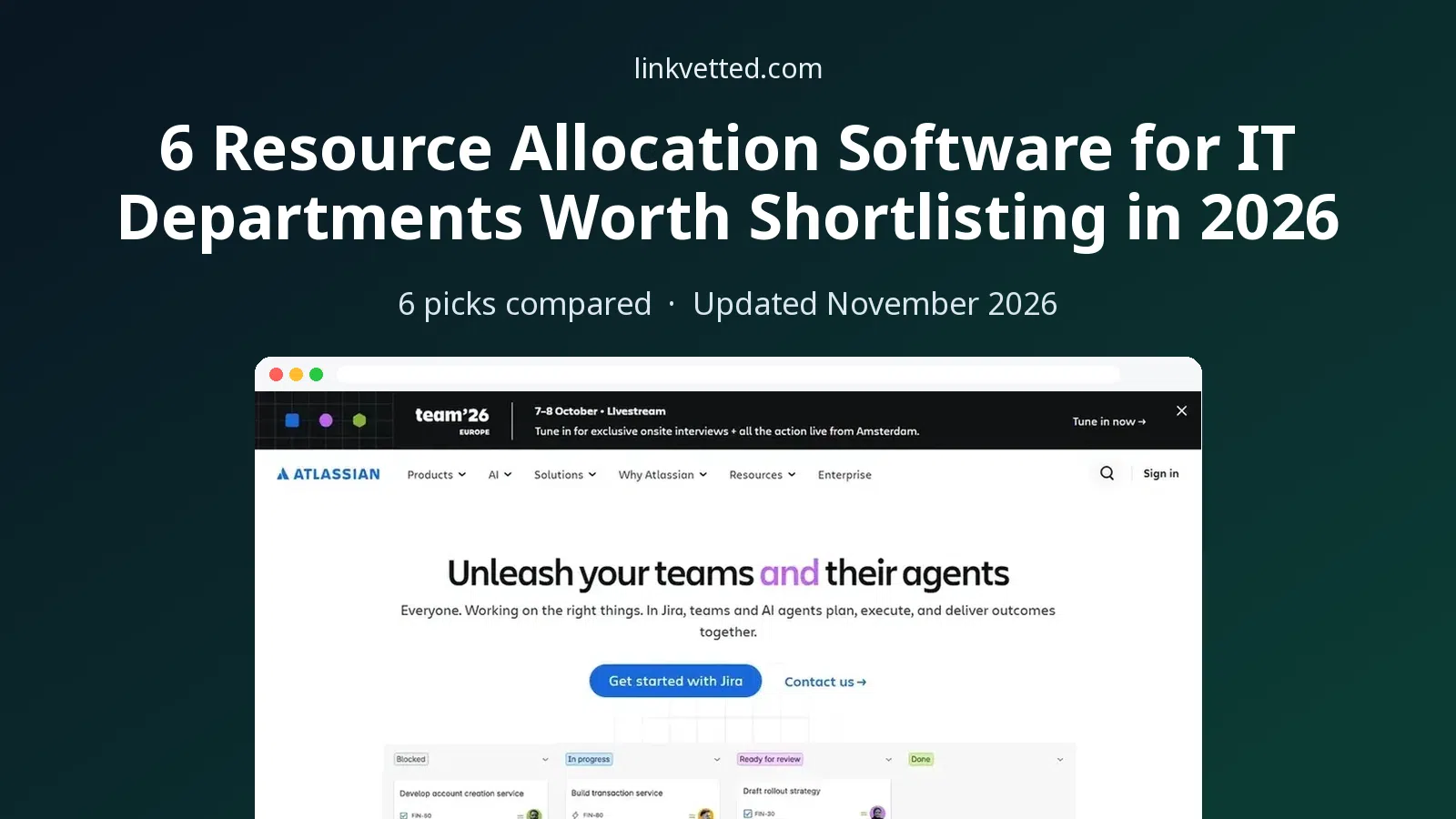
- Editor's choice
 Jira Service Management
Teams already working inside Atlassian
Starts atSee websiteVisit atlassian.comFull review - Great alternative
 Freshservice
Quick, approachable ITSM for expanding teams
Starts atSee websiteVisit freshworks.comFull review - Also considerSolarWinds Resource Manager
Hybrid IT observability and resource oversight
Starts at$2 per node a monthVisit solarwinds.comFull review
Direct answer
Our first pick is Jira Service Management, best for teams already working inside Atlassian. Listed starting prices: SolarWinds Resource Manager from $2 per node a month. Look at Freshservice for quick, approachable ITSM for expanding teams, and at SolarWinds Resource Manager for hybrid IT observability and resource oversight. The full list of 6 tools follows, with prices and free plan facts.
TL;DR:
- Jira Service Management is the opening pick, best for teams already working inside Atlassian.
- What to know about SolarWinds Resource Manager first: not a dedicated project staffing tool.
- Starting prices begin at $2 per node per month with SolarWinds Resource Manager.
- For combining ITSM, projects and asset management, TeamDynamix is worth a look.
Last checked November 2026. Prices and plan details were read from the vendors' own pages in November 2026; vendors change plans often, so confirm the current price on the vendor site before you buy.
Quick comparison
| Tool | Best for | Starts at | Free plan? | |
|---|---|---|---|---|
| Jira Service Management | Teams already working inside Atlassian | See website | Not stated | Visit |
| Freshservice | Quick, approachable ITSM for expanding teams | See website | Not stated | Visit |
| SolarWinds Resource Manager | Hybrid IT observability and resource oversight | $2 per node a month | Free trial | Visit |
 ServiceNow IT Service Management | ITIL-aligned enterprise service and workload planning | See website | Not stated | Visit |
 ManageEngine ServiceDesk Plus | Unified ITIL service desk with asset management | See website | Not stated | Visit |
| TeamDynamix | Combining ITSM, projects and asset management | See website | Not stated | Visit |
Resource Allocation Software for IT Departments, one by one
LinkVetted compared 6 resource allocation software for IT departments. The goal is a practical shortlist: published prices, free plan facts, best-fit use cases and honest limits for every entry.
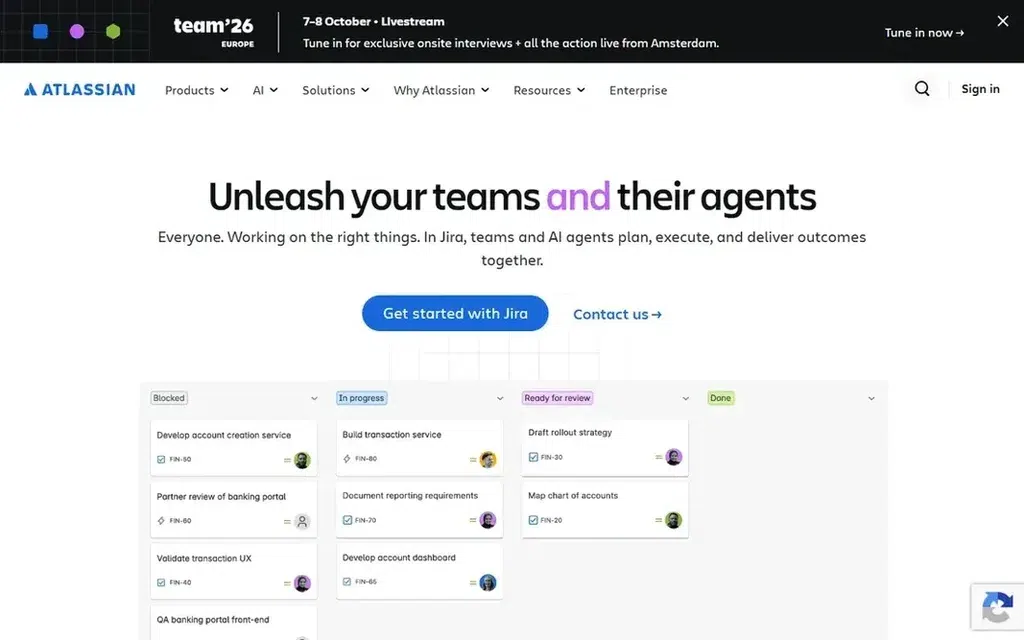
Choose Jira Service Management for teams already working inside Atlassian. It fits IT departments that already run development and project work in Atlassian tools, since service requests and engineering effort can be tracked in one connected environment.
Limits to weigh: Setup needs planning.
Organizations outside the Atlassian ecosystem may not gain the same benefit and could face more integration work. Jira Service Management does not show a starting price in this comparison, so check the vendor site for current pricing. Free options: Not stated.
- Capable incident and change workflows
- AI-powered ITSM capabilities
- Best value inside the Atlassian ecosystem
Freshservice was built for fast, approachable ITSM for expanding teams. Teams moving from shared inboxes or spreadsheets often find the transition manageable and can start routing and tracking work sooner.
What to check first: Deep customization may be restricted.
In daily use, organizations with highly complicated governance or deep custom workflows may find the system less adaptable than heavier alternatives. From a buyer's view, Freshservice is an AI-powered ITSM product positioned as fast to deploy and easy to use, with the goal of driving productivity and business impact. Freshservice shows no starting price here, so confirm the cost on the vendor site. Trial and free access: Not stated.
- Straightforward to use interface
- AI-powered service management
- Large enterprises may need more
SolarWinds Resource Manager
Best for: Hybrid IT observability and resource oversight
SolarWinds Resource Manager is designed for hybrid IT observability and resource oversight. For IT departments, that visibility supports allocation decisions around systems, monitoring effort and operational coverage.
The main drawbacks: Overlapping products need careful selection.
Product overlap across the portfolio means buyers should map needs before choosing. Worth adding: SolarWinds is not a project portfolio or staffing allocation system, so departments seeking demand planning across people and projects should look elsewhere or pair it with another tool. On cost, SolarWinds Resource Manager starts like this: $2 per node per month. Trial and free access: Free trial.
- Built for hybrid IT environments
- Observability and IT management in one vendor
- Not a dedicated project staffing tool
ServiceNow IT Service Management
Best for: ITIL-aligned enterprise service and workload planning
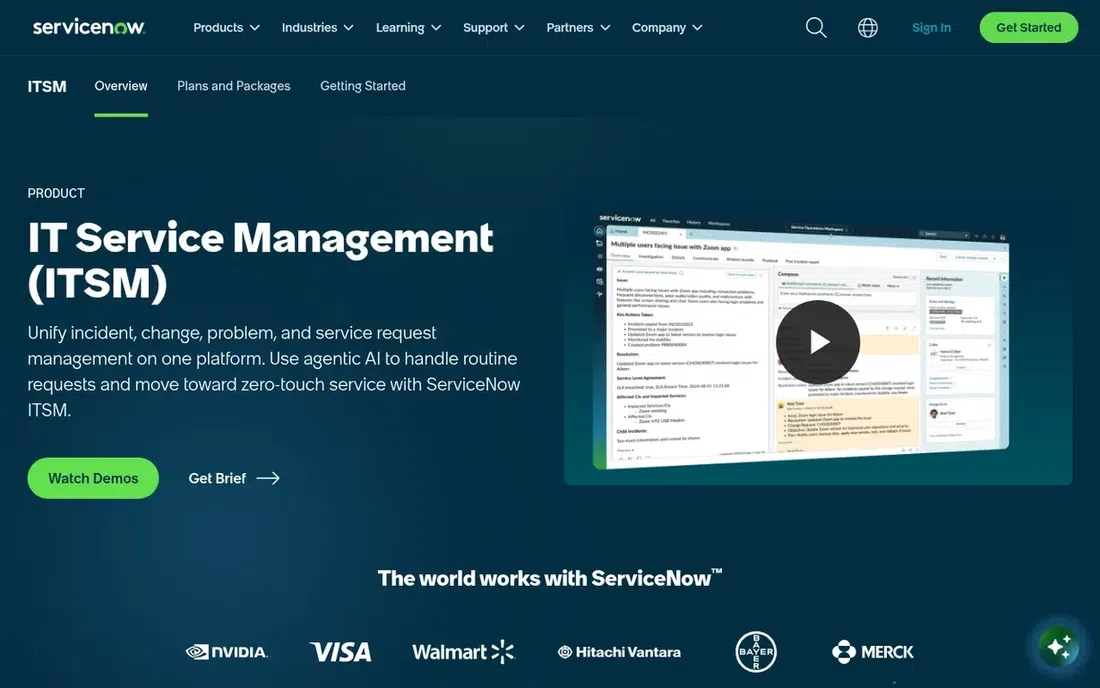
Pick ServiceNow IT Service Management if this describes you: ITIL-aligned enterprise service and workload planning. ServiceNow IT Service Management is a product for managing the access and availability of IT services, fulfilling service requests and simplifying service delivery in line with ITIL standards. The system carries real configuration overhead, so smaller teams may find it more structure than they need.
On top of that, choose ServiceNow when service governance and ITIL discipline are central to how work is assigned. Also, organizations with complicated approval paths and several service owners tend to get the most from it. This comparison lists no price for ServiceNow IT Service Management; ask the vendor. As for free access: Not stated.
Where it falls short: May exceed small-team needs.
- Simplifies service request fulfillment
- Aligns with ITIL standards
- Configuration can be heavy
ManageEngine ServiceDesk Plus
Best for: Unified ITIL service desk with asset management
Where ManageEngine ServiceDesk Plus fits: unified ITIL service desk with asset management. Departments wanting a minimal service desk may find it more than necessary.
Watch-outs: Interface can feel dense.
Best features of ManageEngine ServiceDesk Plus: ITAM and ESM unified.
In practice, the breadth of modules can make the interface feel dense, and teams should plan which areas to enable first. Mid-size teams frequently find the combined scope practical. No starting price is listed for ManageEngine ServiceDesk Plus here; confirm pricing on the vendor site. Free plan details: Not stated.
- ITSM
- Built on ITIL best practices
- Module overlap needs planning
TeamDynamix
Best for: Combining ITSM, projects and asset management
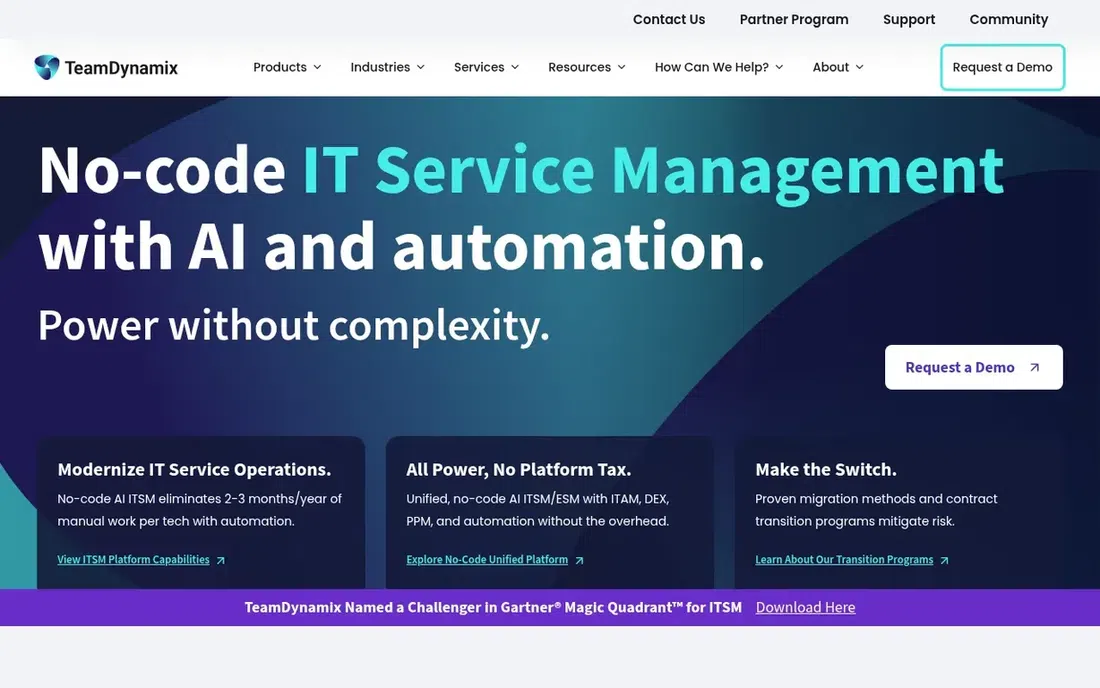
TeamDynamix is designed for combining ITSM, projects and asset management. Since the product spans multiple disciplines, adoption typically works better in phases than all at once.
Limits to weigh: Less known in some markets.
For everyday use, teams that only need an entry-level service desk may prefer a narrower tool. TeamDynamix does not show a starting price in this comparison, so check the vendor site for current pricing. Trial and free access: Not stated.
- Conversational AI included
- No-code configuration approach
- Wide scope may need phased rollout
How we compared the tools
We compared the tools on published pricing, free plan or trial availability, feature coverage for resource allocation software for IT departments, and the limits each vendor documents. Prices and plan limits come from vendor pages and can change, so confirm them on the vendor site before you buy. Tools are placed by general fit for resource allocation software for IT departments, with price clarity and free access as tie-breakers. A different team can reasonably rank them differently.
Questions to settle before buying
- Confirm the entry price on the vendor page. For Jira Service Management, Freshservice, ServiceNow IT Service Management and others that means a quote rather than a fixed price.
- Use real work to test the free trial from SolarWinds Resource Manager, rather than a demo project.
- Before choosing Jira Service Management, weigh its main limit: best value inside the Atlassian ecosystem.
- Make sure ManageEngine ServiceDesk Plus lets you export your data in a format another tool can read.
- Get the contract term, renewal terms and any onboarding fees from SolarWinds Resource Manager in writing.
FAQ
How should a small IT team choose between these products?
Start with the workflows you need on day one, like request fulfillment and asset tracking, then check how much administration each system demands. Freshservice and Jira Service Management are frequently considered for quicker starts.
What is the cheapest option for resource allocation software for IT departments in this list?
On published monthly entry prices, SolarWinds Resource Manager is the lowest here at $2 per node per month. Entry price is only part of the cost, because seats, add-ons and billing terms can change the total.
Do these tools publish their prices?
Not all of them. Jira Service Management, Freshservice, ServiceNow IT Service Management and others publish no starting price, so expect a quote request for those. The rest, SolarWinds Resource Manager included, show a starting price, though seats and billing terms still change the final cost.
How are the tools for resource allocation software for IT departments ordered?
Jira Service Management sits first and TeamDynamix last because the order follows typical fit for resource allocation software for IT departments, then price clarity and free access. It is a judgement call, so read each profile for fit and limits.
Is Jira Service Management the right pick for everyone comparing resource allocation software for IT departments?
No single tool suits every team. Jira Service Management comes first because it fits teams already working inside Atlassian, while Freshservice suits fast, approachable ITSM for growing teams and SolarWinds Resource Manager suits hybrid IT observability and resource oversight. Match the tool to your own size, budget and workflow before deciding.
What does resource allocation mean for an IT department?
It includes deciding how technicians, engineers and budget are assigned across incidents, service requests, projects and infrastructure work. Tools differ in whether they focus on service workflows, project portfolios or endpoint operations.
Sources
- https://www.atlassian.com/software/jira/service-management
- https://www.freshworks.com/freshservice
- https://www.solarwinds.com
- https://www.servicenow.com/products/itsm.html
- https://www.manageengine.com/products/service-desk
- https://www.teamdynamix.com