Best Reseller Hosting Platforms for Enterprise in 2026: 5 Tools Compared
5 products for the best reseller hosting platforms for enterprise, ranked by fit, with starting costs and free tiers. Pros and cons for every tool. Plain facts.
- Editor's choice
 InMotion Hosting
Managed reseller infrastructure
Starts atSee websiteVisit inmotionhosting.comFull review - Great alternativeWHMCS
Billing and client automation
Starts at$9.99 a monthVisit whmcs.comFull review - Also considerCloudLinux
Account isolation and server density
Starts at$7 per server a monthVisit cloudlinux.comFull review
Direct answer
InMotion Hosting comes first here, mainly for managed reseller infrastructure. Listed starting prices: WHMCS from $9.99 a month, CloudLinux from $7 per server a month and cPanel from $29.99 a month. For a different need, WHMCS covers billing and client automation and CloudLinux covers account isolation and server density. The remaining 2 options are covered below with prices and limits.
TL;DR:
- Number one here is InMotion Hosting, a fit for managed reseller infrastructure.
- Plesk suits multi-site server management dashboard.
- The lowest published monthly entry price here is $7 per server per month, from CloudLinux.
- Before buying CloudLinux, weigh this: brings a layer to run.
Last checked November 2026. Prices and plan details were read from the vendors' own pages in November 2026; vendors change plans often, so confirm the current price on the vendor site before you buy.
Quick comparison
| Tool | Best for | Starts at | Free plan? | |
|---|---|---|---|---|
| InMotion Hosting | Managed reseller infrastructure | See website | Not stated | Visit |
| WHMCS | Billing and client automation | $9.99 a month | Free trial | Visit |
| CloudLinux | Account isolation and server density | $7 per server a month | Free trial | Visit |
| cPanel | Control panel and account management | $29.99 a month | Free trial | Visit |
 Plesk | Multi-site server management dashboard | $15.57 a month | Free trial | Visit |
Reseller Hosting Platforms for Enterprise profiles
If you are comparing reseller hosting platforms for enterprise, this page covers 5 tools in one place: what each is best for, what it costs to start, whether it has a free plan, and the main limit to know about.
Choose InMotion Hosting for managed reseller infrastructure. Managed hosting means less direct control over the underlying server than a self-managed setup.
Trade-offs to know: Plan limits shape reseller scale.
Beyond that, if you need deep customization at the server level, a self-managed stack with cPanel or Plesk may suit you better. Pricing for InMotion Hosting is not stated here, so ask the vendor for current figures. As for free access: Not stated.
- Linux servers and WordPress choices
- Support available around the clock
- Less control than self-managed servers
WHMCS
Best for: Billing and client automation
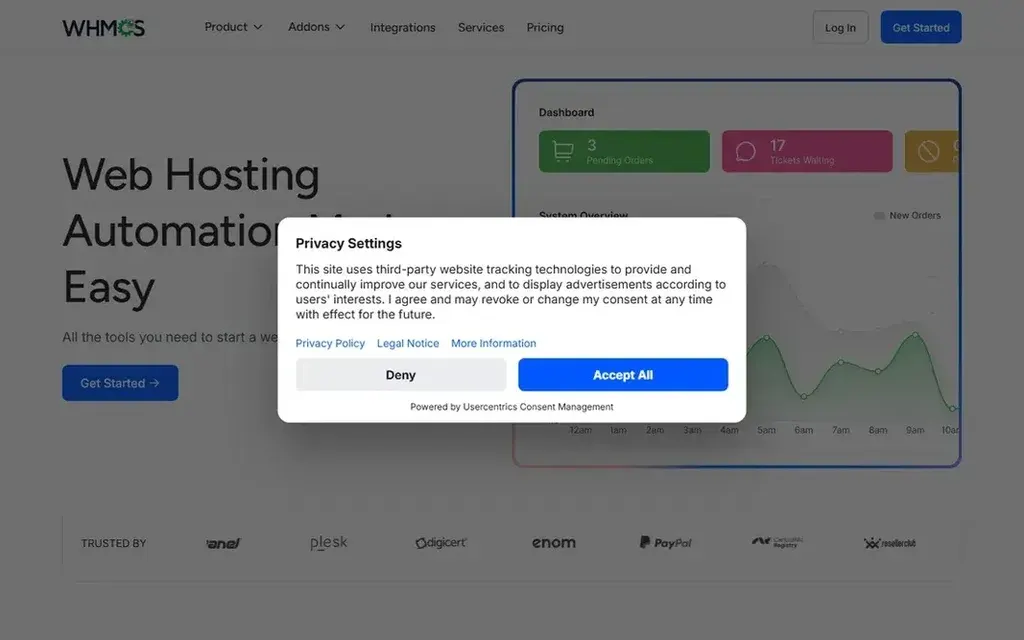
WHMCS works best for billing and client automation. Setup and customization need planning.
Where it is weaker: Configuration takes planning.
On top of that, if you only need a control panel without billing automation, a standalone panel is enough. Entry price for WHMCS: $9.99 per month. Trial and free access: Free trial.
- Central client management
- Automates billing and provisioning
- Best value alongside a control panel
CloudLinux
Best for: Account isolation and server density
CloudLinux makes the most sense for account isolation and server density. CloudLinux is an operating layer aimed at hosting firms that want to run more accounts per server safely. It gives you isolation between accounts so one tenant's load is less likely to affect others.
Where it is weaker: Not a control panel itself.
It brings an operating layer your team must manage. More specifically, if you run dedicated servers for single clients, the isolation benefits are less relevant. The starting price for CloudLinux: $7 per server per month. On free options: Free trial.
- Operating layer for shared environments
- Helps run more accounts per server
- Brings a layer to handle
cPanel
Best for: Control panel and account management
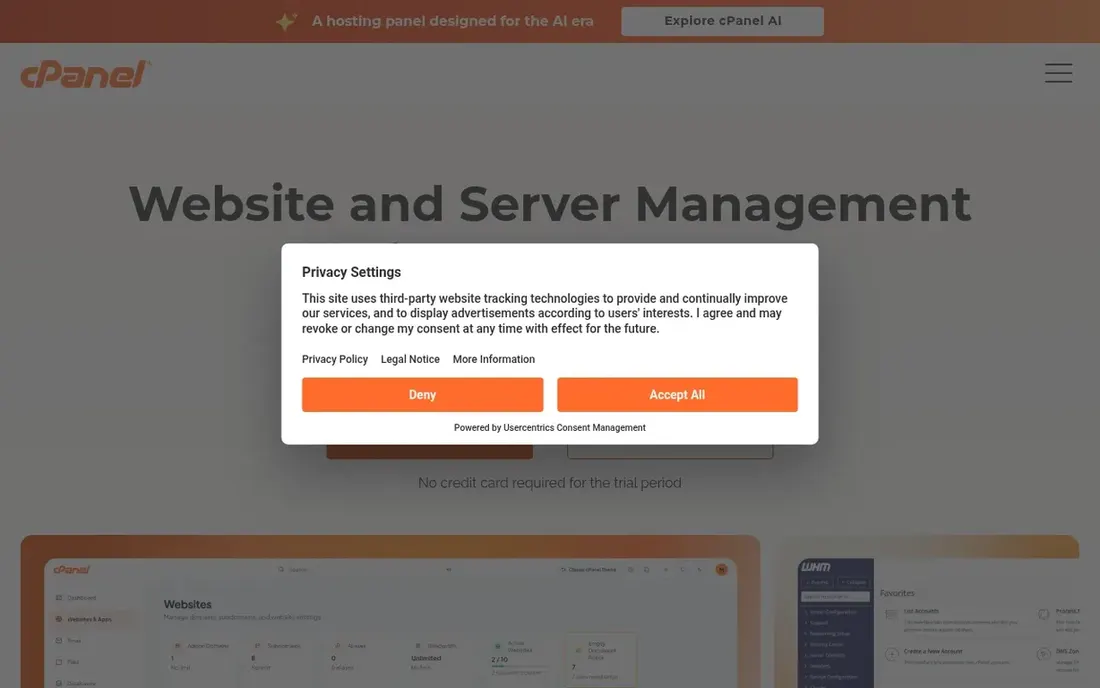
In short, cPanel is for control panel and account management. cPanel is a web hosting control panel paired with WHM for server and reseller management.
It provides clients a familiar interface for domains, email, databases and files, while WHM lets resellers build and oversee accounts. On top of that, licensing is an added layer in your stack. cPanel starts at: $29.99 per month. Free access: Free trial.
Trade-offs to know: Licensing layers on to stack cost.
- Widely recognized interface for clients
- WHM supports reseller account administration
- Needs server administration knowledge
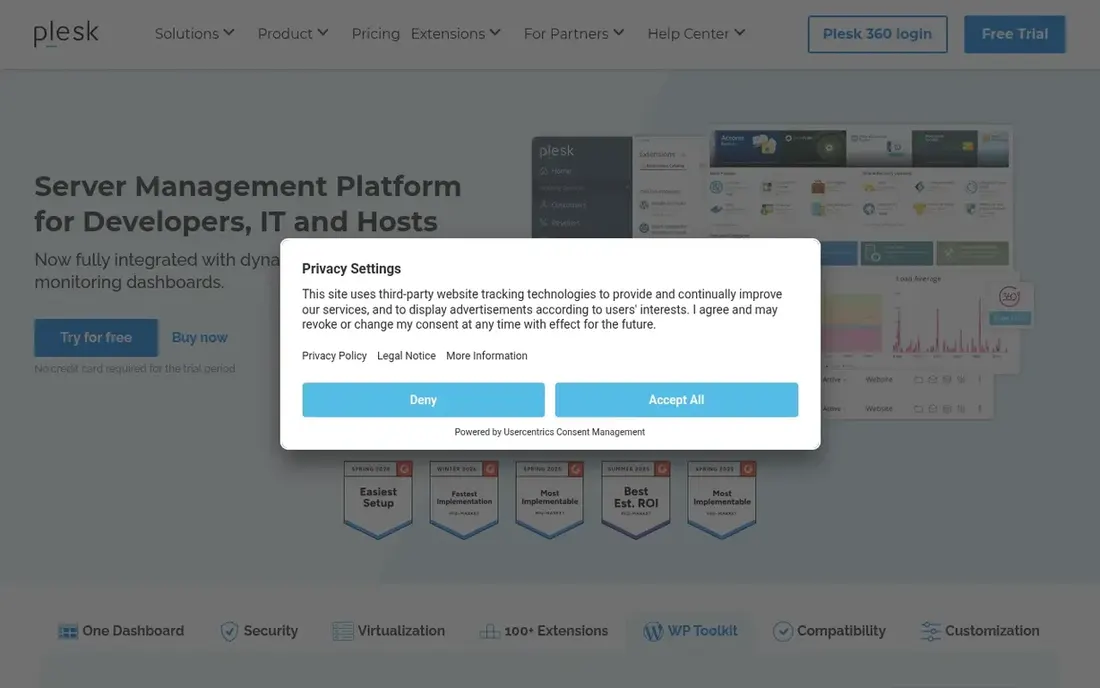
In short, Plesk is for multi-site server management dashboard. Plesk is a management layer instead of hosting infrastructure, so servers and support remain your responsibility.
If your team is standardized on cPanel workflows, staying with that panel may cut retraining. For everyday use, Plesk is a web hosting and server management system for managing websites, servers, security and WordPress from a single dashboard. The starting price for Plesk: $15.57 per month. Trial and free access: Free trial.
Downsides: Feature depth varies by edition.
- Servers and security in one place
- Handles sites
- Ramp-up time for advanced server tasks
How we compared the tools
The comparison looks at four things: starting price, free access, how well the feature set matches reseller hosting platforms for enterprise, and the main limit of each tool. Figures are shown as the vendors publish them. Billing terms, seat minimums and add-ons can change the real cost. The sequence is a judgement call: typical use case first, then pricing transparency, then free access. Use the profiles to check fit.
Pre-purchase checklist
- Confirm the entry price on the vendor page. For InMotion Hosting that means a quote rather than a fixed price.
- Take the trial from WHMCS, CloudLinux, cPanel and Plesk and push a live task through it before you pay.
- Read the limits listed for InMotion Hosting first: less control than self-managed servers.
- Before you load data into cPanel, check what an export looks like and who can run it.
- Work out what WHMCS costs with your real seat count, add-ons and usage, not just the entry price.
FAQ
What is the cheapest option for reseller hosting platforms for enterprise in this list?
On published monthly entry prices, CloudLinux is the lowest here at $7 per server per month. Entry price is only part of the cost, because seats, add-ons and billing terms can change the total. Prices, free plan details and limits for all 5 tools in this reseller hosting platforms for enterprise roundup sit on the individual cards above.
Does any tool for reseller hosting platforms for enterprise here have a free plan?
No tool in this list, InMotion Hosting and Plesk included, has a permanent free plan. WHMCS, CloudLinux, cPanel, Plesk offer a trial. Trials and quotes are the usual route, so plan a short evaluation period.
How do Plesk and cPanel compare for reseller management?
Plesk emphasizes an integrated dashboard with WordPress handling, whereas cPanel is widely recognized by clients and pairs with WHM. Evaluate based on client familiarity and the workflows your team already uses.
What does CloudLinux add to a reseller stack?
CloudLinux supplies an operating layer that isolates accounts so one tenant's activity is less likely to affect others. It is meant to help hosts run more accounts per server safely.
Do I need both cPanel and WHMCS for reseller hosting?
They serve different roles. cPanel with WHM runs accounts and server settings, whereas WHMCS takes care of billing, provisioning and support. Numerous resellers run both so client signup flows straight into account creation, but each can be used separately based on your needs.
Is InMotion Hosting the right pick for everyone comparing reseller hosting platforms for enterprise?
No single tool suits every team. InMotion Hosting comes first because it fits managed reseller infrastructure, while WHMCS suits billing and client automation and CloudLinux suits account isolation and server density. Match the tool to your own size, budget and workflow before deciding.
Sources
- https://www.inmotionhosting.com
- https://www.whmcs.com
- https://www.cloudlinux.com
- https://cpanel.net
- https://www.plesk.com