Top 5 Reporting Software for Startups for 2026 (Prices and Free Plans)
Searching for the best reporting software for startups? Here are 5 options with prices and free plans. Caveats come with every verdict. Updated for 2026.
- Editor's choice
 Domo
Governed data pipelines for AI agents
Starts atSee websiteVisit domo.comFull review - Great alternative
 Metabase
Open source analytics with verifiable answers
Starts at$90 a monthVisit metabase.comFull review - Also consider
 Looker Studio
Quick interactive dashboards and reports
Starts atSee websiteVisit lookerstudio.google.comFull review
Direct answer
If you need governed data pipelines for AI agents, Domo is the first tool to look at here. Listed starting prices: Metabase from $90 a month and Tableau from $15 per user a month. If your case is different, Metabase suits open source analytics with verifiable answers and Looker Studio suits fast interactive dashboards and reports. Details, prices and limits for the rest of the 5 tools are below.
TL;DR:
- Domo takes the first slot, best suited to governed data pipelines for AI agents.
- What to know about Tableau first: can feel complicated for beginners.
- Sigma Computing suits warehouse-native reporting and AI apps.
- Starting prices begin at $15 per user per month with Tableau.
- Tableau is the only tool of the 5 with a free plan.
Last checked November 2026. Prices and plan details were read from the vendors' own pages in November 2026; vendors change plans often, so confirm the current price on the vendor site before you buy.
Quick comparison
| Tool | Best for | Starts at | Free plan? | |
|---|---|---|---|---|
| Domo | Governed data pipelines for AI agents | See website | Free trial | Visit |
| Metabase | Open source analytics with verifiable answers | $90 a month | Free trial | Visit |
| Looker Studio | Quick interactive dashboards and reports | See website | Not stated | Visit |
 Tableau | Visual exploration across numerous data sources | $15 per user a month | Yes | Visit |
| Sigma Computing | Warehouse-native reporting and AI apps | See website | Free trial | Visit |
Reporting Software for Startups, one by one
Short on time? The summary and table above give the quick view of 5 reporting software for startups, and the profiles that follow give the detail behind each entry.
For governed data pipelines for AI agents, Domo is a natural candidate. It fits startups that want reporting tied to a broader data journey instead of a standalone dashboard layer.
As for the details, a lighter dashboard tool may be a better first step if your reporting needs are still straightforward. This comparison lists no price for Domo; ask the vendor. Trial and free access: Free trial.
Trade-offs to know: Wide product can be heavy.
- Links data from plenty of sources
- Supports AI and data products
- Needs data ownership clarity
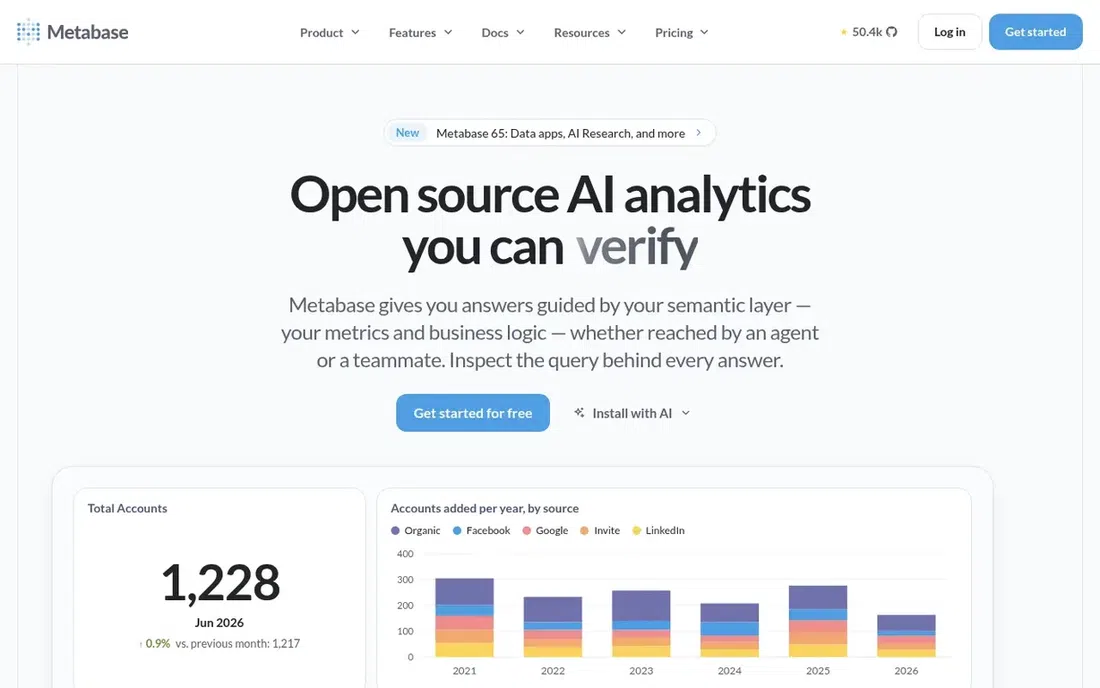
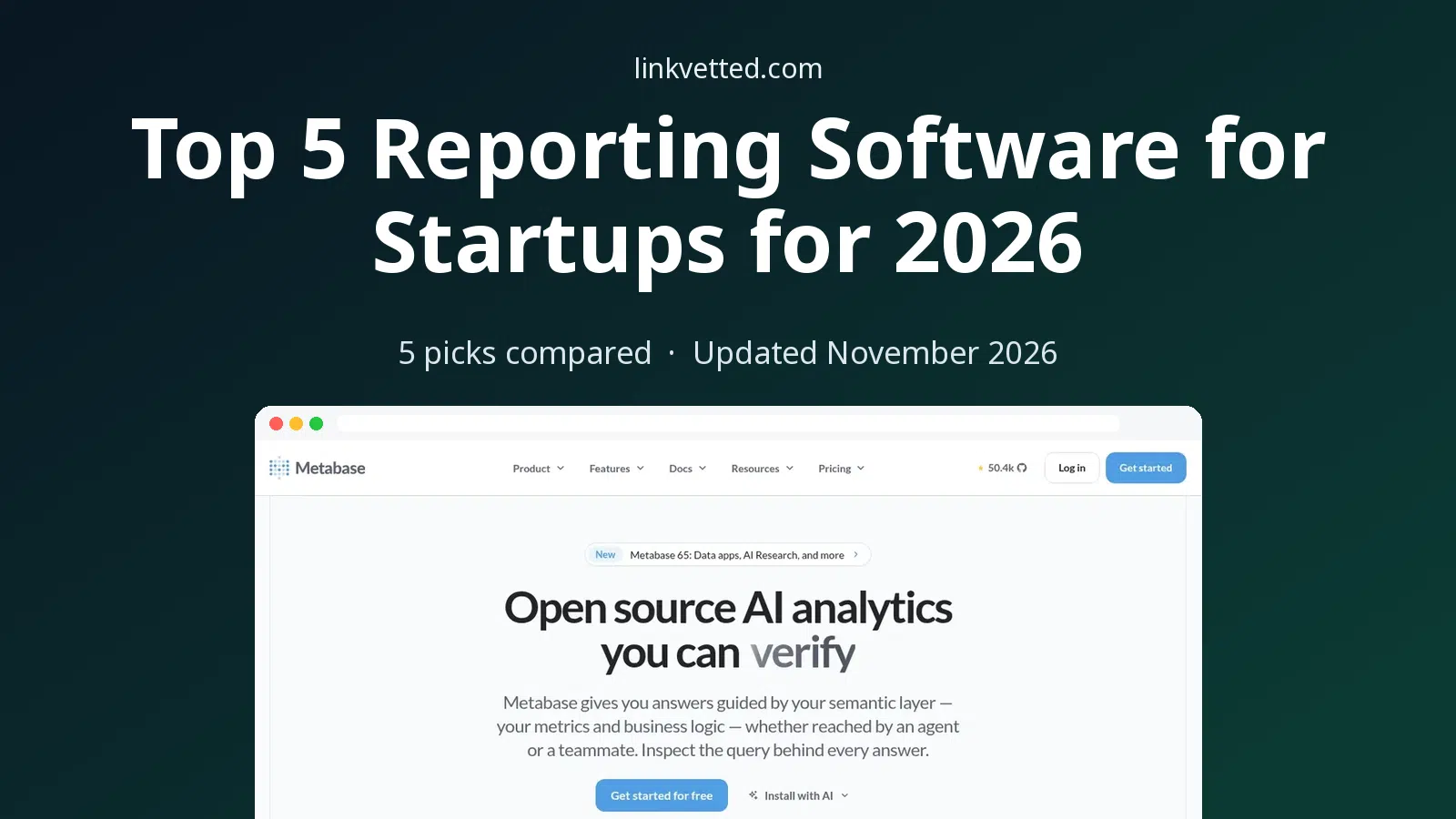
Metabase targets open source analytics with verifiable answers. Results rely on a well-defined semantic layer, so early setup and governance matter. From a buyer's view, Metabase is open source analytics software that grounds every answer in a semantic layer of metrics and business logic.
So users can inspect the query behind a result. That makes it a fit for startups that want self-serve reporting whereas keeping definitions consistent and answers traceable. What you pay to start with Metabase: $90 per month. Trial and free access: Free trial.
What to check first: Warehouse quality matters.
- Inspectable queries
- Open source foundation
- Advanced customization needs effort
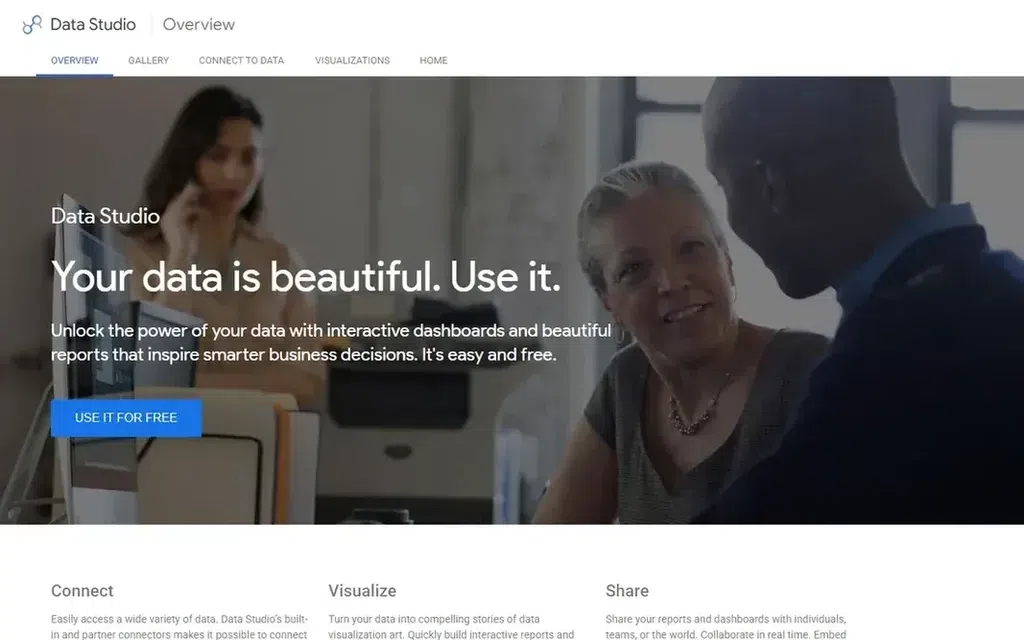
Looker Studio is aimed squarely at quick interactive dashboards and reports. Its strength is presentation and sharing rather than deep data preparation, so heavy transformation work may have to happen elsewhere.
Pick something else if your startup needs solid SQL workflows or governed semantic modeling as the core of reporting. No starting price is listed for Looker Studio here; confirm pricing on the vendor site. Free plan details: Not stated.
Where it falls short: Complicated joins can be awkward.
- Report sharing for business decisions
- Browser-based access
- Restricted advanced modeling depth
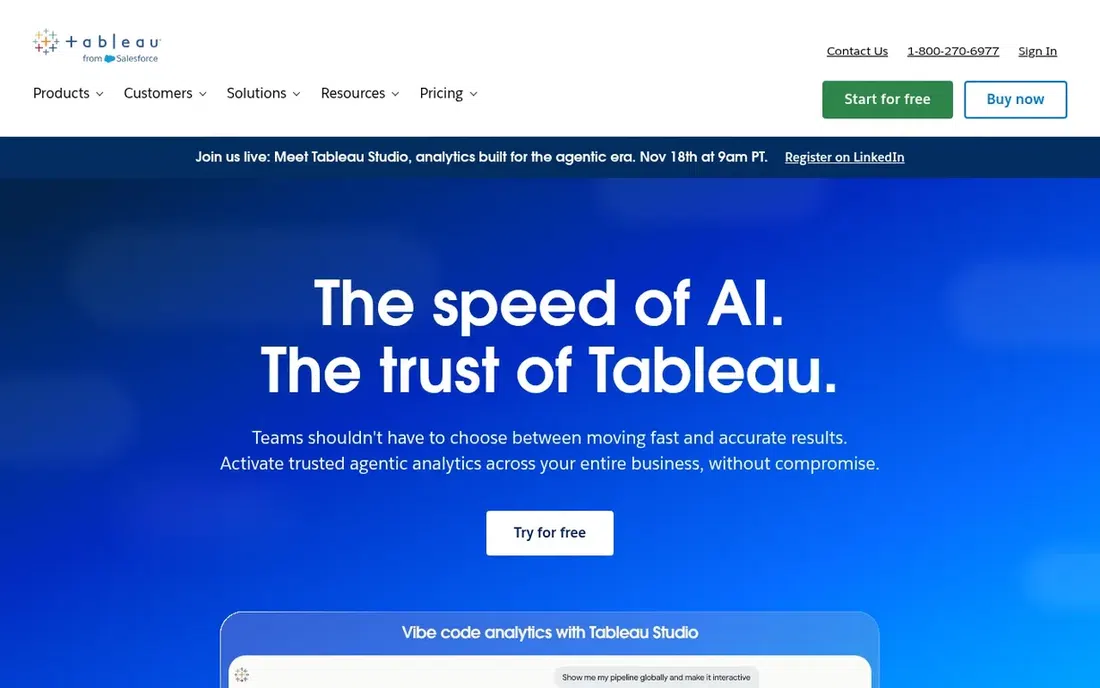
Tableau makes the most sense for visual exploration across plenty of data sources. Tableau is business intelligence and analytics software that helps people see and understand their data.
Beyond that, the breadth of choices can overwhelm small teams without dedicated analysts, and getting value relies on some data modeling discipline. On top of that, consider a more straightforward reporting tool if your startup primarily needs entry-level dashboards and quick sharing. Starting cost for Tableau: $15 per user per month. Free access exists with Tableau.
Trade-offs to know: Setup effort grows with scale.
- One-click sharing
- Links to numerous databases
- Can feel complicated for beginners
Sigma Computing
Best for: Warehouse-native reporting and AI apps
Sigma Computing is designed for warehouse-native reporting and AI apps. Sigma Computing is an AI runtime for business where teams build and run AI apps, dashboards and agents on governed warehouse data.
Limits to weigh: Broader system than entry-level reporting.
Worth adding: if you only need light dashboards, a more straightforward reporting tool could be a quicker starting point. Sigma Computing shows no starting price here, so confirm the cost on the vendor site. Trial and free access: Free trial.
- Spreadsheet-style interface
- Supports SQL and Python
- Depends on a governed warehouse
How these tools were picked
LinkVetted looked at what each vendor publishes: pricing, plan limits, feature coverage for reporting software for startups and stated drawbacks. No hands-on testing is claimed. Figures are shown as the vendors publish them. Billing terms, seat minimums and add-ons can change the real cost. The ranking is editorial: typical fit first, then clear pricing, then free access. If your needs are unusual, read the profiles rather than relying on position.
Pre-purchase checklist
- Ask Domo, Looker Studio and Sigma Computing for a written quote, since no starting price is shown.
- Look at the free plan from Tableau closely: its caps decide whether it is usable for real work.
- Use real work to test the free trial from Domo, Metabase and Sigma Computing, rather than a demo project.
- Read the limits listed for Domo first: wide system can be heavy.
- Check the integration list for Sigma Computing against the tools you run today, and note which ones need a higher plan.
- Confirm the exact Domo plan that includes your must-have features.
FAQ
Which options for reporting software for startups have a free plan?
Tableau is the only tool in this list with a free plan. Free plans usually cap users, projects or features, so check the limits on the vendor page. Several others offer a trial instead. All 5 picks in this reporting software for startups comparison list a starting price, free plan details and the main limits on their cards above.
What is the cheapest option for reporting software for startups in this list?
On published monthly entry prices, Tableau is the lowest here at $15 per user per month. Entry price is only part of the cost, because seats, add-ons and billing terms can change the total. For the full picture, the cards above cover all 5 entries of this reporting software for startups list, including price, free plan and limits.
Do these tools publish their prices?
Not all of them. Domo, Looker Studio and Sigma Computing publish no starting price, so expect a quote request for those. The rest, Metabase included, show a starting price, though seats and billing terms still change the final cost.
What should a startup look for in reporting software?
Start with the data sources you already use and how rapidly non-technical teammates can view dashboards. Then weigh how metric definitions are governed, since inconsistent numbers cause more problems than missing charts.
Can I try these tools before paying?
Often, yes. Tableau has a free plan and Domo, Metabase and Sigma Computing offer a free trial. Use your own data and a real task during the test, and check what the free tier or trial limits before you rely on it.
Sources
- https://www.domo.com
- https://www.metabase.com
- https://lookerstudio.google.com
- https://www.tableau.com
- https://www.sigmacomputing.com
Related guides
- Account-Based Analytics Software for Startups in 2026: The 5 Best Options Side by Side
- Best Product Analytics Tools for Startups in 2026: 8 Tools Compared
- Best Alternatives to Spreadsheet-Based Reporting (2026): 5 Picks Checked on Vendor Pages
- Top 5 ACA Reporting Software for 2026 (Prices and Free Plans)