Best Mobile Crash Reporting Software for Startups in 2026: Prices, Free Plans and 5 Picks
Compare 5 best mobile crash reporting software for startups, with prices, free plans and who each fits. Every tool lists pros and cons. Updated for 2026.
- Editor's choice
 Datadog
Unified cloud monitoring in one place
Starts at$8 per committer a monthVisit datadoghq.comFull review - Great alternative
 New Relic
Correlating telemetry across the stack
Starts at$10 per user a monthVisit newrelic.comFull review - Also consider
 AppDynamics
Enterprise-grade observability under Splunk
Starts at$6 per month, per CPU core, billed yearlyVisit appdynamics.comFull review
Direct answer
Datadog comes first here, mainly for unified cloud monitoring in one place. Listed starting prices: Datadog from $8 per committer a month, New Relic from $10 per user a month and AppDynamics from $6 per month, per CPU core, billed yearly. Look at New Relic for correlating telemetry across the stack, and at AppDynamics for enterprise-grade observability under Splunk. The other 2 tools in the list cover narrower or pricier cases.
TL;DR:
- This list starts with Datadog, which is built for unified cloud monitoring in one place.
- BugSnag suits error monitoring with performance insight.
- A free plan is available from 4 of the 5 tools: New Relic, AppDynamics, Sentry, BugSnag.
- For the cheapest start, look at AppDynamics: $6 per month, per CPU core, billed annually.
- Check the limits for AppDynamics before you commit: aimed at bigger, complicated environments.
Last checked November 2026. Prices and plan details were read from the vendors' own pages in November 2026; vendors change plans often, so confirm the current price on the vendor site before you buy.
Quick comparison
| Tool | Best for | Starts at | Free plan? | |
|---|---|---|---|---|
| Datadog | Unified cloud monitoring in one place | $8 per committer a month | Free trial | Visit |
| New Relic | Correlating telemetry across the stack | $10 per user a month | Yes | Visit |
| AppDynamics | Enterprise-grade observability under Splunk | $6 per month, per CPU core, billed yearly | Yes | Visit |
 Sentry | Developer-first error and performance tracking | $26 a month | Yes | Visit |
| BugSnag | Error monitoring with performance insight | See website | Yes | Visit |
Mobile Crash Reporting Software for Startups compared in detail
If you are comparing mobile crash reporting software for startups, this page covers 5 tools in one place: what each is best for, what it costs to start, whether it has a free plan, and the main limit to know about.
In short, Datadog is for unified cloud monitoring in one place. Choose Datadog when unified cloud monitoring across services is the goal and crash data should live alongside the rest of your metrics.
What to check first: Not positioned as mobile-crash-first.
Starting cost for Datadog: $8 per committer per month. Free plan details: Free trial.
- Metrics from apps
- Tools and services together
- Breadth can overwhelm small teams
Pick New Relic if this describes you: correlating telemetry across the stack. New Relic is a full observability product, so adopting it for crash reporting alone may be more than an early team needs. Beyond that, configuration and learning take effort.
The main drawbacks: Wide system can be complicated to start.
For everyday use, pick it when you want mobile and backend telemetry in one correlated view and are ready to invest in broader observability instead of a narrow crash tool. New Relic is an AI-powered observability product that correlates telemetry across your whole stack so teams can isolate root cause and cut mean time to resolution. What you pay to start with New Relic: $10 per user per month. Free access exists with New Relic.
- Aims to isolate root cause and cut MTTR
- AI-powered observability system
- More than a startup needs for crashes alone
AppDynamics targets enterprise-grade observability under Splunk. It emphasizes resilience of digital systems, proactive problem identification, root cause analysis and quick resolution. Beyond that, look to lighter tools first if your immediate need is just seeing and fixing mobile crashes.
More specifically, startups with complicated or fast-growing systems may value that depth once mobile crash data needs to link to wider operational health. It is best considered when observability is a strategic investment across many systems. Entry price for AppDynamics: $6 per month, per CPU core, billed annually. A free plan is available with AppDynamics.
Watch-outs: Geared toward bigger, complicated environments.
- Unified observability across environments and stacks
- Proactive problem identification
- Heavier than a startup crash tool
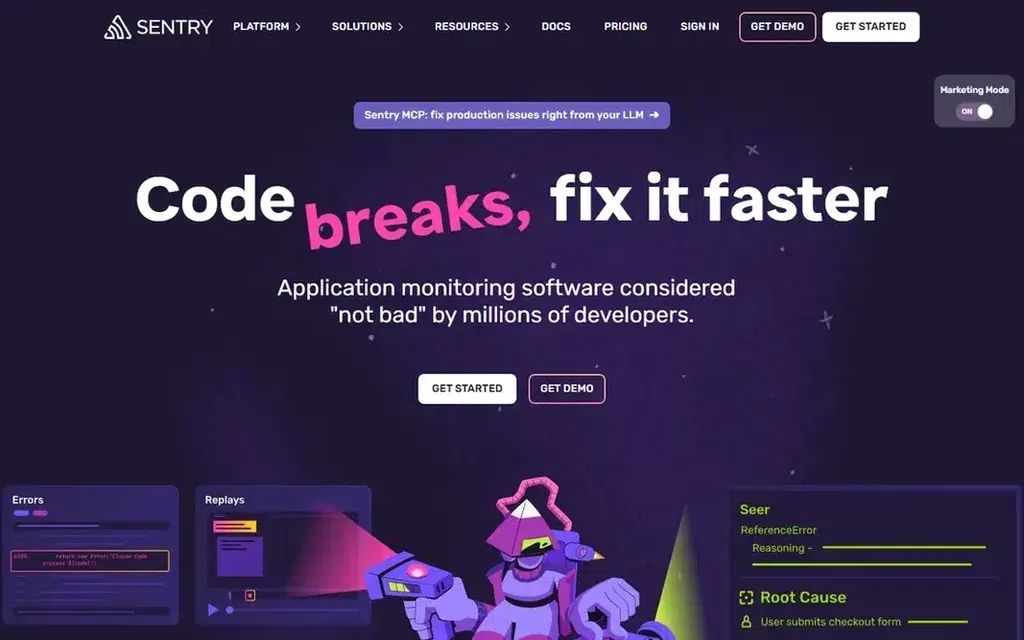
Sentry targets developer-first error and performance tracking. Sentry is an application performance monitoring and error tracking system geared toward developers and software teams.
Drawbacks to consider: Setup depth varies by framework.
Its stated goal is to help teams see errors more plainly and solve issues quicker whereas continuing to learn. Sentry cost at the entry level: $26 per month. You can start on Sentry without paying.
- Error tracking paired with performance monitoring
- Aimed at software teams and developers
- Wide system may feel heavy for tiny teams
BugSnag
Best for: Error monitoring with performance insight
In short, BugSnag is for error monitoring with performance insight. For a startup, it is a focused way to watch errors and performance together without adopting a whole enterprise observability stack, and it suits teams that want a clear error workflow as the app grows.
Points against: Less emphasis on mobile-only workflows.
Its mobile story is solid but less specialized than mobile-only choices. This comparison lists no price for BugSnag; ask the vendor. BugSnag includes a free tier.
- Error monitoring for applications
- Live analysis and optimization
- Overlaps with broader observability suites
How we chose
Questions to settle before buying
- Confirm the entry price on the vendor page. For BugSnag that means a quote rather than a fixed price.
- Look at free plan limits closely: New Relic, AppDynamics, Sentry and BugSnag have one, and the caps decide whether it is usable for real work.
- Use real work to test the free trial from Datadog, rather than a demo project.
- Before choosing Datadog, weigh its main limit: breadth can overwhelm small teams.
- Confirm you can export your data from AppDynamics, so leaving later does not mean losing records.
- Test the integrations you rely on with Datadog before committing; some connectors sit on upper tiers.
FAQ
Which options for mobile crash reporting software for startups have a free plan?
On this list, New Relic, AppDynamics, Sentry and BugSnag include a free plan. Caps on seats, usage or features are common, so test the free plan against your real workload. One other tool offers a trial instead.
Is Datadog the right pick for everyone comparing mobile crash reporting software for startups?
No single tool suits every team. Datadog comes first because it fits unified cloud monitoring in one place, while New Relic suits correlating telemetry across the stack and AppDynamics suits enterprise-grade observability under Splunk. Match the tool to your own size, budget and workflow before deciding.
What is the cheapest option for mobile crash reporting software for startups in this list?
On published monthly entry prices, AppDynamics is the lowest here at $6 per month, per CPU core, billed annually. Entry price is only part of the cost, because seats, add-ons and billing terms can change the total. All 5 picks in this mobile Crash reporting software for startups comparison list a starting price, free plan details and the main limits on their cards above.
Do these tools publish their prices?
Not all of them. BugSnag publishes no starting price, so expect a quote request for it. The rest, Datadog included, show a starting price, though seats and billing terms still change the final cost.
Sources
- https://www.datadoghq.com
- https://newrelic.com
- https://www.appdynamics.com
- https://sentry.io
- https://www.bugsnag.com