Best NAS Data Recovery Software in 2026: Prices, Free Plans and 5 Picks
5 products for the best NAS data recovery software, ranked by fit, with starting costs and free tiers. Honest caveats for every entry. Skim the table first.
- Editor's choiceEaseUS Data Recovery Wizard
Straightforward guided recovery workflow
Starts at$19.90 a monthVisit easeus.comFull review - Great alternativeUFS Explorer
Complicated and varied recovery cases
Starts atSee websiteVisit ufsexplorer.comFull review - Also consider
 Disk Drill
Mac and mobile device recovery
Starts atSee websiteVisit cleverfiles.comFull review
Direct answer
For straightforward guided recovery workflow, EaseUS Data Recovery Wizard is where this list starts. Listed starting prices: EaseUS Data Recovery Wizard from $19.90 a month. If your case is different, UFS Explorer suits complicated and varied recovery cases and Disk Drill suits Mac and mobile device recovery. All 5 tools are compared below on price, free plan and limits.
TL;DR:
- The list opens with EaseUS Data Recovery Wizard, aimed at straightforward guided recovery workflow.
- Check the limits for Disk Drill before you commit: Windows feature set differs from Mac.
- Ontrack EasyRecovery suits Recovery backed by lab services.
- None of the 5 tools, from EaseUS Data Recovery Wizard to Ontrack EasyRecovery, has a free plan, so budget for a subscription or use a trial.
Last checked November 2026. Prices and plan details were read from the vendors' own pages in November 2026; vendors change plans often, so confirm the current price on the vendor site before you buy.
Quick comparison
| Tool | Best for | Starts at | Free plan? | |
|---|---|---|---|---|
| EaseUS Data Recovery Wizard | Straightforward guided recovery workflow | $19.90 a month | Not stated | Visit |
| UFS Explorer | Complicated and varied recovery cases | See website | Not stated | Visit |
| Disk Drill | Mac and mobile device recovery | See website | Not stated | Visit |
 Stellar Data Recovery | All-around recovery and repair suite | See website | Not stated | Visit |
| Ontrack EasyRecovery | Recovery backed by lab services | See website | Not stated | Visit |
The full NAS data recovery software list
If you are comparing NAS data recovery software, this page covers 5 tools in one place: what each is best for, what it costs to start, whether it has a free plan, and the main limit to know about.
EaseUS Data Recovery Wizard
Best for: Straightforward guided recovery workflow
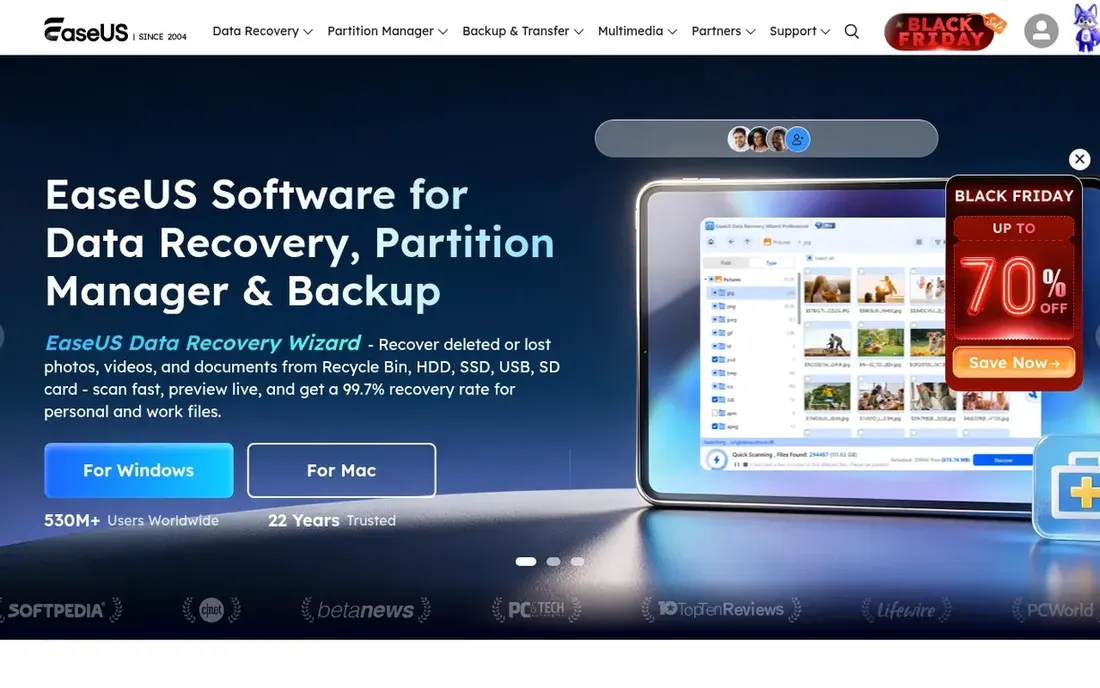
EaseUS Data Recovery Wizard is aimed squarely at straightforward guided recovery workflow. EaseUS Data Recovery Wizard is part of a wider utility lineup that bundles backup, partition management, and data transfer.
Trade-offs to know: Deep RAID support is restricted.
Also, for a NAS that presents a standard volume or share, the wizard approach can be enough to preview and restore files. Worth adding: if your volume is intact but files are missing, it is a sensible choice. The starting price for EaseUS Data Recovery Wizard: $19.90 per month. Free plan details: Not stated.
- Also provides backup and partition tools
- Clean
- Some recovery choices are edition-specific
UFS Explorer
Best for: Complicated and varied recovery cases
UFS Explorer targets complicated and varied recovery cases. UFS Explorer is sophisticated recovery software that the vendor says has proven efficient in numerous data loss cases of varying complexity and on several systems.
Where it is weaker: Professional orientation.
The tool is frequently chosen when standard recovery software cannot interpret a volume. Its professional focus means a ramp-up time and a feature set beyond casual needs. UFS Explorer does not show a starting price in this comparison, so check the vendor site for current pricing. On free options: Not stated.
- Capable support for non-standard file systems
- Designed for cases of different complexity
- Feature depth can overwhelm new users
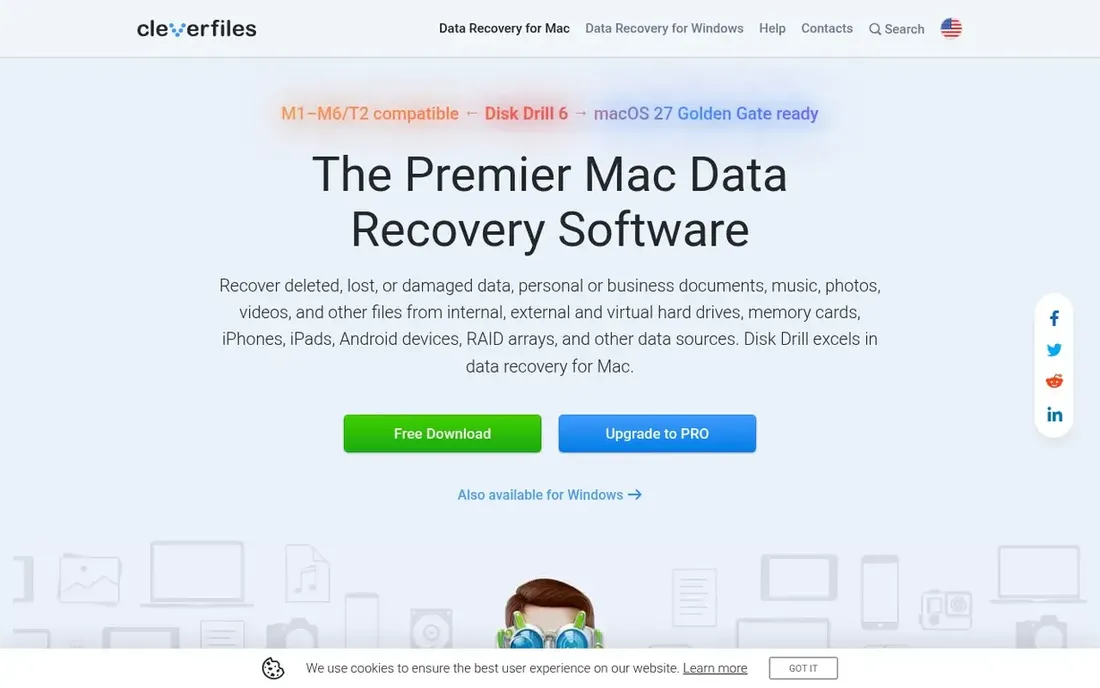
Disk Drill is built with Mac and mobile device recovery in mind. If your data loss involves a multi-disk NAS volume, a tool with explicit RAID support is a better fit.
Drawbacks to consider: NAS-specific RAID support is not its focus.
For everyday use, the interface is approachable for non-specialists. Its strengths lie in desktop and mobile recovery instead of NAS RAID reconstruction. Disk Drill shows no starting price here, so confirm the cost on the vendor site. As for free access: Not stated.
- Recovery from iOS and Android devices
- Capable macOS focus
- Windows feature set differs from Mac
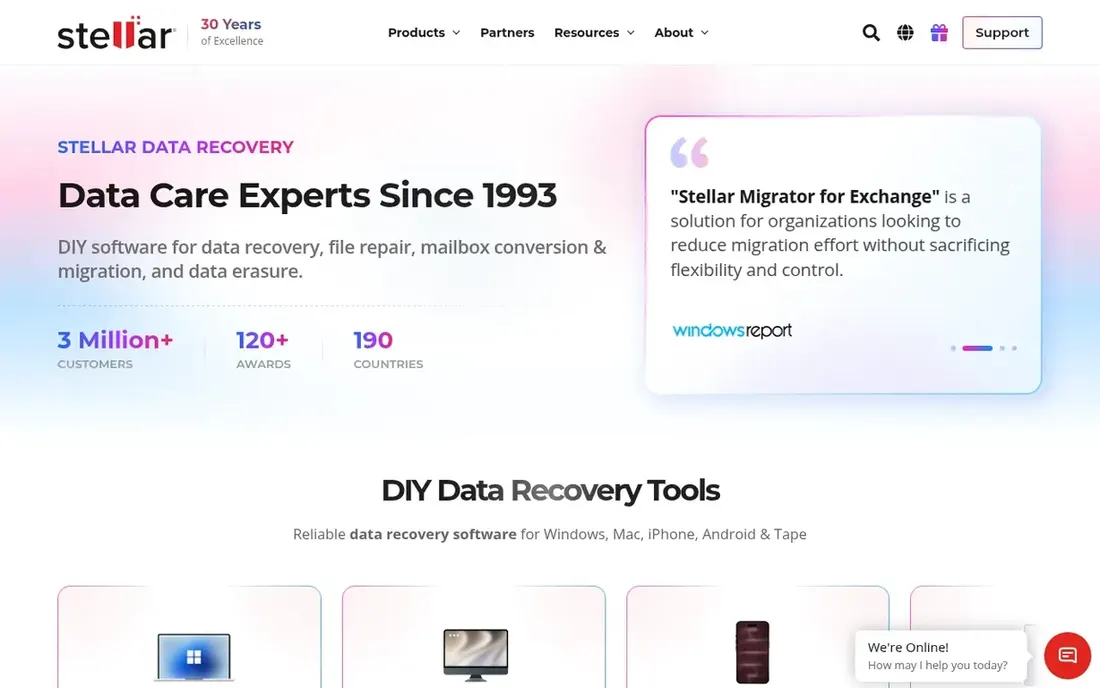
Stellar Data Recovery is built with all-around recovery and repair suite in mind. Stellar Data Recovery is a software suite that includes recovery, repair, conversion, and secure erasure, backed by professional in-lab services. In practice, for very complicated RAID reconstruction, a specialist tool may offer deeper manual controls.
What to check first: Advanced features may need the premium edition.
The toolset spans typical storage types, making it a reasonable first stop for mixed environments. On top of that, the full feature set is spread across editions, so check which recovery modes your license bundles. This comparison lists no price for Stellar Data Recovery; ask the vendor. Free access: Not stated.
- Professional in-lab recovery services available
- Wide device and file system support
- Interface can feel dense for beginners
Ontrack EasyRecovery
Best for: Recovery backed by lab services
Pick Ontrack EasyRecovery if this describes you: Recovery backed by lab services. In daily use, check that your RAID configuration is supported before relying on the software alone.
Where it falls short: Advanced RAID work may be referred to a lab.
It is a good fit when service backup matters as much as the application. The brand is well known in recovery circles, which can be reassuring for business users. This comparison lists no price for Ontrack EasyRecovery; ask the vendor. On free options: Not stated.
- Wide data management offering
- Established recovery expertise
- Software and services are separate offerings
How we chose
What to confirm before you sign up
- Ask UFS Explorer, Disk Drill, Stellar Data Recovery and Ontrack EasyRecovery for a written quote, since no starting price is shown.
- Read the limits listed for EaseUS Data Recovery Wizard first: deep RAID support is limited.
- Look at which plan of Disk Drill unlocks the features you need; entry tiers are often cut down.
- Ask Stellar Data Recovery which support channels and response times come with the plan you would buy.
- Test the integrations you rely on with EaseUS Data Recovery Wizard before committing; some connectors sit on upper tiers.
FAQ
Is EaseUS Data Recovery Wizard the right pick for everyone comparing NAS data recovery software?
No single tool suits every team. EaseUS Data Recovery Wizard comes first because it fits simple guided recovery workflow, while UFS Explorer suits complex and varied recovery cases and Disk Drill suits Mac and mobile device recovery. Match the tool to your own size, budget and workflow before deciding.
Do these tools publish their prices?
Not all of them. UFS Explorer, Disk Drill, Stellar Data Recovery and Ontrack EasyRecovery publish no starting price, so expect a quote request for those. The rest, EaseUS Data Recovery Wizard included, show a starting price, though seats and billing terms still change the final cost.
What is the cheapest option for NAS data recovery software in this list?
On published monthly entry prices, EaseUS Data Recovery Wizard is the lowest here at $19.90 per month. Entry price is only part of the cost, because seats, add-ons and billing terms can change the total.
How are the tools for NAS data recovery software ordered?
EaseUS Data Recovery Wizard sits first and Ontrack EasyRecovery last because the order follows typical fit for NAS data recovery software, then price clarity and free access. It is a judgement call, so read each profile for fit and limits.
Sources
- https://www.easeus.com
- https://www.ufsexplorer.com
- https://www.cleverfiles.com
- https://www.stellarinfo.com
- https://www.ontrack.com