Best Modern Analytics Platforms (2026): 6 Picks Checked on Vendor Pages
6 products for the best modern analytics platforms, ranked by fit, with starting costs and free tiers. With pricing notes and limits. Reviewed this month.
- Editor's choice
 Databricks
Unified data, analytics and AI workloads
Starts atSee websiteVisit databricks.comFull review - Great alternative
 Tableau
Visual exploration and dashboard sharing
Starts at$15 per user a monthVisit tableau.comFull review - Also consider
 Amplitude
Product teams building self-improving products
Starts atSee websiteVisit amplitude.comFull review
Direct answer
Databricks comes first here, mainly for unified data, analytics and AI workloads. Listed starting prices: Tableau from $15 per user a month and Mixpanel from $100 per month. Look at Tableau for visual exploration and dashboard sharing, and at Amplitude for product teams building self-improving products. Details, prices and limits for the rest of the 6 tools are below.
TL;DR:
- Databricks is the opening pick, best for unified data, analytics and AI workloads.
- Check the limits for Tableau before you commit: visual exploration focus over semantic governance.
- The lowest published monthly entry price here is $15 per user per month, from Tableau.
- Mixpanel suits product teams tracking in-app user behavior.
Last checked November 2026. Prices and plan details were read from the vendors' own pages in November 2026; vendors change plans often, so confirm the current price on the vendor site before you buy.
Quick comparison
| Tool | Best for | Starts at | Free plan? | |
|---|---|---|---|---|
| Databricks | Unified data, analytics and AI workloads | See website | Not stated | Visit |
| Tableau | Visual exploration and dashboard sharing | $15 per user a month | Yes | Visit |
| Amplitude | Product teams building self-improving products | See website | Not stated | Visit |
 Heap | Capturing unknown user behavior on sites | See website | Yes | Visit |
 Adobe Analytics | Enterprise digital experience and journey analysis | See website | Not stated | Visit |
 Mixpanel | Product teams tracking in-app user behavior | $100 per month | Yes | Visit |
Modern Analytics Platforms compared in detail
LinkVetted put together this guide to modern analytics platforms for readers who want a clear shortlist without reading every vendor page. It compares 6 tools on starting price, free plans, who each one suits and where each one falls short.
Databricks works best for unified data, analytics and AI workloads. Choose Databricks when analytics must sit alongside large-scale data processing and AI initiatives.
Downsides: Product scope is broader than analytics alone.
Main advantages: Unified system for data.
Data engineering and data science teams are the primary users. It also assumes data engineering capacity. Databricks does not show a starting price in this comparison, so check the vendor site for current pricing. As for free access: Not stated.
- Eases ETL and data warehousing
- Analytics and AI
- Needs data engineering involvement
Tableau makes the most sense for visual exploration and dashboard sharing. Tableau is business intelligence and analytics software that helps people see and understand their data.
Limits to weigh: Not aimed at product event tracking.
It is also not made for in-product event analytics. What you pay to start with Tableau: $15 per user per month. Tableau includes a free tier.
- Share dashboards with a click
- Drag-and-drop visualization building
- Visual exploration focus over semantic governance
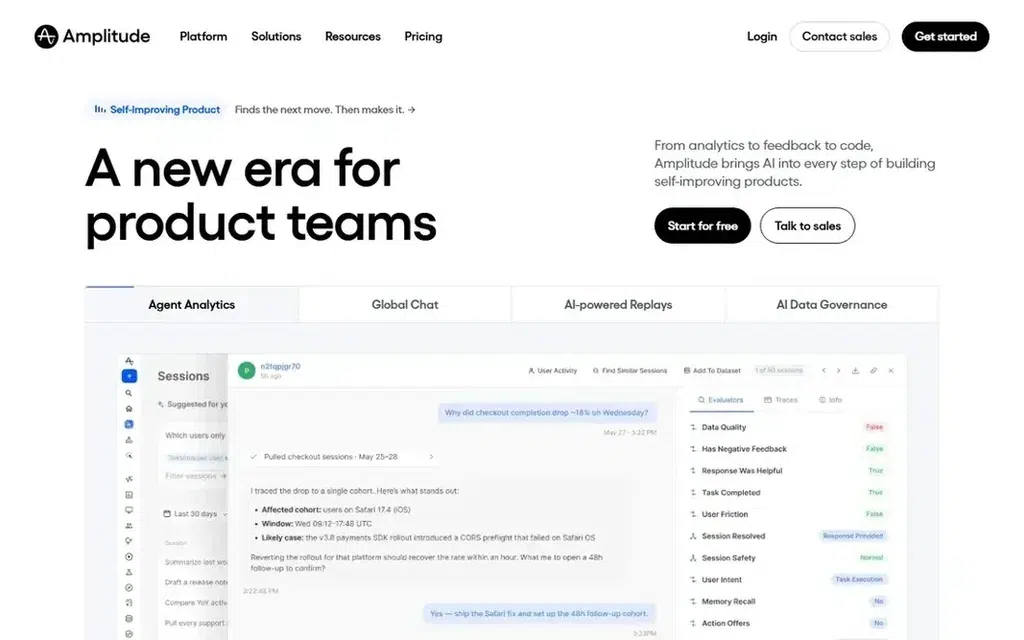
Amplitude is designed for product teams building self-improving products. Amplitude presents itself as a system for product teams, bringing AI into analytics, feedback and code so teams can build self-improving products. As for the details, product managers and growth teams that want insight tied straight to development work are the target audience.
Where it is weaker: Product focus may not handle enterprise BI.
Amplitude is oriented toward product analytics instead of wide enterprise reporting, so firms with deep data warehousing needs may look elsewhere for that layer. It also overlaps with other product intelligence tools, so teams should compare event tracking and experimentation needs carefully before committing. Amplitude shows no starting price here, so confirm the cost on the vendor site. As for free access: Not stated.
- Analytics plus feedback in one system
- Suited to iterative product development
- Overlaps with other product analytics tools
Heap serves capturing unknown user behavior on sites. Heap, now part of Contentsquare, is described as a digital insights product that displays everything users do on your site, including the unknown unknowns that stay invisible with other tools.
Pick Heap when discovering unexpected on-site behavior matters more than centralized metric definitions. In daily use, marketing and digital experience teams frequently benefit from this exploratory approach. Check the vendor site for Heap pricing; none is listed in this comparison. Heap includes a free tier.
Trade-offs to know: Positioning is web and digital experience focused.
- Aims to present everything users do
- Part of the Contentsquare digital insights product
- Less emphasis on governed BI
Adobe Analytics
Best for: Enterprise digital experience and journey analysis
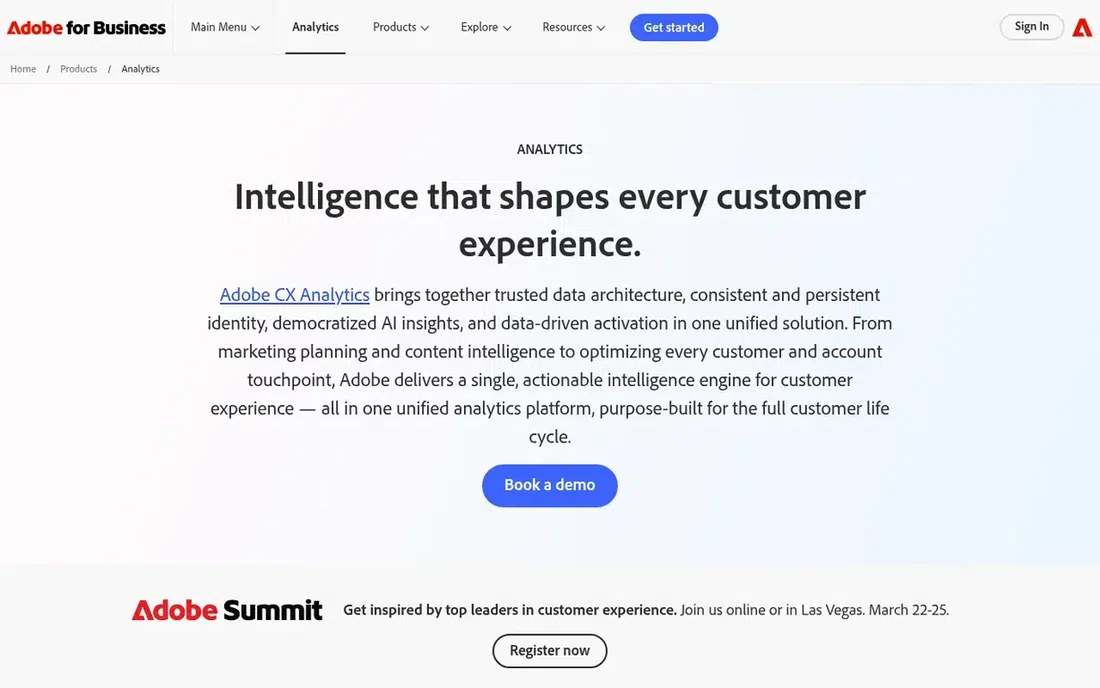
Adobe Analytics is aimed squarely at enterprise digital experience and journey analysis. Teams centred on marketing measurement and cross-channel journey analysis are the natural fit.
Points against: Enterprise-oriented complexity.
Adobe Analytics does not show a starting price in this comparison, so check the vendor site for current pricing. As for free access: Not stated.
- Solid journey optimization focus
- Brings together customer data across channels
- Best value at bigger scale

Mixpanel works best for product teams tracking in-app user behavior. Mixpanel is a product intelligence system that merges analytics, session replay, experiments, feature flags and AI-powered insights.
It is aimed at product teams that want to understand how users move through an application and test changes rapidly. Mixpanel starts at: $100 per month. You can start on Mixpanel without paying.
Trade-offs to know: Less suited to governed enterprise BI.
- Experiments and feature flags in one place
- Analytics with session replay included
- Product-centric instead of web-centric
How we chose
For each of the 6 tools we noted price, free plan or trial, fit for modern analytics platforms and the main limit, using vendor pages and documentation. Treat prices as a snapshot: vendors change plans often, so check the vendor site for the figure that applies today. Tools are placed by general fit for modern analytics platforms, with price clarity and free access as tie-breakers. A different team can reasonably rank them differently.
Things to verify first
- Confirm the entry price on the vendor page. For Databricks, Amplitude, Heap and Adobe Analytics that means a quote rather than a fixed price.
- Look at free plan limits closely: Tableau, Heap and Mixpanel have one, and the caps decide whether it is usable for real work.
- Before choosing Databricks, weigh its main limit: system scope is broader than analytics alone.
- Before you load data into Adobe Analytics, check what an export looks like and who can run it.
- Look at the renewal terms for Mixpanel: auto-renewal, notice periods and price changes can matter more than the first-year price.
FAQ
Which system fits teams that want to discover unknown user behavior?
That exploratory approach helps teams that cannot predict every event in advance. Worth adding: for deeper governed reporting, pair it with a business intelligence product.
Is Databricks the right pick for everyone comparing modern analytics platforms?
No single tool suits every team. Databricks comes first because it fits unified data, analytics and AI workloads, while Tableau suits visual exploration and dashboard sharing and Amplitude suits product teams building self-improving products. Match the tool to your own size, budget and workflow before deciding.
Do these tools publish their prices?
Not all of them. Databricks, Amplitude, Heap and Adobe Analytics publish no starting price, so expect a quote request for those. The rest, Tableau included, show a starting price, though seats and billing terms still change the final cost.
How are the tools for modern analytics platforms ordered?
Databricks sits first and Mixpanel last because the order follows typical fit for modern analytics platforms, then price clarity and free access. It is a judgement call, so read each profile for fit and limits.
Can I try these options before paying?
Often, yes. Tableau, Heap and Mixpanel have a free plan. Use your own data and a real task during the test, and check what the free tier or trial limits before you rely on it. Prices, free plan details and limits for all 6 tools in this modern analytics platforms roundup sit on the individual cards above.
Can I combine an analytics platform with a data system?
Databricks offers a unified product for data, analytics and AI, and business intelligence tools can sit on top of it for reporting. Many teams keep product analytics separate whereas centralizing data engineering and governance in one place.
Sources
- https://www.databricks.com
- https://www.tableau.com
- https://amplitude.com
- https://heap.io
- https://business.adobe.com/products/analytics/adobe-analytics.html
- https://mixpanel.com