Best Reporting Platforms for SaaS Metrics in 2026: Prices, Free Plans and 6 Picks
6 best reporting platforms for SaaS metrics, compared on pricing, free plans and best-fit use. Costs and caveats sit beside each pick. See the full list.
- Editor's choice
 Holistics
Code-based self-service BI
Starts atSee websiteVisit holistics.ioFull review - Great alternative
 Mode
Collaborative SQL and Python analytics
Starts atSee websiteVisit mode.comFull review - Also consider
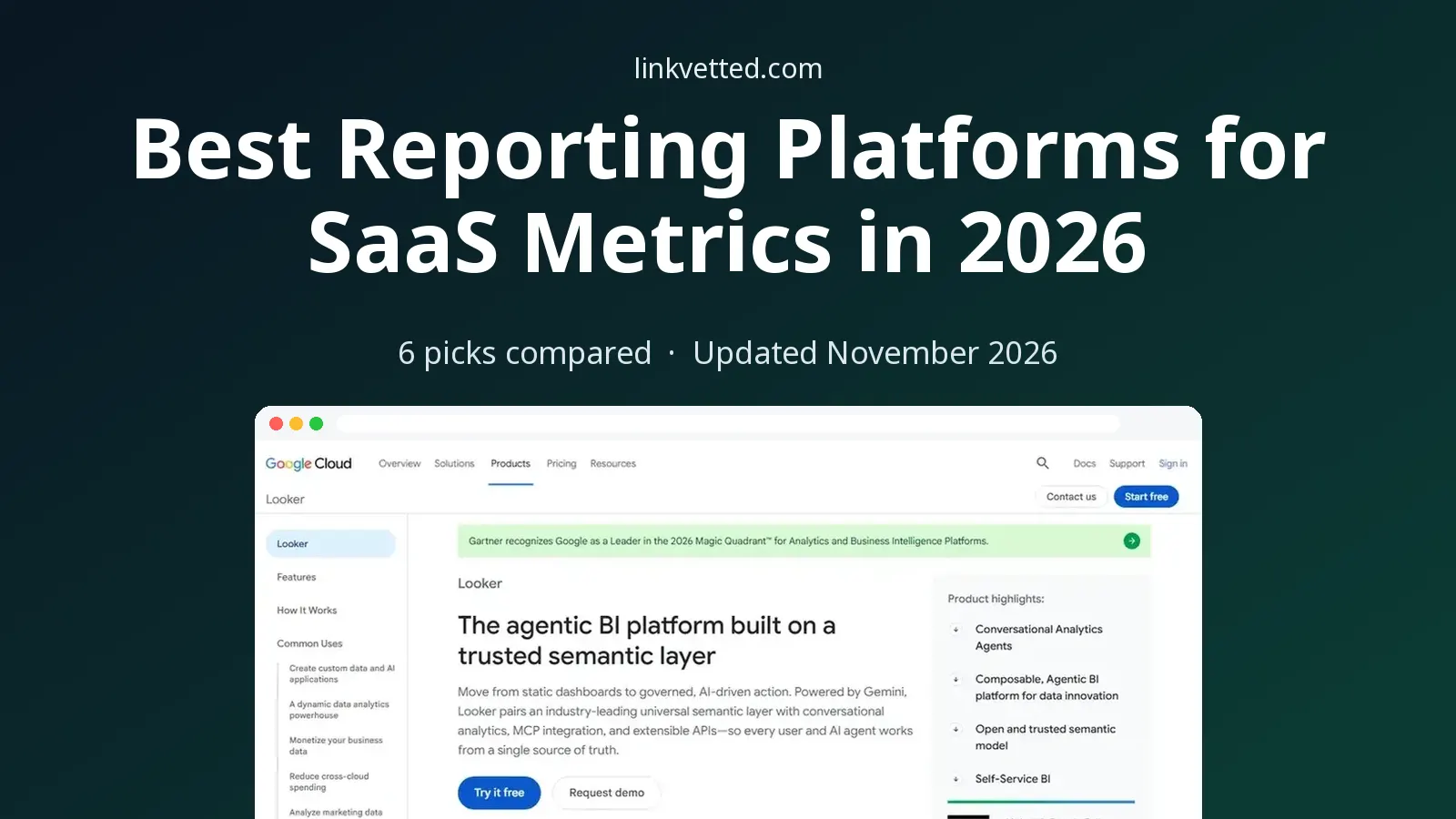
 Looker
Unified metrics with AI assistance
Starts atSee websiteVisit cloud.google.comFull review
Direct answer
Holistics is the first pick on this list for code-based self-service BI. Listed starting prices: Tableau from $15 per user a month. Look at Mode for collaborative SQL and Python analytics, and at Looker for unified metrics with AI assistance. The other 3 tools in the list cover narrower or pricier cases.
TL;DR:
- This list starts with Holistics, which is built for code-based self-service BI.
- Tableau has the lowest monthly starting price in this list: $15 per user per month.
- Tableau suits visual data exploration and dashboards.
- Only Tableau offers a free plan among these 6 tools.
Last checked November 2026. Prices and plan details were read from the vendors' own pages in November 2026; vendors change plans often, so confirm the current price on the vendor site before you buy.
Quick comparison
| Tool | Best for | Starts at | Free plan? | |
|---|---|---|---|---|
| Holistics | Code-based self-service BI | See website | Not stated | Visit |
| Mode | Collaborative SQL and Python analytics | See website | Not stated | Visit |
| Looker | Unified metrics with AI assistance | See website | Not stated | Visit |
 Sisense | Embedded analytics with adaptability | See website | Free trial | Visit |
 Domo | End-to-end data management and AI | See website | Free trial | Visit |
 Tableau | Visual data exploration and dashboards | $15 per user a month | Yes | Visit |
Tool-by-tool breakdown
If you are comparing reporting platforms for SaaS metrics, this page covers 6 tools in one place: what each is best for, what it costs to start, whether it has a free plan, and the main limit to know about.
Holistics works best for code-based self-service BI. Holistics helps data teams deliver AI-assisted self-service BI. It is built for SaaS businesses that want to enable self-service analytics whereas maintaining control through code-based data modeling.
Where it is weaker: Needs data modeling knowledge.
Consider it if you value code-based modeling and self-service. For everyday use, the product supports a metrics layer, allowing for consistent definitions and AI-assisted exploration. It may not be as feature-rich as bigger products for advanced visualizations. Holistics shows no starting price here, so confirm the cost on the vendor site. As for free access: Not stated.
- Provides self-service analytics
- Code-based data modeling
- May be less known in the market
Mode targets collaborative SQL and Python analytics. Mode is a collaborative data product that merges SQL, R, Python, and visual analytics in one place. It makes it possible for teams to link, analyze, and share insights quicker.
What works well: share rapidly.
It is a strong match for SaaS data teams that are comfortable with code and want to perform advanced analysis alongside visualization, for example custom metric calculations. It lacks a capable semantic layer for metric governance, which can result in inconsistent definitions. Mode shows no starting price here, so confirm the cost on the vendor site. Trial and free access: Not stated. Honest limits: Less focus on governed metrics.
- Collaborative system for data teams
- Visual analytics
- Needs SQL knowledge
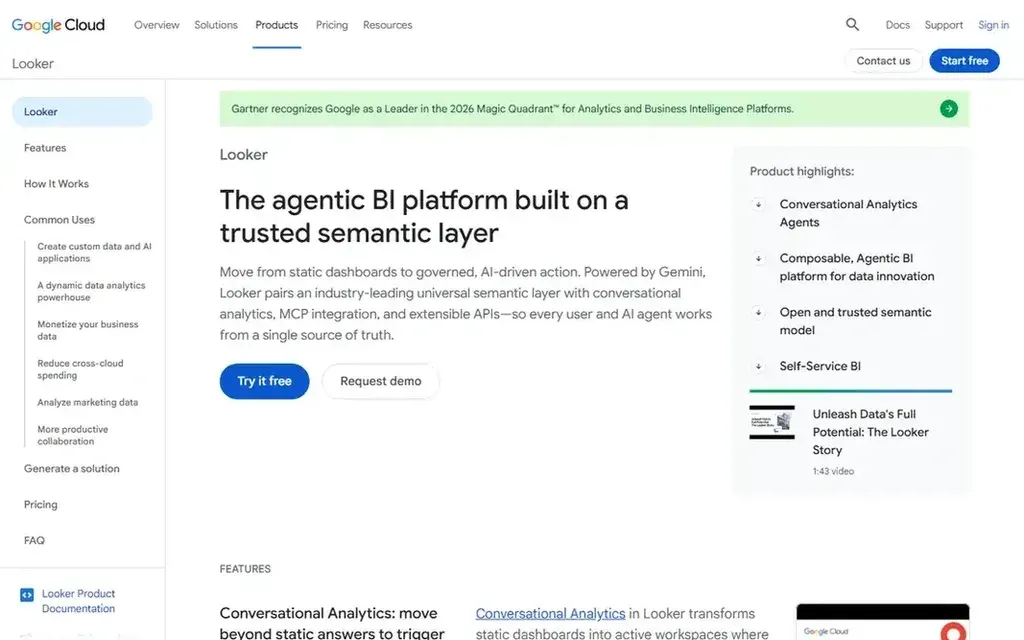
Choose Looker for unified metrics with AI assistance. Looker is Google Cloud's agentic business intelligence and embedded analytics system.
Watch-outs: Needs setup of semantic layer.
It may be overkill for small teams without dedicated data analysts. Looker does not show a starting price in this comparison, so check the vendor site for current pricing. Free options: Not stated.
- Embedded analytics capabilities
- Gemini agents for AI-driven insights
- May be complicated for non-technical users
Sisense works best for embedded analytics with adaptability. Sisense gives AI-powered embedded analytics to unlock insights and convert data into revenue with pro-code, low-code, and no-code adaptability. It is well suited to SaaS firms that want to embed analytics into their own applications or offer data products to customers.
Points against: Needs technical resources for pro-code.
In practice, Sisense is optimized for embedded use cases, so it may not be the best choice for internal-only reporting. Also, consider other tools if you need a standalone BI option without embedding. Sisense does not show a starting price in this comparison, so check the vendor site for current pricing. As for free access: Free trial.
What users get: Converts data into revenue.
- Pro-code, low-code
- AI-powered embedded analytics
- Embedded focus may not suit all
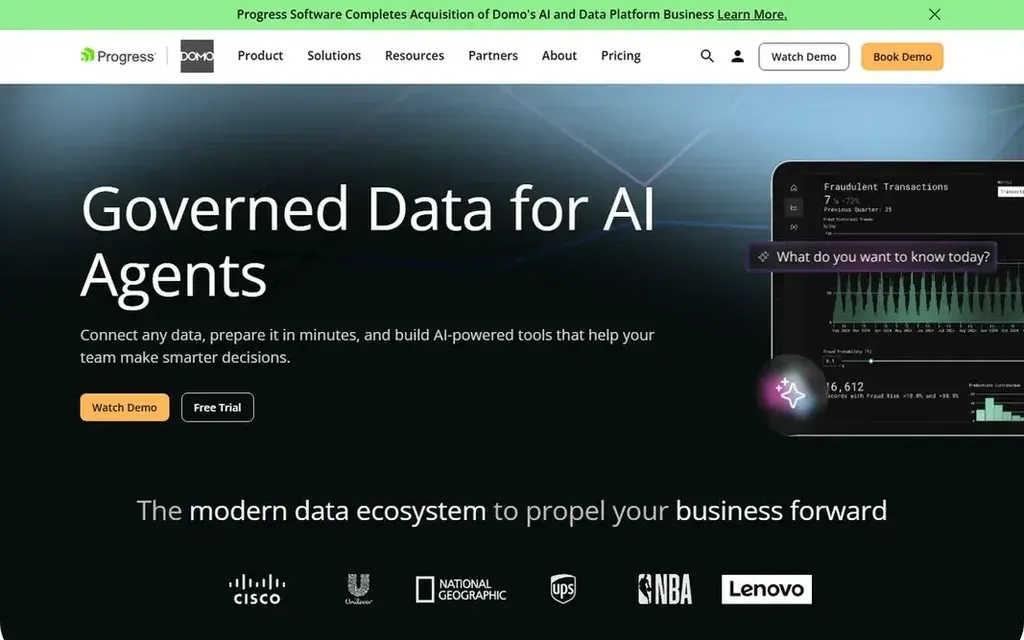
Domo is aimed squarely at end-to-end data management and AI. It suits SaaS businesses that require a full platform to run data pipelines and analytics in one place.
What to check first: Can be complicated for straightforward reporting needs.
More specifically, Domo's broad capabilities may introduce complexity and need dedicated administration. Domo does not show a starting price in this comparison, so check the vendor site for current pricing. On free options: Free trial.
- Links and moves data from any source
- Governed data for AI agents
- May need significant setup
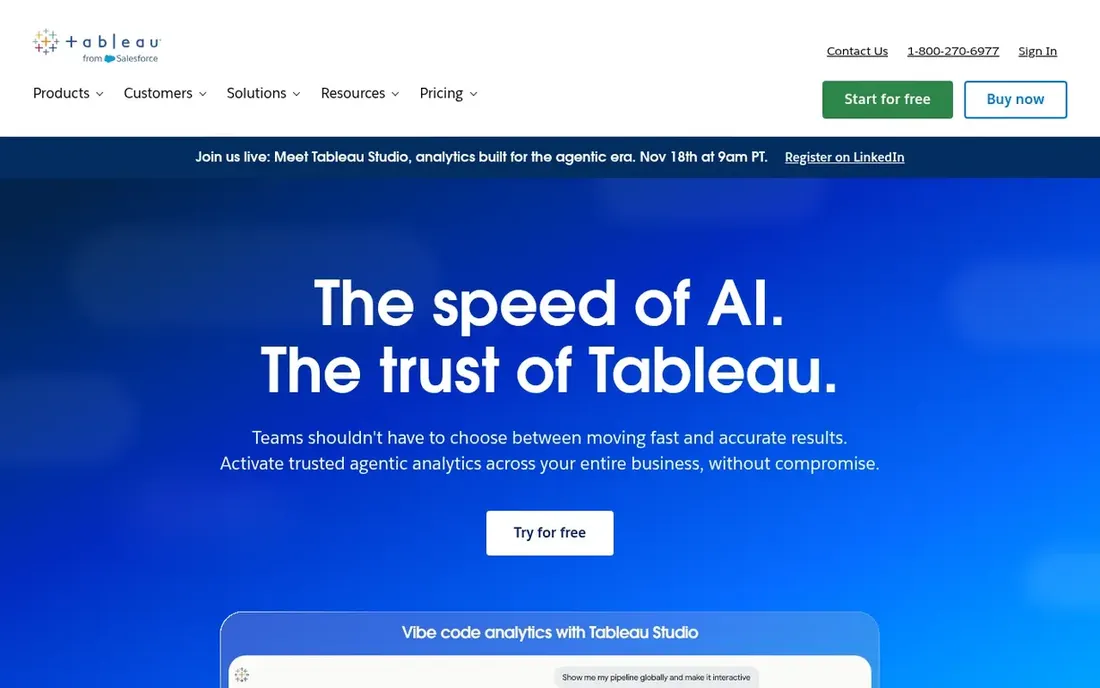
In short, Tableau is for visual data exploration and dashboards. Consider Looker or Holistics if metric consistency is critical.
Limits to weigh: Less emphasis on semantic modeling.
Tableau's strength in visualization may come at the cost of governed metric definitions, which can result in inconsistencies. It may not be the best fit for teams needing a centralized semantic layer. Tableau starts at: $15 per user per month. You can start on Tableau without paying.
- Rich visualization choices
- Links to almost any database
- Can need training for advanced features
How we built this list
Selection started from tools commonly considered for reporting platforms for SaaS metrics, then narrowed to 6 that have clear pricing information or a clear quote process. Treat prices as a snapshot: vendors change plans often, so check the vendor site for the figure that applies today. We ordered the tools by general fit, then by how clearly pricing is shown, then by free access. A buyer with unusual needs may reorder them.
Before you commit
- Confirm the entry price on the vendor page. For Holistics, Mode, Looker and others that means a quote rather than a fixed price.
- Look at the free plan from Tableau closely: its caps decide whether it is usable for real work.
- Take the trial from Sisense and Domo and push a live task through it before you pay.
- Before choosing Holistics, weigh its main limit: needs data modeling knowledge.
- Test the integrations you rely on with Tableau before committing; some connectors sit on upper tiers.
- Compare total cost, not headline price: for Looker, add extra seats, add-ons and any usage-based charges.
FAQ
Do these tools publish their prices?
Not all of them. Holistics, Mode, Looker and others publish no starting price, so expect a quote request for those. The rest, Tableau included, show a starting price, though seats and billing terms still change the final cost.
What is the cheapest option for reporting platforms for SaaS metrics in this list?
On published monthly entry prices, Tableau is the lowest here at $15 per user per month. Entry price is only part of the cost, because seats, add-ons and billing terms can change the total. All 6 picks in this reporting platforms for SaaS metrics comparison list a starting price, free plan details and the main limits on their cards above.
Which reporting product is a good match for non-technical users?
Holistics comes first here and is built for code-based self-service BI. Buyers with other needs may prefer Mode (for collaborative SQL and Python analytics) or Looker (for unified metrics with AI assistance). Compare costs and limits first.
Can I try these tools before paying?
Often, yes. Tableau has a free plan and Sisense and Domo offer a free trial. Use your own data and a real task during the test, and check what the free tier or trial limits before you rely on it. For the full picture, the cards above cover all 6 entries of this reporting platforms for SaaS metrics list, including price, free plan and limits.
Can I embed analytics from these systems into my SaaS application?
Yes, multiple products offer embedded analytics. Looker and Sisense are specifically aimed at embedding analytics into applications, with Sisense offering pro-code to no-code adaptability.
How are the tools for reporting platforms for SaaS metrics ordered?
Holistics sits first and Tableau last because the order follows typical fit for reporting platforms for SaaS metrics, then price clarity and free access. It is a judgement call, so read each profile for fit and limits.
Sources
- https://www.holistics.io
- https://mode.com
- https://cloud.google.com/looker
- https://www.sisense.com
- https://www.domo.com
- https://www.tableau.com