Best BI Tools for SaaS (2026): 5 Picks Checked on Vendor Pages
5 best BI tools for SaaS, with entry costs, free tiers and the buyer each one serves. The weak spots sit next to the strengths. Pricing and limits included.
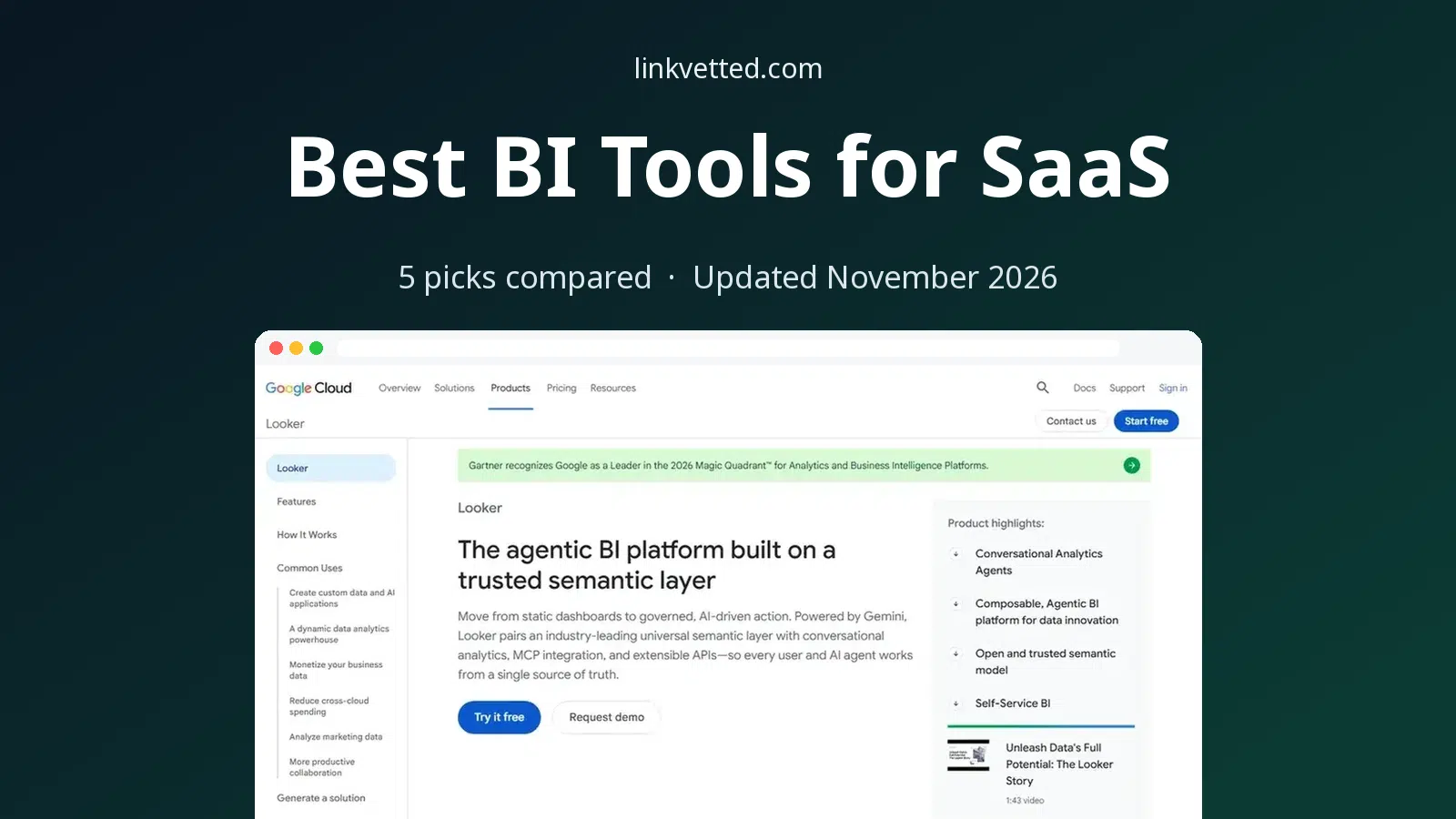
- Editor's choice
 Looker
Governed metrics and embedded AI analytics
Starts atSee websiteVisit cloud.google.comFull review - Great alternativeSigma Computing
Warehouse-native apps and dashboards
Starts atSee websiteVisit sigmacomputing.comFull review - Also consider
 ThoughtSpot
AI agents and automatic insights
Starts at$25 per user a monthVisit thoughtspot.comFull review
Direct answer
Our first pick is Looker, best for governed metrics and embedded AI analytics. Listed starting prices: ThoughtSpot from $25 per user a month and Tableau from $15 per user per month. Sigma Computing is the stronger choice for warehouse-native apps and dashboards, while ThoughtSpot suits AI agents and automated insights. Details, prices and limits for the rest of the 5 tools are below.
TL;DR:
- Looker takes the first slot, best suited to governed metrics and embedded AI analytics.
- Only Tableau offers a free plan among these 5 tools.
- A fair warning about Looker: semantic modeling needs upfront work.
- Tableau has the lowest monthly starting price in this list: $15 per user per month.
- For adaptable visual analytics and dashboards, Tableau is worth a look.
Last checked November 2026. Prices and plan details were read from the vendors' own pages in November 2026; vendors change plans often, so confirm the current price on the vendor site before you buy.
Quick comparison
| Tool | Best for | Starts at | Free plan? | |
|---|---|---|---|---|
| Looker | Governed metrics and embedded AI analytics | See website | Not stated | Visit |
| Sigma Computing | Warehouse-native apps and dashboards | See website | Free trial | Visit |
| ThoughtSpot | AI agents and automatic insights | $25 per user a month | Free trial | Visit |
 Sisense | Embedded analytics inside SaaS | See website | Free trial | Visit |
 Tableau | Adaptable visual analytics and dashboards | $15 per user per month | Yes | Visit |
The full BI tools for SaaS list
If you are comparing BI tools for SaaS, this page covers 5 tools in one place: what each is best for, what it costs to start, whether it has a free plan, and the main limit to know about.
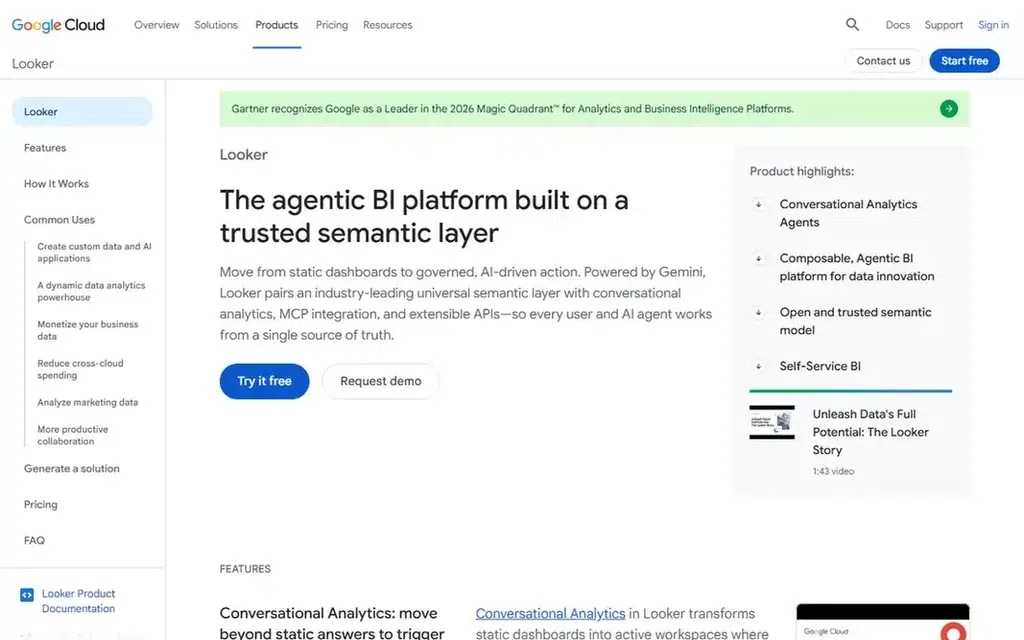
Looker works best for governed metrics and embedded AI analytics. Looker is Google Cloud's agentic business intelligence and embedded analytics system.
Watch-outs: Semantic modeling needs upfront work.
Teams wanting fast drag-and-drop exploration without a modeling project may prefer Tableau or Sigma instead. SaaS businesses that require consistent definitions across numerous dashboards and customer-facing analytics benefit from that modeling-first approach, notably when several teams report on the same subscription and usage metrics. Check the vendor site for Looker pricing; none is listed in this comparison. Trial and free access: Not stated.
- Trusted semantic layer for metrics
- Gemini agents for AI assistance
- Less suited to ad hoc visual play
Sigma Computing
Best for: Warehouse-native apps and dashboards
Pick Sigma Computing if this describes you: warehouse-native apps and dashboards. SaaS businesses with a solid cloud warehouse and users comfortable in spreadsheets find it a natural way to extend governed data without a separate extract layer.
Trade-offs to know: Depends on a prepared warehouse.
Beyond that, Sigma relies on a well-prepared warehouse, so teams without that foundation may struggle at first. If you need a governed semantic layer with capable modeling discipline, Looker may fit better. Sigma Computing does not show a starting price in this comparison, so check the vendor site for current pricing. As for free access: Free trial.
- Supports dashboards and AI agents
- Python choices
- Wide toolset needs enablement
ThoughtSpot makes the most sense for AI agents and automatic insights. ThoughtSpot gives you an agentic analytics product with AI agents, automatic insights, and embedded intelligence.
Where it falls short: AI-first workflows need user training.
AI-driven analysis relies on well-modeled, trustworthy data, and users may need guidance to interpret automatic results. As for the details, SaaS teams that want business users to ask questions and receive generated insights, instead of build charts manually, are the intended audience. What you pay to start with ThoughtSpot: $25 per user per month. As for free access: Free trial.
- Automatic insight generation
- Embedded intelligence choices
- Search behavior depends on data modeling
Sisense serves embedded analytics inside SaaS. Embedding analytics takes engineering time and continuing maintenance, and the product is less oriented toward pure internal reporting.
Honest limits: Internal BI use is secondary.
What users get: no-code choices.
If your primary need is analyst dashboards instead of customer-facing analytics, Tableau or Looker may be a better starting point. More specifically, product teams planning analytics as a feature instead of only an internal function are the natural audience. This comparison lists no price for Sisense; ask the vendor. Free options: Free trial.
- AI-powered embedded analytics
- Pro-code, low-code
- Embedding needs engineering effort
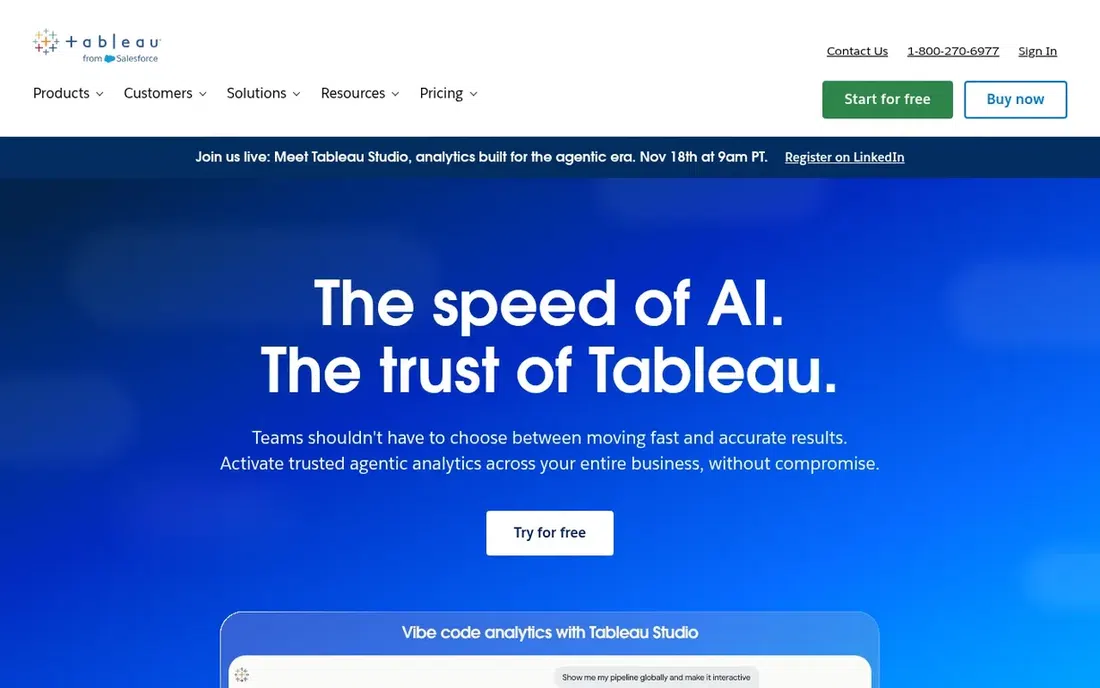
Tableau serves adaptable visual analytics and dashboards. Tableau is a business intelligence and analytics product built around visual exploration. Users link to databases, drag-and-drop to build visualizations, and share results with a click.
Beyond that, the tradeoff is that adaptable exploration can produce inconsistent definitions if governance is loose, and less technical users may need support. As for the details, for SaaS companies with analysts who want freedom to explore product and revenue data, it suits well as a primary reporting layer. On cost, Tableau starts like this: $15 per user per month. Free access exists with Tableau.
Where it is weaker: Can need analyst expertise.
- Share dashboards with a click
- Drag-and-drop visualization building
- Governance needs deliberate setup
How these tools were picked
The comparison looks at four things: starting price, free access, how well the feature set matches BI tools for SaaS, and the main limit of each tool. Seat minimums, billing terms and add-ons can move the real cost, so the starting prices here are a guide and not a quote. We ordered the tools by general fit, then by how clearly pricing is shown, then by free access. A buyer with unusual needs may reorder them.
Questions to settle before buying
- Confirm the entry price on the vendor page. For Looker, Sigma Computing and Sisense that means a quote rather than a fixed price.
- Look at the free plan from Tableau closely: its caps decide whether it is usable for real work.
- Run a trial of Sigma Computing, ThoughtSpot and Sisense with real work before paying for a year; your own workflow is the best test.
- Before choosing Looker, weigh its main limit: semantic modeling needs upfront work.
- Find out whether the entry plan of Sisense covers your must-haves or only a trimmed-down version.
- Look at the renewal terms for Looker: auto-renewal, notice periods and price changes can matter more than the first-year price.
FAQ
Which BI tools for SaaS have a free plan?
Tableau is the only tool in this list with a free plan. Free plans usually cap users, projects or features, so check the limits on the vendor page. Several others offer a trial instead. Each of the 5 options in this BI tools for SaaS guide has its own card above with the price, free plan and limits.
How are the BI tools for SaaS ordered?
Looker sits first and Tableau last because the order follows typical fit for BI tools for SaaS, then price clarity and free access. It is a judgement call, so read each profile for fit and limits.
What is the cheapest option for BI tools for SaaS in this list?
On published monthly entry prices, Tableau is the lowest here at $15 per user per month. Entry price is only part of the cost, because seats, add-ons and billing terms can change the total. All 5 picks in this BI tools for SaaS comparison list a starting price, free plan details and the main limits on their cards above.
How should I evaluate AI features in BI tools?
Check what the AI features actually do, for example generating insights, answering questions, or supporting agents, and what data modeling they rely on. Confirm with each vendor how those features behave with your own data and governance rules.
Can I try these tools before paying?
Often, yes. Tableau has a free plan and Sigma Computing, ThoughtSpot and Sisense offer a free trial. Use your own data and a real task during the test, and check what the free tier or trial limits before you rely on it.
Sources
- https://cloud.google.com/looker
- https://www.sigmacomputing.com
- https://www.thoughtspot.com
- https://www.sisense.com
- https://www.tableau.com