5 Remote Support Software for Wholesale Distributors Worth Shortlisting in 2026
Best remote support software for wholesale distributors: 5 tools compared on price, free plans and fit. Limits and pricing notes included. See which fits.
- Editor's choice
 AnyDesk
Light cross-platform remote connections
Starts atSee websiteVisit anydesk.comFull review - Great alternativeSplashtop Business Access
Remote access for distributed office teams
Starts at$6 a monthVisit splashtop.comFull review - Also considerKaseya VSA
Remote monitoring and management at scale
Starts atSee websiteVisit kaseya.comFull review
Direct answer
Start with AnyDesk if you need light cross-platform remote connections. Listed starting prices: Splashtop Business Access from $6 a month and NinjaOne Remote Access from $1.50 per device per month. Splashtop Business Access is the stronger choice for Remote access for distributed office teams, while Kaseya VSA suits Remote monitoring and management at scale. The full list of 5 tools follows, with prices and free plan facts.
TL;DR:
- This list starts with AnyDesk, which is built for light cross-platform remote connections.
- NinjaOne Remote Access has the lowest monthly starting price in this list: $1.50 per device per month.
- None of the 5 tools, from AnyDesk to NinjaOne Remote Access, has a free plan, so budget for a subscription or use a trial.
- NinjaOne Remote Access fits unified endpoint management with remote access.
- The main caution on TeamViewer Remote: wide feature set can feel heavy.
Last checked November 2026. Prices and plan details were read from the vendors' own pages in November 2026; vendors change plans often, so confirm the current price on the vendor site before you buy.
Quick comparison
| Tool | Best for | Starts at | Free plan? | |
|---|---|---|---|---|
| AnyDesk | Light cross-platform remote connections | See website | Not stated | Visit |
| Splashtop Business Access | Remote access for distributed office teams | $6 a month | Free trial | Visit |
| Kaseya VSA | Remote monitoring and management at scale | See website | Not stated | Visit |
| TeamViewer Remote | All-around remote access and support | See website | Free trial | Visit |
| NinjaOne Remote Access | Unified endpoint management with remote access | $1.50 per device per month | Free trial | Visit |
The 5 tools in detail
If you are comparing remote support software for wholesale distributors, this page covers 5 tools in one place: what each is best for, what it costs to start, whether it has a free plan, and the main limit to know about.
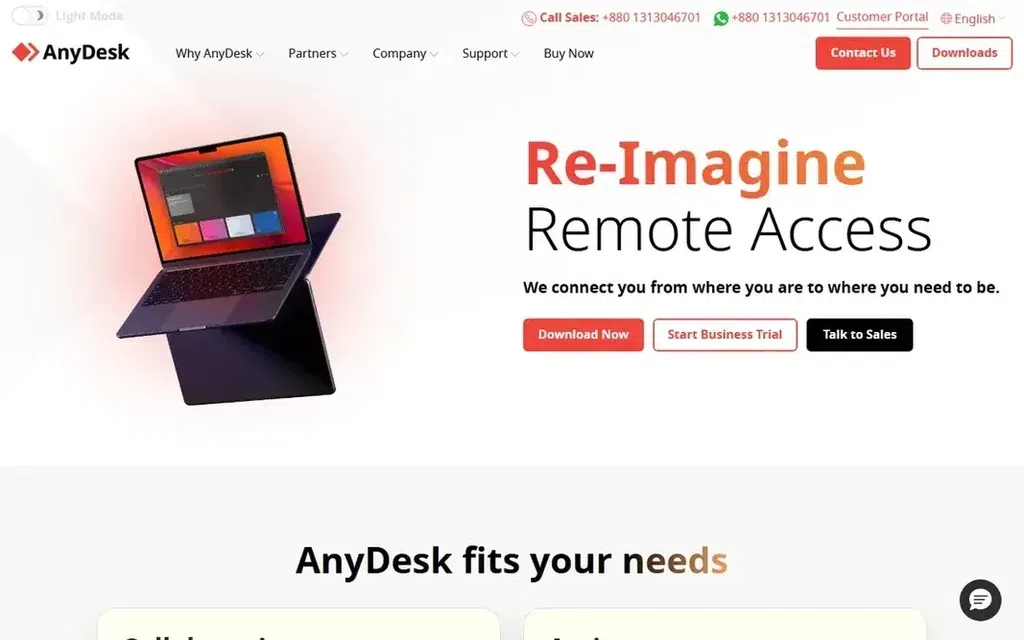
Where AnyDesk fits: light cross-platform remote connections. Distributors that require ticketing, patching or device inventory alongside remote control should look at a broader product. In daily use, AnyDesk is widely known as a light remote desktop tool that establishes connections rapidly across Windows, macOS, Linux and mobile devices.
Watch-outs: Business administration is more restricted.
More specifically, for wholesale distributors, it fits IT staff who require to reach a workstation at a branch or a server in a back office without a large system. It is a practical fit when speed and simplicity are the priorities. This comparison lists no price for AnyDesk; ask the vendor. Trial and free access: Not stated.
- Known for quick
- Straightforward remote desktop focus
- Fewer built-in support workflow features
Splashtop Business Access
Best for: Remote access for distributed office teams
Choose Splashtop Business Access for Remote access for distributed office teams. Splashtop Business Access is positioned around remote access instead of full remote support and endpoint management. As for the details, setup is oriented toward business users instead of deep technical administration.
More specifically, Splashtop Business Access is remote access software that lets teams work from anywhere on any device. For wholesale distributors, it suits staff who require to reach an office PC or internal system whereas traveling, at a trade present or from a second location. Choose it when steady, quick access to work computers is the priority. Splashtop Business Access starts at: $6 per month. Trial and free access: Free trial.
Limits to weigh: Less suited to large managed fleets.
- Secure remote access
- Straightforward business orientation
- Support-specific workflows are lighter
Kaseya VSA
Best for: Remote monitoring and management at scale
Kaseya VSA makes the most sense for Remote monitoring and management at scale. Kaseya VSA is remote monitoring and management software, presented on the vendor site under Datto RMM, that helps teams handle more endpoints with less manual work. It automates monitoring, patching, remediation and remote support whereas connecting IT workflows.
Downsides: RMM-first instead of access-first.
Beyond that, distributors with sizable device estates across warehouses and offices can use it to standardize how endpoints are maintained and supported. More specifically, small distributors with a handful of machines and no dedicated IT staff may find it disproportionate. Pricing for Kaseya VSA is not stated here, so ask the vendor for current figures. Trial and free access: Not stated.
- Links IT workflows
- RMM with remote support built in
- Complicated for small IT teams
TeamViewer Remote
Best for: All-around remote access and support
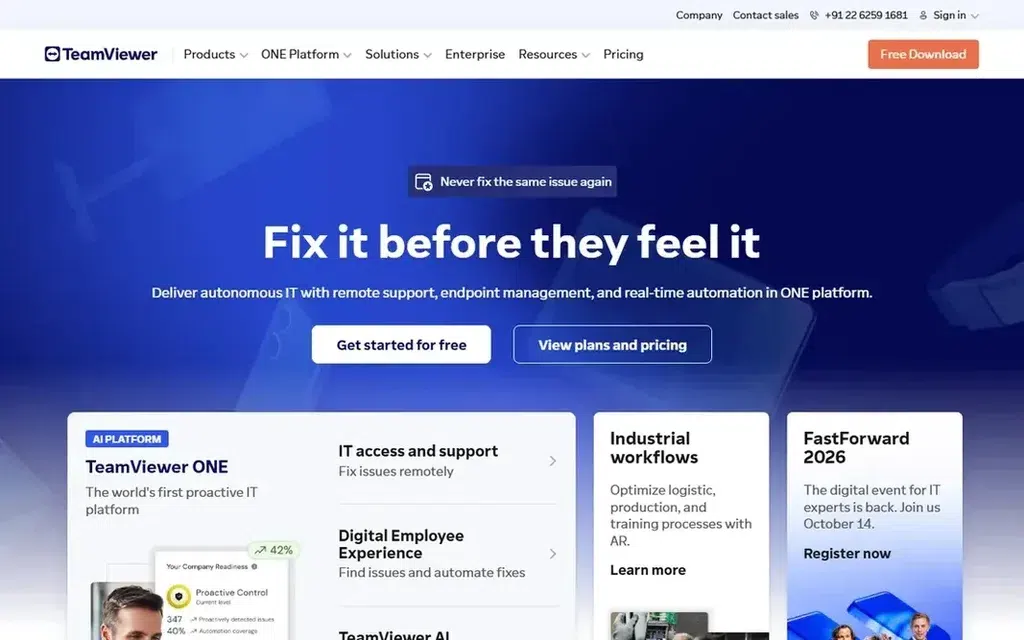
Choose TeamViewer Remote for all-around remote access and support. TeamViewer Remote is a digital workplace system built around remote desktop access.
Honest limits: Personal-use terms differ from business use.
In daily use, distributors can connect to remote computers, supply support to staff at branch offices or warehouses, and collaborate online. This comparison lists no price for TeamViewer Remote; ask the vendor. On free options: Free trial.
- Online collaboration features
- Remote desktop access plus support sessions
- Wide feature set can feel heavy
NinjaOne Remote Access
Best for: Unified endpoint management with remote access
Think of NinjaOne Remote Access for unified endpoint management with remote access. NinjaOne is a unified IT operations system combining endpoint management, autonomous patching, backup and remote access.
Downsides: Broader system than access alone.
Choose it when remote access should be part of a wider operations strategy. More specifically, for wholesale distributors, that means remote support sits alongside the routine maintenance that keeps warehouse and office machines healthy. Price to start with NinjaOne Remote Access: $1.50 per device per month. Free access: Free trial.
- Endpoint management and patching included
- Remote access inside a unified IT system
- Setup involves more configuration
How we built this list
LinkVetted looked at what each vendor publishes: pricing, plan limits, feature coverage for remote support software for wholesale distributors and stated drawbacks. No hands-on testing is claimed. Where a vendor does not publish a price, the entry says quote. Where a price depends on seats or billing term, the entry says so. The ranking is editorial: typical fit first, then clear pricing, then free access. If your needs are unusual, read the profiles rather than relying on position.
Pre-purchase checklist
- Confirm the entry price on the vendor page. For AnyDesk, Kaseya VSA and TeamViewer Remote that means a quote rather than a fixed price.
- Use real work to test the free trial from Splashtop Business Access, TeamViewer Remote and NinjaOne Remote Access, rather than a demo project.
- Before choosing AnyDesk, weigh its main limit: fewer built-in support workflow features.
- Get the contract term, renewal terms and any onboarding fees from AnyDesk in writing.
- Ask Splashtop Business Access how an export works before you move any records in; an easy exit lowers the risk.
FAQ
How are the tools for remote support software for wholesale distributors ordered?
AnyDesk sits first and NinjaOne Remote Access last because the order follows typical fit for remote support software for wholesale distributors, then price clarity and free access. It is a judgement call, so read each profile for fit and limits.
Is remote access software enough, or do distributors need a RMM tool?
A RMM tool brings monitoring, patching and remediation across plenty of endpoints. Distributors with a large device estate and dedicated IT staff frequently benefit from the combined approach, whereas smaller operations may only need access.
What should a wholesale distributor look for in remote support software?
Prioritize steady connections to office PCs, warehouse workstations and servers, plus controls over who can start a session. Confirm device and operating system coverage before deciding.
Can distributors use these tools across several warehouse locations?
The practical question is administration: how users, devices and permissions are organized across branches. Check how each vendor manages grouping and access control before rolling out.
Do these tools publish their prices?
Not all of them. AnyDesk, Kaseya VSA and TeamViewer Remote publish no starting price, so expect a quote request for those. The rest, Splashtop Business Access included, show a starting price, though seats and billing terms still change the final cost.
Is AnyDesk the right pick for everyone comparing remote support software for wholesale distributors?
No single tool suits every team. AnyDesk comes first because it fits lightweight cross-platform remote connections, while Splashtop Business Access suits Remote access for distributed office teams and Kaseya VSA suits Remote monitoring and management at scale. Match the tool to your own size, budget and workflow before deciding.
Sources
- https://anydesk.com
- https://www.splashtop.com/business
- https://www.kaseya.com/products/vsa
- https://www.teamviewer.com
- https://www.ninjaone.com