Choosing Remote Support Software for Schools in 2026: 6 Options Compared
Shortlisting the best remote support software for schools? 6 products compared on cost, free access and ideal buyer. Real limits included. Easy to scan.
- Editor's choice
 GoTo Resolve
Endpoint management with remote support
Starts atSee websiteVisit goto.comFull review - Great alternative
 Splashtop
Remote support and remote learning access
Starts at$6 a monthVisit splashtop.comFull review - Also considerTeamViewer Remote
All-around remote support and collaboration
Starts atSee websiteVisit teamviewer.comFull review
Direct answer
Our first pick is GoTo Resolve, best for endpoint management with remote support. Listed starting prices: Splashtop from $6 a month and RemotePC from $1.84 a month. Alternatives: Splashtop for Remote support and remote learning access, and TeamViewer Remote for all-around remote support and collaboration. The other 3 tools in the list cover narrower or pricier cases.
TL;DR:
- Number one here is GoTo Resolve, a fit for endpoint management with remote support.
- For IT help desks and support teams, Zoho Assist is worth a look.
- RemotePC has the lowest monthly starting price in this list: $1.84 per month.
- A permanent free plan is missing from all 6 tools, GoTo Resolve and Zoho Assist included; plan for a trial or a premium start.
- Before buying TeamViewer Remote, weigh this: wide feature set may be more than small schools need.
Last checked November 2026. Prices and plan details were read from the vendors' own pages in November 2026; vendors change plans often, so confirm the current price on the vendor site before you buy.
Quick comparison
| Tool | Best for | Starts at | Free plan? | |
|---|---|---|---|---|
| GoTo Resolve | Endpoint management with remote support | See website | Free trial | Visit |
| Splashtop | Remote support and remote learning access | $6 a month | Free trial | Visit |
| TeamViewer Remote | All-around remote support and collaboration | See website | Free trial | Visit |
 RemotePC | Cross-platform remote access | $1.84 a month | Free trial | Visit |
| N-able Take Control | Managed service providers supporting schools | See website | Not stated | Visit |
 Zoho Assist | IT help desks and support teams | See website | Not stated | Visit |
The best remote support software for schools
This LinkVetted guide covers 6 remote support software for schools. Each profile lists a starting price, free plan details, strengths and drawbacks, so you can drop poor fits quickly.
Where GoTo Resolve fits: endpoint management with remote support. Schools with expanding device counts may value having management and support in one place instead of stitching tools together.
The main drawbacks: Management focus can add complexity.
It helps IT teams stay on top of their device landscape whereas supporting users remotely. Check the vendor site for GoTo Resolve pricing; none is listed in this comparison. Trial and free access: Free trial.
- Merges IT management with support
- Targeted at expanding organizations
- Setup may need planning
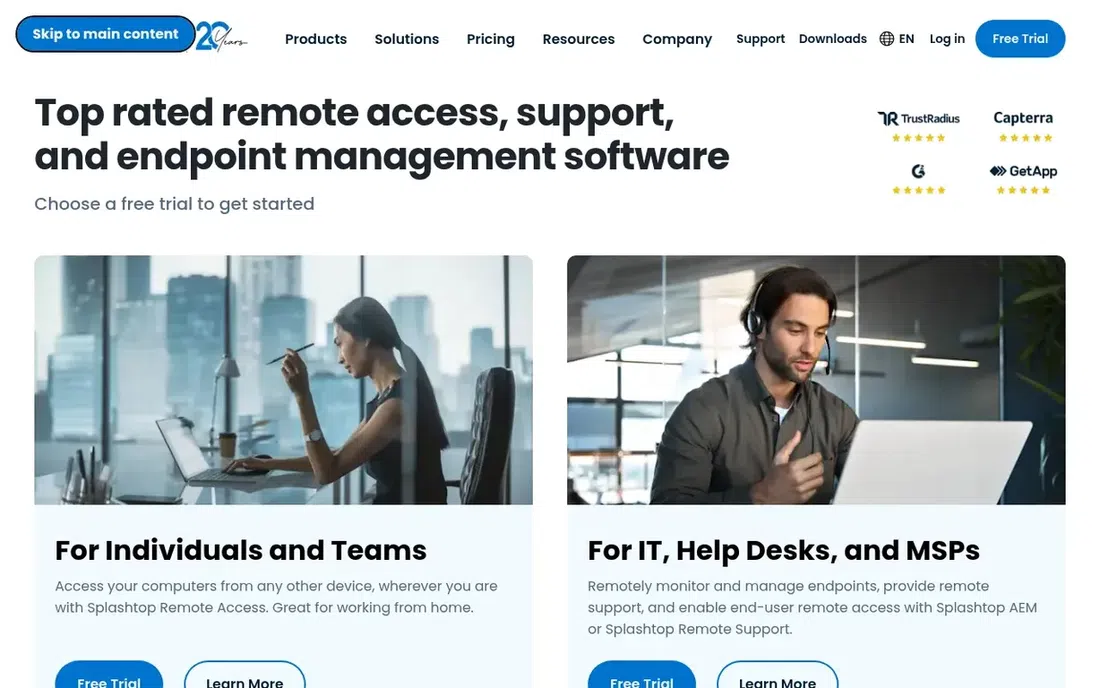
Splashtop serves Remote support and remote learning access. If you need deep help desk ticketing, check how Splashtop links with your existing service desk tools. IT teams can use it to reach machines across buildings without traveling between sites.
Limits to weigh: Some capabilities need the right edition.
Worth adding: Splashtop provides secure remote access and remote support software, with stated coverage for remote work, remote support and remote learning. That range makes it relevant for schools that support both administrative staff and classroom devices. On cost, Splashtop starts like this: $6 per month. Free plan details: Free trial.
- Secure access focus
- Handles remote work scenarios too
- Education fit varies by product line
TeamViewer Remote
Best for: All-around remote support and collaboration
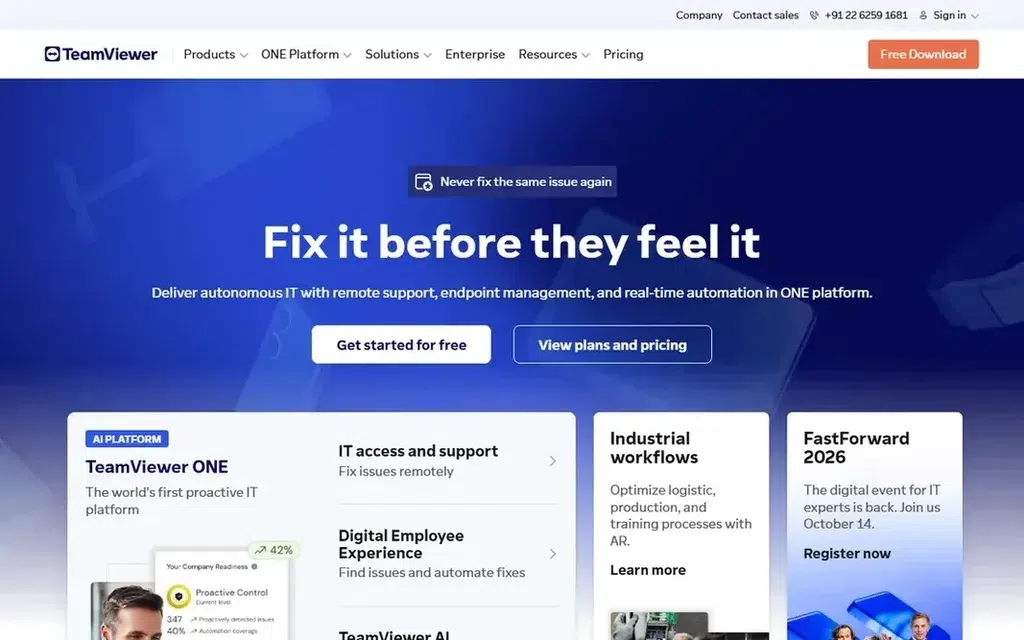
TeamViewer Remote works best for all-around remote support and collaboration. TeamViewer Remote is a digital workplace platform centered on remote desktop access. In daily use, organizations that only need occasional browser-based access may prefer a more straightforward choice.
Trade-offs to know: Commercial use needs proper licensing.
Since the product spans plenty of features, smaller schools may find it heavier than a single-purpose support tool. Beyond that, confirm licensing terms for school use on the vendor site before standardizing. No starting price is listed for TeamViewer Remote here; confirm pricing on the vendor site. Trial and free access: Free trial.
- Remote desktop access and support in one product
- Works across plenty of device types
- Wide feature set may be more than small schools need
RemotePC is aimed squarely at cross-platform remote access. RemotePC offers remote desktop software and secure remote access for PCs, Macs, Linux machines and mobile devices. As for the details, test on your device mix before rolling it out widely.
Where it falls short: Support-specific features are less emphasized.
For everyday use, IT staff can reach a machine remotely to help a teacher or fix a configuration issue. As for the details, the product centers on access instead of a full help desk workflow, so ticketing and support reporting may need separate tools. RemotePC cost at the entry level: $1.84 per month. Free plan details: Free trial.
- Straightforward remote desktop use
- Supports PC, Mac
- Mixed-device setups need testing
N-able Take Control
Best for: Managed service providers supporting schools
In short, N-able Take Control is for managed service providers supporting schools. Schools that work with an outside IT provider may encounter it through that relationship.
Since it is designed around service provider operations, a school running its own small help desk may find it mismatched to daily needs. N-able Take Control does not show a starting price in this comparison, so check the vendor site for current pricing. As for free access: Not stated.
What to check first: Oriented toward MSP use instead of in-house IT.
- Made for swift issue resolution
- Targeted at service provider workflows
- Less suited to straightforward ad hoc sessions
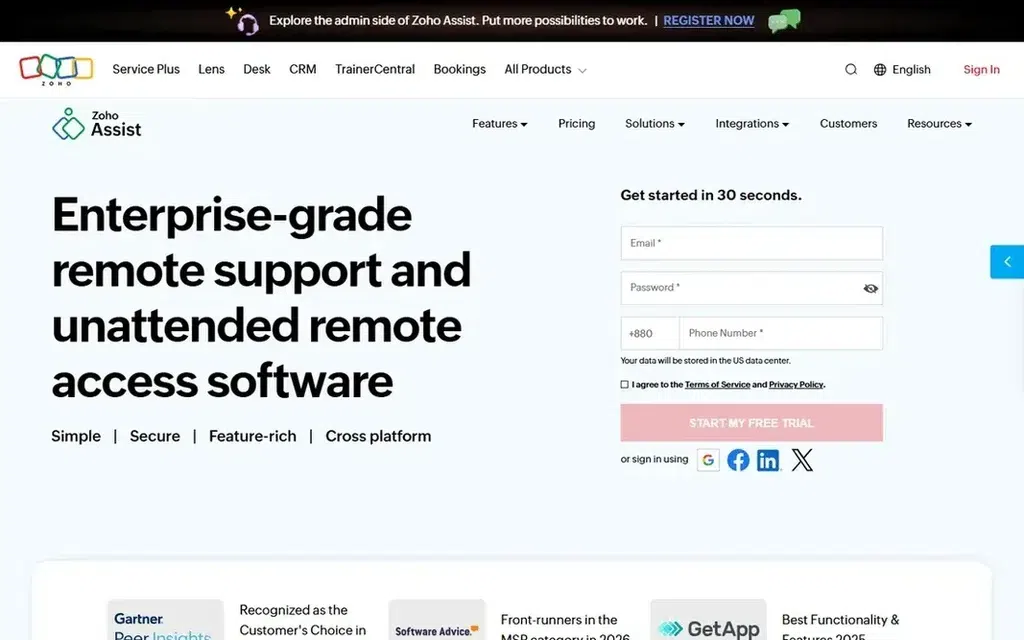
Choose Zoho Assist for IT help desks and support teams. It lets staff access, control and troubleshoot devices from anywhere, which maps well to a school help desk handling tickets from classrooms and offices.
If your team already standardizes on another product, integration questions are worth checking first. No starting price is listed for Zoho Assist here; confirm pricing on the vendor site. Free options: Not stated.
Watch-outs: Feature depth relies on the edition chosen.
- Built for IT and support teams
- Focused remote desktop and support workflow
- Narrower scope than full workplace products
How we chose
We compared the tools on published pricing, free plan or trial availability, feature coverage for remote support software for schools, and the limits each vendor documents. Prices and plan limits come from vendor pages and can change, so confirm them on the vendor site before you buy. We ordered the tools by general fit, then by how clearly pricing is shown, then by free access. A buyer with unusual needs may reorder them.
Questions to settle before buying
- Confirm the entry price on the vendor page. For GoTo Resolve, TeamViewer Remote, N-able Take Control and Zoho Assist that means a quote rather than a fixed price.
- Take the trial from GoTo Resolve, Splashtop, TeamViewer Remote and RemotePC and push a live task through it before you pay.
- Before choosing GoTo Resolve, weigh its main limit: management focus can add complexity.
- See whether Zoho Assist offers onboarding or training, and whether it is included in the price.
- List the apps you already depend on and check that TeamViewer Remote supports each one on the plan you would buy.
FAQ
How do schools with outside IT providers choose a tool?
If a managed service provider handles your IT, ask which remote support tool they use, for example N-able Take Control. Aligning with their product avoids duplicate tooling and keeps support workflows consistent.
Can I try these tools before paying?
Often, yes. GoTo Resolve, Splashtop, TeamViewer Remote and RemotePC offer a free trial. Use your own data and a real task during the test, and check what the free tier or trial limits before you rely on it.
Does any tool for remote support software for schools here have a free plan?
No tool in this list, GoTo Resolve and Zoho Assist included, has a permanent free plan. GoTo Resolve, Splashtop, TeamViewer Remote, RemotePC offer a trial. Trials and quotes are the usual route, so plan a short evaluation period.
Do these tools publish their prices?
Not all of them. GoTo Resolve, TeamViewer Remote, N-able Take Control and Zoho Assist publish no starting price, so expect a quote request for those. The rest, Splashtop included, show a starting price, though seats and billing terms still change the final cost.
How are the tools for remote support software for schools ordered?
The order follows typical fit for remote support software for schools, with GoTo Resolve first and Zoho Assist last, then price clarity and free access. It is editorial judgement, not a score, so another team could rank the tools differently.
Sources
- https://www.goto.com/resolve
- https://www.splashtop.com
- https://www.teamviewer.com
- https://www.remotepc.com
- https://www.n-able.com/products/take-control
- https://www.zoho.com/assist