5 Remote Support Software for Plumbers Worth Shortlisting in 2026
Best remote support software for plumbers, compared. 5 tools with published prices, free plans and limits. Read the caveats before you buy. Decide faster.
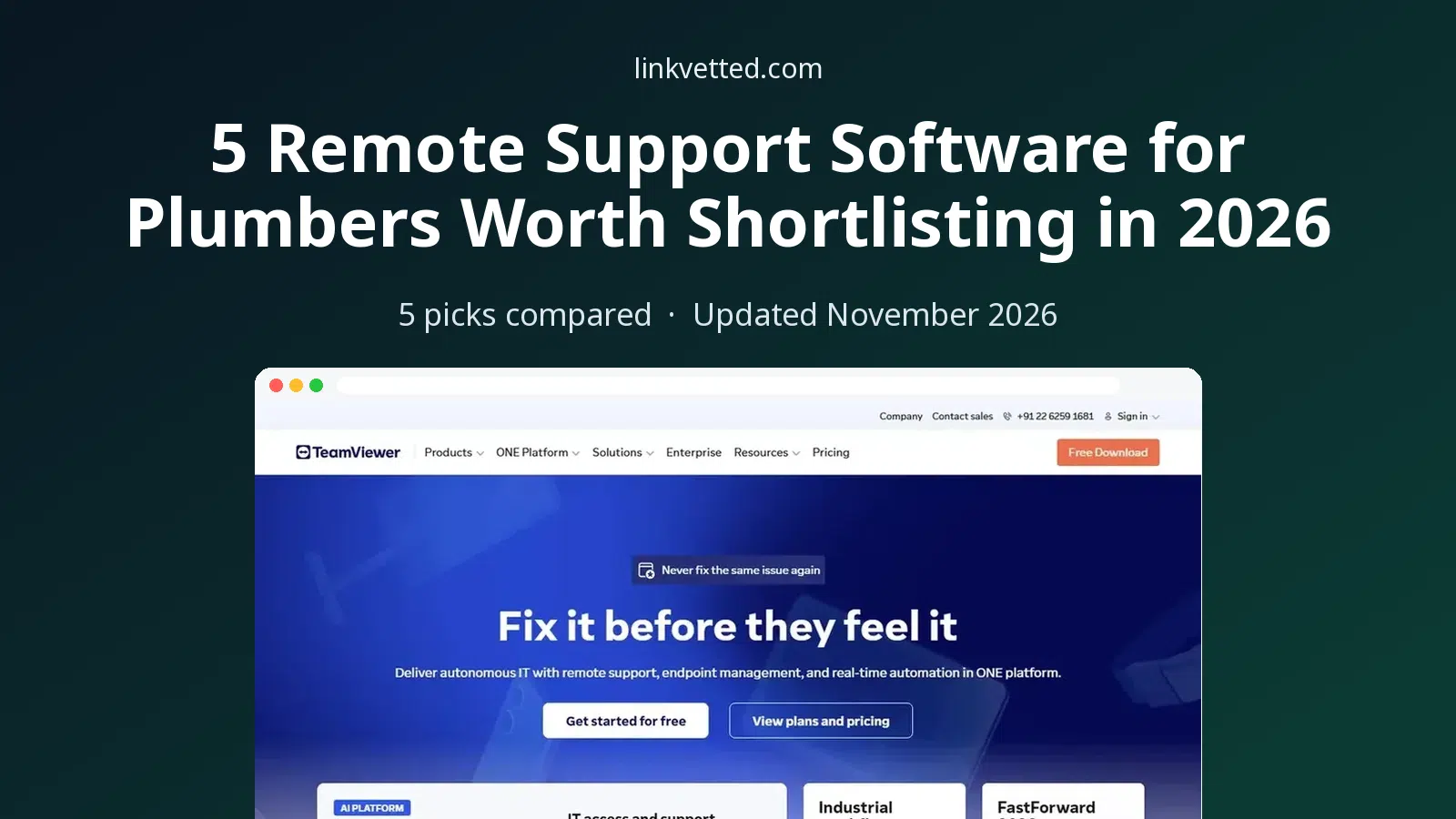
- Editor's choice
 GoTo Resolve
IT management for expanding plumbing teams
Starts atSee websiteVisit goto.comFull review - Great alternativeTeamViewer Remote
Fast remote troubleshooting sessions
Starts atSee websiteVisit teamviewer.comFull review - Also consider
 Splashtop
Quick, secure remote access
Starts at$6 a monthVisit splashtop.comFull review
Direct answer
GoTo Resolve is the first pick on this list for IT management for growing plumbing teams. Listed starting prices: Splashtop from $6 a month, Zendesk from $19 agent/month premium yearly and RemotePC from $1.84 a month. TeamViewer Remote is better for fast remote troubleshooting sessions, and Splashtop is better for quick, secure remote access. The remaining 2 options are covered below with prices and limits.
TL;DR:
- Top of the list is GoTo Resolve, which targets IT management for expanding plumbing teams.
- For cross-platform remote desktop access, RemotePC is worth a look.
- For the cheapest start, look at RemotePC: $1.84 per month.
- Check the limits for Splashtop before you commit: not a customer ticketing platform.
- A permanent free plan is missing from all 5 tools, GoTo Resolve and RemotePC included; plan for a trial or a premium start.
Last checked November 2026. Prices and plan details were read from the vendors' own pages in November 2026; vendors change plans often, so confirm the current price on the vendor site before you buy.
Quick comparison
| Tool | Best for | Starts at | Free plan? | |
|---|---|---|---|---|
| GoTo Resolve | IT management for expanding plumbing teams | See website | Free trial | Visit |
| TeamViewer Remote | Fast remote troubleshooting sessions | See website | Free trial | Visit |
| Splashtop | Quick, secure remote access | $6 a month | Free trial | Visit |
 Zendesk | Organized plumbing service ticketing | $19 agent/month premium yearly | Free trial | Visit |
 RemotePC | Cross-platform remote desktop access | $1.84 a month | Free trial | Visit |
Every option for remote support software for plumbers explained
LinkVetted compared 5 remote support software for plumbers. The goal is a practical shortlist: published prices, free plan facts, best-fit use cases and honest limits for every entry.
For IT management for expanding plumbing teams, GoTo Resolve is a natural candidate. Plumbing firms with multiple office computers, devices or a small internal IT function can use it to keep endpoints organized whereas supporting staff remotely.
Expect a ramp-up time for non-technical users. More specifically, pick a more straightforward remote access tool when endpoint oversight is not a requirement. Check the vendor site for GoTo Resolve pricing; none is listed in this comparison. Free access: Free trial.
Downsides: May be complicated for small shops.
- Designed for expanding organizations
- Unified endpoint management focus
- Aimed more at IT than plumbing operations
TeamViewer Remote
Best for: Fast remote troubleshooting sessions
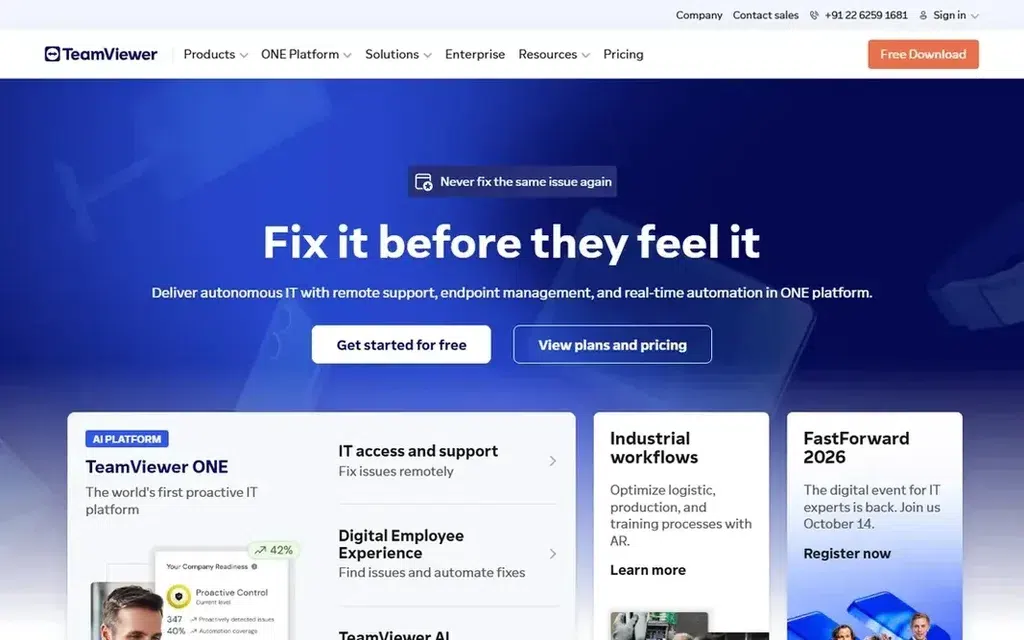
Pick TeamViewer Remote if this describes you: fast remote troubleshooting sessions. TeamViewer is not meant to run a queue of customer tickets or dispatch field jobs. It also relies on a dependable connection at both ends.
If your central need is tracking numerous service requests instead of viewing a screen, a ticketing platform is the better fit. On top of that, TeamViewer Remote is a digital workplace product offering remote desktop access, the capacity to link to remote computers, remote support and online collaboration. More specifically, for plumbers, it is handy when a customer or office colleague needs help with a device, software or connected equipment panel that can be reached remotely. No starting price is listed for TeamViewer Remote here; confirm pricing on the vendor site. Free plan details: Free trial.
Points against: Needs a stable connection.
- Online collaboration features
- Remote desktop access and support
- Not a ticketing system
Splashtop is a good fit for quick, secure remote access. Splashtop is built around remote access instead of managing customer conversations, so job intake and follow-up still need another system.
The right fit relies on which remote use case you have. Entry price for Splashtop: $6 per month. On free options: Free trial.
Where it is weaker: Not a customer ticketing system.
- Secure remote access and support
- Positioned around value
- Feature depth varies by use case
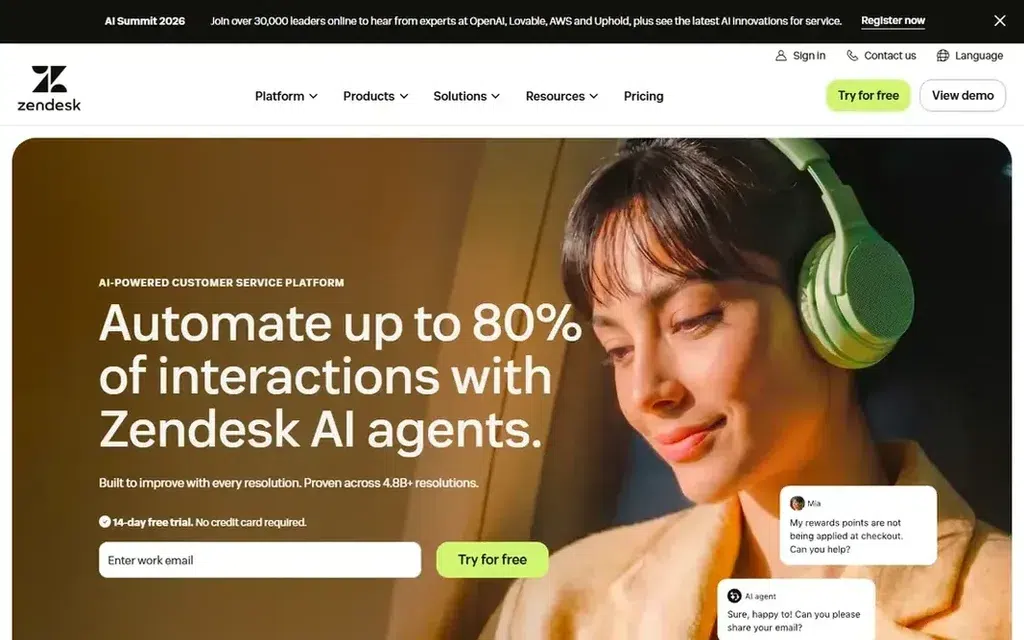
For organized plumbing service ticketing, Zendesk is a natural candidate. Zendesk is an AI-powered customer service product built to move beyond deflection, with AI agents that resolve issues end-to-end while improving service quality, speed and scale. Also, if your priority is only connecting to a customer's computer for a fast diagnostic, a dedicated remote access tool is the more straightforward choice.
More specifically, the product is wide, so a one-person plumbing operation may find it more than needed for straightforward remote troubleshooting. It also takes setup effort to configure workflows well. On cost, Zendesk starts like this: $19 agent/month premium yearly. As for free access: Free trial.
What to check first: Setup requires planning.
- Boosts service quality and speed
- Scales with expanding teams
- Wide product may feel heavy for small shops
RemotePC makes the most sense for cross-platform remote desktop access. RemotePC is a remote desktop and secure remote access option for PCs, Macs, Linux and mobile devices.
In practice, choose it when the goal is reaching a machine remotely and little else. Worth adding: teams with heavy call volume will need a separate service desk. On cost, RemotePC starts like this: $1.84 per month. On free options: Free trial.
Strengths: Access to PC. Where it falls short: Restricted customer service features.
- Mac and Linux
- Straightforward remote access focus
- Not aimed at job dispatch
How we compared the tools
For each of the 5 tools we noted price, free plan or trial, fit for remote support software for plumbers and the main limit, using vendor pages and documentation. Seat minimums, billing terms and add-ons can move the real cost, so the starting prices here are a guide and not a quote. Position on the page reflects fit for a typical buyer first, with price clarity and free access breaking ties. Treat it as a guide, not a ruling.
Pre-purchase checklist
- Ask GoTo Resolve and TeamViewer Remote for a written quote, since no starting price is shown.
- Use real work to test the free trial from GoTo Resolve, TeamViewer Remote, Splashtop and others, rather than a demo project.
- Read the limits listed for GoTo Resolve first: aimed more at IT than plumbing operations.
- Ask the daily users to test TeamViewer Remote on a live task before you roll it out to everyone.
- Compare total cost, not headline price: for RemotePC, add extra seats, add-ons and any usage-based charges.
FAQ
Is GoTo Resolve the right pick for everyone comparing remote support software for plumbers?
No single tool suits every team. GoTo Resolve comes first because it fits IT management for growing plumbing teams, while TeamViewer Remote suits quick remote troubleshooting sessions and Splashtop suits fast, secure remote access. Match the tool to your own size, budget and workflow before deciding.
Can remote support software help with diagnostics on connected equipment?
Remote access tools can link to a computer or device that runs connected systems, which may help a technician or IT helper review settings. The exact capability relies on the equipment and the tool, so confirm compatibility with the vendor before relying on it.
Which tool suits a small plumbing business with one office computer?
A focused remote access product for example RemotePC or Splashtop is frequently the more straightforward starting point when you chiefly have to reach one machine from the field. Add a ticketing product later if call volume grows and requests start slipping through.
What is the cheapest option for remote support software for plumbers in this list?
On published monthly entry prices, RemotePC is the lowest here at $1.84 per month. Entry price is only part of the cost, because seats, add-ons and billing terms can change the total. All 5 picks in this remote support software for Plumbers comparison list a starting price, free plan details and the main limits on their cards above.
How are the tools for remote support software for plumbers ordered?
The order follows typical fit for remote support software for plumbers, with GoTo Resolve first and RemotePC last, then price clarity and free access. It is editorial judgement, not a score, so another team could rank the tools differently.
Can I try these tools before paying?
Often, yes. GoTo Resolve, TeamViewer Remote, Splashtop and others offer a free trial. Use your own data and a real task during the test, and check what the free tier or trial limits before you rely on it.
Sources
- https://www.goto.com/it-management/resolve
- https://www.teamviewer.com
- https://www.splashtop.com
- https://www.zendesk.com
- https://www.remotepc.com
Related guides
- Best Apps for Plumbers in 2026: 9 Apps Compared
- Best Construction CRM Software for Remote Teams in 2026: Prices, Free Plans and 6 Picks
- Choosing Construction Project Management Software for Remote Teams in 2026: 6 Options Compared
- Choosing Customer Support Software for Electricians in 2026: 5 Options Compared