Remote Support Software for Contractors in 2026: The 6 Best Options Side by Side
Best remote support software for contractors in 2026: 6 contenders with entry costs and free tiers. Read the caveats before you buy. Updated for 2026.
- Editor's choice
 RemotePC
Cross-platform access to your own devices
Starts at$1.84 a monthVisit remotepc.comFull review - Great alternative
 RustDesk
Self-hosted open-source remote desktop
Starts at$11.88 a monthVisit rustdesk.comFull review - Also considerTeamViewer Remote
All-around remote access and support
Starts atSee websiteVisit teamviewer.comFull review
Direct answer
RemotePC comes first here, mainly for cross-platform access to your own devices. Listed starting prices: RemotePC from $1.84 a month, RustDesk from $11.88 a month and Splashtop from $6 a month. RustDesk is better for self-hosted open-source remote desktop, and TeamViewer Remote is better for all-around remote access and support. The remaining 3 options are covered below with prices and limits.
TL;DR:
- Number one here is RemotePC, a fit for cross-platform access to your own devices.
- For the cheapest start, look at RemotePC: $1.84 per month.
- Zoho Assist fits IT and support team troubleshooting.
- One limit worth knowing about RemotePC: support features are less central.
Last checked November 2026. Prices and plan details were read from the vendors' own pages in November 2026; vendors change plans often, so confirm the current price on the vendor site before you buy.
Quick comparison
| Tool | Best for | Starts at | Free plan? | |
|---|---|---|---|---|
| RemotePC | Cross-platform access to your own devices | $1.84 a month | Free trial | Visit |
| RustDesk | Self-hosted open-source remote desktop | $11.88 a month | Yes | Visit |
| TeamViewer Remote | All-around remote access and support | See website | Free trial | Visit |
 Splashtop | Quick remote access and support | $6 a month | Free trial | Visit |
 Chrome Remote Desktop | Fast browser-based entry-level sessions | See website | Not stated | Visit |
 Zoho Assist | IT and support team troubleshooting | See website | Not stated | Visit |
6 remote support software for contractors in detail
If you are comparing remote support software for contractors, this page covers 6 tools in one place: what each is best for, what it costs to start, whether it has a free plan, and the main limit to know about.
In short, RemotePC is for cross-platform access to your own devices. Choose a support-oriented product if interactive client assistance is the primary requirement. For everyday use, the cross-platform coverage means mixed device fleets are less of an obstacle when setting up access.
RemotePC is a remote access option for PCs, Macs, Linux machines and mobile devices. Contractors who require to reach their own office computer, job-site laptop or mobile device from another location fit its core purpose well. Also, RemotePC centers on remote access instead of full support-desk workflows, so contractors who troubleshoot client machines for a living may want a tool built around support sessions. RemotePC pricing: $1.84 per month. On free options: Free trial.
Drawbacks to consider: Support features are less central.
- Secure remote access focus
- Supports PC, Mac
- A good match for access instead of helpdesk work
Pick RustDesk if this describes you: self-hosted open-source remote desktop. Running your own server means handling setup and maintenance, which may not suit contractors without technical staff.
What users get: Linux and Android.
Where it is weaker: Support ecosystem is community-driven.
RustDesk pricing: $11.88 per month. You can start on RustDesk without paying.
- Works across Windows, macOS
- Self-hosted server choice
- Self-hosting needs technical setup
TeamViewer Remote
Best for: All-around remote access and support
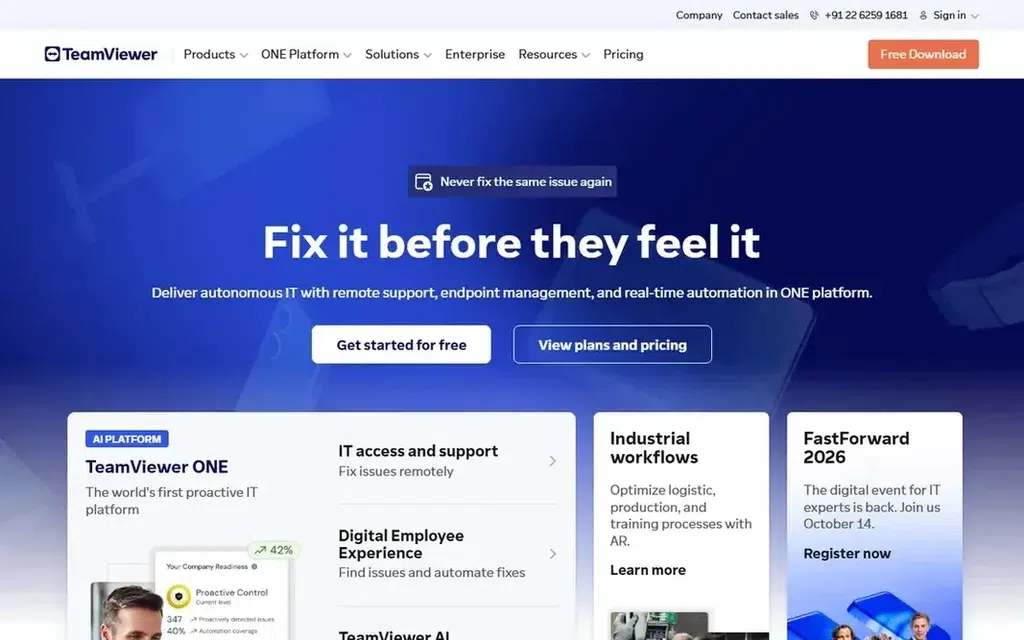
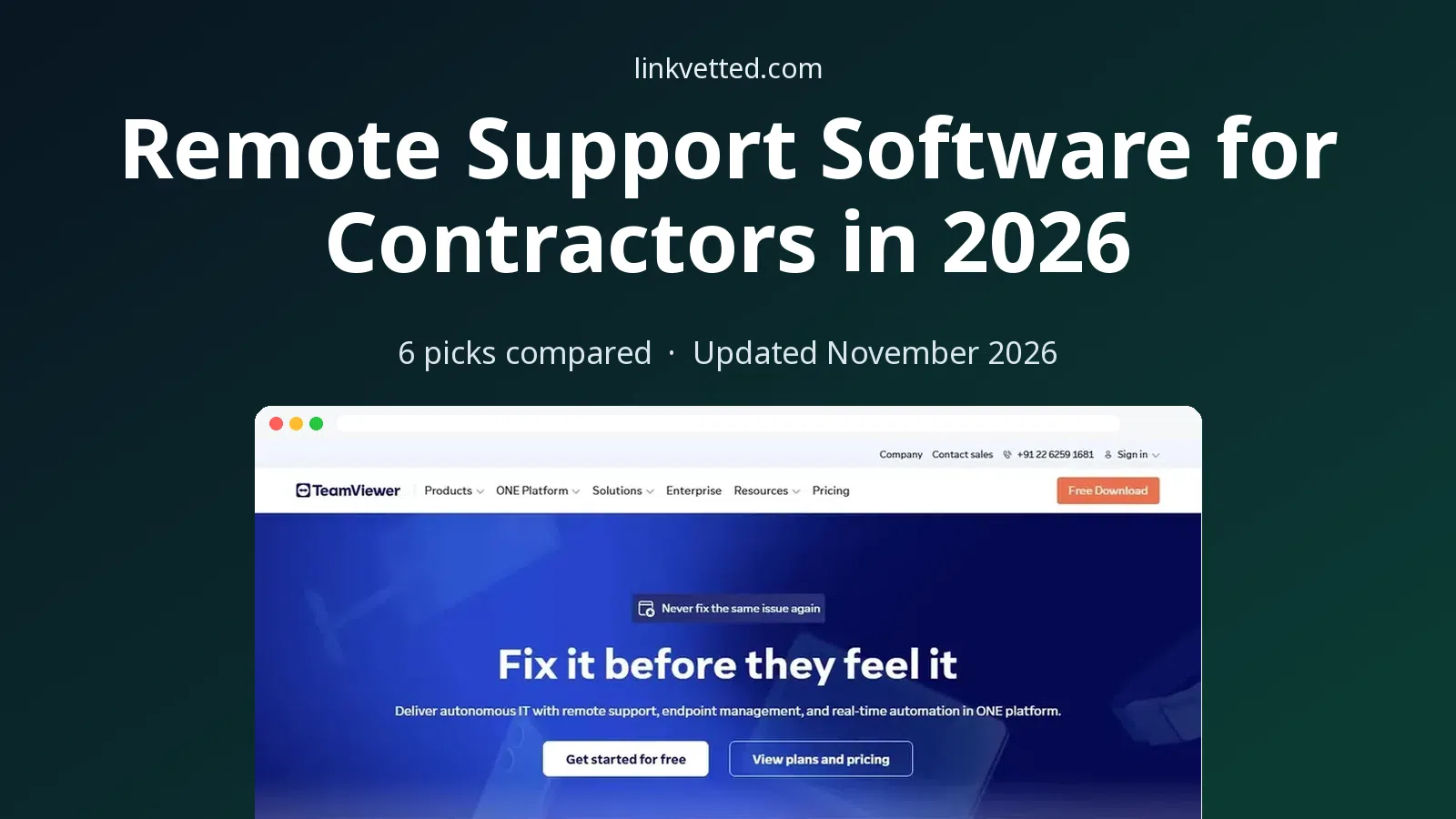
TeamViewer Remote was built for all-around remote access and support. TeamViewer Remote is a digital workplace product built around remote desktop access. It lets you link to remote computers, offer remote support and collaborate online, which makes it a wide fit for contractors who handle both client support and their own machines.
Also, the platform carries a wide feature set, so contractors with only occasional, straightforward sessions may find it heavier than needed. Its personal-use terms are separate from commercial use, so check licensing details before relying on it for billable work. Pricing for TeamViewer Remote is not stated here, so ask the vendor for current figures. Trial and free access: Free trial.
The main drawbacks: Personal use terms differ from business use.
- Remote desktop access plus support tools
- Contains online collaboration features
- Feature depth can overwhelm straightforward jobs
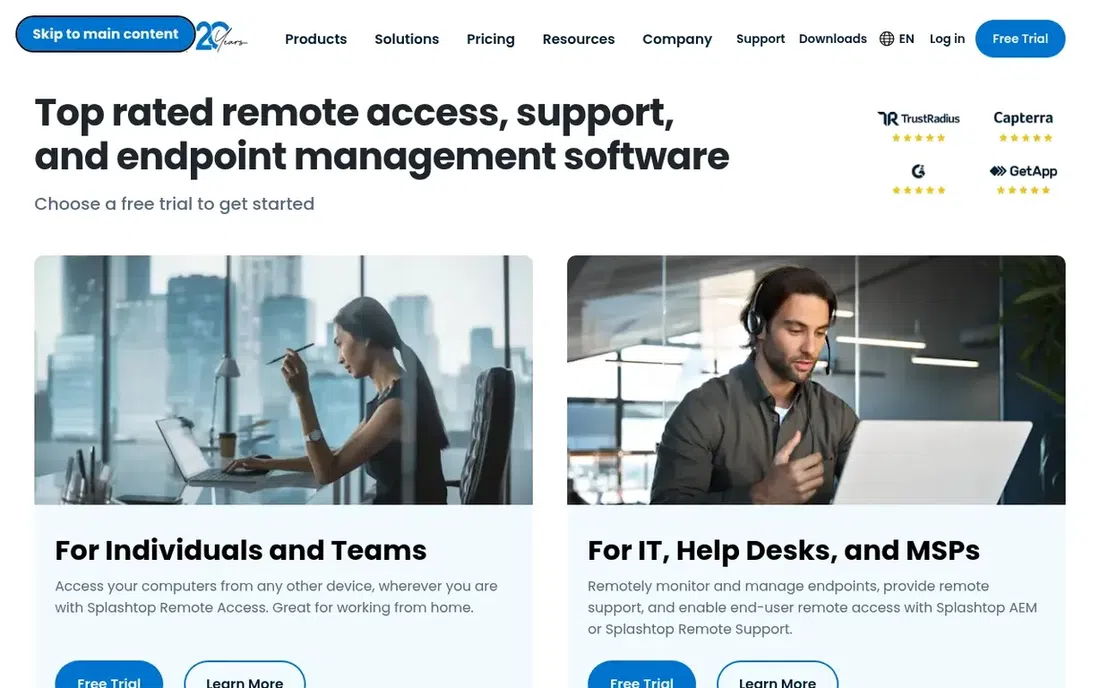
Where Splashtop fits: quick remote access and support. Splashtop provides secure remote access and remote support software, with options spanning remote work, remote support, remote learning and more. From a buyer's view, if you want a single general-purpose product, look elsewhere, but for focused access needs it is a strong candidate.
In daily use, Splashtop separates its offerings by use case. So the right edition depends on whether you need support sessions, remote work access or both. Contractors who require dependable connections for both their own devices and client machines can use it across those scenarios. On cost, Splashtop starts like this: $6 per month. On free options: Free trial.
Where Splashtop stands out: Positioned around value.
Drawbacks to consider: Some features vary by edition.
- Emphasis on quick
- Remote work
- Product lines split by use case
Chrome Remote Desktop
Best for: Fast browser-based entry-level sessions
Pick Chrome Remote Desktop if this describes you: fast browser-based entry-level sessions. Chrome Remote Desktop is a browser-based remote desktop tool from Google.
It lets you set up remote access to another computer through the Chrome browser, which keeps the process straightforward for contractors who only need occasional connections to their own machines. Since it runs in the browser, there is little to install beyond the Chrome extension and host component. Check the vendor site for Chrome Remote Desktop pricing; none is listed in this comparison. As for free access: Not stated.
Where it falls short: Tied to the Chrome and Google ecosystem.
- Straightforward setup for entry-level access
- Runs through the Chrome browser
- Restricted advanced support features
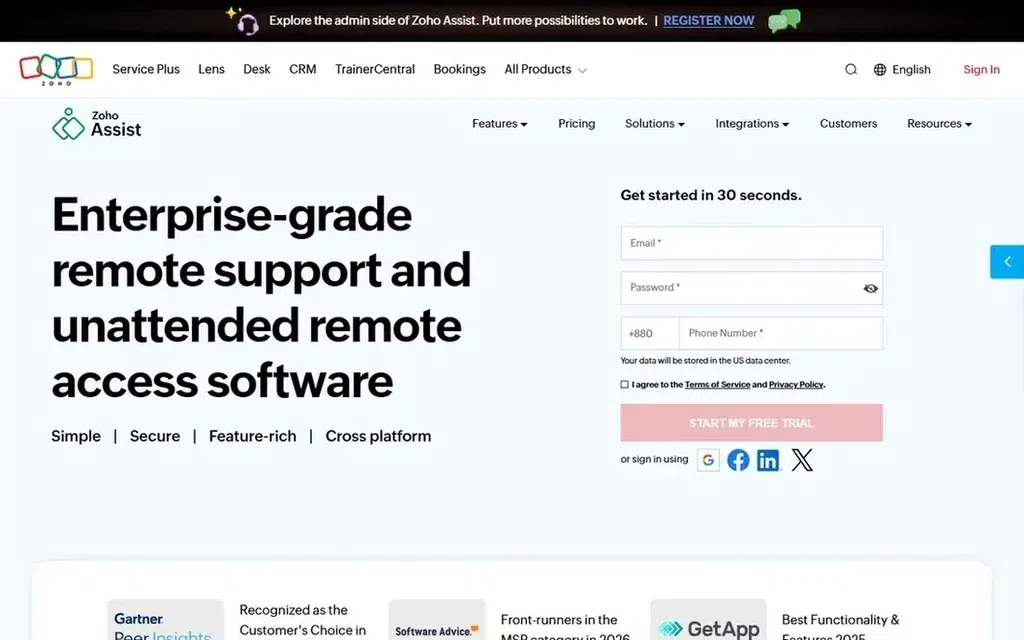
Zoho Assist is aimed squarely at IT and support team troubleshooting. It lets technicians access, control and troubleshoot devices from anywhere, which suits contractors who run a small support operation or handle client equipment.
The focus on support workflows makes it a natural choice for teams that resolve issues remotely instead of just viewing screens. Also, consider a more straightforward access tool if support ticketing is not part of your work. Check the vendor site for Zoho Assist pricing; none is listed in this comparison. Free access: Not stated.
Honest limits: Geared toward support workflows more than general access.
- Made for IT and support teams
- Secure remote desktop access
- Fits best within the wider Zoho ecosystem
How we chose
We compared the tools on published pricing, free plan or trial availability, feature coverage for remote support software for contractors, and the limits each vendor documents. Figures are shown as the vendors publish them. Billing terms, seat minimums and add-ons can change the real cost. The sequence is a judgement call: typical use case first, then pricing transparency, then free access. Use the profiles to check fit.
Before you commit
- Get a written quote from TeamViewer Remote, Chrome Remote Desktop and Zoho Assist; the list shows no starting price for them.
- Look at the free plan from RustDesk closely: its caps decide whether it is usable for real work.
- Take the trial from RemotePC, TeamViewer Remote and Splashtop and push a live task through it before you pay.
- Before choosing RemotePC, weigh its main limit: support features are less central.
- Check how data leaves Chrome Remote Desktop: formats, limits and whether exports are available on every plan.
- Ask TeamViewer Remote whether prices are locked for the first term and what happens at renewal.
FAQ
Is RemotePC the right pick for everyone comparing remote support software for contractors?
No single tool suits every team. RemotePC comes first because it fits cross-platform access to your own devices, while RustDesk suits self-hosted open-source remote desktop and TeamViewer Remote suits all-around remote access and support. Match the tool to your own size, budget and workflow before deciding.
Can I try these tools before paying?
Often, yes. RustDesk has a free plan and RemotePC, TeamViewer Remote and Splashtop offer a free trial. Use your own data and a real task during the test, and check what the free tier or trial limits before you rely on it.
Do these tools publish their prices?
Not all of them. TeamViewer Remote, Chrome Remote Desktop and Zoho Assist publish no starting price, so expect a quote request for those. The rest, RemotePC included, show a starting price, though seats and billing terms still change the final cost.
How are the tools for remote support software for contractors ordered?
The order follows typical fit for remote support software for contractors, with RemotePC first and Zoho Assist last, then price clarity and free access. It is editorial judgement, not a score, so another team could rank the tools differently.
Sources
- https://www.remotepc.com
- https://rustdesk.com
- https://www.teamviewer.com
- https://www.splashtop.com
- https://remotedesktop.google.com
- https://www.zoho.com/assist
Related guides
- Best Customer Support Software for Government Contractors for 2026: Our 5 Vetted Picks
- Best Construction CRM Software for Remote Teams in 2026: Prices, Free Plans and 6 Picks
- Choosing Construction Project Management Software for Remote Teams in 2026: 6 Options Compared
- Choosing Customer Support Software for Electricians in 2026: 5 Options Compared