5 Best Remote Support Software for Government Contractors for 2026, Vetted and Compared
Best remote support software for government contractors in 2026: 5 contenders with entry costs and free tiers. Each tool gets a one-line verdict. No hype.
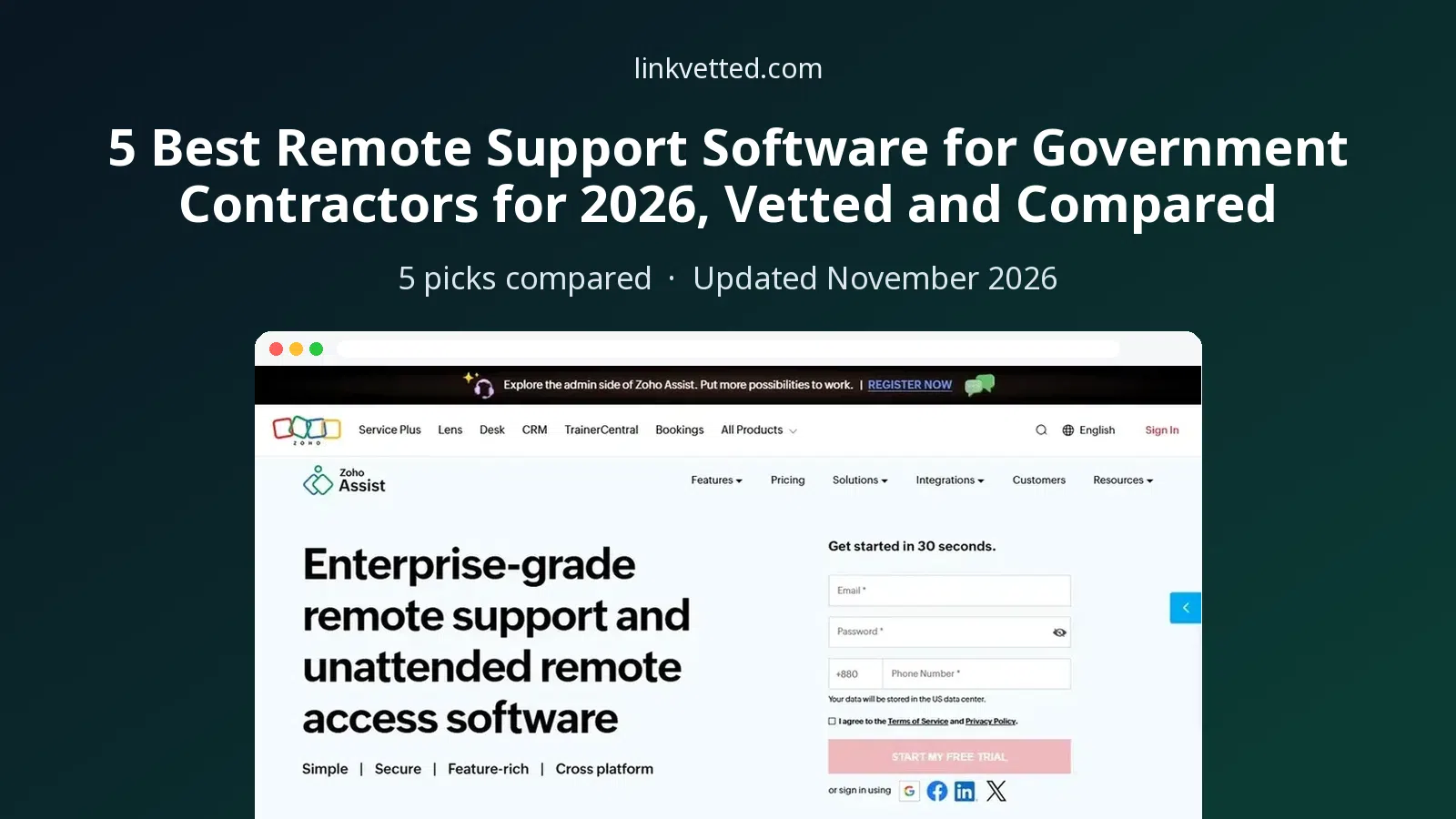
- Editor's choiceN-able Take Control
MSPs serving public-sector clients
Starts atSee websiteVisit n-able.comFull review - Great alternative
 Zoho Assist
Lean IT and support teams
Starts atSee websiteVisit zoho.comFull review - Also consider
 Splashtop
Quick, secure remote access
Starts at$6 per monthVisit splashtop.comFull review
Direct answer
For MSPs serving public-sector clients, N-able Take Control is where this list starts. Listed starting prices: Splashtop from $6 per month and RemotePC from $1.84 per month. For a different need, Zoho Assist covers lean IT and support teams and Splashtop covers quick, secure remote access. Prices, free plans and limits for all 5 tools follow.
TL;DR:
- This list starts with N-able Take Control, which is built for MSPs serving public-sector clients.
- Check the limits for Zoho Assist before you commit: deeper automation may need companion products.
- TeamViewer Remote fits wide remote access and collaboration.
- None of the 5 tools, from N-able Take Control to TeamViewer Remote, has a free plan, so budget for a subscription or use a trial.
Last checked November 2026. Prices and plan details were read from the vendors' own pages in November 2026; vendors change plans often, so confirm the current price on the vendor site before you buy.
Quick comparison
| Tool | Best for | Starts at | Free plan? | |
|---|---|---|---|---|
| N-able Take Control | MSPs serving public-sector clients | See website | Not stated | Visit |
| Zoho Assist | Lean IT and support teams | See website | Not stated | Visit |
| Splashtop | Quick, secure remote access | $6 per month | Free trial | Visit |
 RemotePC | Straightforward cross-platform remote access | $1.84 per month | Free trial | Visit |
| TeamViewer Remote | Wide remote access and collaboration | See website | Free trial | Visit |
Tool-by-tool breakdown
Choosing remote support software for government contractors usually comes down to price, fit and limits. This LinkVetted guide sets 5 tools side by side on those three points, with the facts kept short and checkable.
N-able Take Control
Best for: MSPs serving public-sector clients
For MSPs serving public-sector clients, N-able Take Control is a natural candidate. N-able Take Control is a remote control and support tool aimed at managed service providers. It helps technicians resolve issues rapidly whereas maintaining service quality for clients, which suits contractors that act as MSPs for government agencies or subcontractors.
What to check first: Narrower scope than full RMM suites.
Organizations that are not structured as service providers may find the MSP orientation less relevant. It also concentrates on remote control instead of wide endpoint automation. In daily use, consider a wider RMM product when monitoring, patching and remote support must live in one console. Pricing for N-able Take Control is not stated here, so ask the vendor for current figures. Free access: Not stated.
- Remote control designed for support delivery
- Helps resolve issues whereas serving clients
- Less suited to organizations without MSP structure
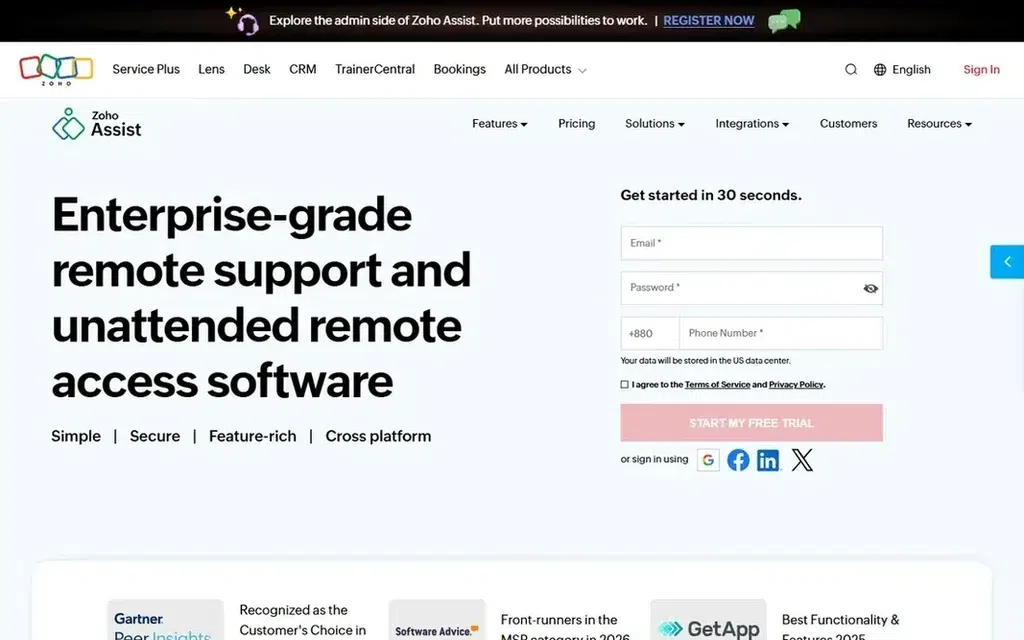
Zoho Assist works best for lean IT and support teams. Zoho Assist is remote support and remote access software pitched at IT and support teams.
It lets technicians access, control and troubleshoot devices from anywhere, which suits contractors running help desks for staff or field personnel. Check the vendor site for Zoho Assist pricing; none is listed in this comparison. Free access: Not stated.
Downsides: Feature depth varies by edition.
- Secure remote desktop access and control
- Troubleshoot devices from anywhere
- Deeper automation may need companion products
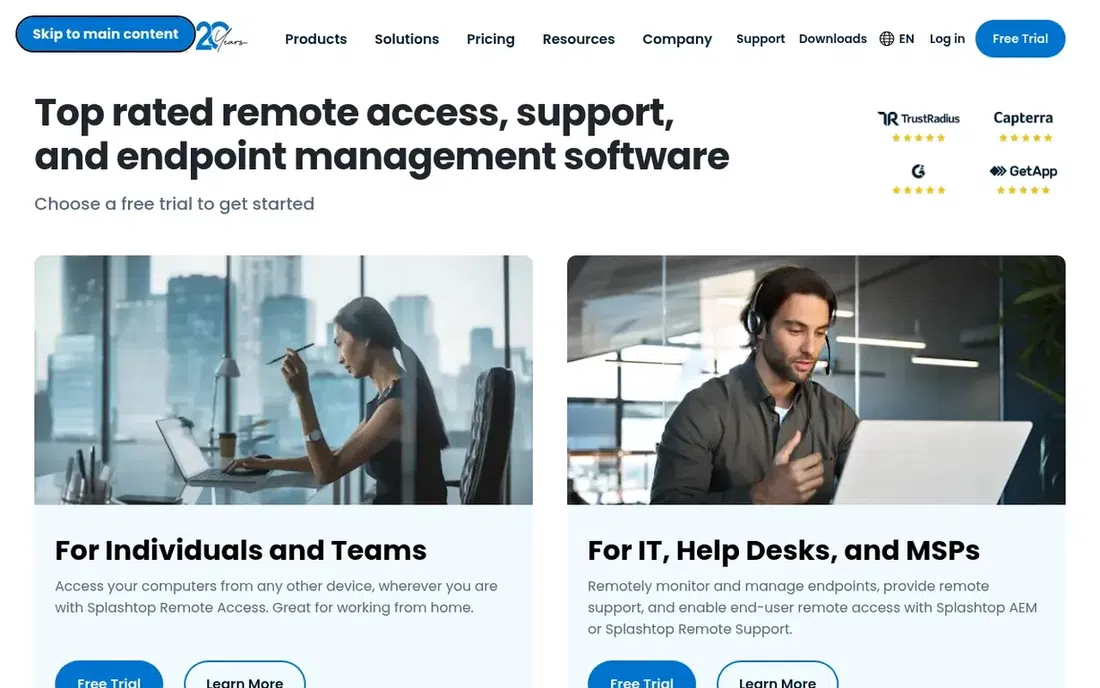
Where Splashtop fits: quick, secure remote access. Splashtop offers secure remote access and remote support software, with offerings spanning remote work, support and learning. Worth adding: Splashtop centers on access and support instead of full monitoring and patch automation.
Buyers who require integrated endpoint management may have to pair it with another system. Beyond that, choose it when quick, secure connections are the priority and adjacent IT workflows are handled elsewhere. Splashtop pricing: $6 per month. Free plan details: Free trial.
Limits to weigh: Some advanced support features are edition-specific.
- Support and learning
- Includes remote work
- Less emphasis on full RMM workflows
Choose RemotePC for straightforward cross-platform remote access. RemotePC is remote desktop and secure remote access software for PCs, Macs, Linux machines and mobile devices. RemotePC does not emphasize monitoring, patching or help desk automation, so support-centric teams may outgrow it.
More specifically, contractors needing deep troubleshooting workflows should look at dedicated support systems. It remains a reasonable fit when secure access is the primary requirement. Starting cost for RemotePC: $1.84 per month. Free options: Free trial.
Trade-offs to know: Support features are less broad than suites.
Where RemotePC stands out: Access PCs, Macs.
- Straightforward remote access focus
- Covers mixed device environments
- Restricted RMM-style automation
TeamViewer Remote
Best for: Wide remote access and collaboration
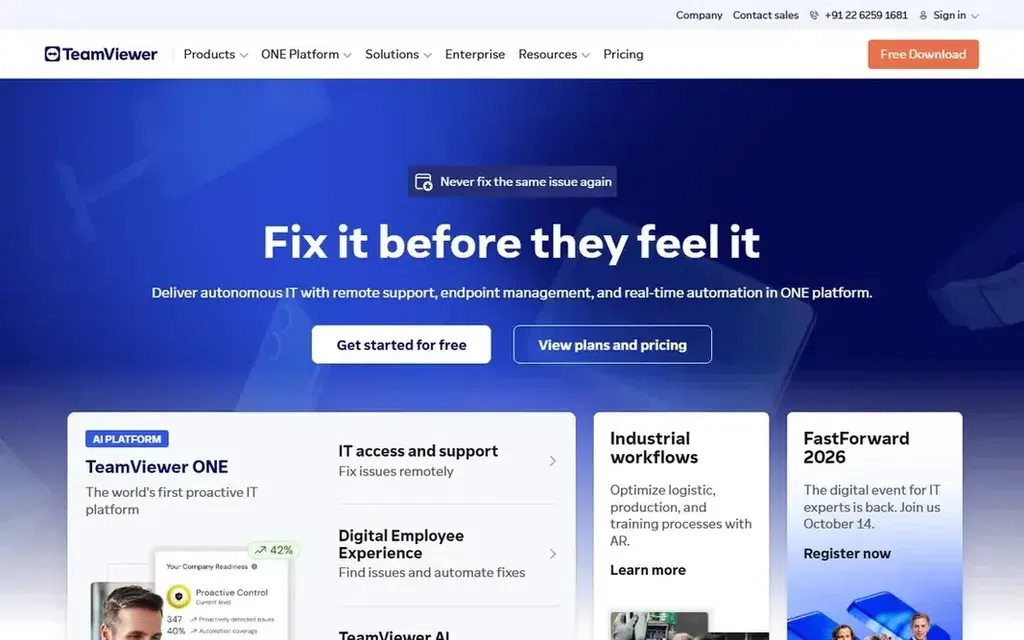
Pick TeamViewer Remote if this describes you: wide remote access and collaboration. TeamViewer Remote is a digital workplace system centered on remote desktop access. It lets technicians link to remote computers, deliver support sessions and collaborate online, which fits contractors supporting staff across offices, job sites and home setups.
As for the details, consider alternatives when you need deep endpoint automation instead of general remote access. Also, organizations that want a single familiar tool for both everyday access and ad hoc troubleshooting tend to fit well, notably where end users span several device types. No starting price is listed for TeamViewer Remote here; confirm pricing on the vendor site. On free options: Free trial.
Where it falls short: Feature breadth can complicate licensing decisions.
- Remote desktop access and support in one system
- Supports online collaboration alongside connections
- Consumer-oriented roots may need review for strict environments
Selection criteria
A buyer's checklist
- Confirm the entry price on the vendor page. For N-able Take Control, Zoho Assist and TeamViewer Remote that means a quote rather than a fixed price.
- Use real work to test the free trial from Splashtop, RemotePC and TeamViewer Remote, rather than a demo project.
- Read the limits listed for N-able Take Control first: less suited to organizations without MSP structure.
- Check how data leaves Splashtop: formats, limits and whether exports are available on every plan.
- Price RemotePC for your actual team size; headline prices rarely include add-ons or overage.
FAQ
What is the cheapest option for remote support software for government contractors in this list?
On published monthly entry prices, RemotePC is the lowest here at $1.84 per month. Entry price is only part of the cost, because seats, add-ons and billing terms can change the total. For the full picture, the cards above cover all 5 entries of this remote support software for government contractors list, including price, free plan and limits.
Do these tools publish their prices?
Not all of them. N-able Take Control, Zoho Assist and TeamViewer Remote publish no starting price, so expect a quote request for those. The rest, Splashtop included, show a starting price, though seats and billing terms still change the final cost.
How are the tools for remote support software for government contractors ordered?
The order follows typical fit for remote support software for government contractors, with N-able Take Control first and TeamViewer Remote last, then price clarity and free access. It is editorial judgement, not a score, so another team could rank the tools differently.
How do MSP-oriented tools differ from general remote access?
Tools for example N-able Take Control are built around service provider workflows, where technicians resolve issues across numerous client environments. General access tools focus on connecting to your own machines.
Does any tool for remote support software for government contractors here have a free plan?
No tool in this list, N-able Take Control and TeamViewer Remote included, has a permanent free plan. Splashtop, RemotePC, TeamViewer Remote offer a trial. Trials and quotes are the usual route, so plan a short evaluation period.
What should government contractors look for in remote support software?
Prioritize security controls, auditability of sessions and compatibility with the devices your staff and subcontractors use. Also confirm data handling terms match your contract obligations.
Sources
- https://www.n-able.com/products/take-control
- https://www.zoho.com/assist
- https://www.splashtop.com
- https://www.remotepc.com
- https://www.teamviewer.com