Choosing Remote Support Software for Medical Clinics in 2026: 6 Options Compared
6 best remote support software for medical clinics, with entry costs, free tiers and the buyer each one serves. Plus the drawbacks of each tool. Facts only.
- Editor's choiceGoTo
Business communication with support features
Starts atSee websiteVisit goto.comFull review - Great alternativeTeamViewer Remote
Remote desktop access and IT support
Starts atSee websiteVisit teamviewer.comFull review - Also consider
 Zoom for Healthcare
Virtual care within a familiar video product
Starts atSee websiteVisit zoom.usFull review
Direct answer
This list puts GoTo first for business communication with support features. Listed starting prices: Splashtop from $6 a month. Alternatives: TeamViewer Remote for Remote desktop access and IT support, and Zoom for Healthcare for virtual care within a familiar video system. All 6 tools are compared below on price, free plan and limits.
TL;DR:
- The list opens with GoTo, aimed at business communication with support features.
- A fair warning about TeamViewer Remote: not a patient telehealth tool.
- Splashtop has the lowest monthly starting price in this list: $6 per month.
- Splashtop is the one to check for quick, secure remote access and support.
- A permanent free plan is missing from all 6 tools, GoTo and Splashtop included; plan for a trial or a premium start.
Last checked November 2026. Prices and plan details were read from the vendors' own pages in November 2026; vendors change plans often, so confirm the current price on the vendor site before you buy.
Quick comparison
| Tool | Best for | Starts at | Free plan? | |
|---|---|---|---|---|
| GoTo | Business communication with support features | See website | Not stated | Visit |
| TeamViewer Remote | Remote desktop access and IT support | See website | Free trial | Visit |
| Zoom for Healthcare | Virtual care within a familiar video product | See website | Not stated | Visit |
 Microsoft Teams | Clinics already using Microsoft tools | See website | Not stated | Visit |
 Doxy.me | Straightforward browser-based telehealth visits | See website | Not stated | Visit |
 Splashtop | Quick, secure remote access and support | $6 a month | Free trial | Visit |
Our 6 remote support software for medical clinics
Choosing remote support software for medical clinics usually comes down to price, fit and limits. This LinkVetted guide sets 6 tools side by side on those three points, with the facts kept short and checkable.
GoTo
Best for: Business communication with support features
GoTo targets business communication with support features. Choose it when communication and support breadth matter, and look to dedicated telehealth tools when patient visits are the core need.
The range of products also means more evaluation work before committing. In practice, clinics that deal with scheduling calls, patient inquiries, and internal coordination may find a combination of these products handy. This comparison lists no price for GoTo; ask the vendor. Free options: Not stated.
The main drawbacks: Several products to evaluate.
- Wide communication coverage
- IT support products
- Not healthcare-specific
TeamViewer Remote
Best for: Remote desktop access and IT support
TeamViewer Remote was built for Remote desktop access and IT support. TeamViewer Remote is a digital workplace product centered on remote desktop access, remote support, and online collaboration.
Trade-offs to know: Access policies need careful setup.
In practice, pick it when IT support is the priority, and choose a telehealth product for clinical appointments. Worth adding: in a clinic, it is most handy for IT staff and vendors who need to link to front desk or back office computers to resolve issues rapidly. This comparison lists no price for TeamViewer Remote; ask the vendor. Free options: Free trial.
- Support and collaboration features
- Remote computer access
- Not a patient telehealth tool
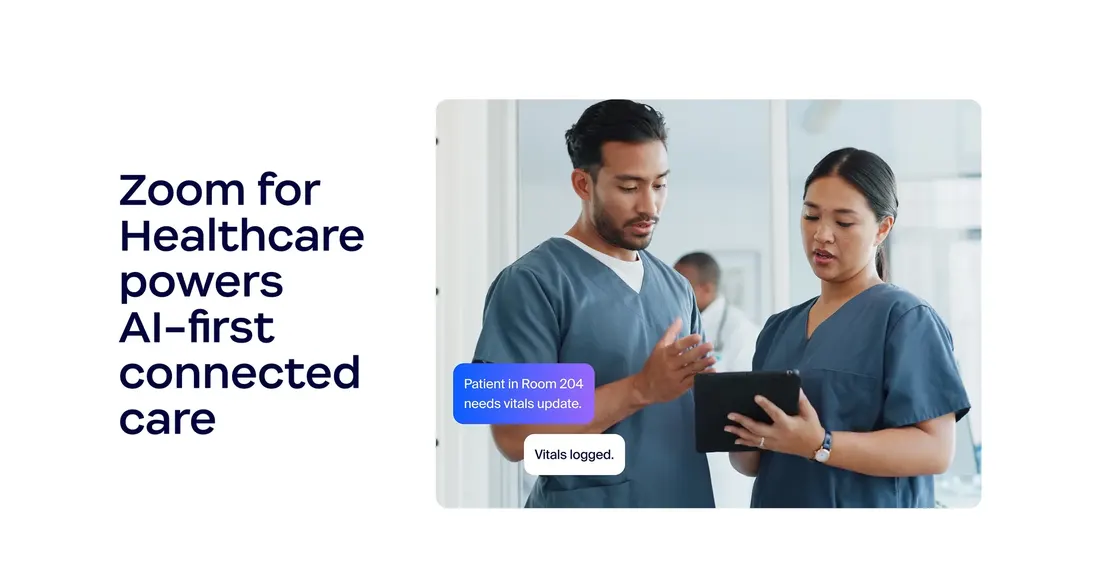
Zoom for Healthcare is a good fit for virtual care within a familiar video system. Clinics that only need entry-level patient visits may find it more than necessary.
It builds on the widely used Zoom meeting experience, so staff and patients commonly recognize the interface. Check the vendor site for Zoom for Healthcare pricing; none is listed in this comparison. Free access: Not stated.
Where it falls short: Needs account administration.
- Familiar meeting interface
- Made for healthcare providers
- Telehealth is one part of a bigger suite
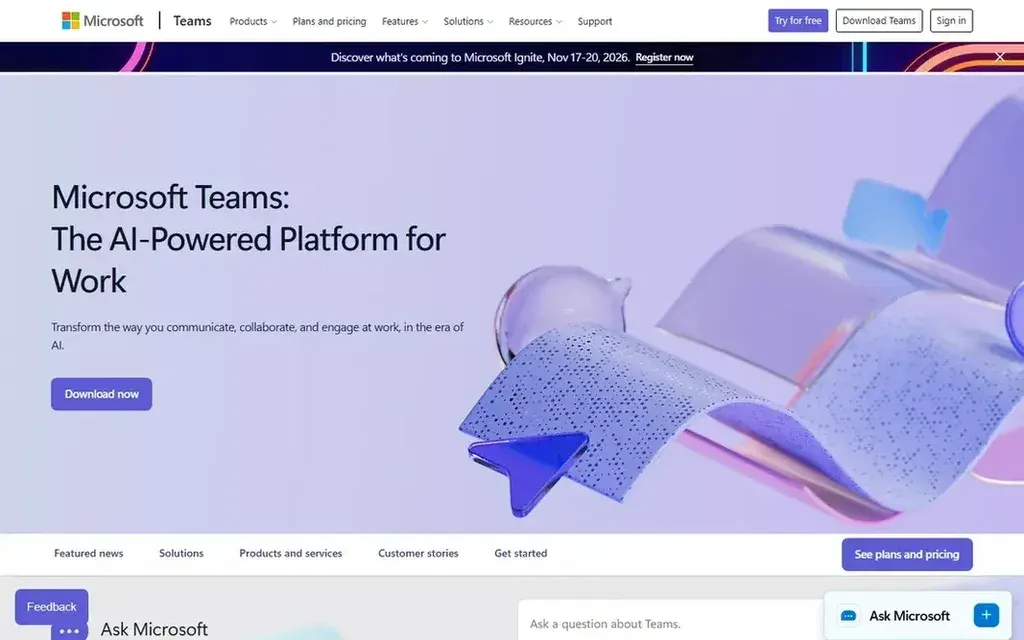
Pick Microsoft Teams if this describes you: clinics already using Microsoft tools. For clinics already using Microsoft productivity tools, it can serve as the internal communication layer for staff huddles, scheduling coordination, and administrative meetings.
Pick it when internal collaboration is the priority and your organization already standardizes on Microsoft tools. Pricing for Microsoft Teams is not stated here, so ask the vendor for current figures. On free options: Not stated.
Points against: Not a dedicated telehealth product.
- Supports internal coordination
- Suits Microsoft-centric workplaces
- Needs governance to stay organized
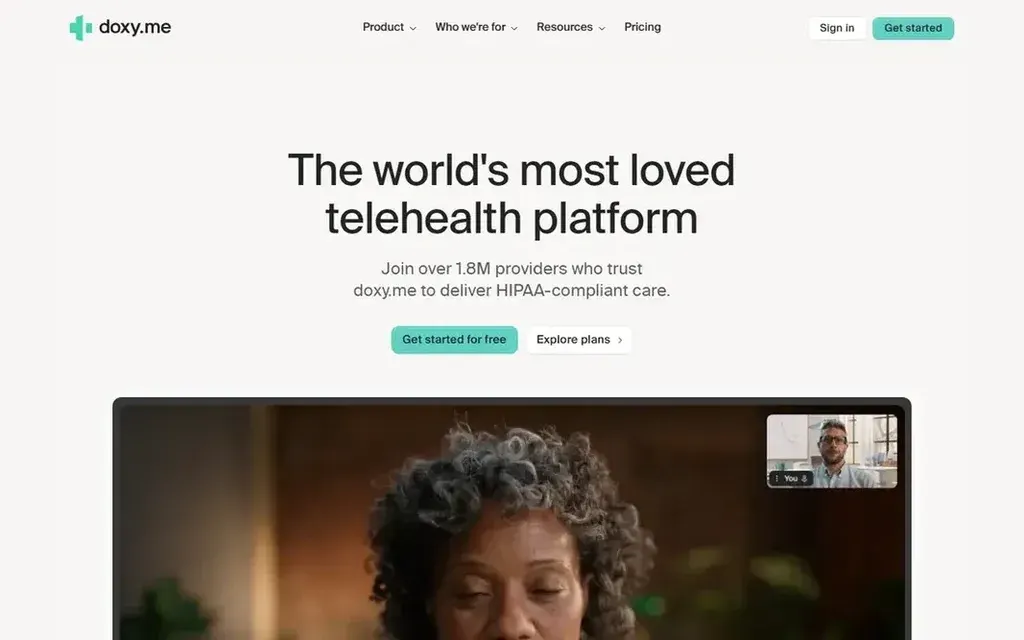
Think of Doxy.me for straightforward browser-based telehealth visits. Patients join from a browser, which cuts friction for clinics that see many different patients with varying technical comfort.
Beyond that, bigger organizations with complicated integration requirements may prefer a broader product. Doxy.me does not show a starting price in this comparison, so check the vendor site for current pricing. Free access: Not stated.
Points against: Restricted IT support features.
- Fast setup for clinicians
- No patient downloads required
- Fewer general collaboration tools
Think of Splashtop for quick, secure remote access and support. Splashtop supplies secure remote access and remote support software for work, support, and learning scenarios.
Watch-outs: Needs setup for each environment.
From a buyer's view, clinics can use it so IT staff or administrators reach clinic workstations without traveling between sites, which helps multi-location practices. On top of that, consider it when remote access and support are the goal, and pair it with a dedicated telehealth choice for appointments. The starting price for Splashtop: $6 per month. Free options: Free trial.
- Positioned around secure access
- Remote work and support focus
- Not healthcare-specific
What went into this list
LinkVetted looked at what each vendor publishes: pricing, plan limits, feature coverage for remote support software for medical clinics and stated drawbacks. No hands-on testing is claimed. Figures are shown as the vendors publish them. Billing terms, seat minimums and add-ons can change the real cost. Position on the page reflects fit for a typical buyer first, with price clarity and free access breaking ties. Treat it as a guide, not a ruling.
What to confirm before you sign up
- Ask GoTo, TeamViewer Remote, Zoom for Healthcare and others for a written quote, since no starting price is shown.
- Run a trial of TeamViewer Remote and Splashtop with real work before paying for a year; your own workflow is the best test.
- Read the limits listed for GoTo first: multiple products to evaluate.
- Check the integration list for Doxy.me against the tools you run today, and note which ones need a higher plan.
- Ask Microsoft Teams how an export works before you move any records in; an easy exit lowers the risk.
FAQ
Does any tool for remote support software for medical clinics here have a free plan?
No tool in this list, GoTo and Splashtop included, has a permanent free plan. TeamViewer Remote, Splashtop offer a trial. Trials and quotes are the usual route, so plan a short evaluation period.
Which tool is a good match for a small clinic new to virtual visits?
This list starts with GoTo, which fits business communication with support features. For other needs, TeamViewer Remote is aimed at Remote desktop access and IT support, and Zoom for Healthcare at virtual care within a familiar video product. Check each tool's price and main limit first.
Can I try these tools before paying?
Often, yes. TeamViewer Remote and Splashtop offer a free trial. Use your own data and a real task during the test, and check what the free tier or trial limits before you rely on it.
Do these tools publish their prices?
Not all of them. GoTo, TeamViewer Remote, Zoom for Healthcare and others publish no starting price, so expect a quote request for those. The rest, Splashtop included, show a starting price, though seats and billing terms still change the final cost.
Is GoTo the right pick for everyone comparing remote support software for medical clinics?
No single tool suits every team. GoTo comes first because it fits business communication with support features, while TeamViewer Remote suits Remote desktop access and IT support and Zoom for Healthcare suits virtual care within a familiar video platform. Match the tool to your own size, budget and workflow before deciding.
Do clinics need both telehealth and remote support software?
Numerous clinics use two categories: a telehealth product for patient visits and a remote access tool for IT support. The right mix relies on whether your priority is patient care, IT troubleshooting, or both.
Sources
- https://www.goto.com
- https://www.teamviewer.com
- https://zoom.us/healthcare
- https://www.microsoft.com/en-us/microsoft-teams/group-chat-software
- https://doxy.me
- https://www.splashtop.com