Top 5 Remote Support Software for Healthcare Practices for 2026 (Prices and Free Plans)
Best remote support software for healthcare practices in 2026: 5 contenders with entry costs and free tiers. Each profile ends with a plain caveat. No hype.
- Editor's choice
 Splashtop
Quick and secure remote access
Starts at$6 a monthVisit splashtop.comFull review - Great alternative
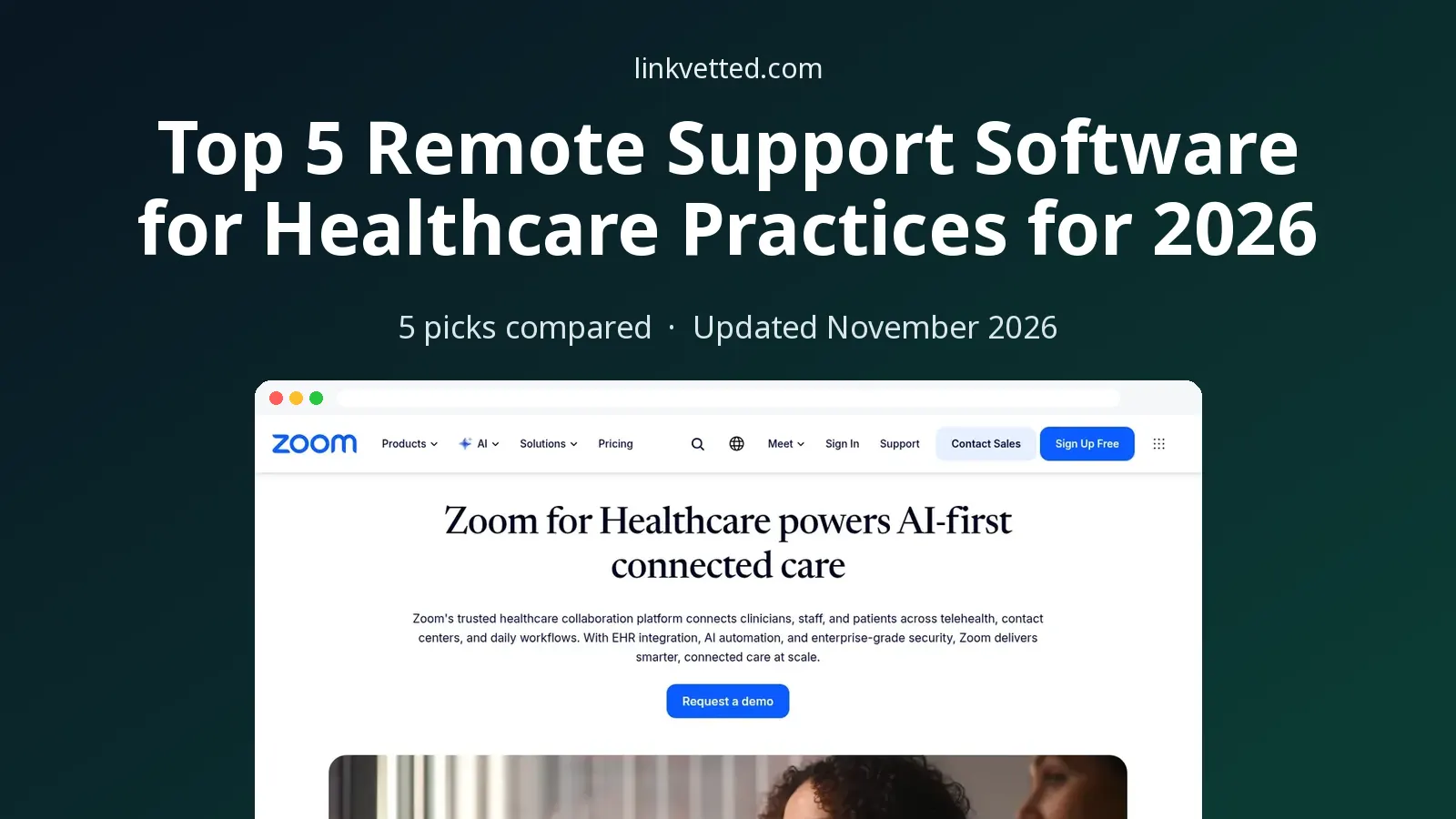
 Zoom for Healthcare
Virtual care and team collaboration
Starts atSee websiteVisit zoom.comFull review - Also consider
 Doxy.me
Straightforward, secure telehealth visits
Starts atSee websiteVisit doxy.meFull review
Direct answer
Splashtop is the first pick on this list for quick and secure remote access. Listed starting prices: Splashtop from $6 a month. Zoom for Healthcare fits virtual care and team collaboration; Doxy.me fits straightforward, secure telehealth visits. The remaining 2 options are covered below with prices and limits.
TL;DR:
- Number one here is Splashtop, a fit for quick and secure remote access.
- Starting prices begin at $6 per month with Splashtop.
- TeamViewer Remote is the one to check for Remote desktop access and support.
- Neither Splashtop nor TeamViewer Remote, nor any of the other 3 tools, has a permanent free plan; trials and quotes are the norm.
Last checked November 2026. Prices and plan details were read from the vendors' own pages in November 2026; vendors change plans often, so confirm the current price on the vendor site before you buy.
Quick comparison
| Tool | Best for | Starts at | Free plan? | |
|---|---|---|---|---|
| Splashtop | Quick and secure remote access | $6 a month | Free trial | Visit |
| Zoom for Healthcare | Virtual care and team collaboration | See website | Not stated | Visit |
| Doxy.me | Straightforward, secure telehealth visits | See website | Not stated | Visit |
 Microsoft Teams | Integrated collaboration and meetings | See website | Not stated | Visit |
| TeamViewer Remote | Remote desktop access and support | See website | Free trial | Visit |
Our 5 remote support software for healthcare practices
If you are comparing remote support software for healthcare practices, this page covers 5 tools in one place: what each is best for, what it costs to start, whether it has a free plan, and the main limit to know about.
For fast and secure remote access, Splashtop is a natural candidate. Like other general remote access tools, Splashtop is not tailored to healthcare and may need extra measures to ensure compliance.
Where it falls short: Compliance features may need extras.
It is used for remote work, remote support, and remote learning. The starting price for Splashtop: $6 per month. On free options: Free trial.
- Supports remote work and support
- Secure connections
- Not healthcare-specific

Zoom for Healthcare makes the most sense for virtual care and team collaboration. Zoom for Healthcare offers a secure telehealth product tailored for physicians, pharma-biotech, and healthcare providers. It supports virtual care, collaboration, and innovation, making it a versatile choice for practices that require both patient consultations and internal team meetings.
In daily use, the breadth of features may be more than a small practice needs, and ensuring compliance configurations can need effort. Worth adding: the system is built on Zoom's familiar interface, which plenty of users already know. No starting price is listed for Zoom for Healthcare here; confirm pricing on the vendor site. Free plan details: Not stated.
Trade-offs to know: Can be complicated for straightforward needs.
- Integrated collaboration tools
- Secure telehealth system
- Needs configuration for compliance
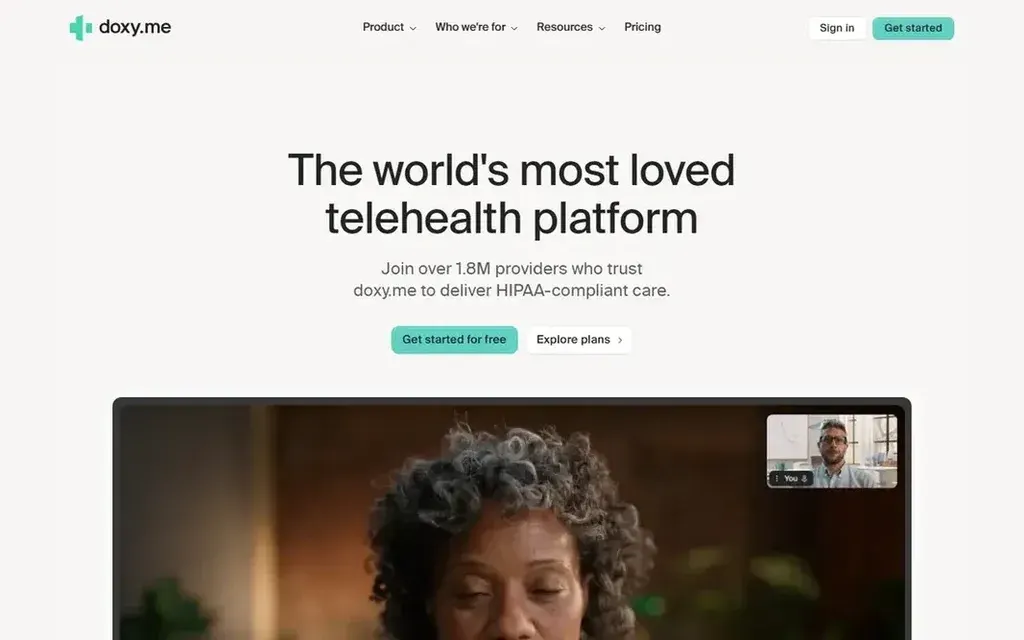
Pick Doxy.me if this describes you: straightforward, secure telehealth visits. It permits clinicians to conduct virtual visits without complicated installations, making it right for practices that require a straightforward telemedicine option.
Honest limits: Restricted remote support features.
In daily use, Whereas Doxy.me excels at telehealth, it may not offer the broader remote support capabilities needed for IT troubleshooting or device management. Doxy.me shows no starting price here, so confirm the cost on the vendor site. On free options: Not stated.
- Secure telehealth focus
- Simple setup for providers
- May lack advanced IT tools
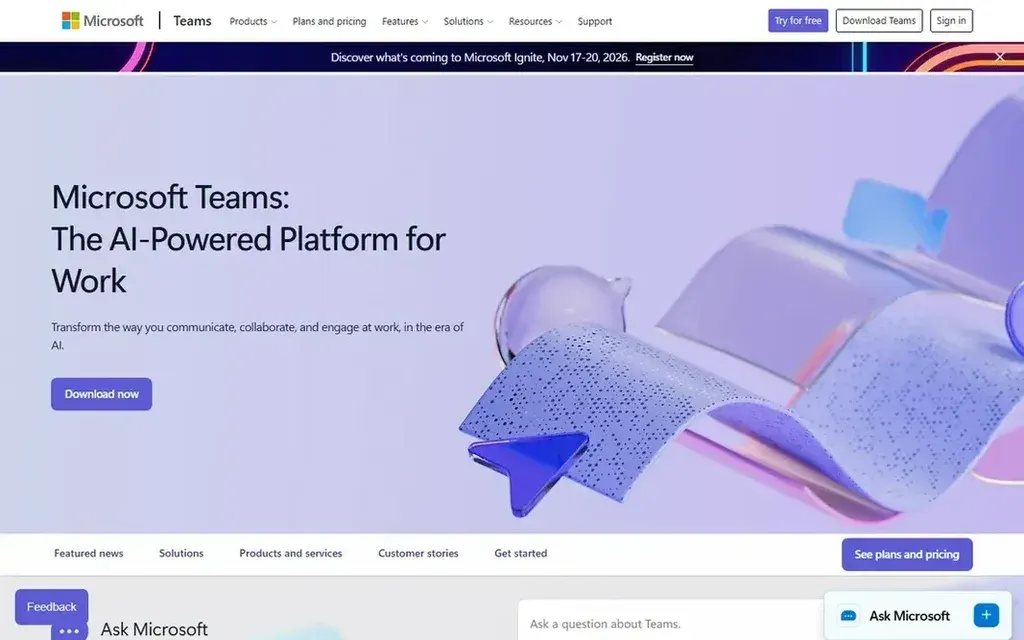
Choose Microsoft Teams for integrated collaboration and meetings. Microsoft Teams is a collaboration product that brings together chat, meetings, calling, and file storage.
Teams lacks healthcare-specific features and may need extra configurations or extras to meet compliance standards. This comparison lists no price for Microsoft Teams; ask the vendor. Free plan details: Not stated.
Honest limits: May need extras for compliance.
- Full collaboration suite
- Integrated with Microsoft ecosystem
- Not healthcare-specific
TeamViewer Remote
Best for: Remote desktop access and support
TeamViewer Remote serves Remote desktop access and support. For healthcare practices with in-house IT or external support, it provides a solid way to access systems remotely.
Downsides: Healthcare compliance needs review.
Worth adding: TeamViewer is not specifically aimed at healthcare, so practices must ensure their use meets relevant compliance requirements. TeamViewer Remote shows no starting price here, so confirm the cost on the vendor site. On free options: Free trial.
- Cross-platform remote access
- Solid support features
- Can be complicated for non-technical users
How we built this list
A buyer's checklist
- Ask Zoom for Healthcare, Doxy.me, Microsoft Teams and TeamViewer Remote for a written quote, since no starting price is shown.
- Take the trial from Splashtop and TeamViewer Remote and push a live task through it before you pay.
- Before choosing Splashtop, weigh its main limit: not healthcare-specific.
- Find out whether the entry plan of Microsoft Teams covers your must-haves or only a trimmed-down version.
- Involve the people who will use Doxy.me daily; a short pilot beats a long feature checklist.
FAQ
Can I try these tools before paying?
Often, yes. Splashtop and TeamViewer Remote offer a free trial. Use your own data and a real task during the test, and check what the free tier or trial limits before you rely on it.
How are the tools for remote support software for healthcare practices ordered?
Splashtop sits first and TeamViewer Remote last because the order follows typical fit for remote support software for healthcare practices, then price clarity and free access. It is a judgement call, so read each profile for fit and limits.
What is the best remote support software for healthcare practices?
For most readers this guide would start with Splashtop, built for quick and secure remote access. Zoom for Healthcare is the alternative for virtual care and team collaboration, and Doxy.me for straightforward, secure telehealth visits. The right answer depends on budget and workflow.
Is Splashtop the right pick for everyone comparing remote support software for healthcare practices?
No single tool suits every team. Splashtop comes first because it fits fast and secure remote access, while Zoom for Healthcare suits virtual care and team collaboration and Doxy.me suits simple, secure telehealth visits. Match the tool to your own size, budget and workflow before deciding.
Are these tools compliant with healthcare regulations?
Compliance varies by tool and configuration. Doxy.me and Zoom for Healthcare are designed with healthcare in mind, but you should verify compliance details on vendor sites.
Can I use general remote support tools like TeamViewer in a healthcare setting?
Yes, but you must ensure they meet relevant regulations like HIPAA. This may involve configuring security settings and signing business associate agreements. Always confirm with the vendor.
Sources
- https://www.splashtop.com
- https://www.zoom.com/en/industry/healthcare
- https://doxy.me
- https://www.microsoft.com/en-us/microsoft-teams/group-chat-software
- https://www.teamviewer.com