6 Customer Support Software for Healthcare Practices Worth Shortlisting in 2026
Searching for the best customer support software for healthcare practices? Here are 6 options with prices and free plans. Real limits included. Compare quickly.
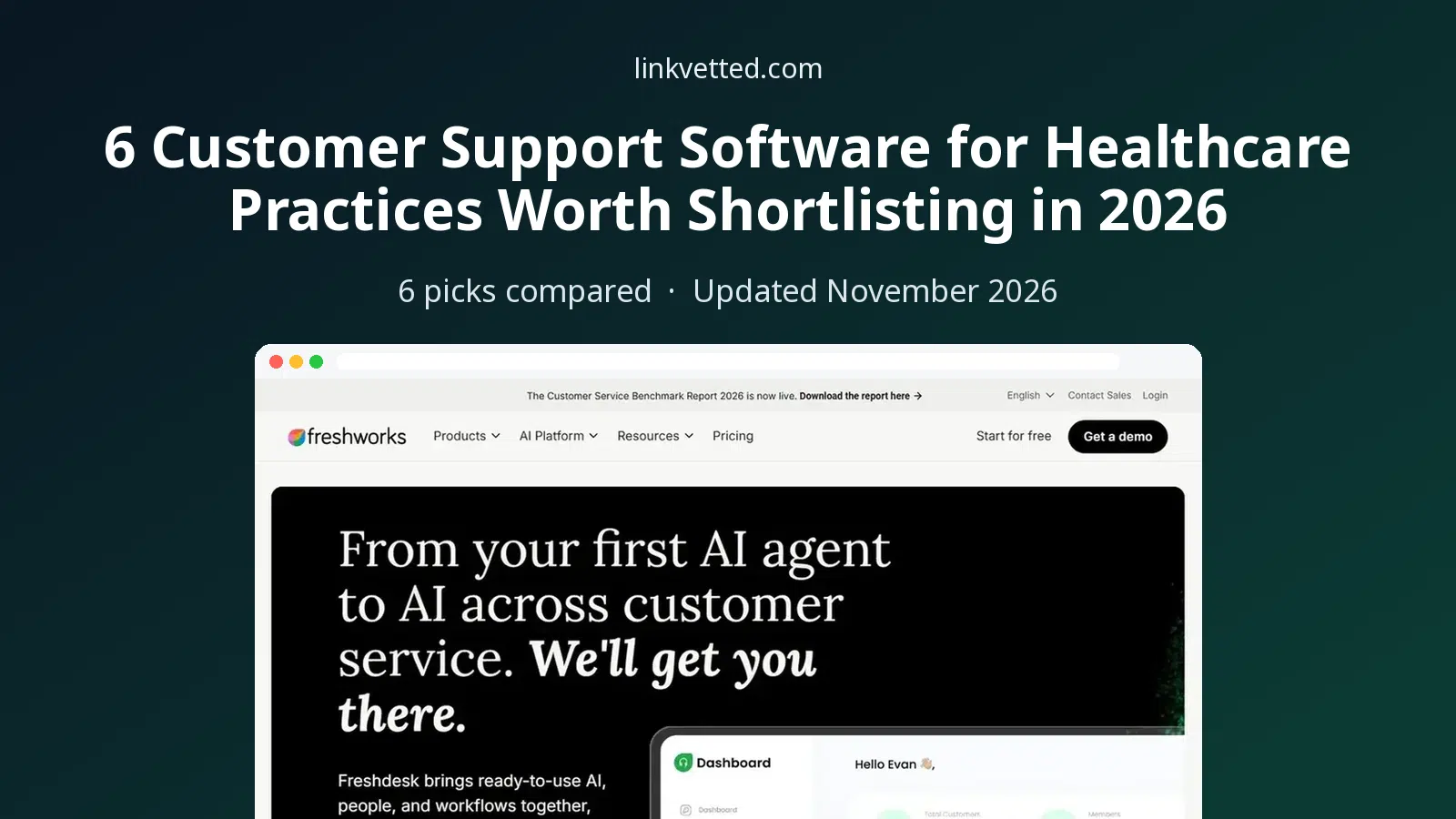
- Editor's choice
 Zoho Desk
AI and human collaboration in one desk
Starts atSee websiteVisit zoho.comFull review - Great alternative
 Front
Shared workspace across teams
Starts at$25 per seat a monthVisit front.comFull review - Also consider
 Kustomer
Conversation-focused service with CRM
Starts atSee websiteVisit kustomer.comFull review
Direct answer
Zoho Desk comes first here, mainly for AI and human collaboration in one desk. Listed starting prices: Front from $25 per seat a month and Zendesk from $19 agent/month premium yearly. For a different need, Front covers shared workspace across teams and Kustomer covers conversation-focused service with CRM. The other 3 tools in the list cover narrower or pricier cases.
TL;DR:
- The list opens with Zoho Desk, aimed at AI and human collaboration in one desk.
- Zendesk fits scalable AI-assisted patient support.
- Zendesk is the lowest-priced starter here at $19 agent/month premium yearly.
- Before buying Front, weigh this: less of a traditional help desk.
- Zoho Desk, Zendesk and the 4 others all need a premium plan or a trial, since no free plan is listed.
Last checked November 2026. Prices and plan details were read from the vendors' own pages in November 2026; vendors change plans often, so confirm the current price on the vendor site before you buy.
Quick comparison
| Tool | Best for | Starts at | Free plan? | |
|---|---|---|---|---|
| Zoho Desk | AI and human collaboration in one desk | See website | Not stated | Visit |
| Front | Shared workspace across teams | $25 per seat a month | Free trial | Visit |
| Kustomer | Conversation-focused service with CRM | See website | Not stated | Visit |
 Freshdesk | Omnichannel ticketing with automation | See website | Not stated | Visit |
 Salesforce Service Cloud | Connected service at bigger scale | See website | Not stated | Visit |
 Zendesk | Scalable AI-assisted patient support | $19 agent/month premium yearly | Free trial | Visit |
The 6 tools in detail
LinkVetted put together this guide to customer support software for healthcare practices for readers who want a clear shortlist without reading every vendor page. It compares 6 tools on starting price, free plans, who each one suits and where each one falls short.
Zoho Desk is aimed squarely at AI and human collaboration in one desk. Consider Zoho Desk when a unified help desk and AI collaboration are central to your support plan.
As for the details, Zoho Desk is a unified help desk product built for smooth AI and human collaboration, pitched at delivering support at scale. The system gives you considerable depth, which means setup and tuning take effort before it feels simplified. Pricing for Zoho Desk is not stated here, so ask the vendor for current figures. Free access: Not stated.
Trade-offs to know: Small teams may not use it all.
- Aimed at AI-human collaboration
- Unified help desk system
- Feature depth needs configuration
Front targets shared workspace across teams. It suits practices that want a shared workspace instead of a rigid ticket queue, particularly when front-desk, billing and clinical coordination teams manage overlapping patient questions.
Front is less of a traditional help desk, so teams expecting deep ticketing structures may have to adapt. Front starts at: $25 per seat per month. On free options: Free trial.
Where it falls short: Shared inbox model needs clear ownership.
- Shared workspace for complicated work
- Sales and operations together
- Less of a traditional help desk
Kustomer is built with conversation-focused service with CRM in mind. Since it leans on CRM-style data, setup needs planning around how patient records and conversations link.
The main drawbacks: CRM-centric setup takes planning.
In daily use, Kustomer is an AI customer service product and CRM that brings together conversations, automates workflows and powers omnichannel experience in one place. For everyday use, teams that only want basic ticketing may find it more than needed. This comparison lists no price for Kustomer; ask the vendor. Free options: Not stated.
- AI customer service CRM
- Brings together conversations in one product
- Narrower fit for ticket-only teams
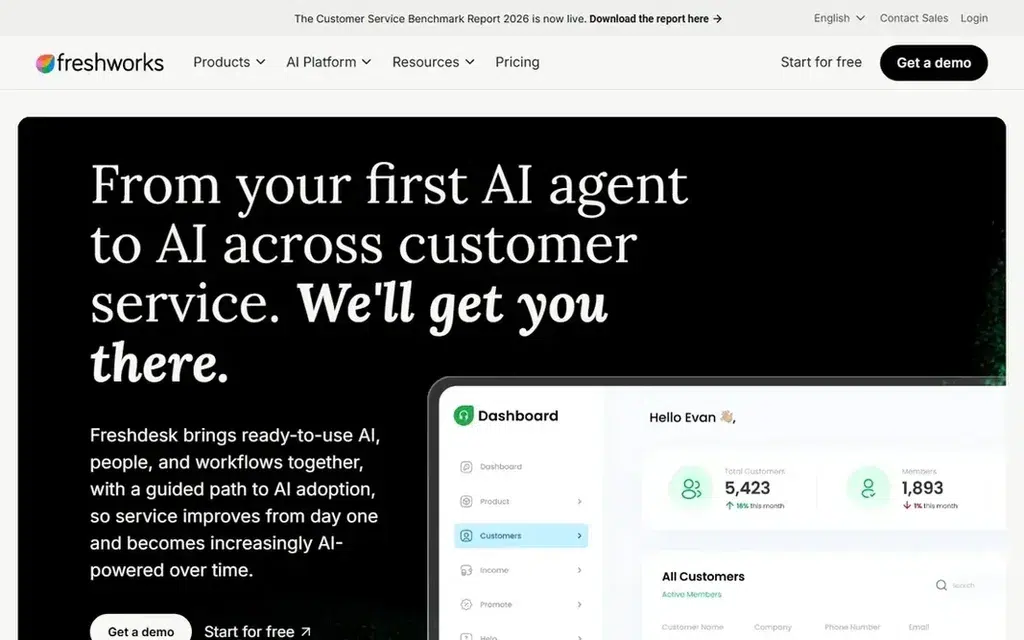
In short, Freshdesk is for omnichannel ticketing with automation. Very small offices that only need a shared inbox may prefer a more straightforward tool.
Also, automation and channel setup take thoughtful configuration, so practices without dedicated admins should plan for onboarding time. Worth adding: Freshdesk is an AI-powered customer service option from Freshworks that merges omnichannel ticketing with automatic workflows. No starting price is listed for Freshdesk here; confirm pricing on the vendor site. Free options: Not stated.
What to check first: May be more than a tiny front desk needs.
- AI-powered service features
- Omnichannel ticketing in one place
- Advanced automation needs configuration
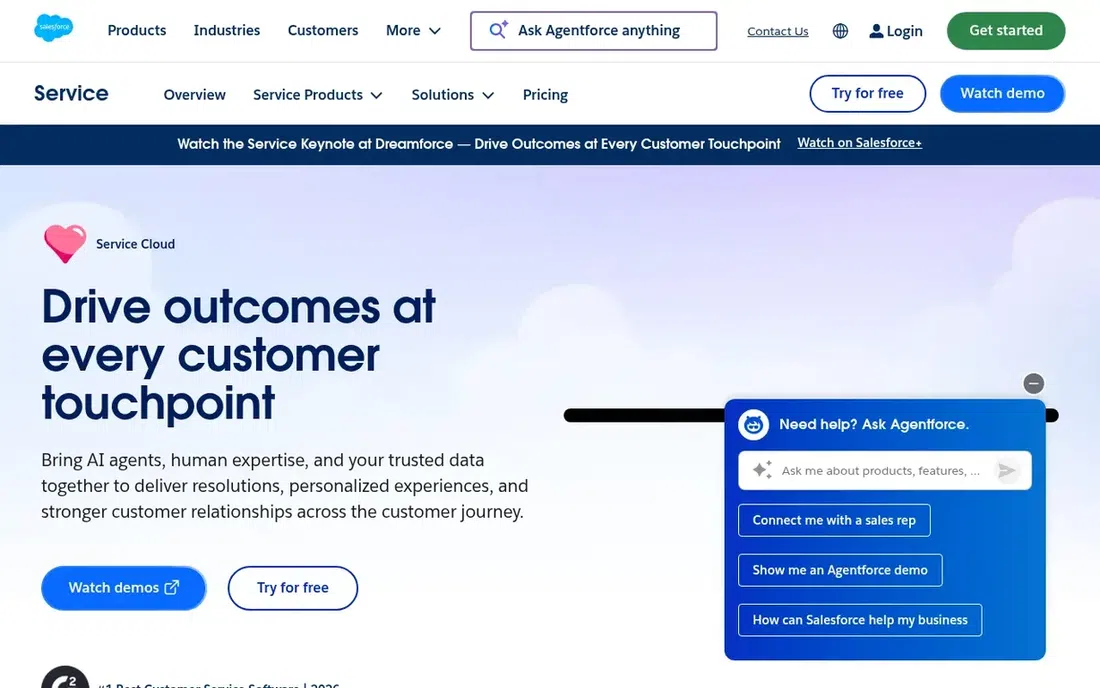
For connected service at bigger scale, Salesforce Service Cloud is a natural candidate. Salesforce Service Cloud is customer service support software powered by AI, positioned to help teams produce connected, efficient and scalable service. For everyday use, smaller practices that want a fast, self-serve setup may find lighter help desks quicker to adopt.
Pick Service Cloud when integration and scale outweigh simplicity. The product carries real configuration depth, so it rewards teams with administrative resources and clear processes. In practice, bigger practices and multi-site groups are the usual audience. Salesforce Service Cloud does not show a starting price in this comparison, so check the vendor site for current pricing. Free options: Not stated.
Honest limits: Can be complex to configure.
- Connected
- Made for scalable operations
- Better value for bigger organizations
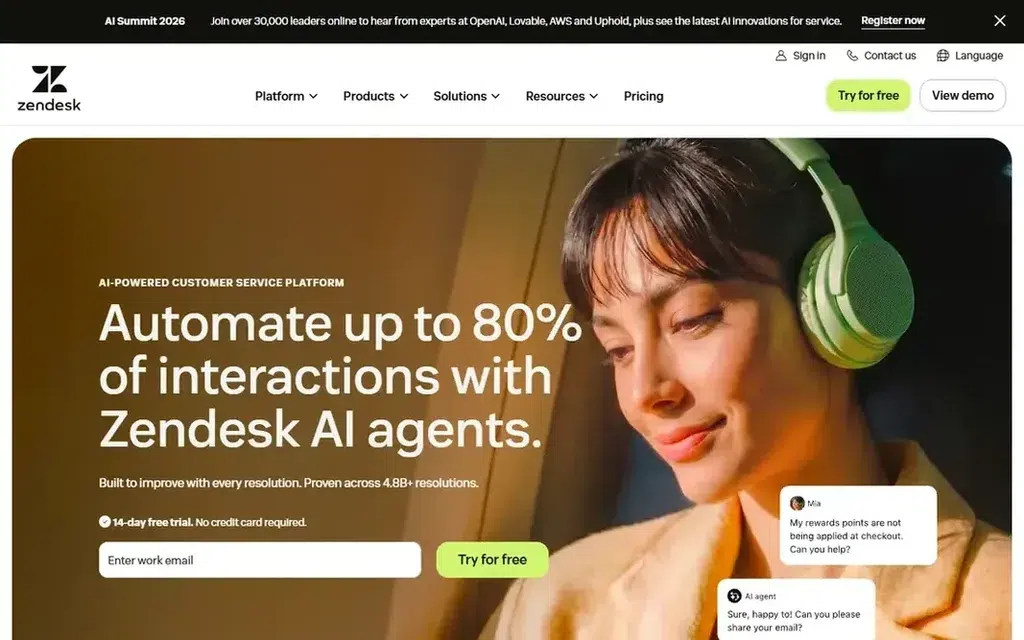
Zendesk works best for scalable AI-assisted patient support. Consider Zendesk when long-term scalability and AI-assisted resolution are priorities.
Points against: Setup can need planning.
Beyond that, teams that chiefly want straightforward shared inboxes and light automation may find lighter conversation tools simpler to adopt. Entry price for Zendesk: $19 agent/month premium yearly. As for free access: Free trial.
- Wide service product that scales
- Focus on service quality and speed
- Large feature set may overwhelm small teams
How these tools were picked
The comparison looks at four things: starting price, free access, how well the feature set matches customer support software for healthcare practices, and the main limit of each tool. Where a price is missing, the vendor does not list one publicly or ties it to a quote. Always confirm before budgeting. Order on the page follows fit for the typical buyer first, then price transparency and free access. Your own requirements should decide the final pick.
What to check before you buy
- Confirm the entry price on the vendor page. For Zoho Desk, Kustomer, Freshdesk and Salesforce Service Cloud that means a quote rather than a fixed price.
- Take the trial from Front and Zendesk and push a live task through it before you pay.
- Read the limits listed for Zoho Desk first: feature depth needs configuration.
- Ask the daily users to test Salesforce Service Cloud on a live task before you roll it out to everyone.
- Confirm minimum seats and billing terms with Kustomer before you commit to an annual plan.
FAQ
Is Zoho Desk the right pick for everyone comparing customer support software for healthcare practices?
No single tool suits every team. Zoho Desk comes first because it fits AI and human collaboration in one desk, while Front suits shared workspace across teams and Kustomer suits conversation-focused service with CRM. Match the tool to your own size, budget and workflow before deciding.
How are the tools for customer support software for healthcare practices ordered?
Zoho Desk sits first and Zendesk last because the order follows typical fit for customer support software for healthcare practices, then price clarity and free access. It is a judgement call, so read each profile for fit and limits.
Does any tool for customer support software for healthcare practices here have a free plan?
No tool in this list, Zoho Desk and Zendesk included, has a permanent free plan. Front, Zendesk offer a trial. Trials and quotes are the usual route, so plan a short evaluation period.
Is a full help desk better than a shared inbox?
A full help desk like Zendesk, Freshdesk or Zoho Desk hands structured tickets and reporting that suit expanding teams. A shared workspace like Front can be better when multiple teams answer overlapping questions.
What is the cheapest option for customer support software for healthcare practices in this list?
On published monthly entry prices, Zendesk is the lowest here at $19 agent/month premium yearly. Entry price is only part of the cost, because seats, add-ons and billing terms can change the total. All 6 picks in this customer support software for healthcare practices comparison list a starting price, free plan details and the main limits on their cards above.
Sources
- https://www.zoho.com/desk
- https://front.com
- https://www.kustomer.com
- https://www.freshworks.com/freshdesk
- https://www.salesforce.com/service
- https://www.zendesk.com
Related guides
- Best Patient Education Platforms With Customer Support in 2026: 8 Compared
- The 5 Best Customer Feedback Software for Healthcare Practices in 2026, Ranked
- 6 Best Customer Portal Software for Healthcare for 2026, Vetted and Compared
- Analytics Software for Healthcare Practices in 2026: The 5 Best Options Side by Side