6 Calendar Software for Healthcare Clinics Worth Shortlisting in 2026
Best calendar software for healthcare clinics, compared. 6 tools with published prices, free plans and limits. Caveats come with every verdict. Quick to scan.
- Editor's choice
 Calendly
Straightforward meeting scheduling and follow-up
Starts at$10 per seat a monthVisit calendly.comFull review - Great alternative
 Zoho Bookings
AI-assisted scheduling and payments
Starts atSee websiteVisit zoho.comFull review - Also consider
 Google Calendar
Shared calendars and entry-level scheduling
Starts atSee websiteVisit calendar.google.comFull review
Direct answer
For straightforward meeting scheduling and follow-up, Calendly is where this list starts. Listed starting prices: Calendly from $10 per seat a month, Setmore from $5 per user a month and Acuity Scheduling from $16 per month. Alternatives: Zoho Bookings for AI-assisted scheduling and payments, and Google Calendar for shared calendars and entry-level scheduling. The other 3 tools in the list cover narrower or pricier cases.
TL;DR:
- This list starts with Calendly, which is built for straightforward meeting scheduling and follow-up.
- The main caution on Microsoft Bookings: best value within Microsoft ecosystem.
- For configurable clinic appointment booking, Acuity Scheduling is worth a look.
- 2 of 6 tools offer a free plan: Calendly, Setmore.
Last checked November 2026. Prices and plan details were read from the vendors' own pages in November 2026; vendors change plans often, so confirm the current price on the vendor site before you buy.
Quick comparison
| Tool | Best for | Starts at | Free plan? | |
|---|---|---|---|---|
| Calendly | Straightforward meeting scheduling and follow-up | $10 per seat a month | Yes | Visit |
| Zoho Bookings | AI-assisted scheduling and payments | See website | Not stated | Visit |
| Google Calendar | Shared calendars and entry-level scheduling | See website | Not stated | Visit |
| Microsoft Bookings | Microsoft 365 organizations | See website | Not stated | Visit |
 Setmore | Automatic reminders and online booking | $5 per user a month | Yes | Visit |
 Acuity Scheduling | Configurable clinic appointment booking | $16 per month | Free trial | Visit |
The best calendar software for healthcare clinics
Short on time? The summary and table above give the quick view of 6 calendar software for healthcare clinics, and the profiles that follow give the detail behind each entry.
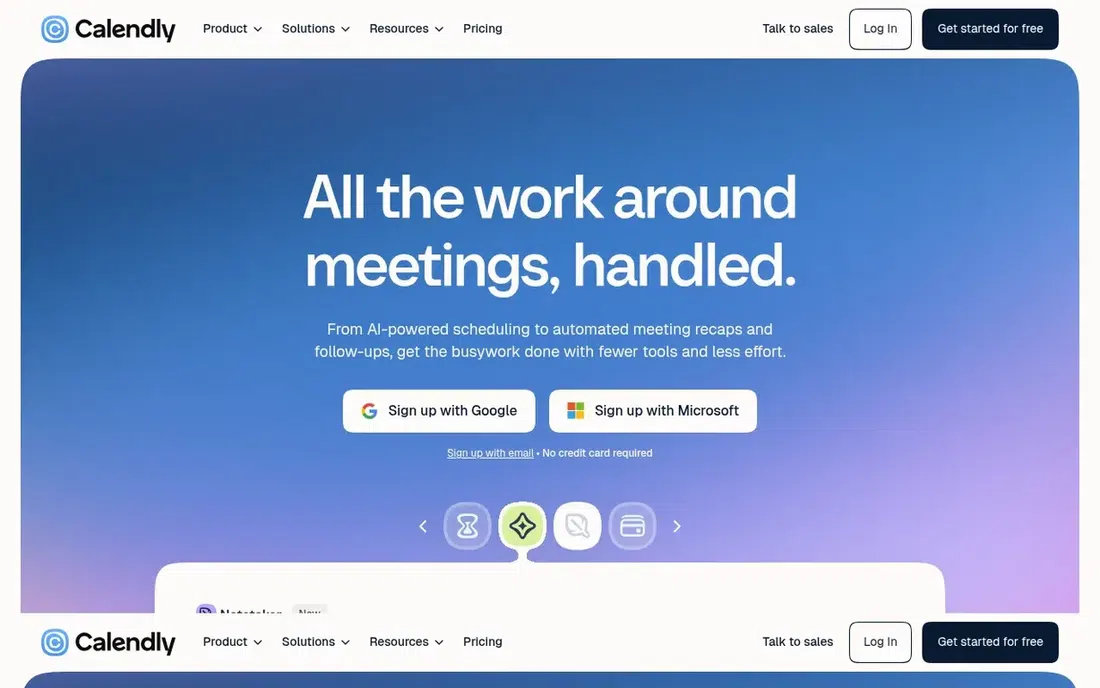
Calendly works best for straightforward meeting scheduling and follow-up. Calendly is built around meetings instead of clinical appointment workflows, so patient intake forms and clinic-specific rules may need extra tools.
For clinics, it can be useful for administrative meetings, consultations, and coordination with external partners. It is straightforward for staff to share availability and let others book time without back-and-forth email. Calendly starts at: $10 per seat per month. A free plan is available with Calendly.
Where it is weaker: Complex multi-provider rules may need workarounds.
- Simple link-based scheduling
- Payments and meeting prep features
- Less tailored to clinical intake
For AI-assisted scheduling and payments, Zoho Bookings is a natural candidate. Clinics can use it to cut manual scheduling steps and keep provider calendars aligned.
Limits to weigh: May need configuration for clinic workflows.
As a general scheduling tool, Zoho Bookings may need configuration to match clinical intake and multi-provider rules. Zoho Bookings does not show a starting price in this comparison, so check the vendor site for current pricing. Trial and free access: Not stated.
- Payment collection support
- Calendar sync
- Feature depth varies by setup
Google Calendar is a good fit for shared calendars and entry-level scheduling. Clinics can use it to coordinate staff availability, share schedules, and handle daily planning.
It is a practical foundation when you need a steady shared calendar and are comfortable layering appointment booking and reminders through other tools. Google Calendar does not show a starting price in this comparison, so check the vendor site for current pricing. On free options: Not stated.
Points against: Restricted patient-facing booking logic.
- Works with Google Workspace
- Familiar interface for staff
- Reminders and intake need extras
Microsoft Bookings
Best for: Microsoft 365 organizations
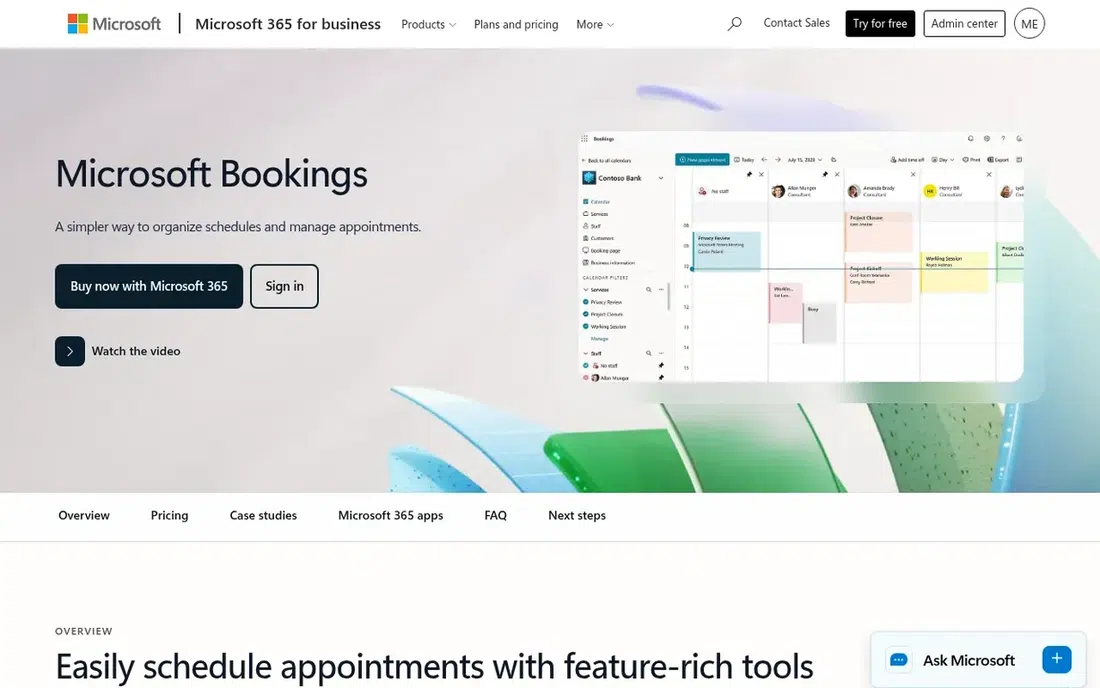
Microsoft Bookings serves Microsoft 365 organizations. Microsoft Bookings is an online booking and appointment scheduling app within Microsoft 365. It gives you adaptability and customization for scheduling needs across departments, individuals, and appointment types.
What to check first: Setup may need admin involvement.
Clinics already using Microsoft 365 can keep booking and calendars close to their existing email and collaboration tools, which can cut training and integration effort for staff. In practice, the experience is most cohesive when your organization standardizes on Microsoft 365. Pricing for Microsoft Bookings is not stated here, so ask the vendor for current figures. Trial and free access: Not stated.
- Customizable appointment types
- Suits Microsoft 365 environments
- Best value within Microsoft ecosystem
Setmore is built with automatic reminders and online booking in mind. Setmore may not handle every edge case for multi-location clinics or complicated provider rules.
Beyond that, pick Setmore when quick setup and reminder automation are the primary goals. Setmore cost at the entry level: $5 per user per month. Setmore includes a free tier.
Downsides: May be entry-level for complicated clinic rules.
- Automatic reminders
- Straightforward appointment scheduling
- Customization is restricted compared with deeper tools
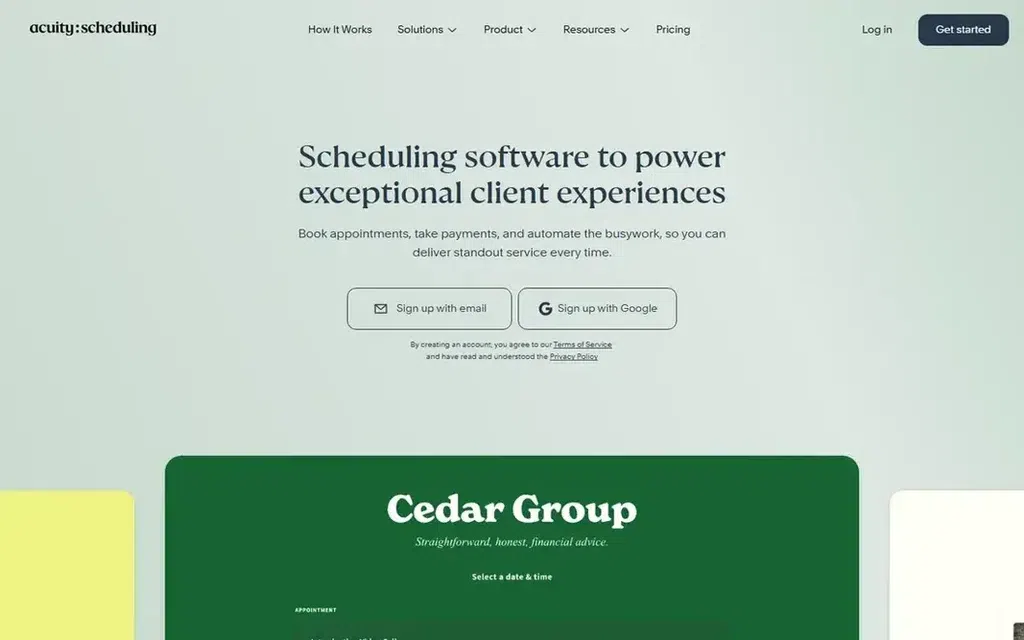
Think of Acuity Scheduling for configurable clinic appointment booking. Acuity Scheduling is an online booking and appointment scheduling product.
Where it is weaker: Customization can need setup time.
In practice, consider Acuity when appointment rules, patient-facing booking, and automation are central to your workflow. Price to start with Acuity Scheduling: $16 per month. Free access: Free trial.
- Reminders and calendar sync
- Online booking with scheduling automation
- Advanced needs may need integrations
How we chose
LinkVetted looked at what each vendor publishes: pricing, plan limits, feature coverage for calendar software for healthcare clinics and stated drawbacks. No hands-on testing is claimed. Figures are shown as the vendors publish them. Billing terms, seat minimums and add-ons can change the real cost. The ranking is editorial: typical fit first, then clear pricing, then free access. If your needs are unusual, read the profiles rather than relying on position.
What to check before you buy
- Ask Zoho Bookings, Google Calendar and Microsoft Bookings for a written quote, since no starting price is shown.
- Look at free plan limits closely: Calendly and Setmore have one, and the caps decide whether it is usable for real work.
- Run a trial of Acuity Scheduling with real work before paying for a year; your own workflow is the best test.
- Before choosing Calendly, weigh its main limit: less tailored to clinical intake.
- Ask the daily users to test Zoho Bookings on a live task before you roll it out to everyone.
- Ask Acuity Scheduling which support channels and response times come with the plan you would buy.
FAQ
How are the tools for calendar software for healthcare clinics ordered?
Calendly sits first and Acuity Scheduling last because the order follows typical fit for calendar software for healthcare clinics, then price clarity and free access. It is a judgement call, so read each profile for fit and limits.
Which options for calendar software for healthcare clinics have a free plan?
On this list, Calendly and Setmore include a free plan. Caps on seats, usage or features are common, so test the free plan against your real workload. One other tool offers a trial instead.
Can I try these tools before paying?
Often, yes. Calendly and Setmore have a free plan and Acuity Scheduling offers a free trial. Use your own data and a real task during the test, and check what the free tier or trial limits before you rely on it. Prices, free plan details and limits for all 6 tools in this calendar software for healthcare clinics roundup sit on the individual cards above.
What is the cheapest option for calendar software for healthcare clinics in this list?
On published monthly entry prices, Setmore is the lowest here at $5 per user per month. Entry price is only part of the cost, because seats, add-ons and billing terms can change the total. Each of the 6 options in this calendar software for healthcare clinics guide has its own card above with the price, free plan and limits.
What should a healthcare clinic look for in calendar software?
Prioritize patient-facing online booking, automatic reminders, and dependable calendar sync across providers. Confirm data handling and compliance details straight with each vendor.
Do these tools support several providers and locations?
Multiple options, including Acuity Scheduling and Microsoft Bookings, support scheduling across departments, individuals, and appointment types. Support for several locations and complicated provider rules varies, so confirm the specifics with each vendor.
Sources
- https://calendly.com
- https://www.zoho.com/bookings
- https://calendar.google.com
- https://www.microsoft.com/en-us/microsoft-365/business/scheduling-and-booking-app
- https://www.setmore.com
- https://acuityscheduling.com