Top 5 Remote Server Access Software for 2026 (Prices and Free Plans)
Best remote server access software: 5 contenders ranked by fit, with entry costs and free tiers. Limits and pricing notes included. See the full list.
- Editor's choiceLogMeIn Pro
AI-assisted remote access and support
Starts atSee websiteVisit logmein.comFull review - Great alternativeKaseya VSA
RMM with built-in remote support
Starts atSee websiteVisit kaseya.comFull review - Also consider
 GoTo Resolve
IT management with remote support
Starts atSee websiteVisit goto.comFull review
Direct answer
LogMeIn Pro comes first here, mainly for AI-assisted remote access and support. Listed starting prices: Splashtop from $6 a month. Kaseya VSA is better for RMM with built-in remote support, and GoTo Resolve is better for IT management with remote support. Details, prices and limits for the rest of the 5 tools are below.
TL;DR:
- The list opens with LogMeIn Pro, aimed at AI-assisted remote access and support.
- Neither LogMeIn Pro nor TeamViewer Remote, nor any of the other 3 tools, has a permanent free plan; trials and quotes are the norm.
- For the cheapest start, look at Splashtop: $6 per month.
- TeamViewer Remote fits general remote access and support.
Last checked November 2026. Prices and plan details were read from the vendors' own pages in November 2026; vendors change plans often, so confirm the current price on the vendor site before you buy.
Quick comparison
| Tool | Best for | Starts at | Free plan? | |
|---|---|---|---|---|
| LogMeIn Pro | AI-assisted remote access and support | See website | Not stated | Visit |
| Kaseya VSA | RMM with built-in remote support | See website | Not stated | Visit |
| GoTo Resolve | IT management with remote support | See website | Free trial | Visit |
 Splashtop | Quick, secure remote access across use cases | $6 a month | Free trial | Visit |
| TeamViewer Remote | General remote access and support | See website | Free trial | Visit |
Our 5 picks for remote server access software
LinkVetted compared 5 tools for remote server access software. The goal is a practical shortlist: published prices, free plan facts, best-fit use cases and honest limits for every entry.
LogMeIn Pro
Best for: AI-assisted remote access and support
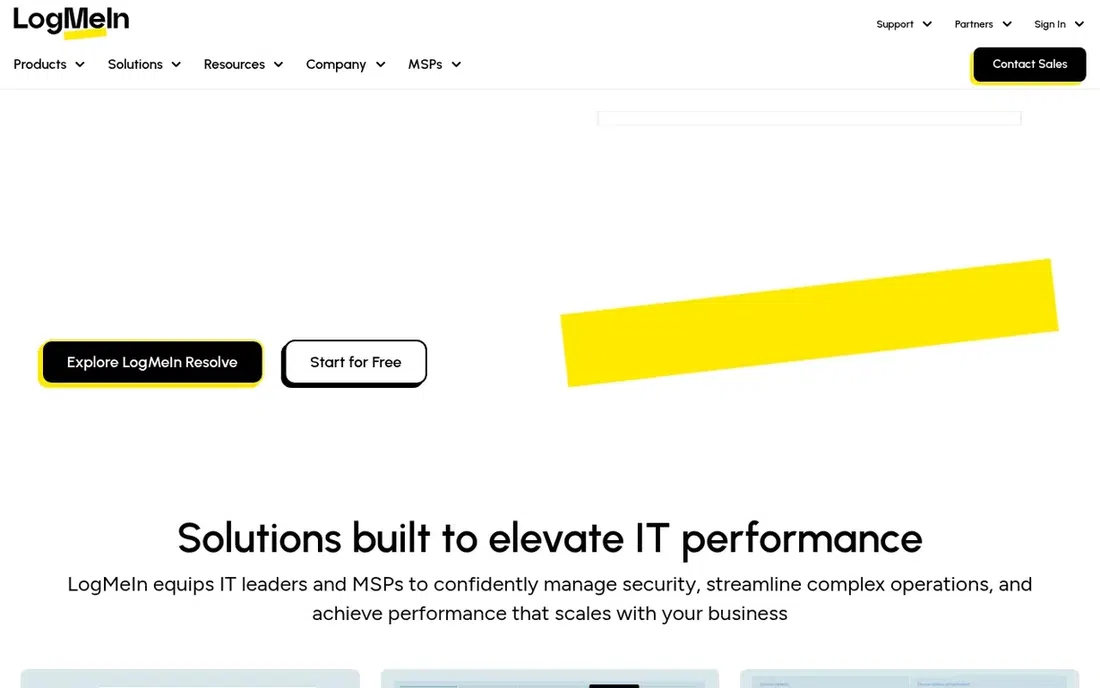
LogMeIn Pro was built for AI-assisted remote access and support. Teams wanting a light access tool should compare leaner choices. Also, LogMeIn Pro is presented as AI-powered remote access and support software.
Watch-outs: Broader system than straightforward access.
Review the documented feature set to confirm the support and access functions you need are included. The vendor frames it around reducing complexity, improving productivity and meeting security demands, which fits organizations that want assistance built into their remote support workflows. The AI-driven positioning means the value relies on how much you use those assisted features. More straightforward needs may not justify the broader product. No starting price is listed for LogMeIn Pro here; confirm pricing on the vendor site. Free options: Not stated.
- Remote access and support in one offering
- AI-driven features highlighted by the vendor
- AI features may need setup to be handy
Kaseya VSA
Best for: RMM with built-in remote support
Kaseya VSA works best for RMM with built-in remote support. Confirm the automation and product coverage align with your infrastructure, and plan time for configuration before rolling it out. Kaseya VSA is presented under the Datto RMM banner as remote monitoring and management software.
Downsides: Needs planning to deploy well.
The management scope brings setup and operational overhead that small teams may not want. Those needing only remote server access should consider a more straightforward tool. This comparison lists no price for Kaseya VSA; ask the vendor. Trial and free access: Not stated.
- Patching and remediation
- Remote monitoring and management scope
- Complicated for small environments
GoTo Resolve is designed for IT management with remote support. Confirm the supported products and management features match your environment before adopting it.
GoTo Resolve does not show a starting price in this comparison, so check the vendor site for current pricing. As for free access: Free trial.
Downsides: Management scope may exceed straightforward access needs.
- Merges IT management with support
- Unified endpoint management focus
- Pitched at IT teams, not casual users
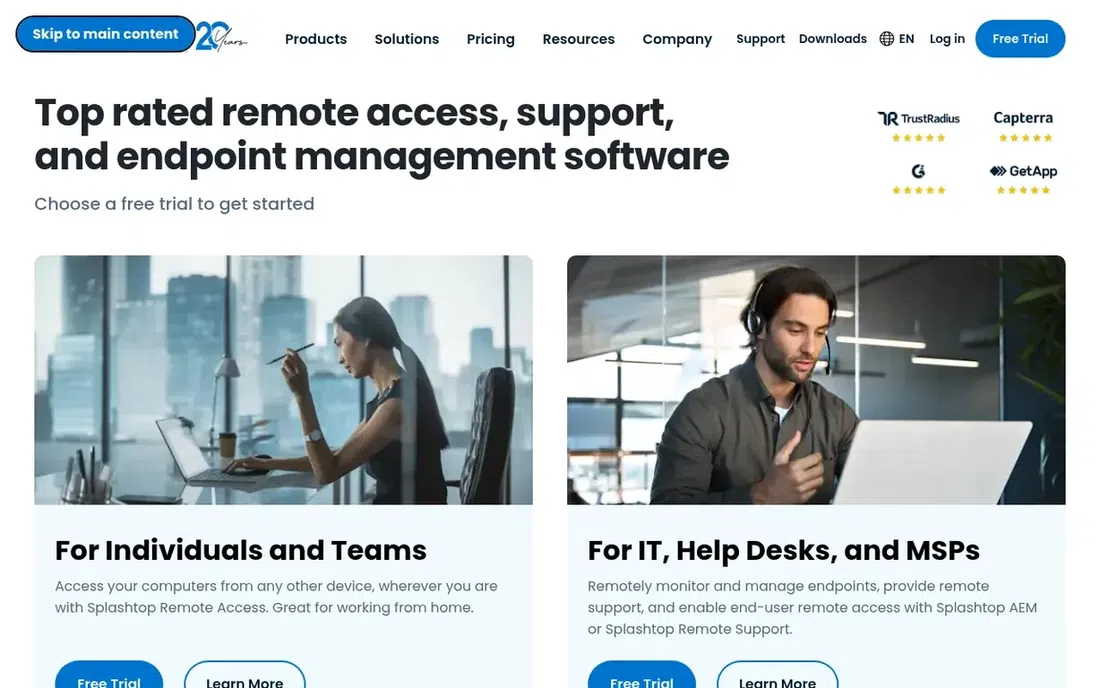
Choose Splashtop for quick, secure remote access across use cases. Splashtop provides secure remote access and remote support software targeted at remote work, remote learning and similar scenarios.
Strengths: support and learning.
In daily use, the vendor emphasizes quick, secure connections, making it a reasonable candidate for teams that value responsiveness in everyday remote sessions. Starting cost for Splashtop: $6 per month. Free options: Free trial. Trade-offs to know: Feature sets differ between products.
- Positioned for work
- Secure remote access and remote support focus
- Less centered on full IT management
TeamViewer Remote
Best for: General remote access and support
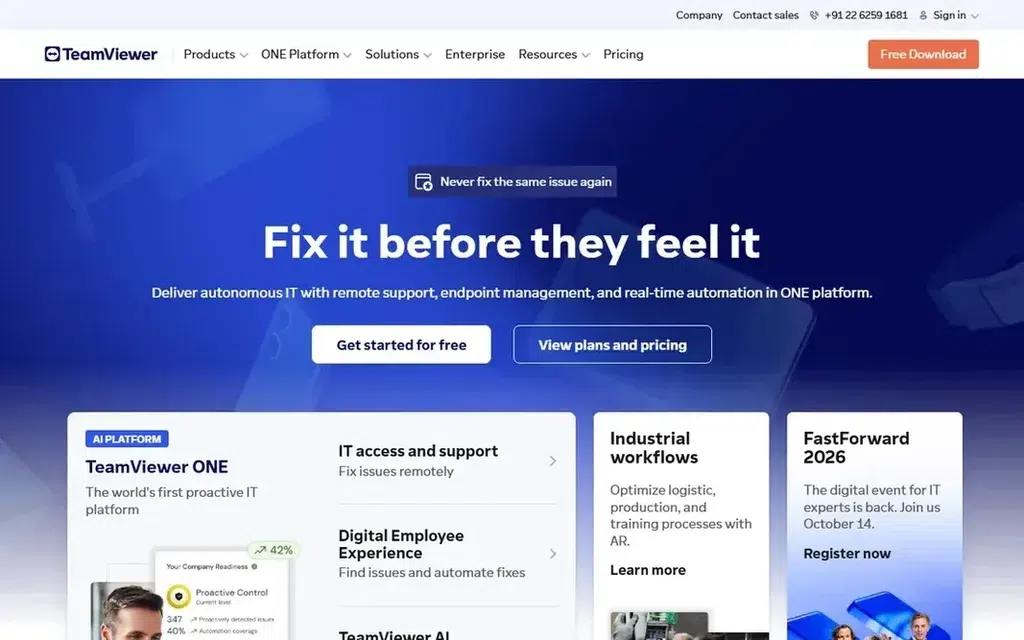
TeamViewer Remote is a good fit for general remote access and support. TeamViewer Remote is a digital workplace system centered on remote desktop access. It lets you link to remote computers, offer remote support and collaborate online, which makes it a practical fit for mixed environments where staff have to reach machines from elsewhere.
Honest limits: Not built solely for server administration.
Teams that only need entry-level connections may find it broader than necessary, and organizations wanting a dedicated server-only tool should compare narrower choices. As for the details, confirm which capabilities your edition comes with before committing. TeamViewer Remote does not show a starting price in this comparison, so check the vendor site for current pricing. Free plan details: Free trial.
- Remote desktop access and support in one system
- Online collaboration features included
- Feature depth varies by edition
How we compared the tools
We compared the tools on published pricing, free plan or trial availability, feature coverage for remote server access software, and the limits each vendor documents. Where a vendor does not publish a price, the entry says quote. Where a price depends on seats or billing term, the entry says so. The ranking is editorial: typical fit first, then clear pricing, then free access. If your needs are unusual, read the profiles rather than relying on position.
What to confirm before you sign up
- Confirm the entry price on the vendor page. For LogMeIn Pro, Kaseya VSA, GoTo Resolve and TeamViewer Remote that means a quote rather than a fixed price.
- Use real work to test the free trial from GoTo Resolve, Splashtop and TeamViewer Remote, rather than a demo project.
- Before choosing LogMeIn Pro, weigh its main limit: AI features may need setup to be handy.
- See whether TeamViewer Remote offers onboarding or training, and whether it is included in the price.
- Run a one or two week pilot of LogMeIn Pro with the people who will use it every day.
FAQ
When does a RMM product make more sense than a standalone access tool?
If you need monitoring, patching and remediation alongside remote connections, a RMM product for example Kaseya VSA or GoTo Resolve may fit better.
How are the tools for remote server access software ordered?
LogMeIn Pro sits first and TeamViewer Remote last because the order follows typical fit for remote server access software, then price clarity and free access. It is a judgement call, so read each profile for fit and limits.
Can I try these options before paying?
Often, yes. GoTo Resolve, Splashtop and TeamViewer Remote offer a free trial. Use your own data and a real task during the test, and check what the free tier or trial limits before you rely on it.
Does any tool for remote server access software here have a free plan?
No tool in this list, LogMeIn Pro and TeamViewer Remote included, has a permanent free plan. GoTo Resolve, Splashtop, TeamViewer Remote offer a trial. Trials and quotes are the usual route, so plan a short evaluation period.
What is the cheapest option for remote server access software in this list?
On published monthly entry prices, Splashtop is the lowest here at $6 per month. Entry price is only part of the cost, because seats, add-ons and billing terms can change the total. For the full picture, the cards above cover all 5 entries of this remote server access software list, including price, free plan and limits.
Is remote support software the same as server access software?
They overlap but are not identical. Remote support tools focus on helping end users and troubleshooting devices, whereas server access tools emphasize reaching and administering servers. Multiple tools here handle both, so match the emphasis to your primary use case.
Sources
- https://www.logmein.com
- https://www.kaseya.com/products/vsa
- https://www.goto.com/it-management/resolve
- https://www.splashtop.com
- https://www.teamviewer.com