Top 5 Network Monitoring Software for Remote Teams for 2026 (Prices and Free Plans)
5 best network monitoring software for remote teams, with entry costs, free tiers and the buyer each one serves. Verdicts stay brief and factual. Facts only.
- Editor's choice
 SolarWinds Network Performance Monitor
Hybrid IT troubleshooting
Starts atSee websiteVisit solarwinds.comFull review - Great alternative
 Nagios XI
Self-hosted infrastructure monitoring
Starts atSee websiteVisit nagios.comFull review - Also consider
 Zabbix
Open-source enterprise monitoring
Starts at€50 a monthVisit zabbix.comFull review
Direct answer
Start with SolarWinds Network Performance Monitor if you need hybrid IT troubleshooting. Listed starting prices: Zabbix from €50 a month. Alternatives: Nagios XI for self-hosted infrastructure monitoring, and Zabbix for open-source enterprise monitoring. The other 2 tools in the list cover narrower or pricier cases.
TL;DR:
- SolarWinds Network Performance Monitor is the opening pick, best for hybrid IT troubleshooting.
- ManageEngine OpManager is the one to check for budget-friendly network device monitoring.
- Check the limits for SolarWinds Network Performance Monitor before you commit: self-hosted deployment may not suit all.
- A permanent free plan is missing from all 5 tools, SolarWinds Network Performance Monitor and ManageEngine OpManager included; plan for a trial or a premium start.
- Expect to ask for a quote from SolarWinds Network Performance Monitor, Nagios XI, Datadog Network Monitoring and ManageEngine OpManager; the other tools show a starting price.
Last checked November 2026. Prices and plan details were read from the vendors' own pages in November 2026; vendors change plans often, so confirm the current price on the vendor site before you buy.
Quick comparison
| Tool | Best for | Starts at | Free plan? | |
|---|---|---|---|---|
| SolarWinds Network Performance Monitor | Hybrid IT troubleshooting | See website | Not stated | Visit |
| Nagios XI | Self-hosted infrastructure monitoring | See website | Not stated | Visit |
| Zabbix | Open-source enterprise monitoring | €50 a month | Free trial | Visit |
| Datadog Network Monitoring | Cloud and hybrid visibility | See website | Not stated | Visit |
 ManageEngine OpManager | Low-cost network device monitoring | See website | Not stated | Visit |
Our 5 network monitoring software for remote teams
This LinkVetted guide covers 5 network monitoring software for remote teams. Each profile lists a starting price, free plan details, strengths and drawbacks, so you can drop poor fits quickly.
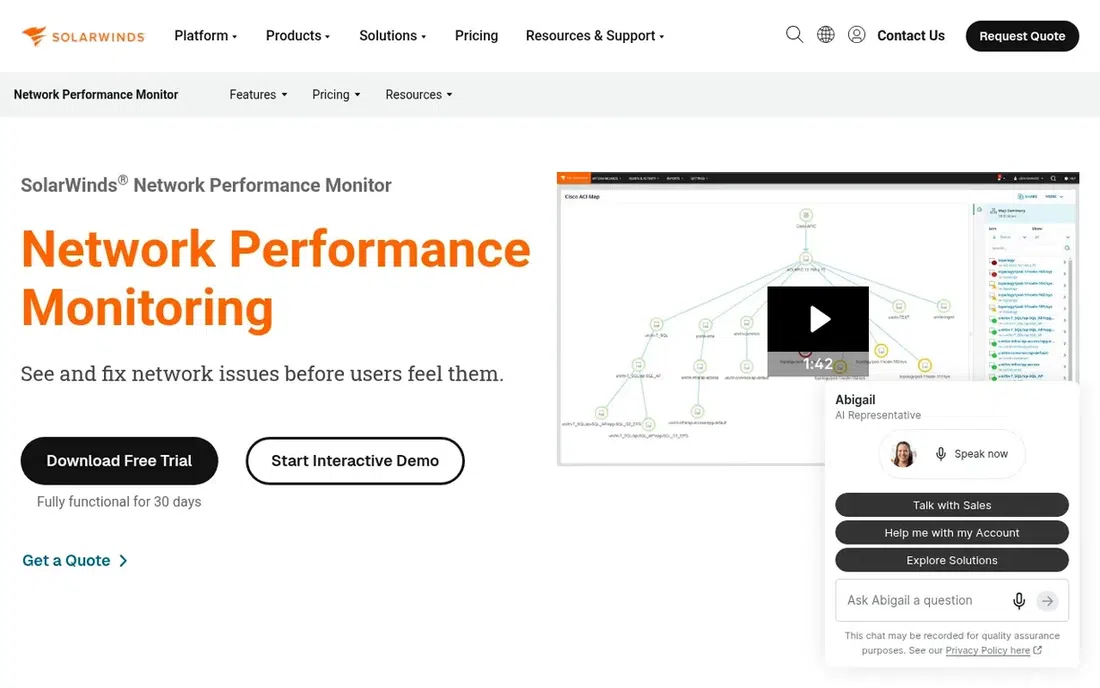
SolarWinds Network Performance Monitor serves hybrid IT troubleshooting. SolarWinds Network Performance Monitor helps troubleshoot network health and performance issues whereas unlocking complete visibility and control of your hybrid IT environment. It offers deep insights and aims to boost network efficiency.
The main drawbacks: Self-hosted deployment may not suit all.
More specifically, if you prefer a cloud-based or open-source option, Datadog or Zabbix might be better suits. As a self-hosted option, it needs infrastructure to run and maintain, which may be a drawback for teams without dedicated IT staff. It can also be resource-intensive. No starting price is listed for SolarWinds Network Performance Monitor here; confirm pricing on the vendor site. As for free access: Not stated.
- Deep insights into network health
- Complete visibility and control
- Can be resource-intensive
Nagios XI was built for self-hosted infrastructure monitoring. It gives you a perpetual license priced per node, making it a fit for remote teams that want a self-hosted, thorough monitoring option with a traditional licensing model.
Points against: Per-node licensing can add up.
Nagios XI is a good match for organizations committed to self-hosted monitoring with a structured licensing approach. This comparison lists no price for Nagios XI; ask the vendor. Free options: Not stated.
- Watches servers, devices, applications
- Perpetual license choice
- Needs self-hosting
In short, Zabbix is for open-source enterprise monitoring. Zabbix is an enterprise-class, open-source monitoring option that makes network and application monitoring straightforward. It is a strong match for remote teams with the technical skills to deploy and run their own monitoring infrastructure and who prefer open-source software.
From a buyer's view, Zabbix offers a capable, configurable product without licensing fees. As an open-source tool, Zabbix needs in-house expertise to set up, configure, and maintain. It may not be right for teams without dedicated technical resources. Starting cost for Zabbix: €50 per month. As for free access: Free trial.
Where it is weaker: Self-managed setup.
- Enterprise-class open source
- No licensing costs
- Needs technical expertise
Datadog Network Monitoring
Best for: Cloud and hybrid visibility
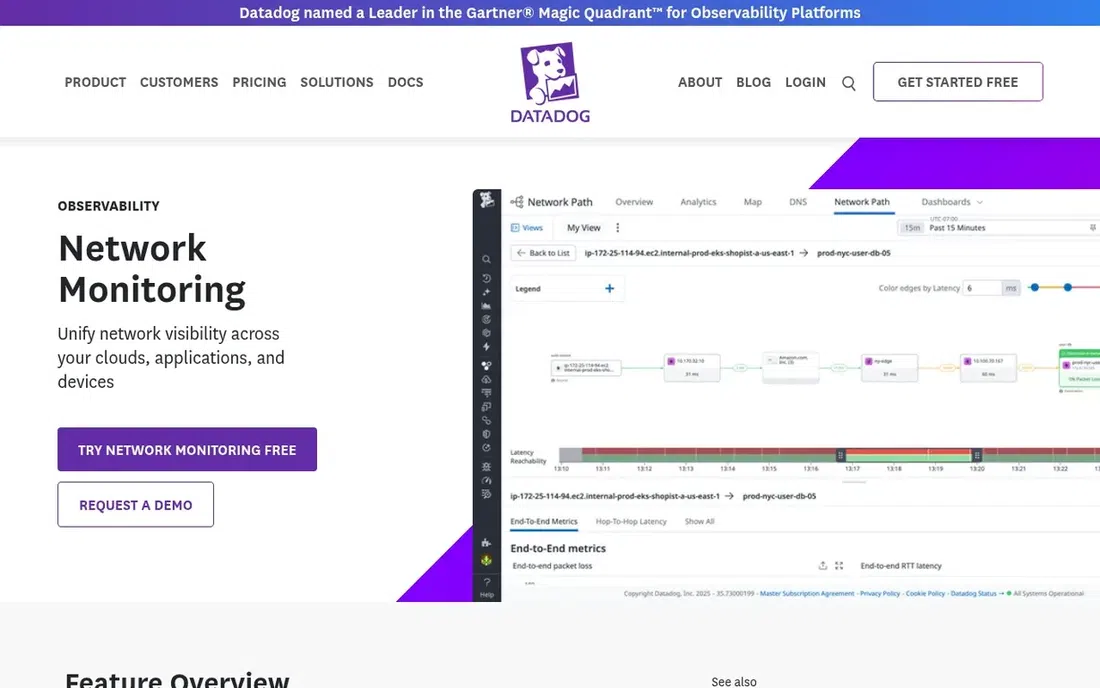
Datadog Network Monitoring is a good fit for cloud and hybrid visibility. Datadog Network Monitoring supplies full visibility into every layer of your environment, whether in the cloud, on-premise, or hybrid. It is built for teams that require deep observability across distributed systems and want to correlate network data with other metrics.
The main drawbacks: May be complicated for small teams.
More specifically, the system can be complicated to set up and may need significant configuration to get full value. In daily use, remote teams managing cloud-native infrastructure will find it especially handy for troubleshooting and performance monitoring. Pricing for Datadog Network Monitoring is not stated here, so ask the vendor for current figures. Free plan details: Not stated.
- Supports cloud, on-premise, hybrid
- Integrated with Datadog product
- Needs configuration for full benefit
ManageEngine OpManager serves budget-friendly network device monitoring. It is well-suited for remote teams that require straightforward monitoring of their network hardware without broad complexity.
Choose OpManager for straightforward, economical device monitoring. From a buyer's view, the tool aims to offer essential visibility at a reasonable cost. ManageEngine OpManager does not show a starting price in this comparison, so check the vendor site for current pricing. On free options: Not stated.
Limits to weigh: Restricted to network devices primarily.
- Watches routers, switches, more
- Low-cost solution
- May lack advanced AI features
How these tools were picked
Selection started from tools commonly considered for network monitoring software for remote teams, then narrowed to 5 that have clear pricing information or a clear quote process. Treat prices as a snapshot: vendors change plans often, so check the vendor site for the figure that applies today. We ordered the tools by general fit, then by how clearly pricing is shown, then by free access. A buyer with unusual needs may reorder them.
A buyer's checklist
- Get a written quote from SolarWinds Network Performance Monitor, Nagios XI, Datadog Network Monitoring and ManageEngine OpManager; the list shows no starting price for them.
- Run a trial of Zabbix with real work before paying for a year; your own workflow is the best test.
- Before choosing SolarWinds Network Performance Monitor, weigh its main limit: self-hosted deployment may not suit all.
- Pick one real project and run it in Zabbix first; a small pilot shows fit faster than a checklist.
- Compare total cost, not headline price: for SolarWinds Network Performance Monitor, add extra seats, add-ons and any usage-based charges.
FAQ
Do these tools publish their prices?
Not all of them. SolarWinds Network Performance Monitor, Nagios XI, Datadog Network Monitoring and ManageEngine OpManager publish no starting price, so expect a quote request for those. The rest, Zabbix included, show a starting price, though seats and billing terms still change the final cost.
Does any tool for network monitoring software for remote teams here have a free plan?
No tool in this list, SolarWinds Network Performance Monitor and ManageEngine OpManager included, has a permanent free plan. Zabbix offer a trial. Trials and quotes are the usual route, so plan a short evaluation period.
Is SolarWinds Network Performance Monitor the right pick for everyone comparing network monitoring software for remote teams?
No single tool suits every team. SolarWinds Network Performance Monitor comes first because it fits hybrid IT troubleshooting, while Nagios XI suits self-hosted infrastructure monitoring and Zabbix suits open-source enterprise monitoring. Match the tool to your own size, budget and workflow before deciding.
Can I try these tools before paying?
Often, yes. Zabbix offers a free trial. Use your own data and a real task during the test, and check what the free tier or trial limits before you rely on it. All 5 picks in this network monitoring software for remote teams comparison list a starting price, free plan details and the main limits on their cards above.
Can I monitor both on-premise and cloud networks with these tools?
Yes, numerous tools for example Datadog and SolarWinds Network Performance Monitor support hybrid environments, offering visibility across on-premise and cloud infrastructure. This is crucial for remote teams operating in mixed environments.
Sources
- https://www.solarwinds.com/network-performance-monitor
- https://www.nagios.com/products/nagios-xi
- https://www.zabbix.com
- https://www.datadoghq.com/product/network-monitoring
- https://www.manageengine.com/network-monitoring