Best Network Management Tools for Remote Teams in 2026: 6 Tools Compared
6 best network management tools for remote teams, compared on pricing, free plans and best-fit use. The weak spots sit next to the strengths. Straight answers.
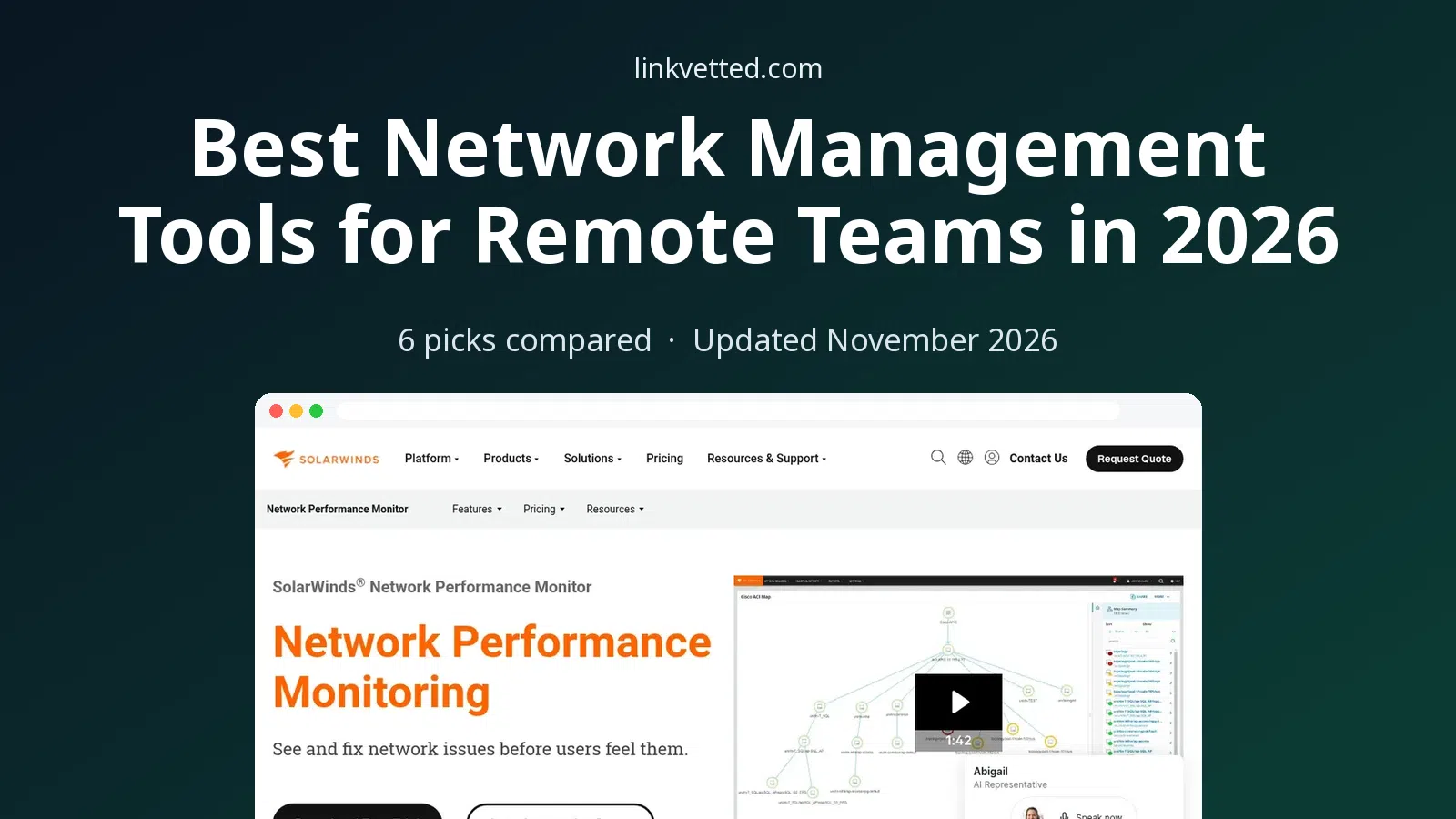
- Editor's choice
 SolarWinds Network Performance Monitor
Deep hybrid IT network visibility
Starts atSee websiteVisit solarwinds.comFull review - Great alternative
 ManageEngine OpManager
Easy-to-use network device monitoring
Starts atSee websiteVisit manageengine.comFull review - Also considerPRTG Network Monitor
All-in-one infrastructure monitoring
Starts atSee websiteVisit paessler.comFull review
Direct answer
SolarWinds Network Performance Monitor leads the list, best for deep hybrid IT network visibility. Listed starting prices: Zabbix from €50 per month. For a different need, ManageEngine OpManager covers easy-to-use network device monitoring and PRTG Network Monitor covers all-in-one infrastructure monitoring. Prices, free plans and limits for all 6 tools follow.
TL;DR:
- SolarWinds Network Performance Monitor sits first on this list: deep hybrid IT network visibility.
- Auvik suits cloud-based network management for remote teams.
- SolarWinds Network Performance Monitor comes with a trade-off: self-hosted deployment may need infrastructure.
- Expect to ask for a quote from SolarWinds Network Performance Monitor, ManageEngine OpManager, PRTG Network Monitor and others; the other tools show a starting price.
Last checked November 2026. Prices and plan details were read from the vendors' own pages in November 2026; vendors change plans often, so confirm the current price on the vendor site before you buy.
Quick comparison
| Tool | Best for | Starts at | Free plan? | |
|---|---|---|---|---|
| SolarWinds Network Performance Monitor | Deep hybrid IT network visibility | See website | Not stated | Visit |
| ManageEngine OpManager | Easy-to-use network device monitoring | See website | Not stated | Visit |
| PRTG Network Monitor | All-in-one infrastructure monitoring | See website | Not stated | Visit |
 Zabbix | Open-source enterprise monitoring | €50 per month | Free trial | Visit |
| Cisco Meraki | Cloud-managed networking for hybrid workplaces | See website | Not stated | Visit |
 Auvik | Cloud-based network management for remote teams | See website | Free trial | Visit |
6 network management tools for remote teams in detail
Short on time? The summary and table above give the quick view of 6 network management tools for remote teams, and the profiles that follow give the detail behind each entry.
SolarWinds Network Performance Monitor
Best for: Deep hybrid IT network visibility
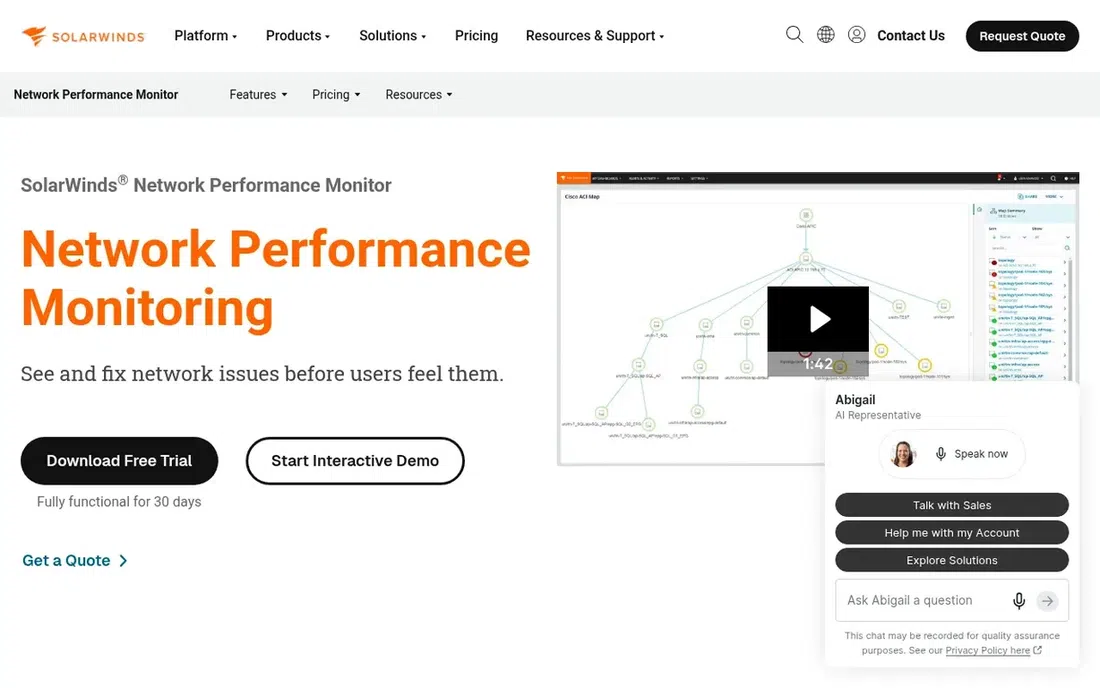
SolarWinds Network Performance Monitor is designed for deep hybrid IT network visibility. SolarWinds Network Performance Monitor is built to troubleshoot network health and performance issues whereas unlocking complete visibility and control of your hybrid IT environment. It offers deep insights to boost network efficiency.
Worth adding: as a self-hosted observability option, it may demand dedicated hardware and maintenance. From a buyer's view, teams seeking a completely cloud-managed or more straightforward tool might prefer alternatives. This comparison lists no price for SolarWinds Network Performance Monitor; ask the vendor. As for free access: Not stated.
Limits to weigh: Can be complicated for entry-level needs.
- Fits hybrid IT environments
- Offers complete visibility and control
- Self-hosted deployment may need infrastructure
ManageEngine OpManager is built with easy-to-use network device monitoring in mind. ManageEngine OpManager is an easy-to-use network monitoring software and a budget-friendly network monitoring option to monitor network devices such as routers, switches, and more.
Watch-outs: May lack advanced automation.
It offers essential monitoring capabilities for IT teams. As for the details, OpManager may not offer the depth of automation or cloud-native features found in some alternatives. This comparison lists no price for ManageEngine OpManager; ask the vendor. Trial and free access: Not stated.
- Straightforward to use
- Budget-friendly option
- Centred on traditional network devices
PRTG Network Monitor
Best for: All-in-one infrastructure monitoring
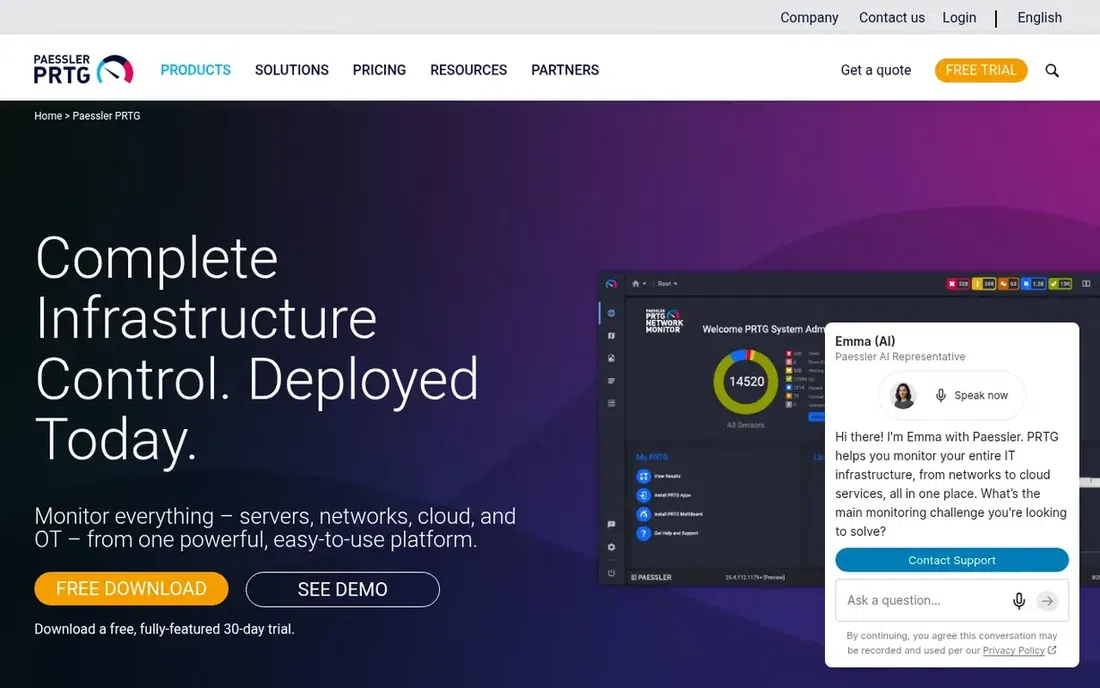
PRTG Network Monitor serves all-in-one infrastructure monitoring. Paessler PRTG Network Monitor is professional and adaptable network monitoring software that examines and watches your whole IT infrastructure.
PRTG Network Monitor does not show a starting price in this comparison, so check the vendor site for current pricing. Free options: Not stated.
Watch-outs: May need time to configure sensors.
- All-in-one approach
- Analyzes whole IT infrastructure
- Can be overwhelming for small teams
Zabbix works best for open-source enterprise monitoring. Zabbix is an enterprise-class, open-source monitoring option that makes network and application monitoring straightforward.
Where it falls short: Needs technical expertise to deploy.
It offers an adaptable product for monitoring diverse IT environments. Worth adding: Zabbix needs self-management and technical knowledge to set up and maintain. Entry price for Zabbix: €50 per month. On free options: Free trial.
- Watches networks and applications
- Adaptable and extensible
- Self-managed with no vendor support included
Cisco Meraki
Best for: Cloud-managed networking for hybrid workplaces
Points against: Needs familiarity with Cisco ecosystem.
On top of that, Meraki's features are tightly integrated with Cisco's broader portfolio, so teams outside that ecosystem may face a ramp-up time. For everyday use, if you need a standalone tool with minimal vendor lock-in, consider other choices. No starting price is listed for Cisco Meraki here; confirm pricing on the vendor site. Free plan details: Not stated.
- Cloud-managed networking
- Integrated with Cisco.com resources
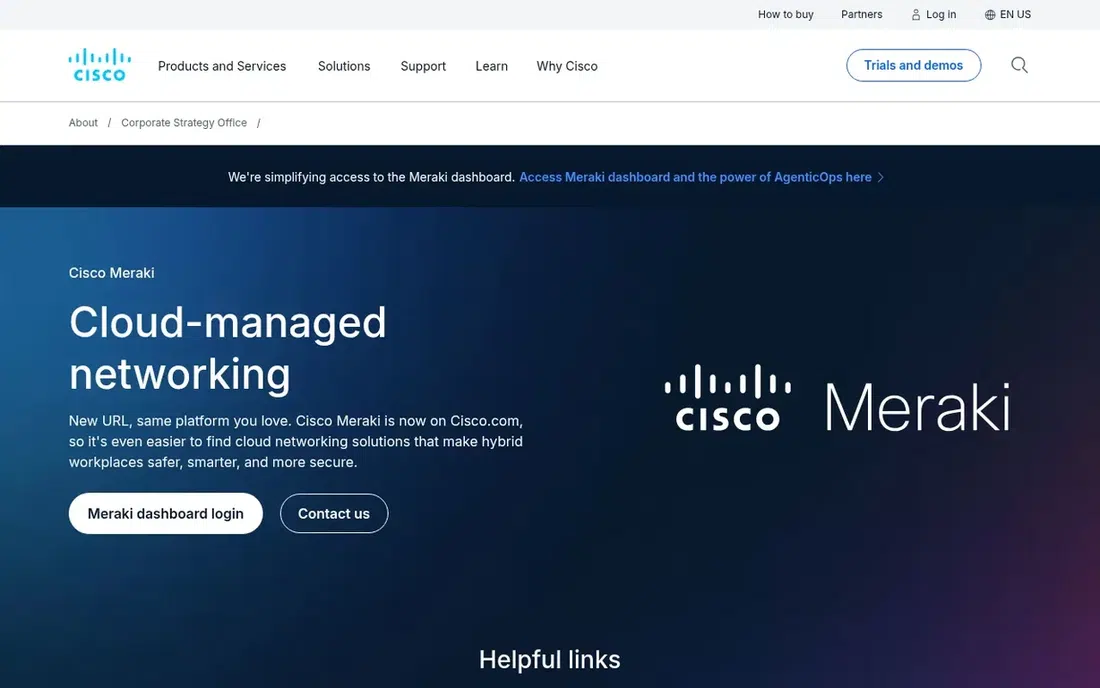
- May be complex for small teams Cisco Meraki if this describes you: cloud-managed networking for hybrid workplaces. Cisco Meraki supplies cloud-managed networking options designed to make hybrid workplaces safer, smarter, and more secure. It is now part of Cisco.com, which eases finding cloud networking options.
Auvik serves cloud-based network management for remote teams. It is meant to support remote and distributed teams by supplying a centralized view of network infrastructure.
The main drawbacks: May need cloud connectivity.
Check the vendor site for Auvik pricing; none is listed in this comparison. Free plan details: Free trial.
- Made for changing workforce
- True network visibility and control
- Concentrated on network management, not full observability
How these tools were picked
The comparison looks at four things: starting price, free access, how well the feature set matches network management tools for remote teams, and the main limit of each tool. Treat prices as a snapshot: vendors change plans often, so check the vendor site for the figure that applies today. We ordered the tools by general fit, then by how clearly pricing is shown, then by free access. A buyer with unusual needs may reorder them.
What to confirm before you sign up
- Get a written quote from SolarWinds Network Performance Monitor, ManageEngine OpManager, PRTG Network Monitor and others; the list shows no starting price for them.
- Take the trial from Zabbix and Auvik and push a live task through it before you pay.
- Read the limits listed for SolarWinds Network Performance Monitor first: self-hosted deployment may need infrastructure.
- Check the integration list for SolarWinds Network Performance Monitor against the tools you run today, and note which ones need a higher plan.
- A short pilot of Zabbix with your real workflow tells you more than a feature table.
FAQ
What should remote teams look for in a network management tool?
Remote teams should prioritize cloud-based or remote access capabilities, simplicity, and visibility into distributed networks. Tools like Auvik and Cisco Meraki are built for cloud management, whereas others may need on-premise infrastructure.
How does open-source Zabbix compare to commercial tools?
Zabbix supplies enterprise-class monitoring without licensing costs, but needs technical expertise to deploy and maintain. More specifically, commercial tools like SolarWinds or Datadog may offer more integrated support and cloud-native features.
Is SolarWinds Network Performance Monitor the right pick for everyone comparing network management tools for remote teams?
No single tool suits every team. SolarWinds Network Performance Monitor comes first because it fits deep hybrid IT network visibility, while ManageEngine OpManager suits easy-to-use network device monitoring and PRTG Network Monitor suits all-in-one infrastructure monitoring. Match the tool to your own size, budget and workflow before deciding.
Can I try these tools before paying?
Often, yes. Zabbix and Auvik offer a free trial. Use your own data and a real task during the test, and check what the free tier or trial limits before you rely on it. All 6 picks in this network management tools for remote teams comparison list a starting price, free plan details and the main limits on their cards above.
How are the tools for network management tools for remote teams ordered?
SolarWinds Network Performance Monitor sits first and Auvik last because the order follows typical fit for network management tools for remote teams, then price clarity and free access. It is a judgement call, so read each profile for fit and limits.
Do these tools publish their prices?
Not all of them. SolarWinds Network Performance Monitor, ManageEngine OpManager, PRTG Network Monitor and others publish no starting price, so expect a quote request for those. The rest, Zabbix included, show a starting price, though seats and billing terms still change the final cost.
Sources
- https://www.solarwinds.com/network-performance-monitor
- https://www.manageengine.com/network-monitoring
- https://www.paessler.com/prtg
- https://www.zabbix.com
- https://meraki.cisco.com
- https://www.auvik.com