The 5 Best RAW Processing Software for Landscape Photographers in 2026, Ranked
5 best RAW processing software for landscape photographers, compared on pricing, free plans and best-fit use. Honest caveats for every entry. No hype.
- Editor's choice
 Capture One
Precision control and tethering
Starts atSee websiteVisit captureone.comFull review - Great alternative
 Luminar Neo
Straightforward AI-assisted edits
Starts atSee websiteVisit skylum.comFull review - Also consider
 Affinity Photo
Precise pixel-level editing
Starts atSee websiteVisit affinity.serif.comFull review
Direct answer
Capture One comes first here, mainly for precision control and tethering. Listed starting prices: ON1 Photo RAW from $49.99. For a different need, Luminar Neo covers straightforward AI-assisted edits and Affinity Photo covers precise pixel-level editing. Prices, free plans and limits for all 5 tools follow.
TL;DR:
- Top of the list is Capture One, which targets precision control and tethering.
- ON1 Photo RAW suits all-in-one editing without subscription.
- Capture One, ON1 Photo RAW and the 3 others all need a premium plan or a trial, since no free plan is listed.
- No starting price is published for Capture One, Luminar Neo, Affinity Photo and Adobe Lightroom Classic; expect a quote.
- A fair warning about Capture One: ramp-up time for newcomers.
Last checked November 2026. Prices and plan details were read from the vendors' own pages in November 2026; vendors change plans often, so confirm the current price on the vendor site before you buy.
Quick comparison
| Tool | Best for | Starts at | Free plan? | |
|---|---|---|---|---|
| Capture One | Precision control and tethering | See website | Not stated | Visit |
| Luminar Neo | Straightforward AI-assisted edits | See website | No | Visit |
| Affinity Photo | Precise pixel-level editing | See website | Not stated | Visit |
 Adobe Lightroom Classic | Organized desktop RAW workflows | See website | Not stated | Visit |
 ON1 Photo RAW | All-in-one editing without subscription | $49.99 | Free trial | Visit |
The best RAW processing software for landscape photographers
Short on time? The summary and table above give the quick view of 5 RAW processing software for landscape photographers, and the profiles that follow give the detail behind each entry.
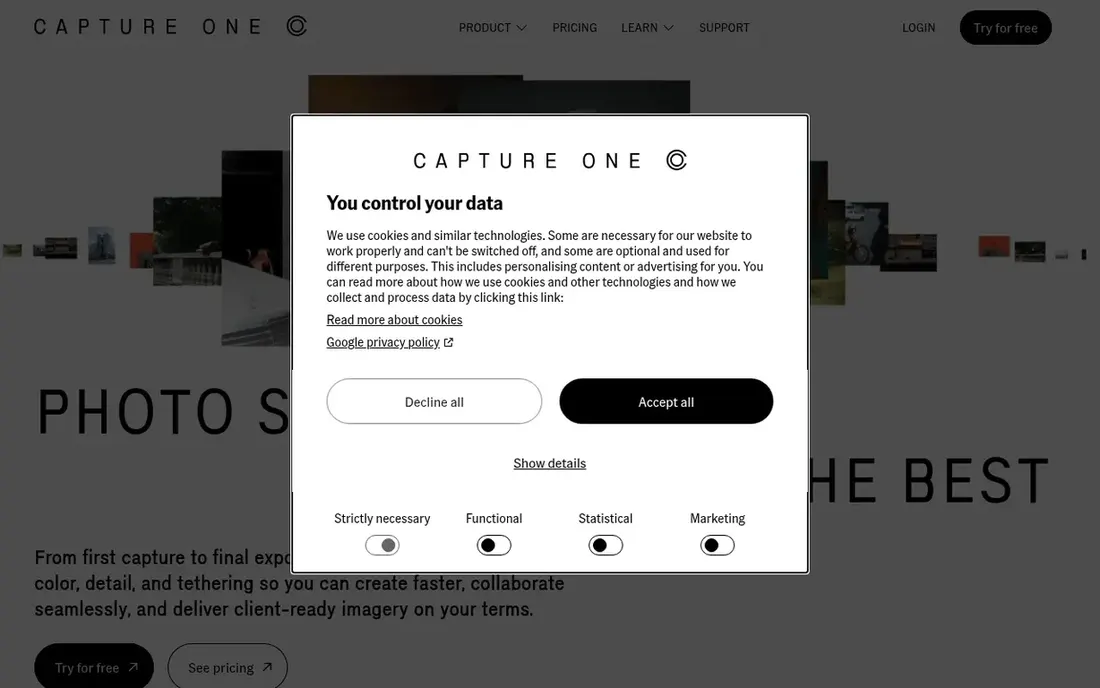
Capture One was built for precision control and tethering. Capture One is professional photo editing software targeted at photographers who demand precision and control. Its advanced editing tools, smooth RAW handling and capable tethering make it a natural fit for landscape shooters who want deep control over color and detail, or who tether in the field and studio alike.
Watch-outs: Heavier workflow for casual editing.
Its depth can slow down beginners, and photographers who want a fast, guided edit may find the interface demanding. More specifically, if your priority is straightforward organization with quick results, a more simplified editor may suit you better, whereas control-focused landscape work benefits from its toolset. This comparison lists no price for Capture One; ask the vendor. Free plan details: Not stated.
- Capable tethering capabilities
- Advanced editing tools
- Ramp-up time for newcomers
Luminar Neo serves straightforward AI-assisted edits. Luminar Neo is photo editing software for PC and Mac described as a straightforward editor with AI that helps edit photos as you imagine them. On top of that, photographers who want granular development tools should look at a control-oriented choice, whereas simplicity seekers will appreciate its approach.
Where it is weaker: Not a full asset management suite.
For everyday use, landscape photographers who want fast, approachable enhancements, like sky and light adjustments, may find it a friendly companion to a core RAW workflow. It gives you less deep manual control than precision-focused editors and is not a full asset management suite, so large landscape libraries may still need dedicated organization. This comparison lists no price for Luminar Neo; ask the vendor. Luminar Neo does not include a free plan.
- AI tools that assist editing
- Straightforward interface for PC and Mac
- Less deep manual control
Affinity Photo works best for precise pixel-level editing. Affinity Photo is a professional photo editor made for precision, speed and creative freedom. Beyond that, landscape photographers frequently use it for in-depth retouching, compositing and local adjustments.
Main advantages: Creative freedom in one editor.
Watch-outs: Less centred on catalog management.
Since it emphasizes pixel-level editing over library management, photographers with huge landscape archives may need a separate catalog tool. Those who want a single app to organize and develop every shoot might look elsewhere, whereas retouching-heavy workflows benefit from its precision. This comparison lists no price for Affinity Photo; ask the vendor. Trial and free access: Not stated.
- Quick performance
- Feature-rich editing tools
- RAW development is one part of a broader toolset

In short, Adobe Lightroom Classic is for organized desktop RAW workflows. The main consideration is that it is a desktop-centric application tied to Adobe's subscription model, so photographers who prefer perpetual licenses may look elsewhere.
Adobe Lightroom Classic is a desktop photo editor built to bring out the best in photos whereas keeping them organized. No starting price is listed for Adobe Lightroom Classic here; confirm pricing on the vendor site. Free access: Not stated.
Downsides: Desktop-focused instead of mobile-first.
- Desktop editing and organizing in one app
- Wide set of editing tools
- Subscription-based model
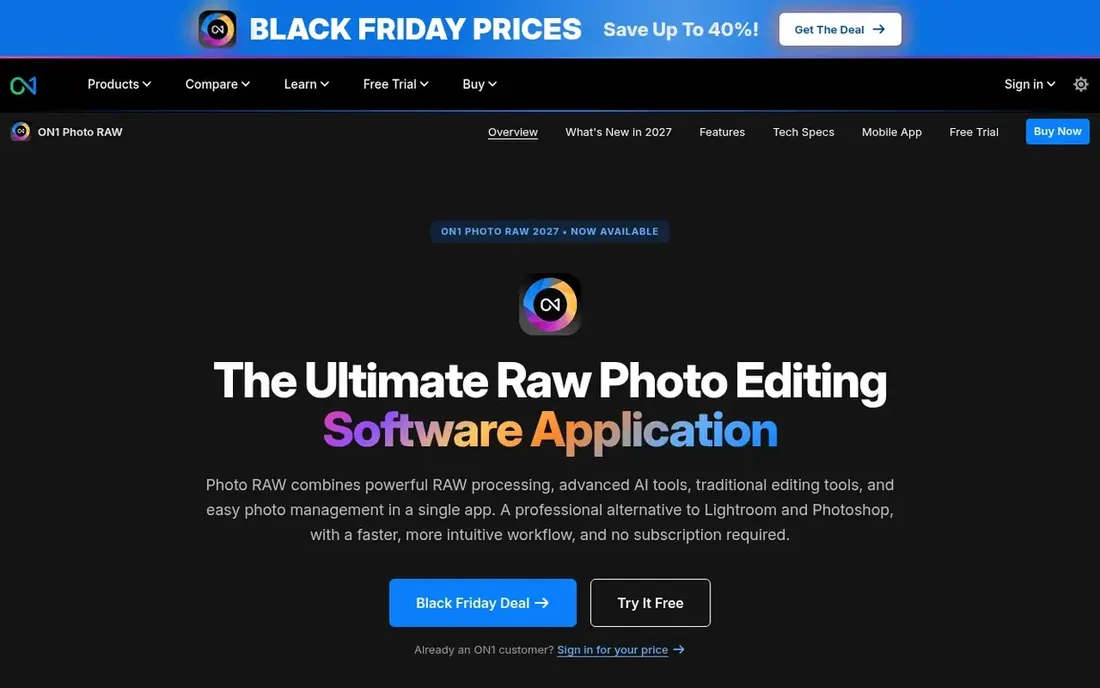
In short, ON1 Photo RAW is for all-in-one editing without subscription. Its ecosystem is smaller than those of the largest editing suites, and automated AI adjustments can need manual fine-tuning on tricky exposures.
Points against: Smaller ecosystem than major suites.
Worth adding: photographers deeply invested in another catalog or needing deep external integration may prefer a different tool, whereas subscription-averse users gain a solid alternative. Starting cost for ON1 Photo RAW: $49.99. Free access: Free trial.
- Organize and process in one app
- Edit
- AI tools may need manual refinement
How we compared the tools
What to check before you buy
- Get a written quote from Capture One, Luminar Neo, Affinity Photo and Adobe Lightroom Classic; the list shows no starting price for them.
- Take the trial from ON1 Photo RAW and push a live task through it before you pay.
- Before choosing Capture One, weigh its main limit: ramp-up time for newcomers.
- Run a one or two week pilot of Affinity Photo with the people who will use it every day.
- Ask ON1 Photo RAW whether prices are locked for the first term and what happens at renewal.
FAQ
Do these tools publish their prices?
Not all of them. Capture One, Luminar Neo, Affinity Photo and Adobe Lightroom Classic publish no starting price, so expect a quote request for those. The rest, ON1 Photo RAW included, show a starting price, though seats and billing terms still change the final cost.
Can I try these tools before paying?
Often, yes. ON1 Photo RAW offers a free trial. Use your own data and a real task during the test, and check what the free tier or trial limits before you rely on it. For the full picture, the cards above cover all 5 entries of this RAW processing software for landscape photographers list, including price, free plan and limits.
Does any tool for RAW processing software for landscape photographers here have a free plan?
A permanent free plan is not offered by Capture One, ON1 Photo RAW or the other tools here. ON1 Photo RAW offer a trial. Plan a short evaluation period instead.
What should landscape photographers look for in RAW software?
Prioritize capable RAW handling, broad tonal control for highlights and shadows, and dependable organization for large libraries. Check whether the editor supports your camera's RAW files and suits your preferred licensing model.
How are the tools for RAW processing software for landscape photographers ordered?
The order follows typical fit for RAW processing software for landscape photographers, with Capture One first and ON1 Photo RAW last, then price clarity and free access. It is editorial judgement, not a score, so another team could rank the tools differently.
Sources
- https://www.captureone.com
- https://skylum.com/luminar
- https://affinity.serif.com/photo
- https://www.adobe.com/products/photoshop-lightroom-classic.html
- https://www.on1.com/products/photo-raw