6 Ransomware Recovery Software for Small Clinics Worth Shortlisting in 2026
Best ransomware recovery software for small clinics: 6 contenders ranked by fit, with entry costs and free tiers. Real limits included. See which fits.
- Editor's choice
 Acronis Cyber Protect
Clinics wanting backup plus endpoint security
Starts atPricing on requestVisit acronis.comFull review - Great alternativeCommvault Backup & Recovery
Detecting compromise and restoring clean data
Starts atPricing on requestVisit commvault.comFull review - Also consider
 Datto SIRIS
Continuity through managed IT providers
Starts atPricing on requestVisit datto.comFull review
Direct answer
For clinics wanting backup plus endpoint security, Acronis Cyber Protect is where this list starts. If your case is different, Commvault Backup & Recovery suits detecting compromise and restoring clean data and Datto SIRIS suits continuity through managed IT providers. The full list of 6 tools follows, with free plan facts. None of these vendors publish plan prices, so pricing is on request for every option.
TL;DR:
- Top of the list is Acronis Cyber Protect, which targets clinics wanting backup plus endpoint security.
- For established enterprise backup experience, Veritas NetBackup is worth a look.
- Check the limits for Commvault Backup & Recovery before you commit: configuration depth takes expertise.
- A permanent free plan is missing from all 6 tools, Acronis Cyber Protect and Veritas NetBackup included; plan for a trial or a premium start.
Last checked November 2026. Pricing on request: vendors did not publish plan prices when this guide was last checked (November 2026), so ask each vendor for a written quote.
Quick comparison
| Tool | Best for | Starts at | Free plan? | |
|---|---|---|---|---|
| Acronis Cyber Protect | Clinics wanting backup plus endpoint security | Pricing on request | Not stated | Visit |
| Commvault Backup & Recovery | Detecting compromise and restoring clean data | Pricing on request | Not stated | Visit |
| Datto SIRIS | Continuity through managed IT providers | Pricing on request | Not stated | Visit |
| Veeam Backup & Replication | Clinics wanting wide backup and cyber resilience | Pricing on request | Not stated | Visit |
 Cohesity DataProtect | Immutable backup with threat detection | Pricing on request | Not stated | Visit |
 Veritas NetBackup | Established enterprise backup experience | Pricing on request | Not stated | Visit |
Every option for ransomware recovery software for small clinics explained
If you are comparing ransomware recovery software for small clinics, this page covers 6 tools in one place: what each is best for, what it costs to start, whether it has a free plan, and the main limit to know about.
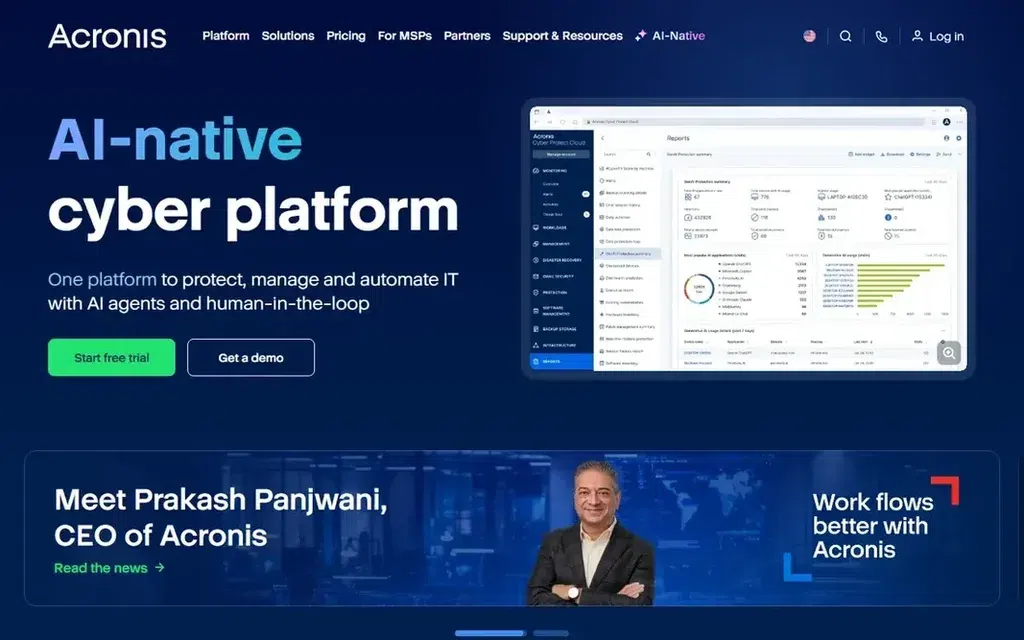
Acronis Cyber Protect is aimed squarely at clinics wanting backup plus endpoint security. That combination fits small clinics that prefer one console over multiple separate tools, since front-desk workstations, servers and cloud workloads can be protected and managed in the same place whereas reducing the number of vendors to coordinate.
Trade-offs to know: Some features may go unused in tiny clinics.
Pricing for Acronis Cyber Protect is not stated here, so ask the vendor for current figures. Trial and free access: Not stated.
- Endpoint management included
- AI-powered features across modules
- Breadth can mean a ramp-up time
Commvault Backup & Recovery
Best for: Detecting compromise and restoring clean data
In short, Commvault Backup & Recovery is for detecting compromise and restoring clean data. Clinics with multiple systems and identity dependencies may appreciate recovery that extends beyond files to the applications staff depend on daily.
Consider a more straightforward tool except when your environment is genuinely varied. From a buyer's view, the depth of configuration rewards teams with dedicated IT resources, and a very small practice may find it complicated. Pricing for Commvault Backup & Recovery is not stated here, so ask the vendor for current figures. Free options: Not stated.
Watch-outs: Configuration depth takes expertise.
- Wide stack coverage
- Restores data
- May suit bigger IT teams better
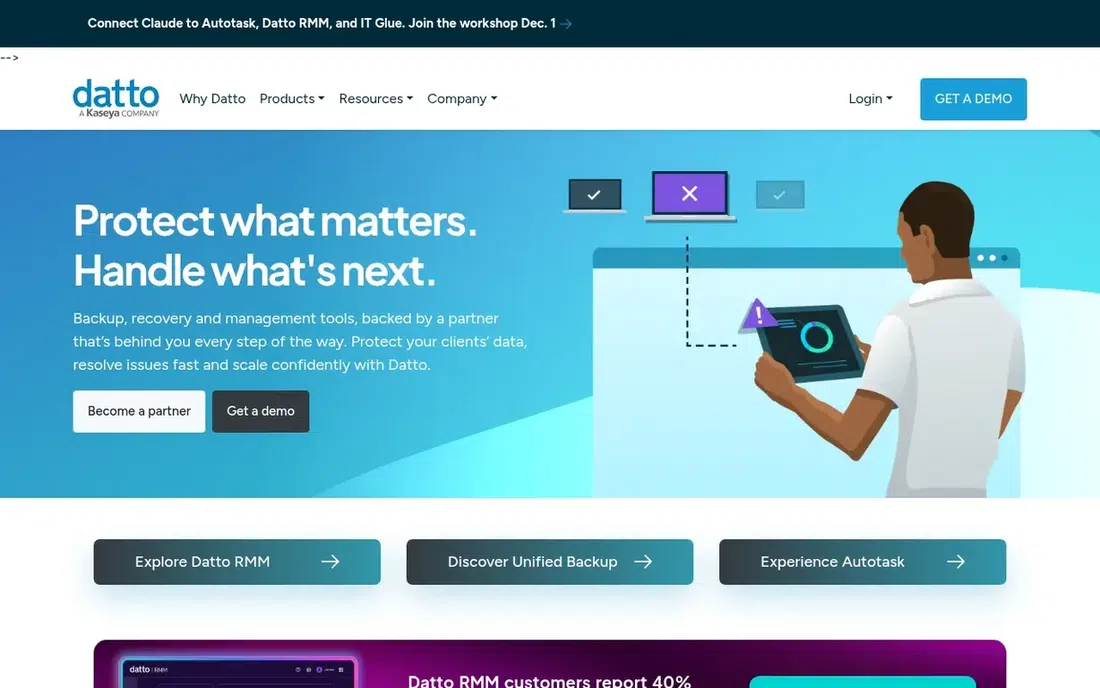
Pick Datto SIRIS if this describes you: continuity through managed IT providers. Datto SIRIS centres on mission-critical business continuity and disaster recovery, alongside networking and file backup and sync.
It fits small clinics that work with a managed service provider and want recovery handled as part of a continuing IT relationship, keeping practice systems running through an incident rather than relying on in-house staff. Check the vendor site for Datto SIRIS pricing; none is listed in this comparison. Trial and free access: Not stated.
Downsides: Less pitched at do-it-yourself clinics.
- Made for business continuity and disaster recovery
- Includes backup and recovery together
- Usually delivered through IT providers
Veeam Backup & Replication
Best for: Clinics wanting wide backup and cyber resilience
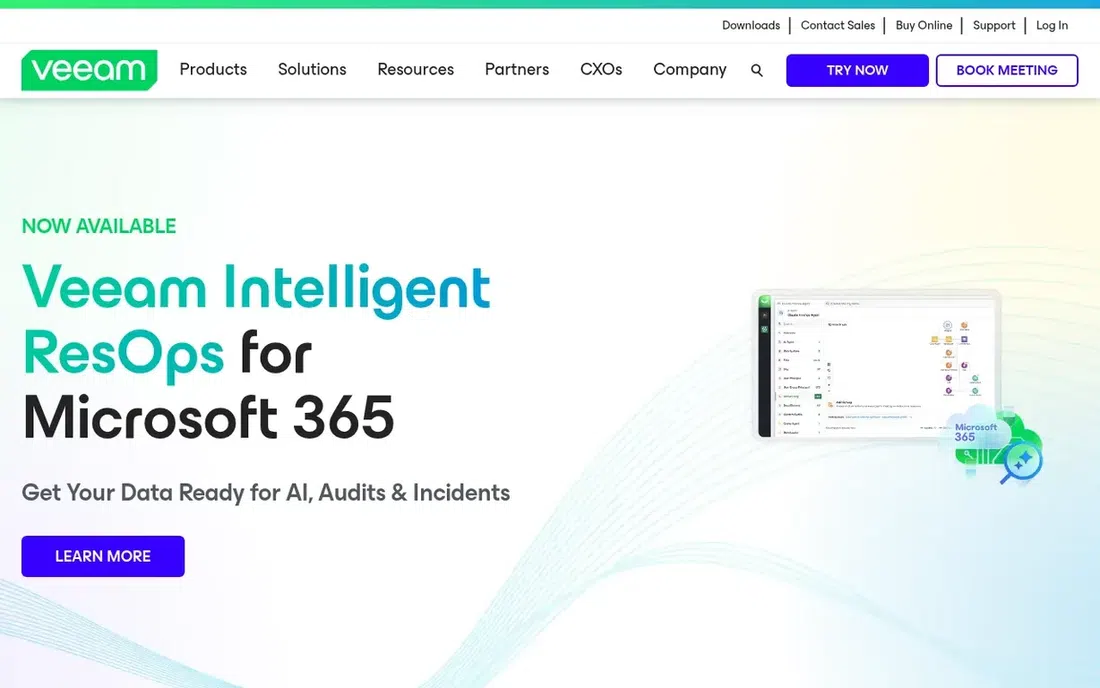
Veeam Backup & Replication is a good fit for clinics wanting broad backup and cyber resilience. Veeam Backup & Replication is a backup and recovery system positioned around cyber resilience and secure data movement. Its resilience messaging aligns with ransomware recovery planning.
If you want backup bundled tightly with endpoint security in a single console, Acronis Cyber Protect may be a more straightforward starting point. Beyond that, the system is deep, so smaller clinics may lean on an IT partner to configure and maintain it properly. Veeam Backup & Replication shows no starting price here, so confirm the cost on the vendor site. Free access: Not stated.
What to check first: Feature depth may exceed small clinic needs.
- Supports plenty of workloads and platforms
- Widely used in healthcare IT
- Can require specialist setup
Choose Cohesity DataProtect for immutable backup with threat detection. For a clinic, that means backups that resist tampering plus earlier warning of suspicious activity, which supports a recovery plan that does not depend only on after-the-fact restoration.
Points against: System breadth may overwhelm small teams.
More specifically, if you want a leaner starting point, look at Veeam or Acronis first. This comparison lists no price for Cohesity DataProtect; ask the vendor. On free options: Not stated.
- Immutable backup for ransomware defense
- AI-based early threat detection
- Needs planning to deploy well
In short, Veritas NetBackup is for established enterprise backup experience. Veritas NetBackup is a long-established enterprise backup system used to protect large and varied data environments. From a buyer's view, more straightforward choices such as Veeam or Acronis are normally simpler to run in-house.
Drawbacks to consider: Enterprise focus may not fit small clinics.
In daily use, a clinic that has grown into several sites or inherited a complicated server estate may encounter it through an IT partner. Its recovery capabilities can be part of a broader resilience plan. It is made for enterprise administration, so a small clinic without dedicated IT staff may find it heavy. Veritas NetBackup does not show a starting price in this comparison, so check the vendor site for current pricing. Free access: Not stated.
- Suits complex environments
- Wide enterprise data protection
- Needs skilled administration
How we compared the tools
For each of the 6 tools we noted price, free plan or trial, fit for ransomware recovery software for small clinics and the main limit, using vendor pages and documentation. Where a price is missing, the vendor does not list one publicly or ties it to a quote. Always confirm before budgeting. Position on the page reflects fit for a typical buyer first, with price clarity and free access breaking ties. Treat it as a guide, not a ruling.
Pre-purchase checklist
- Confirm the entry price with every vendor: no tool from Acronis Cyber Protect to Veritas NetBackup shows a fixed starting price.
- Before choosing Acronis Cyber Protect, weigh its main limit: breadth can mean a ramp-up time.
- Compare total cost, not headline price: for Veritas NetBackup, add extra seats, add-ons and any usage-based charges.
- Ask the daily users to test Datto SIRIS on a live task before you roll it out to everyone.
- Check whether the features you need in Cohesity DataProtect sit on the entry plan or only on higher tiers.
FAQ
Do these tools publish their prices?
No. None of the tools, from Acronis Cyber Protect to Veritas NetBackup, shows a fixed starting price here, so budget time for quotes.
How are the tools for ransomware recovery software for small clinics ordered?
The order follows typical fit for ransomware recovery software for small clinics, with Acronis Cyber Protect first and Veritas NetBackup last, then price clarity and free access. It is editorial judgement, not a score, so another team could rank the tools differently.
Can I try these tools before paying?
Not by default. None of the tools, from Acronis Cyber Protect to Veritas NetBackup, lists a free plan or a free trial here, so ask each vendor for a demo before committing.
How do we test whether recovery will actually work?
Plan regular restore exercises on non-critical systems and confirm how long a full recovery takes for your key clinical applications. Ask each vendor how their tool supports clean recovery after an attack and what assistance is available during an incident.
Does any tool for ransomware recovery software for small clinics here have a free plan?
No tool in this list, Acronis Cyber Protect and Veritas NetBackup included, has a permanent free plan. Trials and quotes are the usual route, so plan a short evaluation period.
What matters most in ransomware recovery software for a clinic?
Immutable or tamper-resistant backups and a proven, quick restore process matter most, since downtime straight affects patient care. Also confirm the tool spans every system that holds patient data, including servers and workstations.
Sources
- https://www.acronis.com
- https://www.commvault.com
- https://www.datto.com
- https://www.veeam.com
- https://www.cohesity.com
- https://www.veritas.com