The 5 Best Disaster Recovery Software for Healthcare Systems in 2026, Ranked
Compare 5 best disaster recovery software for healthcare systems, with prices, free plans and who each fits. Every entry states what it lacks. Easy to scan.
- Editor's choiceAzure Site Recovery
Cloud-based replication and failover
Starts atPricing on requestVisit azure.microsoft.comFull review - Great alternativeDell PowerProtect Data Manager
Integrated Dell infrastructure protection
Starts atPricing on requestVisit dell.comFull review - Also considerVeeam Backup & Replication
Wide workload and cloud recovery
Starts atPricing on requestVisit veeam.comFull review
Direct answer
This list puts Azure Site Recovery first for Cloud-based replication and failover. If your case is different, Dell PowerProtect Data Manager suits integrated Dell infrastructure protection and Veeam Backup & Replication suits wide workload and cloud recovery. Free plan facts and limits for all 5 tools follow. None of these vendors publish plan prices, so pricing is on request for every option.
TL;DR:
- Azure Site Recovery takes the first slot, best suited to Cloud-based replication and failover.
- Azure Site Recovery, Commvault Cloud and the 3 others all sell by quote; expect sales conversations before you see a price.
- Azure Site Recovery, Commvault Cloud and the 3 others all need a premium plan or a trial, since no free plan is listed.
- One limit worth knowing about Veeam Backup & Replication: can need careful sizing for large clinical estates.
- Commvault Cloud is the one to check for cyber recovery across apps and identity.
Last checked November 2026. Pricing on request: vendors did not publish plan prices when this guide was last checked (November 2026), so ask each vendor for a written quote.
Quick comparison
| Tool | Best for | Starts at | Free plan? | |
|---|---|---|---|---|
| Azure Site Recovery | Cloud-based replication and failover | Pricing on request | Free trial | Visit |
| Dell PowerProtect Data Manager | Integrated Dell infrastructure protection | Pricing on request | Not stated | Visit |
| Veeam Backup & Replication | Wide workload and cloud recovery | Pricing on request | Not stated | Visit |
 Cohesity DataProtect | AI-driven threat detection and recovery | Pricing on request | Not stated | Visit |
 Commvault Cloud | Cyber recovery across apps and identity | Pricing on request | Not stated | Visit |
Disaster Recovery Software for Healthcare Systems compared in detail
If you are comparing disaster recovery software for healthcare systems, this page covers 5 tools in one place: what each is best for, what it costs to start, whether it has a free plan, and the main limit to know about.
Azure Site Recovery
Best for: Cloud-based replication and failover
Azure Site Recovery is a good fit for Cloud-based replication and failover. Azure Site Recovery is a Microsoft Azure service for replicating and orchestrating failover of workloads to the cloud. Its homepage presents Azure as an open and adaptable cloud system.
For healthcare systems pursuing a hybrid or cloud-first strategy, it can offer a disaster recovery path for virtualized and physical servers without maintaining a full secondary site. Beyond that, organizations not using Azure may prefer an on-premises-first tool. From a buyer's view, the service is centered on replication and failover instead of full backup management. So it is frequently paired with a backup product. On top of that, evaluate network bandwidth and recovery time expectations before relying on cloud failover for critical clinical systems. No starting price is listed for Azure Site Recovery here; confirm pricing on the vendor site. Free plan details: Free trial.
Limits to weigh: Centred on replication more than wide backup.
- Supports orchestrated failover and failback
- Replicates workloads to Azure
- Needs Azure planning and connectivity
Dell PowerProtect Data Manager
Best for: Integrated Dell infrastructure protection
Dell PowerProtect Data Manager works best for integrated Dell infrastructure protection. Feature depth and licensing vary, so confirm coverage for your specific workloads. From a buyer's view, Dell PowerProtect Data Manager is Dell's data protection software for managing backups and recovery across workloads.
It is frequently considered by organizations already using Dell servers and storage, where integration can ease operations. More specifically, healthcare systems with Dell-based infrastructure may find it a natural fit for protecting clinical and administrative systems under a familiar management framework. Dell PowerProtect Data Manager does not show a starting price in this comparison, so check the vendor site for current pricing. Free access: Not stated.
What to check first: Best value when paired with Dell infrastructure.
- Suits Dell server and storage environments
- Supports wide workload coverage
- Less differentiated in mixed-vendor estates
Veeam Backup & Replication
Best for: Wide workload and cloud recovery
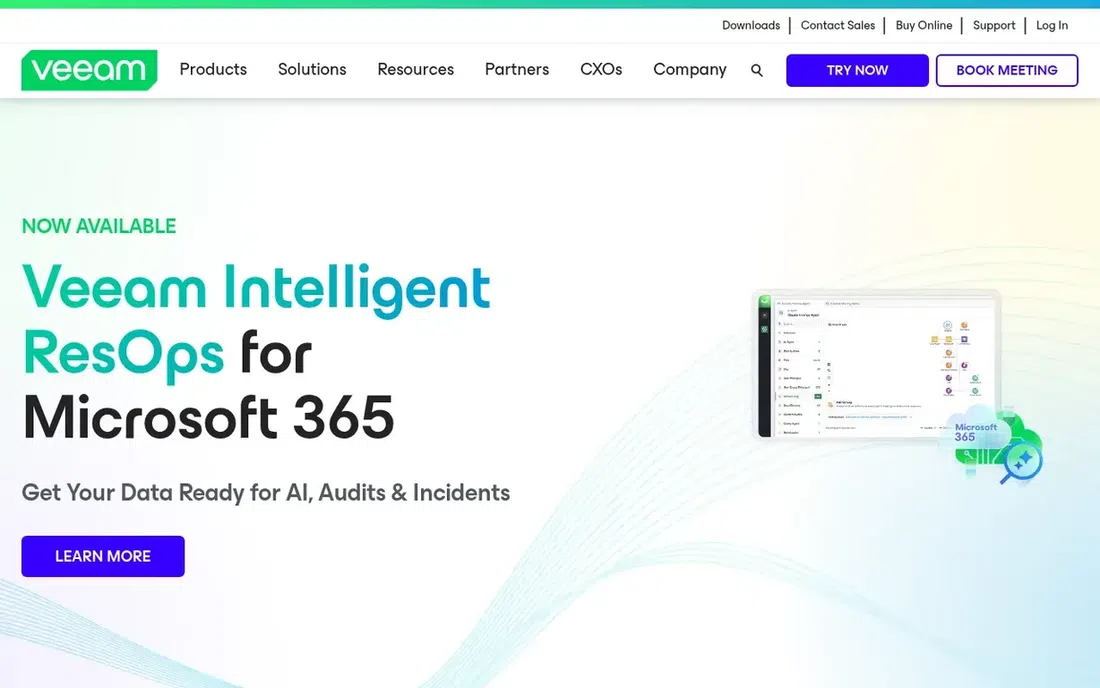
Veeam Backup & Replication works best for wide workload and cloud recovery. Veeam Backup & Replication is a data protection product that helps organizations back up and recover workloads across virtual, physical, and cloud environments. Its homepage flags cyber resilience, secure data movement, and compliance support.
What to check first: Advanced cyber features may need add-on modules.
More specifically, for healthcare systems, it suits organizations that require a single tool to protect diverse clinical and administrative systems whereas keeping recovery choices flexible. As for the details, if your priority is a completely managed cloud service with built-in identity protection, other choices may be a better fit. Pricing for Veeam Backup & Replication is not stated here, so ask the vendor for current figures. Free access: Not stated.
- Offers recovery verification and secure data movement
- Supports virtual, physical
- Can need careful sizing for large clinical estates
In short, Cohesity DataProtect is for AI-driven threat detection and recovery. Cohesity DataProtect is described as an AI-powered data security and management product that defends against ransomware with immutable backup, AI-based early threat detection, and rapid data recovery. For healthcare systems, this combination can help identify anomalies early whereas keeping recovery copies protected.
For everyday use, if you prefer a purely traditional backup tool without analytics, a more straightforward option may be simpler to handle. On top of that, AI-based detection may need tuning to avoid false positives in clinical environments, and hybrid deployments need careful planning. As for the details, confirm that the detection features align with your security operations workflow. This comparison lists no price for Cohesity DataProtect; ask the vendor. Trial and free access: Not stated.
Where it is weaker: AI features may need tuning for clinical data.
- Immutable backup with AI-based early threat detection
- Merges data security and management
- Deployment planning required for hybrid estates
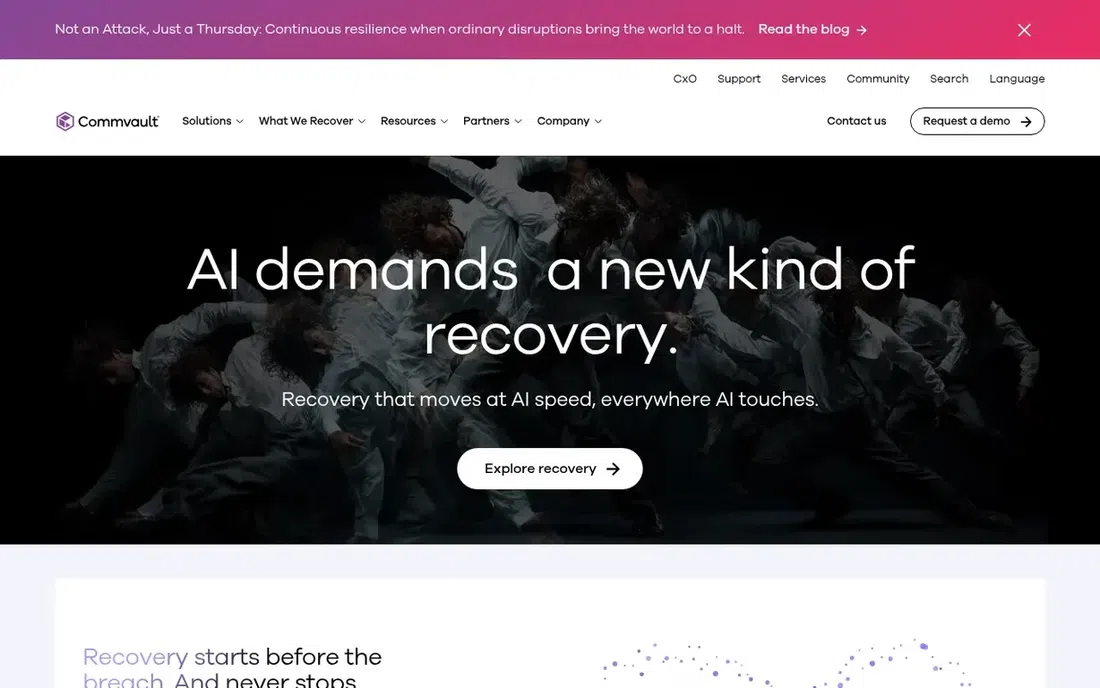
Commvault Cloud is built with cyber recovery across apps and identity in mind. Commvault Cloud is positioned as an AI-ready recovery product that spots compromise as it happens and restores clean data, applications, and identity across your stack. Its homepage stresses cyber resilience for modern data demands.
The main drawbacks: Integration planning is needed for complicated EHR stacks.
In practice, the breadth of the product can mean a steeper ramp-up time and more planning for integrations with specialized healthcare systems. If you chiefly need backup for virtual machines and little else, a narrower product could cut overhead. Check the vendor site for Commvault Cloud pricing; none is listed in this comparison. On free options: Not stated.
- Includes applications, data, identity
- Spots compromise and restores clean data
- Feature depth may need specialist training
How the list was put together
Selection started from tools commonly considered for disaster recovery software for healthcare systems, then narrowed to 5 that have clear pricing information or a clear quote process. Treat prices as a snapshot: vendors change plans often, so check the vendor site for the figure that applies today. Tools are placed by general fit for disaster recovery software for healthcare systems, with price clarity and free access as tie-breakers. A different team can reasonably rank them differently.
Questions to settle before buying
- Confirm the entry price with every vendor: no tool from Azure Site Recovery to Commvault Cloud shows a fixed starting price.
- Use real work to test the free trial from Azure Site Recovery, rather than a demo project.
- Read the limits listed for Azure Site Recovery first: concentrated on replication more than wide backup.
- Make sure Cohesity DataProtect lets you export your data in a format another tool can read.
- Check the support hours and onboarding help Commvault Cloud offers; smaller vendors vary a lot here.
FAQ
How important is vendor integration for healthcare disaster recovery?
Even so, clinical application support matters more than infrastructure alignment. Confirm that the tool guards your specific EHR and imaging systems before choosing based on integration alone.
What should healthcare systems look for in disaster recovery software?
Prioritize immutable backups, quick recovery for clinical applications, and support for electronic health records and imaging systems. Also consider identity recovery and compliance needs. Confirm that recovery time objectives match clinical uptime expectations.
Is Azure Site Recovery the right pick for everyone comparing disaster recovery software for healthcare systems?
No single tool suits every team. Azure Site Recovery comes first because it fits Cloud-based replication and failover, while Dell PowerProtect Data Manager suits integrated Dell infrastructure protection and Veeam Backup & Replication suits broad workload and cloud recovery. Match the tool to your own size, budget and workflow before deciding.
Do these tools publish their prices?
No. None of the tools, from Azure Site Recovery to Commvault Cloud, shows a fixed starting price here, so budget time for quotes.
Can I try these options before paying?
Often, yes. Azure Site Recovery offers a free trial. Use your own data and a real task during the test, and check what the free tier or trial limits before you rely on it.
Does any tool for disaster recovery software for healthcare systems here have a free plan?
A permanent free plan is not offered by Azure Site Recovery, Commvault Cloud or the other tools here. Azure Site Recovery offer a trial. Plan a short evaluation period instead.
Sources
- https://azure.microsoft.com
- https://www.dell.com
- https://www.veeam.com
- https://www.cohesity.com
- https://www.commvault.com