Choosing Push to Talk Set Up Pc in 2026: 5 Options Compared
Comparing the best push to talk set up pc? 5 contenders, each with entry cost, free tier and best-fit buyer. Verdicts stay brief and factual. Facts only.
- Editor's choice
 Microsoft Teams
Workplace calls and collaboration
Starts atSee websiteVisit microsoft.comFull review - Great alternativeSteelSeries GG
Gaming peripheral and audio management
Starts atSee websiteVisit steelseries.comFull review - Also consider
 Discord
Gaming and community voice chat
Starts atSee websiteVisit discord.comFull review
Direct answer
This list puts Microsoft Teams first for workplace calls and collaboration. Listed starting prices: Slack from $4.38 per user per month. SteelSeries GG is the stronger choice for gaming peripheral and audio management, while Discord suits gaming and community voice chat. The other 2 tools in the list cover narrower or pricier cases.
TL;DR:
- Number one here is Microsoft Teams, a fit for workplace calls and collaboration.
- For the cheapest start, look at Slack: $4.38 per user per month.
- Slack is the one to check for team chat with voice huddles.
- Check the limits for Microsoft Teams before you commit: not aimed at gaming.
Last checked November 2026. Prices and plan details were read from the vendors' own pages in November 2026; vendors change plans often, so confirm the current price on the vendor site before you buy.
Quick comparison
| Tool | Best for | Starts at | Free plan? | |
|---|---|---|---|---|
| Microsoft Teams | Workplace calls and collaboration | See website | Not stated | Visit |
| SteelSeries GG | Gaming peripheral and audio management | See website | Not stated | Visit |
| Discord | Gaming and community voice chat | See website | Not stated | Visit |
 Mumble | Low-latency open source voice | See website | Not stated | Visit |
 Slack | Team chat with voice huddles | $4.38 per user per month | Yes | Visit |
Push to Talk Set Up Pc compared in detail
LinkVetted compared 5 tools for push to talk set up pc. The goal is a practical shortlist: published prices, free plan facts, best-fit use cases and honest limits for every entry.
Think of Microsoft Teams for workplace calls and collaboration. Microsoft Teams is a collaboration hub for video conferencing, meetings, and calling, with tools and files kept in one place.
Honest limits: Not targeted at gaming.
It can also use significant system resources. Check the vendor site for Microsoft Teams pricing; none is listed in this comparison. As for free access: Not stated.
- Integrated with Microsoft tools
- File and chat in one place
- Can be resource-intensive
SteelSeries GG
Best for: Gaming peripheral and audio management
Where SteelSeries GG fits: gaming peripheral and audio management. If you need only software-based push-to-talk, a voice app alone may suffice.
It contains audio tools that can complement push-to-talk setups when paired with voice apps. This comparison lists no price for SteelSeries GG; ask the vendor. Free plan details: Not stated.
Trade-offs to know: Not a standalone voice service.
- Runs SteelSeries devices
- Audio and chat mixing tools
- Needs SteelSeries hardware for full use
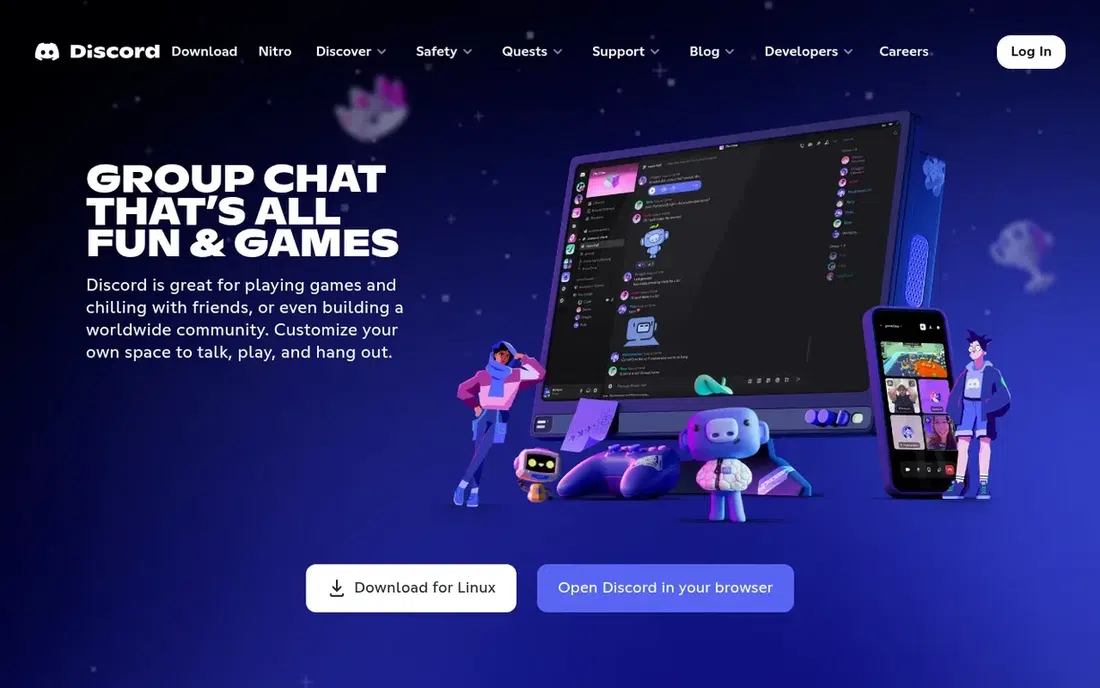
For gaming and community voice chat, Discord is a natural candidate. Discord is a group chat system aimed at gaming and communities, with voice channels and configurable spaces. It supports push-to-talk through a customizable keybind, making it a natural fit for PC gamers who want to control when their microphone transmits.
Trade-offs to know: Can be resource-heavy.
Its wide feature set and server model suit friend groups, clans, and bigger communities alike. In daily use, Discord can use more system resources than light voice tools, and its interface may feel busy for simple voice use. Discord shows no starting price here, so confirm the cost on the vendor site. On free options: Not stated.
- Straightforward push-to-talk keybind
- Broad community and server support
- Needs account setup
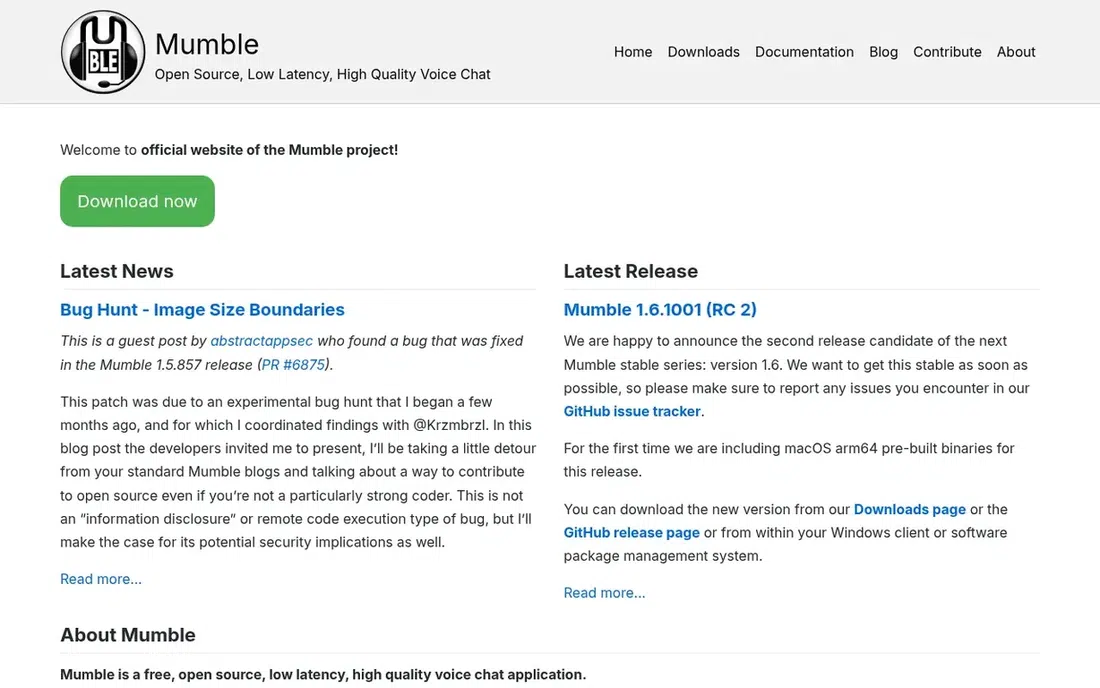
Mumble works best for low-latency open source voice. Mumble's interface is sparse and setup can be more involved than mainstream apps. More specifically, Mumble is a free, open source voice chat application centred on low latency and high quality audio.
It contains push-to-talk support and is well suited to users who want a light, self-hosted voice option. If you want an all-in-one chat system, consider Discord or Slack instead. Mumble shows no starting price here, so confirm the cost on the vendor site. Free plan details: Not stated.
Trade-offs to know: Entry-level interface.
- Free and open source
- High quality audio
- Needs server knowledge
For team chat with voice huddles, Slack is a natural candidate. Slack is not primarily a push-to-talk voice tool, so its controls are less direct than dedicated voice apps.
Entry price for Slack: $4.38 per user per month. A free plan is available with Slack.
Watch-outs: premium levels for advanced features.
- Solid team chat features
- Voice huddles available
- Push-to-talk not a core focus
Selection criteria
Before you commit
- Ask Microsoft Teams, SteelSeries GG, Discord and Mumble for a written quote, since no starting price is shown.
- Look at the free plan from Slack closely: its caps decide whether it is usable for real work.
- Read the limits listed for Microsoft Teams first: not pitched at gaming.
- Ask Microsoft Teams whether prices are locked for the first term and what happens at renewal.
- Check the integration list for SteelSeries GG against the tools you run today, and note which ones need a higher plan.
FAQ
Do I need additional software like SteelSeries GG for push-to-talk?
No. Push-to-talk is generally built into voice and meeting apps. SteelSeries GG is handy for managing compatible peripherals and audio, but it is not required for push-to-talk itself.
What is the cheapest option for push to talk set up pc in this list?
On published monthly entry prices, Slack is the lowest here at $4.38 per user per month. Entry price is only part of the cost, because seats, add-ons and billing terms can change the total. Prices, free plan details and limits for all 5 tools in this push to talk set up Pc roundup sit on the individual cards above.
Which options for push to talk set up pc have a free plan?
Slack is the only tool in this list with a free plan. Free plans usually cap users, projects or features, so check the limits on the vendor page. Each of the 5 options in this push to talk set up Pc guide has its own card above with the price, free plan and limits.
Can I try these tools before paying?
Often, yes. Slack has a free plan. Use your own data and a real task during the test, and check what the free tier or trial limits before you rely on it. All 5 picks in this push to talk set up Pc comparison list a starting price, free plan details and the main limits on their cards above.
What is push-to-talk and why use it on PC?
Push-to-talk transmits your microphone only whereas you hold a designated key. It cuts background noise and accidental hot-mic moments, which is handy in gaming and large meetings. Most voice apps on PC contain a push-to-talk choice.
Do these tools publish their prices?
Not all of them. Microsoft Teams, SteelSeries GG, Discord and Mumble publish no starting price, so expect a quote request for those. The rest, Slack included, show a starting price, though seats and billing terms still change the final cost.
Sources
- https://www.microsoft.com/en-us/microsoft-teams/group-chat-software
- https://steelseries.com/gg
- https://discord.com
- https://www.mumble.info
- https://slack.com