5 Best Public Records Management Software for 2026, Vetted and Compared
5 products for the best public records management software, ranked by fit, with starting costs and free tiers. Every tool lists pros and cons. See which fits.
- Editor's choice
 Laserfiche
Document management with workflow automation
Starts at$42 per user a monthVisit laserfiche.comFull review - Great alternative
 DocuWare
Document management and workflow options
Starts atSee websiteVisit start.docuware.comFull review - Also consider
 M-Files
Context-based document organization
Starts at€65 per seat a monthVisit m-files.comFull review
Direct answer
Start with Laserfiche if you need document management with workflow automation. Listed starting prices: Laserfiche from $42 per user a month and M-Files from €65 per seat a month. DocuWare is better for document management and workflow options, and M-Files is better for context-based document organization. The remaining 2 options are covered below with prices and limits.
TL;DR:
- Laserfiche is the opening pick, best for document management with workflow automation.
- Check the limits for DocuWare before you commit: less emphasis on public-sector positioning.
- For the cheapest start, look at Laserfiche: $42 per user per month.
- Laserfiche, Granicus and the 3 others all need a premium plan or a trial, since no free plan is listed.
Last checked November 2026. Prices and plan details were read from the vendors' own pages in November 2026; vendors change plans often, so confirm the current price on the vendor site before you buy.
Quick comparison
| Tool | Best for | Starts at | Free plan? | |
|---|---|---|---|---|
| Laserfiche | Document management with workflow automation | $42 per user a month | Not stated | Visit |
| DocuWare | Document management and workflow options | See website | Not stated | Visit |
| M-Files | Context-based document organization | €65 per seat a month | Not stated | Visit |
| OnBase | Content intelligence and process automation | See website | Not stated | Visit |
 Granicus | Government citizen experience and records | See website | Not stated | Visit |
Public Records Management Software compared in detail
This LinkVetted guide covers 5 options for public records management software. Each profile lists a starting price, free plan details, strengths and drawbacks, so you can drop poor fits quickly.
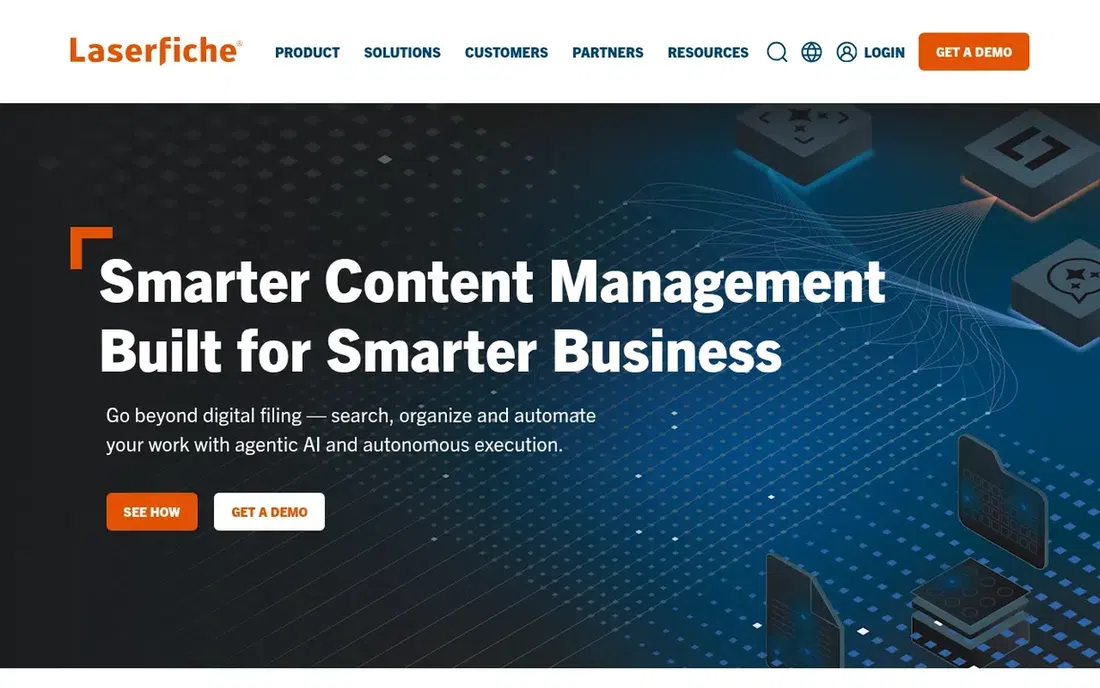
Laserfiche targets document management with workflow automation. If you only need entry-level storage and retrieval, a more straightforward system may be simpler to run. Laserfiche positions itself around AI-powered document management and process automation, combining workflows, electronic forms, document management and analytics.
Honest limits: Wide feature set may exceed small needs.
The breadth of features means setup and administration can take real effort, and smaller teams may not use everything available. Agencies handling high volumes of records requests or intake forms are a natural fit for this workflow-centered approach. Laserfiche pricing: $42 per user per month. Free access: Not stated.
- AI-assisted document handling
- Document management plus electronic forms
- Configuration effort can be significant
DocuWare makes the most sense for document management and workflow options. DocuWare presents document management software and workflow options targeted at improving how organizations process documents. Its positioning is not specifically public-sector oriented, so government-specific retention rules may need additional configuration.
Where it falls short: Workflow design still needs planning.
Choose DocuWare when document processing efficiency is the central goal. Workflow design also takes planning before benefits appear. No starting price is listed for DocuWare here; confirm pricing on the vendor site. Free access: Not stated.
- Straightforward records and workflow pairing
- Document management with workflow automation
- Less emphasis on public-sector positioning
M-Files is a good fit for context-based document organization. M-Files describes itself as an AI-powered document management system that organizes documents in context, automates workflows and cuts risk. Instead of relying on folder structures, it centers records around what they relate to, which can help agencies retrieve and govern documents consistently.
Consider M-Files when adaptable, context-based document control matters more than government-specific tooling. Public-sector-specific features are less central to its positioning. M-Files starts at: €65 per seat per month. As for free access: Not stated.
Where it is weaker: Metadata model needs upfront design.
- AI-powered document management
- Workflow automation to cut risk
- Less concentrated on public-sector specifics
OnBase
Best for: Content intelligence and process automation
OnBase works best for Content intelligence and process automation. Select OnBase when automation and content intelligence are strategic priorities.
Where it is weaker: Setup relies on process design.
OnBase, part of Hyland's content intelligence and automation offering, targets organizations turning unstructured enterprise data into governed context. Teams looking to link records handling with broader content intelligence initiatives are the intended audience. This comparison lists no price for OnBase; ask the vendor. Free options: Not stated.
- Turns unstructured data into governed context
- Content intelligence and automation focus
- Product scope can need specialist help
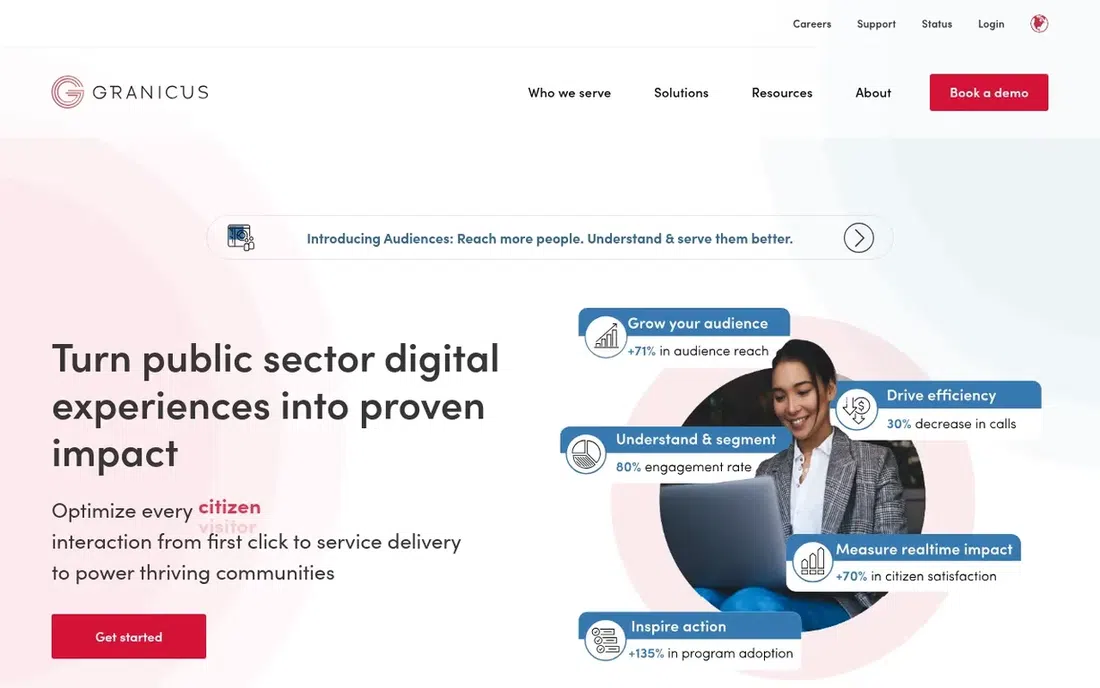
Granicus works best for government citizen experience and records. It suits public-sector teams that treat records as part of a broader transparency and service strategy instead of a standalone archive.
From a buyer's view, consider Granicus when public engagement and records access go hand in hand. No starting price is listed for Granicus here; confirm pricing on the vendor site. Trial and free access: Not stated.
Limits to weigh: Narrower fit outside government.
- Links government organizations with residents
- Focus on the full citizen experience
- Records depth relies on modules
How we compared the tools
The comparison looks at four things: starting price, free access, how well the feature set matches public records management software, and the main limit of each tool. Prices and plan limits come from vendor pages and can change, so confirm them on the vendor site before you buy. The order reflects how well each tool fits the most common buying scenario for public records management software, then price clarity, then free plan access. It is a starting point, not a verdict.
Questions to settle before buying
- Ask DocuWare, OnBase and Granicus for a written quote, since no starting price is shown.
- Before choosing Laserfiche, weigh its main limit: configuration effort can be significant.
- Confirm minimum seats and billing terms with Laserfiche before you commit to an annual plan.
- List the apps you already depend on and check that DocuWare supports each one on the plan you would buy.
- Compare total cost, not headline price: for Granicus, add extra seats, add-ons and any usage-based charges.
FAQ
How are the tools for public records management software ordered?
The order follows typical fit for public records management software, with Laserfiche first and Granicus last, then price clarity and free access. It is editorial judgement, not a score, so another team could rank the tools differently.
Is Laserfiche the right pick for everyone comparing public records management software?
No single tool suits every team. Laserfiche comes first because it fits document management with workflow automation, while DocuWare suits document management and workflow solutions and M-Files suits context-based document organization. Match the tool to your own size, budget and workflow before deciding.
Does any tool for public records management software here have a free plan?
A permanent free plan is not offered by Laserfiche, Granicus or the other tools here. Plan a short evaluation period instead.
What should agencies check before buying records software?
Confirm retention and disposition handling, audit trails and access controls first, since these drive compliance. Verifying these details on vendor sites helps avoid surprises after selection.
Do these tools publish their prices?
Not all of them. DocuWare, OnBase and Granicus publish no starting price, so expect a quote request for those. The rest, Laserfiche included, show a starting price, though seats and billing terms still change the final cost.
Which tool is a good match for government records programs?
The first pick on this list is Laserfiche, because it suits document management with workflow automation. DocuWare is better for document management and workflow options, and M-Files for context-based document organization. Check price and limits against your own needs before choosing.
Sources
- https://www.laserfiche.com
- https://start.docuware.com
- https://www.m-files.com
- https://www.hyland.com
- https://granicus.com