Best Project Management Software for Retail Stores for 2026: Our 6 Vetted Picks
Best project management software for retail stores in 2026: 6 tools with starting prices, free plans and limits. Short verdicts, no fluff. Costs up front.
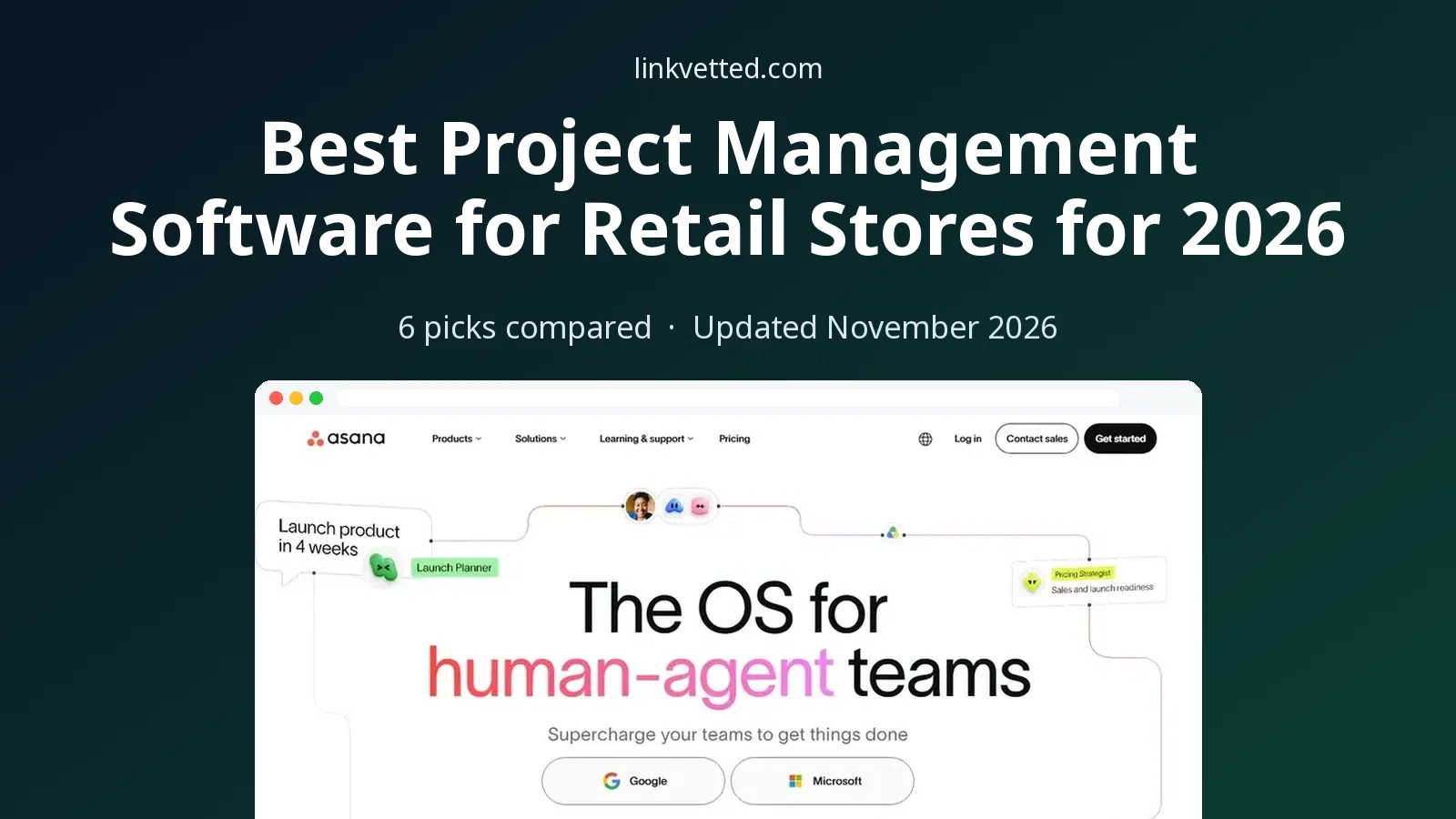
- Editor's choice
 Smartsheet
Enterprise retail work with governance needs
Starts at$12 per Member/monthVisit smartsheet.comFull review - Great alternative
 Asana
Structured workflows and automatic planning
Starts at$10.99 per user per monthVisit asana.comFull review - Also consider
 ClickUp
Consolidating tasks, docs, goals, and chat
Starts at$9 per user per monthVisit clickup.comFull review
Direct answer
If you need enterprise retail work with governance needs, Smartsheet is the first tool to look at here. Listed starting prices: Smartsheet from $12 per Member/month, Asana from $10.99 per user per month and ClickUp from $9 per user per month. Asana is better for structured workflows and automatic planning, and ClickUp is better for consolidating tasks, docs, goals, and chat. The full list of 6 tools follows, with prices and free plan facts.
TL;DR:
- This list starts with Smartsheet, which is built for enterprise retail work with governance needs.
- For the cheapest start, look at Trello: $5 per user per month.
- A free plan is available from 5 of the 6 tools: Asana, ClickUp, Monday.com, Notion, Trello.
- One limit worth knowing about ClickUp: feature breadth can overwhelm new users.
Last checked November 2026. Prices and plan details were read from the vendors' own pages in November 2026; vendors change plans often, so confirm the current price on the vendor site before you buy.
Quick comparison
| Tool | Best for | Starts at | Free plan? | |
|---|---|---|---|---|
| Smartsheet | Enterprise retail work with governance needs | $12 per Member/month | Not stated | Visit |
| Asana | Structured workflows and automatic planning | $10.99 per user per month | Yes | Visit |
| ClickUp | Consolidating tasks, docs, goals, and chat | $9 per user per month | Yes | Visit |
 Monday.com | AI-assisted retail operations and team coordination | $9 per seat a month | Yes | Visit |
 Notion | Custom workspaces, docs, and automation | $10 per member a month | Yes | Visit |
 Trello | Straightforward boards and fast task capture | $5 per user a month | Yes | Visit |
The best project management software for retail stores
LinkVetted compared 6 project management software for retail stores. The goal is a practical shortlist: published prices, free plan facts, best-fit use cases and honest limits for every entry.
Smartsheet is designed for enterprise retail work with governance needs. Choose Smartsheet when governance and visibility across numerous teams are essential. On top of that, Smartsheet positions itself as an execution hub for enterprise work, where people and AI get work done together with the governance and visibility enterprises need.
Also, teams wanting light boards may prefer a more straightforward option. Retail organizations managing numerous locations, approvals, and reporting lines can benefit from that control. Starting cost for Smartsheet: $12 per Member/month. Free options: Not stated.
Limits to weigh: Targeted at enterprise scale.
Upsides: controlled processes.
- Execution hub for people and AI
- Governance and visibility for enterprise work
- May be more than small keeps need
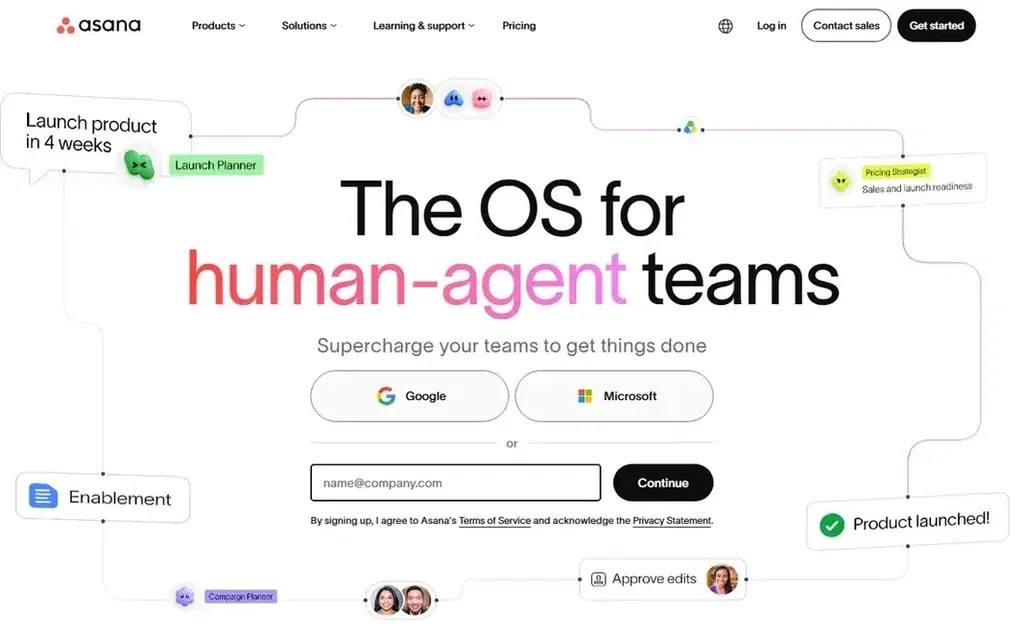
Where Asana fits: structured workflows and automatic planning. Asana describes itself as work management software for teams and AI agents, letting users plan, automate, and execute critical workflows together. Also, building out workflows takes time before the payoff presents.
Honest limits: Workflow setup takes planning.
Retail operations with repeatable processes, like seasonal resets or opening checklists, can map those steps into structured projects. Asana rewards planning, so teams that largely need fast ad hoc task capture may find it heavier than necessary. Asana cost at the entry level: $10.99 per user per month. Asana includes a free tier.
- Clear work management focus
- Plan and automate critical workflows
- Less suited to ad hoc store tasks
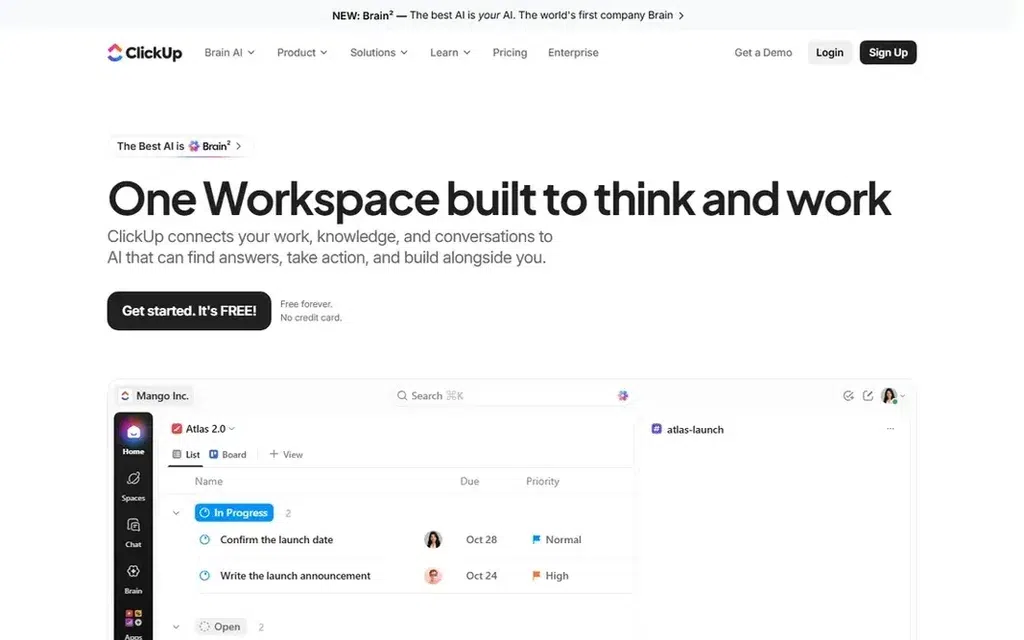
For consolidating tasks, docs, goals, and chat, ClickUp is a natural candidate. ClickUp bills itself as the everything app for work, combining tasks, docs, goals, and chat with a stated mission to make the world more productive. For retail keeps, that means store task lists, internal documentation, and team messaging can sit in one place rather than multiple.
Upsides: Tasks, Docs, Goals.
Downsides: Feature breadth can overwhelm new users.
In practice, the breadth that makes ClickUp handy can also make it busy for new users. Teams need discipline to keep their views tidy. In practice, choose ClickUp when consolidating multiple work tools is the goal. The starting price for ClickUp: $9 per user per month. A free plan is available with ClickUp.
- Wide feature coverage
- Chat in one app
- Needs discipline to keep views clean
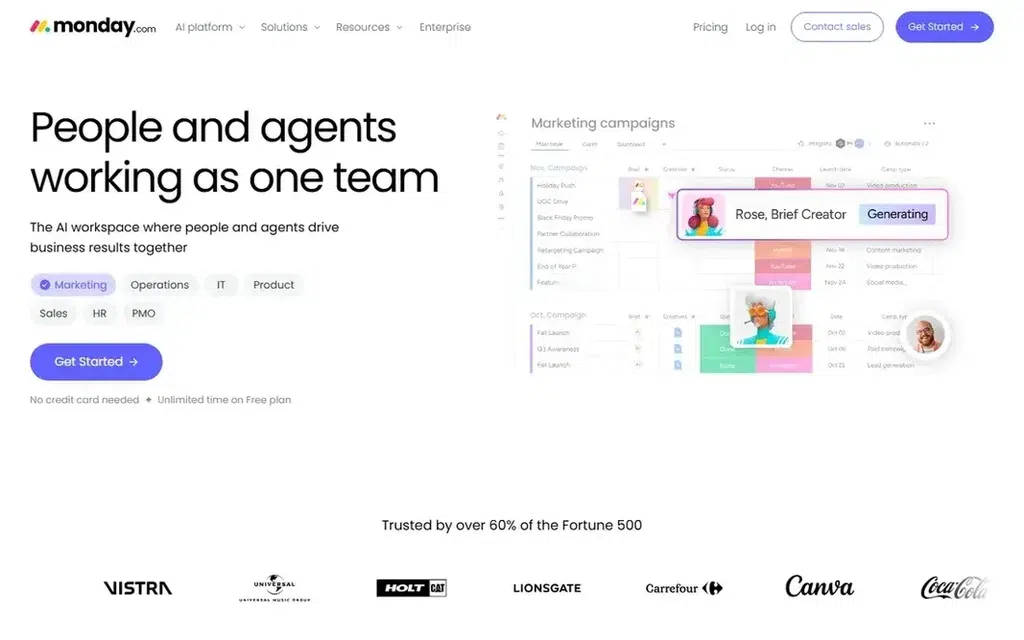
Monday.com is a good fit for AI-assisted retail operations and team coordination. Choose monday.com when coordination across people and locations is the priority.
The main drawbacks: Wide product may feel large for small shops.
For retail keeps, that means store rollouts, task assignments, and team coordination can live in one shared environment. Monday.com pricing: $9 per seat per month. A free plan is available with Monday.com.
- One workspace for execution and management
- Fits cross-store coordination
- Setup effort grows with customization
Choose Notion for custom workspaces, docs, and automation. Teams wanting ready-made project views may prefer a more opinionated tool. On top of that, choose Notion when documentation and a tailored workspace matter as much as task tracking.
Where Notion stands out: Flexible workspace for docs and tasks.
Where it is weaker: Adaptability needs building structure yourself. In practice, retail teams can shape it into store handbooks, task databases, and operational checklists in one adaptable space. Since Notion is adaptable, teams must build their own structure, which takes time and thought. Notion pricing: $10 per member per month. Free access exists with Notion.
- Build custom agents and automate busywork
- Search across connected apps
- Less opinionated about project process
Trello was built for straightforward boards and fast task capture. Trello concentrates on capturing, organizing, and tackling to-dos from anywhere, pairing Inbox, Boards, and Planner with mobile access.
Worth adding: Trello is intentionally straightforward, so complicated multi-store programs or heavy governance needs will outgrow it. For everyday use, teams needing in-depth reporting may prefer a broader system. What you pay to start with Trello: $5 per user per month. Free access exists with Trello.
Limits to weigh: Less suited to heavy governance. Where it shines: Does well on mobile.
- Planner together
- Inbox, Boards
- Restricted depth for complex programs
Our selection method
Questions to settle before buying
- Prices are a starting point; Trello shows $5 per user per month to start, so verify what your seat count would cost.
- Look at free plan limits closely: Asana, ClickUp, Monday.com and others have one, and the caps decide whether it is usable for real work.
- Before choosing Smartsheet, weigh its main limit: targeted at enterprise scale.
- Ask the daily users to test Trello on a live task before you roll it out to everyone.
- Read the plan comparison for Monday.com carefully; key features often start on a higher tier.
FAQ
Which options for project management software for retail stores have a free plan?
Asana, ClickUp, Monday.com, Notion and Trello offer a free plan in this list. Free plans usually cap users, projects or features, so check the limits on the vendor page.
What should retail stores look for in project management software?
Prioritize clear task tracking, mobile access for floor managers, and visibility across locations. Repeatable processes for example store openings and seasonal resets benefit from automation and shared checklists.
Do these tools publish their prices?
Yes. Every tool from Smartsheet to Trello shows a starting price, though seats, add-ons and billing terms still change the final cost.
Can these tools support store openings and seasonal campaigns?
The difference lies in how much governance and automation each gives you. Confirm the setup effort your team can sustain before choosing.
Can I try these tools before paying?
Often, yes. Asana, ClickUp, Monday.com and others have a free plan. Use your own data and a real task during the test, and check what the free tier or trial limits before you rely on it.
What is the cheapest option for project management software for retail stores in this list?
On published monthly entry prices, Trello is the lowest here at $5 per user per month. Entry price is only part of the cost, because seats, add-ons and billing terms can change the total. Prices, free plan details and limits for all 6 tools in this project management software for retail stores roundup sit on the individual cards above.
Sources
- https://www.smartsheet.com
- https://asana.com
- https://clickup.com
- https://monday.com
- https://www.notion.com
- https://trello.com