Best Product Labeling Software for Cafes in 2026: 5 Tools Compared
Need the best product labeling software for cafes? We compare 5 tools on cost, free access and who each suits. Read the caveats before you buy. Clear verdicts.
- Editor's choiceZebra Technologies
Barcode printing and mobile operations
Starts atSee websiteVisit zebra.comFull review - Great alternative
 BarTender
Barcode label design and printing
Starts at$199 a yearVisit seagullscientific.comFull review - Also considerBrother P-touch
Fast counter and back-of-house labels
Starts atSee websiteVisit brother-usa.comFull review
Direct answer
Zebra Technologies leads the list, best for barcode printing and mobile operations. Listed starting prices: BarTender from $199 a year. BarTender fits barcode label design and printing; Brother P-touch fits quick counter and back-of-house labels. Prices, free plans and limits for all 5 tools follow.
TL;DR:
- Zebra Technologies sits first on this list: barcode printing and mobile operations.
- Neither Zebra Technologies nor DayMark Safety Systems, nor any of the other 3 tools, has a permanent free plan; trials and quotes are the norm.
- For Zebra Technologies, Brother P-touch, Epson LabelWorks and DayMark Safety Systems, you have to request a quote because no starting price is shown.
- DayMark Safety Systems suits food safety and date labeling.
Last checked November 2026. Prices and plan details were read from the vendors' own pages in November 2026; vendors change plans often, so confirm the current price on the vendor site before you buy.
Quick comparison
| Tool | Best for | Starts at | Free plan? | |
|---|---|---|---|---|
| Zebra Technologies | Barcode printing and mobile operations | See website | Not stated | Visit |
| BarTender | Barcode label design and printing | $199 a year | No | Visit |
| Brother P-touch | Fast counter and back-of-house labels | See website | Not stated | Visit |
| Epson LabelWorks | Straightforward label printing for cafe tasks | See website | Not stated | Visit |
| DayMark Safety Systems | Food safety and date labeling | See website | Not stated | Visit |
Product Labeling Software for Cafes compared in detail
Short on time? The summary and table above give the quick view of 5 product labeling software for cafes, and the profiles that follow give the detail behind each entry.
Zebra Technologies
Best for: Barcode printing and mobile operations
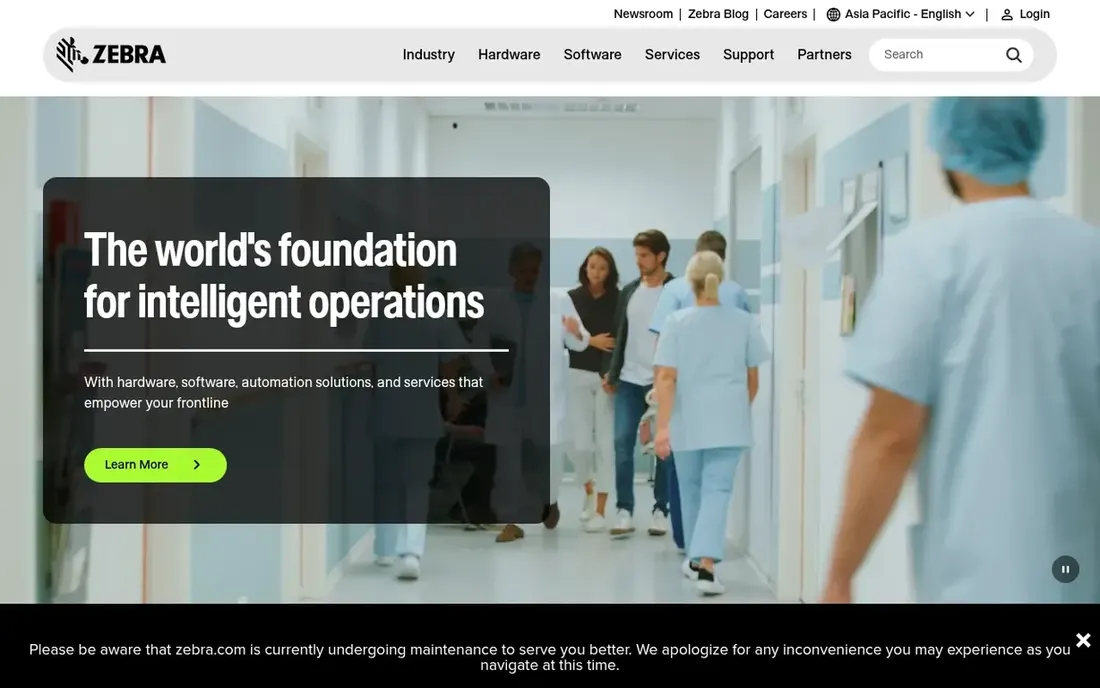
Pick Zebra Technologies if this describes you: barcode printing and mobile operations. Zebra Technologies powers intelligent operations with mobile computers, scanners, printers and RFID, based on its homepage.
Downsides: More complexity than a small cafe needs.
Cafes focused chiefly on date labels might prefer DayMark. The breadth of the portfolio can be more than a small cafe needs, and planning takes more effort than a straightforward label maker. Pricing for Zebra Technologies is not stated here, so ask the vendor for current figures. On free options: Not stated.
- Supports scanners and mobile computers
- Broad hardware and printing portfolio
- Pitched at larger operations
For barcode label design and printing, BarTender is a natural candidate. BarTender is described as barcode label design and printing software for managing barcodes, labels and RFID tags.
Watch-outs: Setup needs planning.
As for the details, the feature depth can exceed what a small cafe needs for everyday date labels. Entry price for BarTender: $199 per year. BarTender has no free tier.
- Barcode and RFID label design
- Supports label printing management
- More capability than a small cafe needs
Brother P-touch
Best for: Fast counter and back-of-house labels
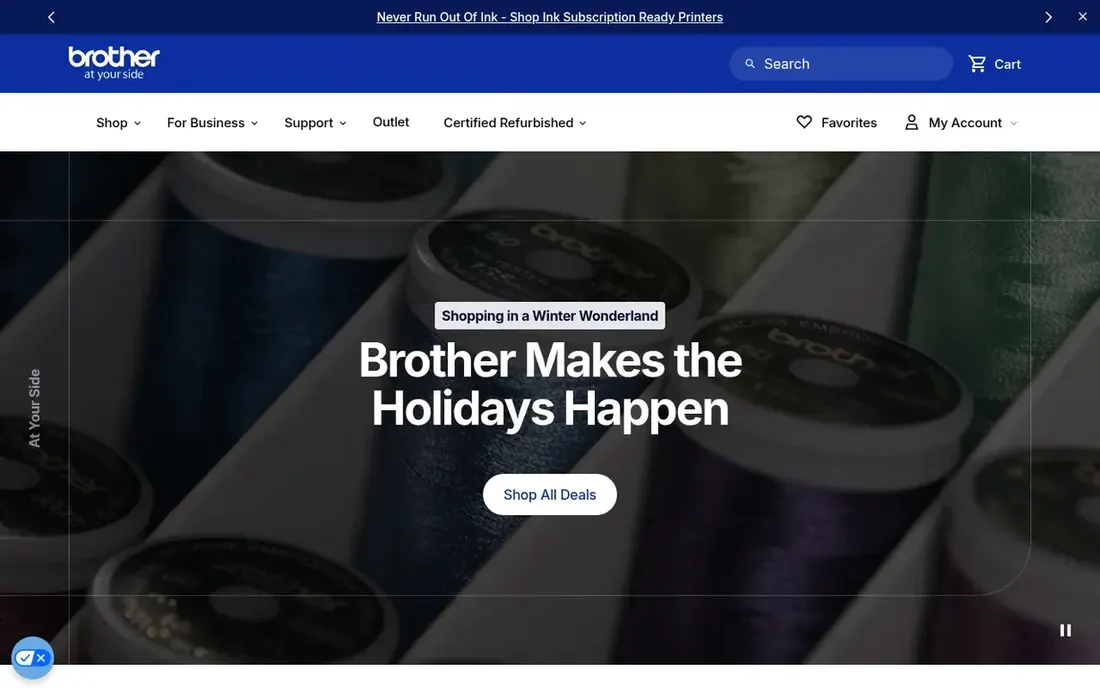
Brother P-touch targets fast counter and back-of-house labels. The brand also spans printers and business solutions, so it can support broader office needs alongside labeling.
The main drawbacks: Not a full barcode management product.
Beyond that, P-touch is oriented toward standalone label creation instead of enterprise barcode or artwork management. Brother P-touch shows no starting price here, so confirm the cost on the vendor site. On free options: Not stated.
- Broad range of label sizes
- Straightforward to use at the counter
- Best for smaller labeling volumes
Epson LabelWorks
Best for: Straightforward label printing for cafe tasks
Epson LabelWorks is built with straightforward label printing for cafe tasks in mind. Epson LabelWorks refers to Epson's label printing line, which fits entry-level labeling around a cafe like shelf markers, storage and small signage. In practice, Epson is widely known for printers, so teams already using its hardware may find the label line familiar.
Drawbacks to consider: Not a dedicated food safety tool.
It performs best for cafes that want straightforward, direct label printing without a large software rollout. Review the current label printer choices and supplies on the vendor site before choosing. No starting price is listed for Epson LabelWorks here; confirm pricing on the vendor site. On free options: Not stated.
- Fits small labeling jobs
- Label printing from a well-known printer brand
- Restricted fit for complex barcode systems
DayMark Safety Systems
Best for: Food safety and date labeling
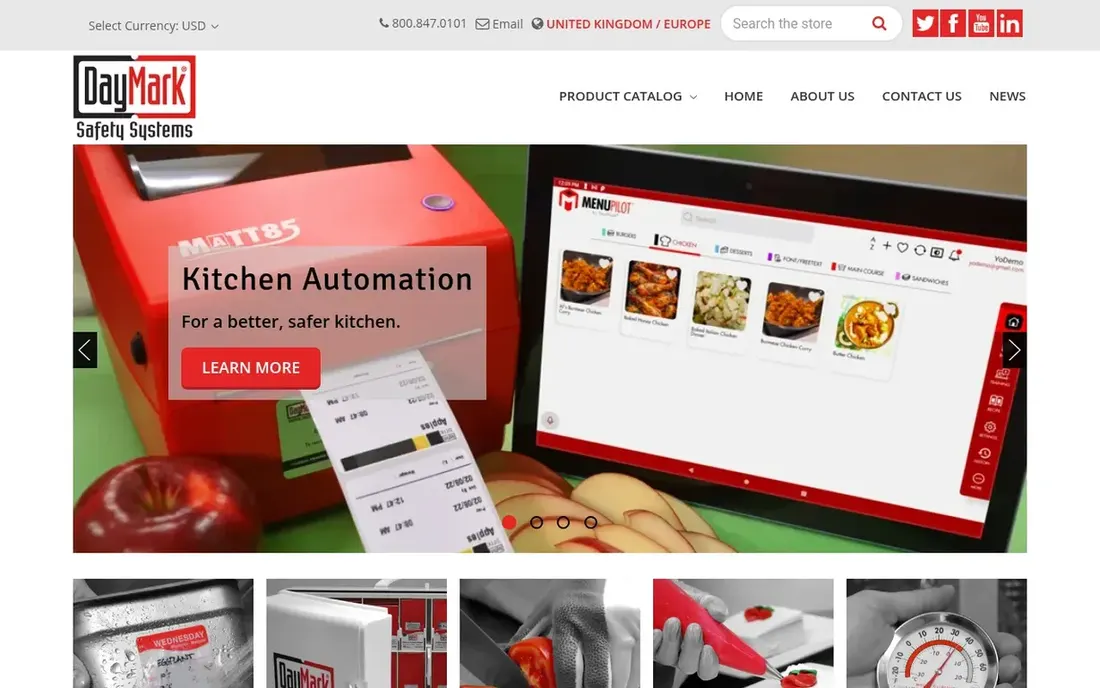
DayMark Safety Systems targets food safety and date labeling. If your primary labeling need is keeping the kitchen organized and consistent with food safety practices, this is the tool to look at first.
Points against: Narrower scope than general label design suites.
It suits small and mid-size cafe teams that want labeling tied straight to daily food handling. Pricing for DayMark Safety Systems is not stated here, so ask the vendor for current figures. Free access: Not stated.
- Familiar fit for cafe kitchen routines
- Concentrated on food service labeling needs
- Less suited to complex barcode systems
What went into this list
For each of the 5 tools we noted price, free plan or trial, fit for product labeling software for cafes and the main limit, using vendor pages and documentation. Plan names, prices and limits change often. Treat the figures here as a starting point and verify them with the vendor. The ranking is editorial: typical fit first, then clear pricing, then free access. If your needs are unusual, read the profiles rather than relying on position.
Pre-purchase checklist
- Ask Zebra Technologies, Brother P-touch, Epson LabelWorks and DayMark Safety Systems for a written quote, since no starting price is shown.
- Read the limits listed for Zebra Technologies first: aimed at bigger operations.
- The entry price of BarTender is only the starting point; model the full cost with seats and extras.
- Run a one or two week pilot of DayMark Safety Systems with the people who will use it every day.
- Test how quickly Brother P-touch answers a pre-sales question; it hints at how support will feel later.
FAQ
Do these tools publish their prices?
Not all of them. Zebra Technologies, Brother P-touch, Epson LabelWorks and DayMark Safety Systems publish no starting price, so expect a quote request for those. The rest, BarTender included, show a starting price, though seats and billing terms still change the final cost.
Can I try these tools before paying?
Not by default. None of the tools, from Zebra Technologies to DayMark Safety Systems, lists a free plan or a free trial here, so ask each vendor for a demo before committing.
Is Zebra Technologies the right pick for everyone comparing product labeling software for cafes?
No single tool suits every team. Zebra Technologies comes first because it fits barcode printing and mobile operations, while BarTender suits barcode label design and printing and Brother P-touch suits quick counter and back-of-house labels. Match the tool to your own size, budget and workflow before deciding.
How are the tools for product labeling software for cafes ordered?
The order follows typical fit for product labeling software for cafes, with Zebra Technologies first and DayMark Safety Systems last, then price clarity and free access. It is editorial judgement, not a score, so another team could rank the tools differently.
What is the best labeling tool for cafe food safety?
Zebra Technologies comes first here and is built for barcode printing and mobile operations. Buyers with other needs may prefer BarTender (for barcode label design and printing) or Brother P-touch (for fast counter and back-of-house labels). Compare costs and limits first.
Sources
- https://www.zebra.com
- https://www.seagullscientific.com
- https://www.brother-usa.com
- https://epson.com
- https://www.daymarksafety.com