Best Barcode Labeling Software for 2026: Our 6 Vetted Picks
6 products for the best barcode labeling software, ranked by fit, with starting costs and free tiers. Includes honest limits for each tool. See the full list.
- Editor's choiceAvery Design & Print
Straightforward sheet and card labels
Starts atSee websiteVisit avery.comFull review - Great alternative
 IDAutomation Barcode Label Software
Barcode label design and printing
Starts atSee websiteVisit idautomation.comFull review - Also consider
 BarTender
Full label design and printing
Starts at$199 per yearVisit seagullscientific.comFull review
Direct answer
Start with Avery Design & Print if you need straightforward sheet and card labels. Listed starting prices: BarTender from $199 per year and Wasp Barcode Maker from $108 a month. If your case is different, IDAutomation Barcode Label Software suits Barcode label design and printing and BarTender suits thorough label design and printing. The full list of 6 tools follows, with prices and free plan facts.
TL;DR:
- Avery Design & Print sits first on this list: straightforward sheet and card labels.
- Avery Design & Print, Wasp Barcode Maker and the 4 others all need a premium plan or a trial, since no free plan is listed.
- The cheapest monthly starting price in the list is $108 per month, offered by Wasp Barcode Maker.
- Wasp Barcode Maker suits entry-level barcode label creation.
Last checked November 2026. Prices and plan details were read from the vendors' own pages in November 2026; vendors change plans often, so confirm the current price on the vendor site before you buy.
Quick comparison
| Tool | Best for | Starts at | Free plan? | |
|---|---|---|---|---|
| Avery Design & Print | Straightforward sheet and card labels | See website | Not stated | Visit |
| IDAutomation Barcode Label Software | Barcode label design and printing | See website | Not stated | Visit |
| BarTender | Full label design and printing | $199 per year | No | Visit |
| Label Matrix | Label design and centralized management | See website | Not stated | Visit |
 Labeljoy | Barcode generation and standard printing | See website | Not stated | Visit |
 Wasp Barcode Maker | Entry-level barcode label creation | $108 a month | Not stated | Visit |
Barcode Labeling Software compared in detail
If you are comparing barcode labeling software, this page covers 6 tools in one place: what each is best for, what it costs to start, whether it has a free plan, and the main limit to know about.
Avery Design & Print
Best for: Straightforward sheet and card labels
In short, Avery Design & Print is for straightforward sheet and card labels. Avery Design & Print is an online design tool for creating labels, stickers, cards, and tags using Avery products. It is right for small companies or individuals who require straightforward labels and want to print on standard sheet labels.
The tool is accessible and plugs into Avery's range of printable products. More specifically, for straightforward sheet-based labels, it gives you a convenient choice. Check the vendor site for Avery Design & Print pricing; none is listed in this comparison. Free access: Not stated.
Honest limits: Restricted automation and management features.
- Works with Avery label products
- Fits straightforward label projects
- Not centred on industrial barcode printing
IDAutomation Barcode Label Software
Best for: Barcode label design and printing
IDAutomation Barcode Label Software is aimed squarely at Barcode label design and printing. The software is intended for users who require a dedicated barcode labeling option and want to create labels with barcodes. IDAutomation Barcode Label Software is a tool for designing and printing barcode labels.
Watch-outs: May need vendor contact for specifics.
It is part of IDAutomation's line of barcode products, which are widely used for generating and printing barcodes. Public information about the software's specific features and limits is restricted, so you should confirm details on the vendor site. This comparison lists no price for IDAutomation Barcode Label Software; ask the vendor. Free plan details: Not stated.
- Supports label design and printing
- Known for barcode labeling tools
- Restricted public feature details
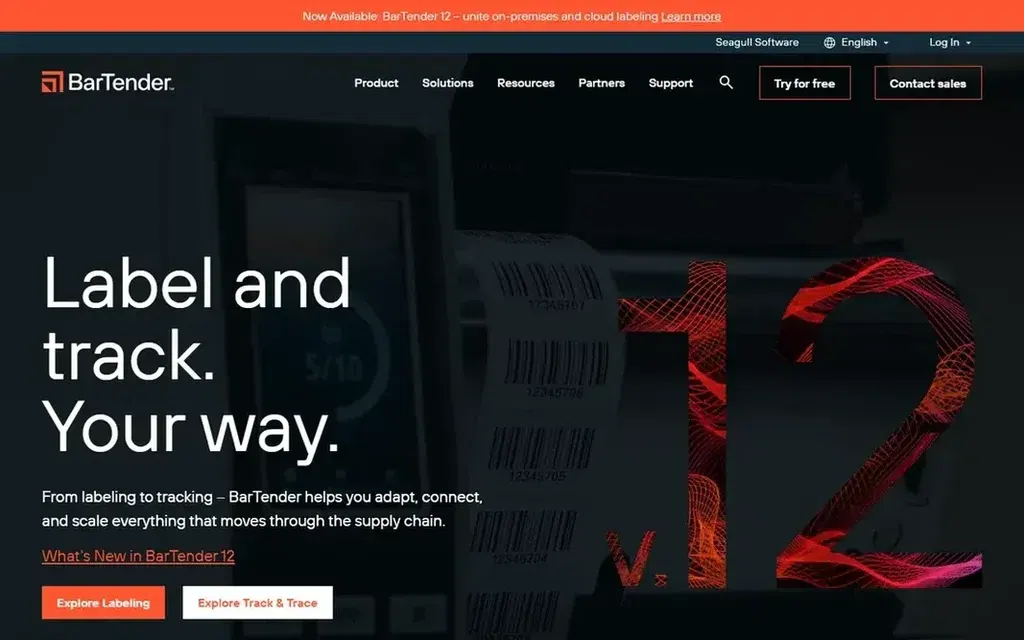
Where BarTender fits: comprehensive label design and printing. The software is presented as a global leader in its category.
Honest limits: May be more than straightforward projects need.
From a buyer's view, if you only print occasional straightforward labels, a lighter tool could be sufficient. On top of that, BarTender is barcode label design and printing software for managing barcodes, labels, RFID tags, and more. Price to start with BarTender: $199 per year. There is no free plan with BarTender.
- Well-known in label design and printing
- Supports barcodes, labels
- Needs review of system requirements
Label Matrix
Best for: Label design and centralized management
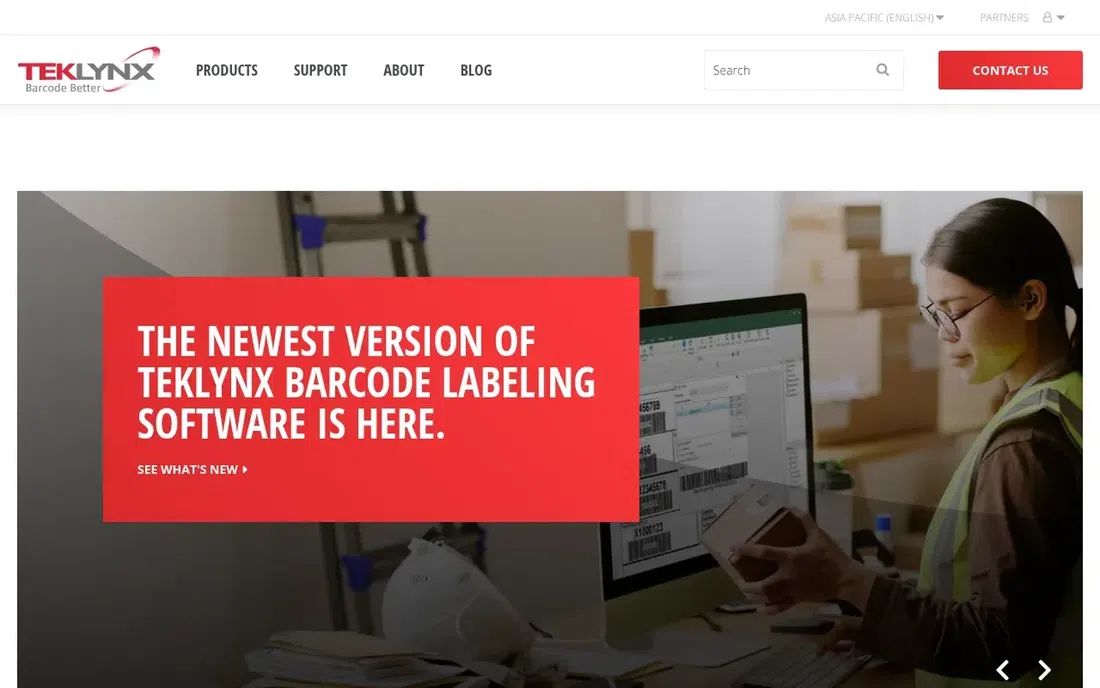
Choose Label Matrix for Label design and centralized management. Label Matrix from TEKLYNX provides barcode label design, printing, and management software. It bundles label design, label printing, print automation, label security, and centralized label management.
For everyday use, the breadth of features, including automation and centralized management, can be more than a small shop needs for entry-level label printing. As for the details, if you need only occasional straightforward labels, a more straightforward tool might be simpler to adopt. Check the vendor site for Label Matrix pricing; none is listed in this comparison. Free options: Not stated.
Downsides: Feature depth may overwhelm beginners.
- Scales from small business to enterprise
- Bundles label security features
- Centralized management layers on complexity
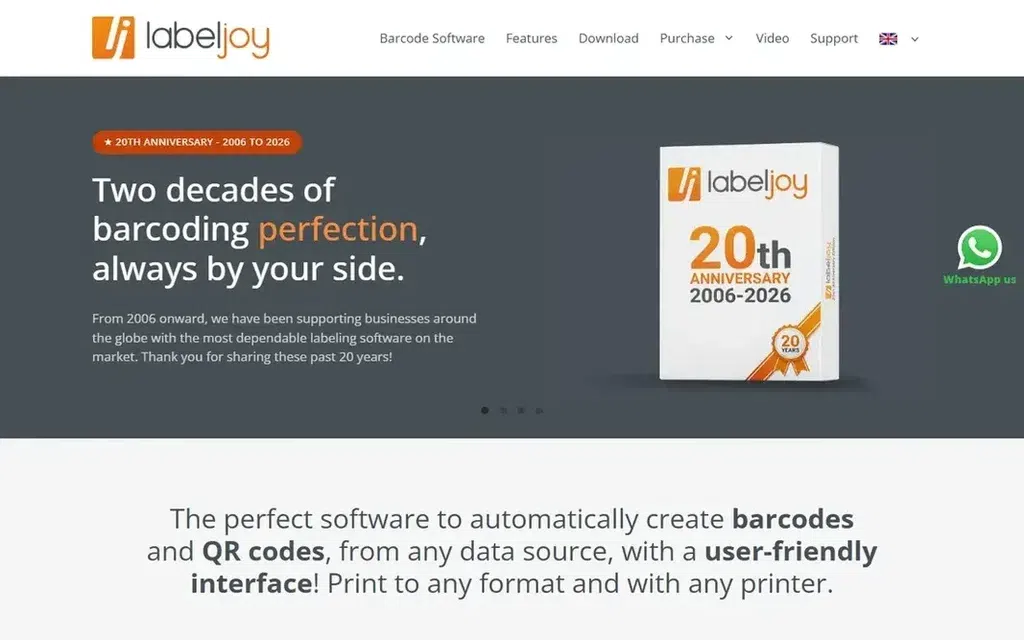
Labeljoy is built with Barcode generation and standard printing in mind. As for the details, for straightforward barcode printing, it remains a practical choice.
Downsides: May lack deep enterprise management features.
Beyond that, if you have to handle labeling across numerous locations or need strict label security, consider a system made for those needs. Labeljoy shows no starting price here, so confirm the cost on the vendor site. On free options: Not stated.
- Produces barcodes from any source
- Works with laser, inkjet
- Restricted detail on advanced automation
Think of Wasp Barcode Maker for entry-level barcode label creation. The tool is oriented toward straightforward barcode label creation. For entry-level barcode label making, it may be adequate.
Worth adding: if you need advanced label design, print automation, or centralized management, consider a more fully documented labeling product. It is intended for users who require to make barcode labels as part of broader inventory or asset tracking workflows. In-depth public information about the software's features and limits is restricted, so confirm specifics on the vendor site. On cost, Wasp Barcode Maker starts like this: $108 per month. Free plan details: Not stated.
Limits to weigh: Restricted public feature details.
- Part of Wasp's barcode product line
- Concentrated on barcode label making
- May not support advanced automation
What went into this list
LinkVetted looked at what each vendor publishes: pricing, plan limits, feature coverage for barcode labeling software and stated drawbacks. No hands-on testing is claimed. Prices and plan limits come from vendor pages and can change, so confirm them on the vendor site before you buy. Order on the page follows fit for the typical buyer first, then price transparency and free access. Your own requirements should decide the final pick.
Questions to settle before buying
- Get a written quote from Avery Design & Print, IDAutomation Barcode Label Software, Label Matrix and Labeljoy; the list shows no starting price for them.
- Before choosing Avery Design & Print, weigh its main limit: not focused on industrial barcode printing.
- A short pilot of Avery Design & Print with your real workflow tells you more than a feature table.
- Look at which plan of BarTender unlocks the features you need; entry tiers are often cut down.
- Confirm you can export your data from Wasp Barcode Maker, so leaving later does not mean losing records.
FAQ
How do I choose between straightforward and advanced labeling tools?
Straightforward tools suit occasional entry-level labels, whereas advanced tools support complicated workflows and integration. Start with your must-have features and scale from there.
How are the tools for barcode labeling software ordered?
The order follows typical fit for barcode labeling software, with Avery Design & Print first and Wasp Barcode Maker last, then price clarity and free access. It is editorial judgement, not a score, so another team could rank the tools differently.
Can I try these options before paying?
Not by default. None of the tools, from Avery Design & Print to Wasp Barcode Maker, lists a free plan or a free trial here, so ask each vendor for a demo before committing.
Do these tools publish their prices?
Not all of them. Avery Design & Print, IDAutomation Barcode Label Software, Label Matrix and Labeljoy publish no starting price, so expect a quote request for those. The rest, BarTender included, show a starting price, though seats and billing terms still change the final cost.
What is the cheapest option for barcode labeling software in this list?
On published monthly entry prices, Wasp Barcode Maker is the lowest here at $108 per month. Entry price is only part of the cost, because seats, add-ons and billing terms can change the total. All 6 picks in this barcode Labeling software comparison list a starting price, free plan details and the main limits on their cards above.
Sources
- https://www.avery.com
- https://www.idautomation.com
- https://www.seagullscientific.com
- https://www.teklynx.com
- https://www.labeljoy.com
- https://www.waspbarcode.com