6 Best Barcode Creator Software for 2026, Vetted and Compared
6 products for the best barcode creator software, ranked by fit, with starting costs and free tiers. Each tool is judged on the same checks. Compare quickly.
- Editor's choiceBarcode Producer
Mac users needing vector barcode export
Starts atSee websiteVisit barcodeproducer.comFull review - Great alternativeCODESOFT
Label design with automation and centralized management
Starts atSee websiteVisit teklynx.comFull review - Also consider
 BarTender
Full label design and print workflows
Starts at$199 per yearVisit seagullscientific.comFull review
Direct answer
Barcode Producer is the first pick on this list for Mac users needing vector barcode export. Listed starting prices: BarTender from $199 per year. CODESOFT is the stronger choice for label design with automation and centralized management, while BarTender suits full label design and print workflows. Prices, free plans and limits for all 6 tools follow.
TL;DR:
- This list starts with Barcode Producer, which is built for Mac users needing vector barcode export.
- The main caution on CODESOFT: feature depth fits bigger operations.
- Neither Barcode Producer nor Avery Design & Print, nor any of the other 4 tools, has a permanent free plan; trials and quotes are the norm.
- Barcode Producer, CODESOFT, Labeljoy and others: pricing is by quote only, so plan time for a sales conversation.
- Avery Design & Print is the one to check for straightforward label projects with Avery supplies.
Last checked November 2026. Prices and plan details were read from the vendors' own pages in November 2026; vendors change plans often, so confirm the current price on the vendor site before you buy.
Quick comparison
| Tool | Best for | Starts at | Free plan? | |
|---|---|---|---|---|
| Barcode Producer | Mac users needing vector barcode export | See website | Not stated | Visit |
| CODESOFT | Label design with automation and centralized management | See website | Not stated | Visit |
| BarTender | Full label design and print workflows | $199 per year | No | Visit |
 Labeljoy | Generating and printing barcodes from any source | See website | Not stated | Visit |
| TEC-IT TBarCode | Standards-compliant barcodes with automation | See website | Not stated | Visit |
| Avery Design & Print | Straightforward label projects with Avery supplies | See website | Not stated | Visit |
6 options for barcode creator software in detail
Short on time? The summary and table above give the quick view of 6 tools for barcode creator software, and the profiles that follow give the detail behind each entry.
Barcode Producer
Best for: Mac users needing vector barcode export
Choose Barcode Producer for Mac users needing vector barcode export. It concentrates on generating and exporting barcode images, so label printing management and automation sit outside its scope.
Pick Barcode Producer when artwork-ready vector output is the goal. No starting price is listed for Barcode Producer here; confirm pricing on the vendor site. On free options: Not stated.
Watch-outs: Design-oriented instead of production management.
- Advanced barcode generation suite for Mac and PC
- Exports vector EPS or bitmap files
- Not a full label printing system
CODESOFT
Best for: Label design with automation and centralized management
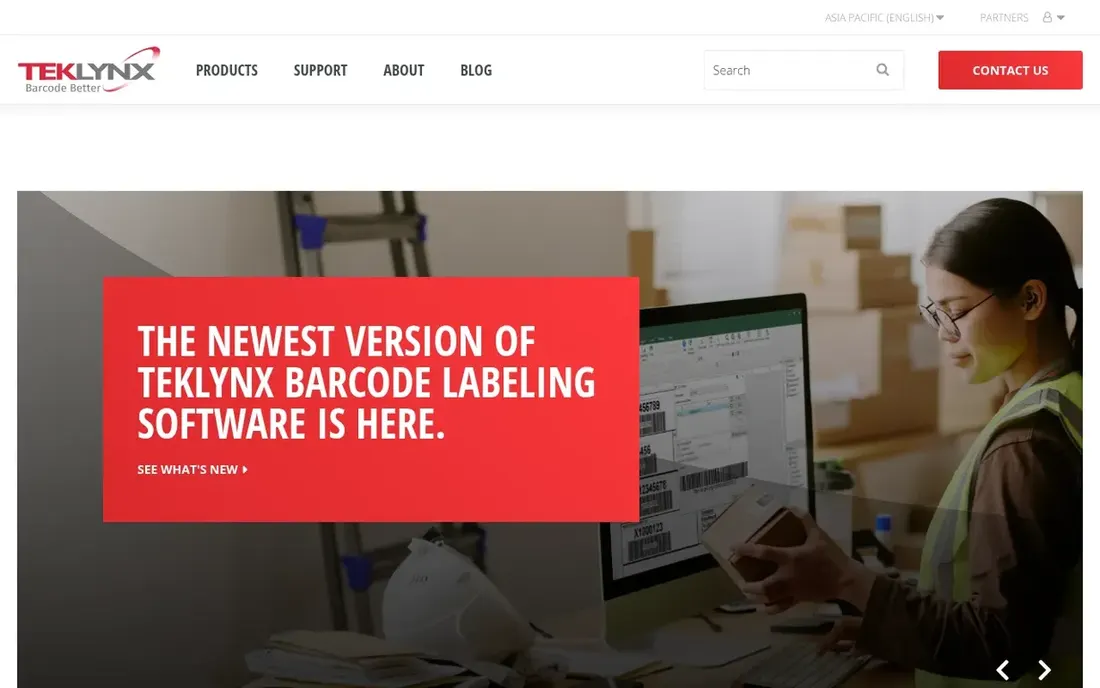
CODESOFT is designed for label design with automation and centralized management. CODESOFT is barcode label design, print, and management software from TEKLYNX, handling label design, label printing, print automation, label security, and centralized label management.
Check the vendor site for CODESOFT pricing; none is listed in this comparison. Free options: Not stated.
Where it falls short: May be more than casual users need.
- Print automation
- Includes design, printing
- Feature depth fits bigger operations
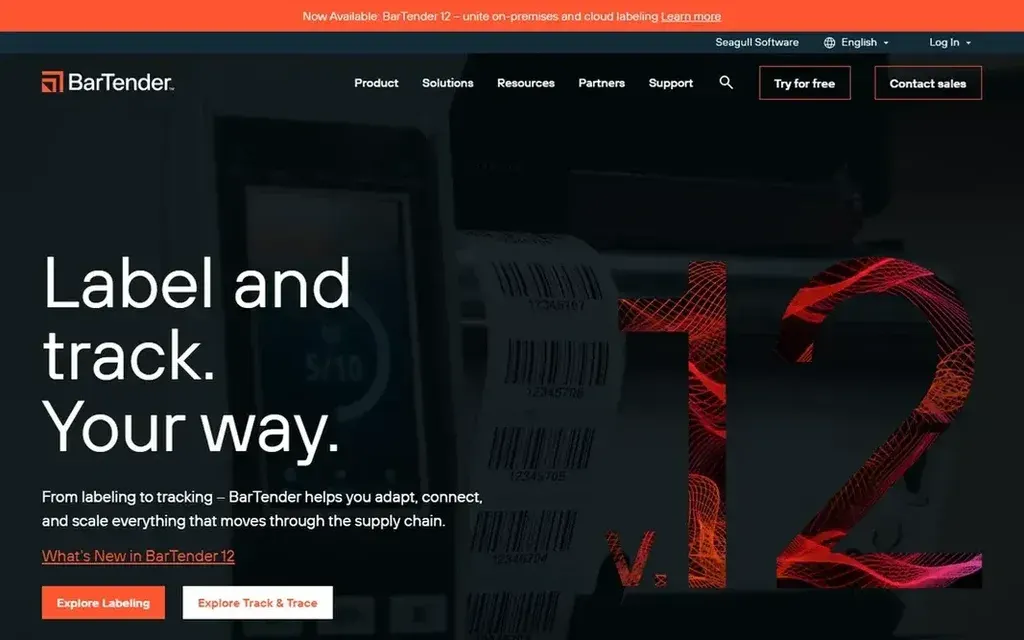
Choose BarTender for full label design and print workflows. Choose BarTender when label design and printing management belong together. In practice, BarTender is barcode label design and printing software designed for managing barcodes, labels, RFID tags, and more.
Its breadth means more setup than a straightforward generator, so fast one-off barcode images may be quicker elsewhere. Small operations without label printing needs might prefer a lighter tool. BarTender pricing: $199 per year. No free plan comes with BarTender.
Where it is weaker: Enterprise orientation can feel heavy for single users.
- RFID tags
- Takes care of barcodes, labels
- Wide feature set may overwhelm straightforward jobs
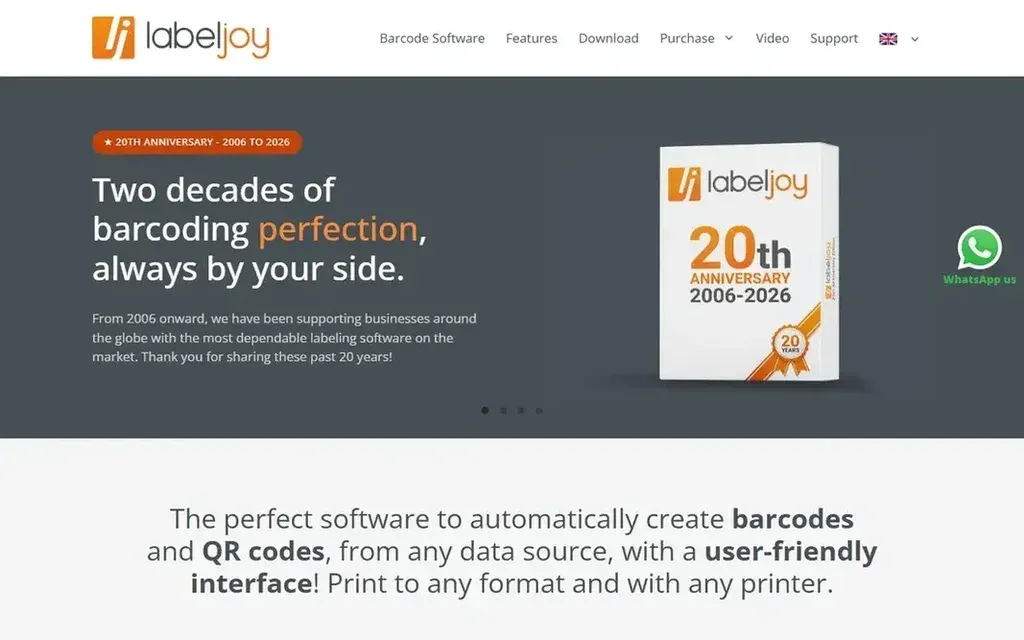
Labeljoy was built for generating and printing barcodes from any source. Pick Labeljoy when straightforward generation and printing on everyday printers is the priority.
Trade-offs to know: Advanced enterprise management is restricted.
Labeljoy shows no starting price here, so confirm the cost on the vendor site. On free options: Not stated.
- Prints on standard and roll printers
- Produces barcodes from plenty of data sources
- Concentrated on labels instead of broader automation
TEC-IT TBarCode
Best for: Standards-compliant barcodes with automation
TEC-IT TBarCode is built with standards-compliant barcodes with automation in mind. Integration and automation features can need technical planning, so casual label makers may find more straightforward tools quicker to start.
Downsides: Technical setup for integration scenarios.
As for the details, choose TEC-IT TBarCode when barcode output must fit into applications and automatic printing across a workplace. Check the vendor site for TEC-IT TBarCode pricing; none is listed in this comparison. Trial and free access: Not stated.
- Produces standards-compliant barcodes
- Automates label printing and data capture
- Broader than straightforward label design needs
Avery Design & Print
Best for: Straightforward label projects with Avery supplies
In short, Avery Design & Print is for straightforward label projects with Avery supplies. Organizations running production label lines should look at dedicated barcode label software.
The main drawbacks: Most useful for Avery label formats.
It is built around Avery label products and everyday printing, so heavy automation, centralized management, and complicated symbology control are restricted. On top of that, choose Avery when straightforward label projects and standard supplies are enough. This comparison lists no price for Avery Design & Print; ask the vendor. Free access: Not stated.
- Free design tool tied to Avery label products
- Straightforward for small label runs
- Restricted for complicated industrial printing
How we compared the tools
Each tool was reviewed on what its vendor publishes: price, plan limits, core features and stated drawbacks. We did not run hands-on tests. Where a price is missing, the vendor does not list one publicly or ties it to a quote. Always confirm before budgeting. Tools are placed by general fit for barcode creator software, with price clarity and free access as tie-breakers. A different team can reasonably rank them differently.
Pre-purchase checklist
- Confirm the entry price on the vendor page. For Barcode Producer, CODESOFT, Labeljoy and others that means a quote rather than a fixed price.
- Before choosing Barcode Producer, weigh its main limit: not a full label printing system.
- Confirm you can export your data from Barcode Producer, so leaving later does not mean losing records.
- Check whether Avery Design & Print bills monthly or annually, and what cancelling early costs.
- Add up seats, add-ons and usage charges for BarTender before comparing it with cheaper entries.
FAQ
Can I print barcodes on a normal office printer?
Yes, multiple tools support standard laser or inkjet printers, and Labeljoy explicitly spans both standard and roll printers. Check print quality and label stock compatibility before committing to a workflow.
Is Barcode Producer the right pick for everyone comparing barcode creator software?
No single tool suits every team. Barcode Producer comes first because it fits Mac users needing vector barcode export, while CODESOFT suits label design with automation and centralized management and BarTender suits full label design and print workflows. Match the tool to your own size, budget and workflow before deciding.
Do these tools publish their prices?
Not all of them. Barcode Producer, CODESOFT, Labeljoy and others publish no starting price, so expect a quote request for those. The rest, BarTender included, show a starting price, though seats and billing terms still change the final cost.
Does any tool for barcode creator software here have a free plan?
No tool in this list, Barcode Producer and Avery Design & Print included, has a permanent free plan. Trials and quotes are the usual route, so plan a short evaluation period.
Can I try these options before paying?
Not by default. None of the tools, from Barcode Producer to Avery Design & Print, lists a free plan or a free trial here, so ask each vendor for a demo before committing.
Sources
- https://www.barcodeproducer.com
- https://www.teklynx.com
- https://www.seagullscientific.com
- https://www.labeljoy.com
- https://www.tec-it.com
- https://www.avery.com