Best Cartoon Creator Software (2026): 5 Picks Checked on Vendor Pages
5 options for the best Cartoon creator software, with entry costs, free tiers and the buyer each one serves. Every tool lists pros and cons. Start here.
- Editor's choiceToon Boom Storyboard Pro
Professional storyboarding and planning
Starts atPricing on requestVisit toonboom.comFull review - Great alternative
 Moho
Efficient 2D rigging and animation
Starts atPricing on requestVisit moho.lostmarble.comFull review - Also consider
 TVPaint Animation
Traditional drawing-based 2D animation
Starts atPricing on requestVisit tvpaint.comFull review
Direct answer
For professional storyboarding and planning, Toon Boom Storyboard Pro is where this list starts. For a different need, Moho covers efficient 2D rigging and animation and TVPaint Animation covers traditional drawing-based 2D animation. Free plan facts and limits for all 5 tools follow. None of these vendors publish plan prices, so pricing is on request for every option.
TL;DR:
- The list opens with Toon Boom Storyboard Pro, aimed at professional storyboarding and planning.
- None of the 5 tools, from Toon Boom Storyboard Pro to Toon Boom Harmony, has a free plan, so budget for a subscription or use a trial.
- What to know about Moho first: drawing tools less rich than paint apps.
- Toon Boom Harmony is the one to check for end-to-end professional 2D animation.
Last checked November 2026. Pricing on request: vendors did not publish plan prices when this guide was last checked (November 2026), so ask each vendor for a written quote.
Quick comparison
| Tool | Best for | Starts at | Free plan? | |
|---|---|---|---|---|
| Toon Boom Storyboard Pro | Professional storyboarding and planning | Pricing on request | Not stated | Visit |
| Moho | Efficient 2D rigging and animation | Pricing on request | Not stated | Visit |
| TVPaint Animation | Traditional drawing-based 2D animation | Pricing on request | Not stated | Visit |
| Cartoon Animator | Quick character animation from artwork | Pricing on request | Not stated | Visit |
 Toon Boom Harmony | End-to-end professional 2D animation | Pricing on request | Not stated | Visit |
The full Cartoon creator software list
LinkVetted put together this guide to Cartoon creator software for readers who want a clear shortlist without reading every vendor page. It compares 5 tools on starting price, free plans, who each one suits and where each one falls short.
Toon Boom Storyboard Pro
Best for: Professional storyboarding and planning
Toon Boom Storyboard Pro was built for professional storyboarding and planning. Storyboard Pro is not a full animation or drawing app, so it complements instead of replaces tools like Harmony. Storyboard Pro is described as a professional-grade option designed from the ground up to support the craft of storyboarding.
Watch-outs: Focused scope may not suit all.
Pick it when professional storyboarding is a required stage in your pipeline. Also, for cartoon creators, it is the pre-production companion that organizes shots and visual storytelling. This comparison lists no price for Toon Boom Storyboard Pro; ask the vendor. Free access: Not stated.
- Purpose-built for storyboarding
- Supports pre-production planning
- Not a full animation tool
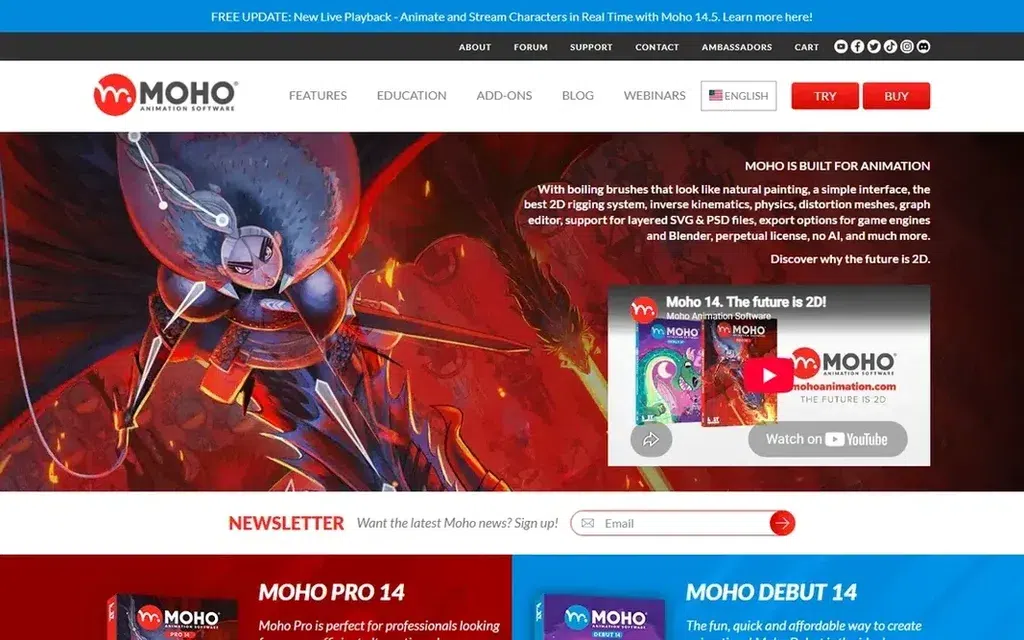
Moho is a good fit for efficient 2D rigging and animation. Moho is animation-focused, so artists who require broad natural drawing tools may pair it with a paint app.
Limits to weigh: Rigging setup takes practice.
This comparison lists no price for Moho; ask the vendor. Free access: Not stated.
- Fits hobbyists and professionals
- Efficient 2D animation workflow
- Drawing tools less rich than paint apps
Choose TVPaint Animation for traditional drawing-based 2D animation. Pick TVPaint when hand-drawn, frame-by-frame animation is the core of your cartoon work. In daily use, animators who think first with a pencil will appreciate its focus on the drawing surface.
Its interface can take adjustment for newcomers. As for the details, TVPaint Animation is 2D animation software developed for students, studios, and professional animators. It is oriented toward drawing and painting frames, making it a natural fit for traditional and hand-drawn cartoon styles. No starting price is listed for TVPaint Animation here; confirm pricing on the vendor site. On free options: Not stated.
Downsides: Interface takes adjustment.
- Professional 2D animation toolset
- Aimed at students and studios
- Less suited to puppet rigging
Cartoon Animator
Best for: Quick character animation from artwork
Cartoon Animator serves quick character animation from artwork. Cartoon Animator is 2D animation software for amateurs and experts to produce animated video with PSD and vector graphics and animation drawings. The workflow is friendly to beginners whereas still offering depth for experienced users.
Where it falls short: Less suited to frame-by-frame drawing.
Beyond that, Cartoon Animator leans toward puppet-style animation instead of hand-drawn frame-by-frame work, so traditional animators may prefer another tool. As for the details, complicated custom rigs can still need learning. Pricing for Cartoon Animator is not stated here, so ask the vendor for current figures. Free options: Not stated.
- Fast character animation focus
- Fits amateurs and experts
- Rigging style may feel specific
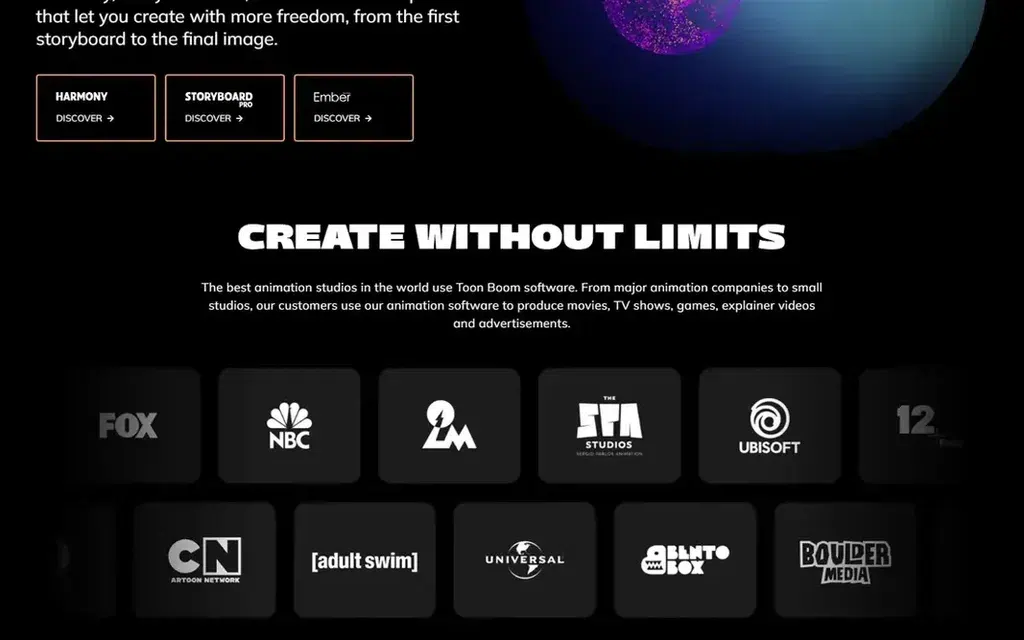
Toon Boom Harmony serves end-to-end professional 2D animation. Harmony is a complete 2D animation environment where artists can produce art in plenty of styles and carry a project from drawing through animation.
In daily use, solo hobbyists or those who primarily draw may prefer a more straightforward tool. Teams that want a single end-to-end cartoon creator will find the breadth handy. Pricing for Toon Boom Harmony is not stated here, so ask the vendor for current figures. As for free access: Not stated.
What to check first: Deep ramp-up time.
- Supports plenty of art styles
- Industry-standard animation tools
- Heavier than straightforward drawing apps
How we built this list
LinkVetted looked at what each vendor publishes: pricing, plan limits, feature coverage for Cartoon creator software and stated drawbacks. No hands-on testing is claimed. Figures are shown as the vendors publish them. Billing terms, seat minimums and add-ons can change the real cost. Tools are placed by general fit for Cartoon creator software, with price clarity and free access as tie-breakers. A different team can reasonably rank them differently.
What to confirm before you sign up
- Ask each vendor, from Toon Boom Storyboard Pro to Toon Boom Harmony, for a written quote; none of them publishes a starting price.
- Before choosing Toon Boom Storyboard Pro, weigh its main limit: not a full animation tool.
- Ask whether Toon Boom Harmony integrates with your current software, and whether that comes standard or as an add-on.
- Add up seats, add-ons and usage charges for Cartoon Animator before comparing it with cheaper entries.
- Make sure Toon Boom Storyboard Pro lets you export your data in a format another tool can read.
FAQ
Can I try these options before paying?
Not by default. None of the tools, from Toon Boom Storyboard Pro to Toon Boom Harmony, lists a free plan or a free trial here, so ask each vendor for a demo before committing.
Which cartoon creator is a good match for beginners?
Toon Boom Storyboard Pro comes first here and is built for professional storyboarding and planning. Buyers with other needs may prefer Moho (for efficient 2D rigging and animation) or TVPaint Animation (for traditional drawing-based 2D animation). Compare costs and limits first.
Is Toon Boom Storyboard Pro the right pick for everyone comparing Cartoon creator software?
No single tool suits every team. Toon Boom Storyboard Pro comes first because it fits professional storyboarding and planning, while Moho suits efficient 2D rigging and animation and TVPaint Animation suits traditional drawing-based 2D animation. Match the tool to your own size, budget and workflow before deciding.
Do these tools publish their prices?
No. None of the tools, from Toon Boom Storyboard Pro to Toon Boom Harmony, shows a fixed starting price here, so budget time for quotes.
Does any tool for Cartoon creator software here have a free plan?
A permanent free plan is not offered by Toon Boom Storyboard Pro, Toon Boom Harmony or the other tools here. Plan a short evaluation period instead.
Sources
- https://www.toonboom.com/products/storyboardpro
- https://moho.lostmarble.com
- https://www.tvpaint.com
- https://www.reallusion.com/cartoon-animator
- https://www.toonboom.com/products/harmony