Best Inventory Management Software for Retail Stores (2026): 5 Picks Checked on Vendor Pages
Best inventory management software for retail stores: 5 tools compared on price, free plans and fit. Costs and caveats sit beside each pick. Refreshed for 2026.
- Editor's choice
 Zoho Inventory
Online inventory, orders and shipping
Starts atSee websiteVisit zoho.comFull review - Great alternative
 Fishbowl Inventory
QuickBooks and Xero inventory tracking
Starts at$229 a monthVisit fishbowlinventory.comFull review - Also consider
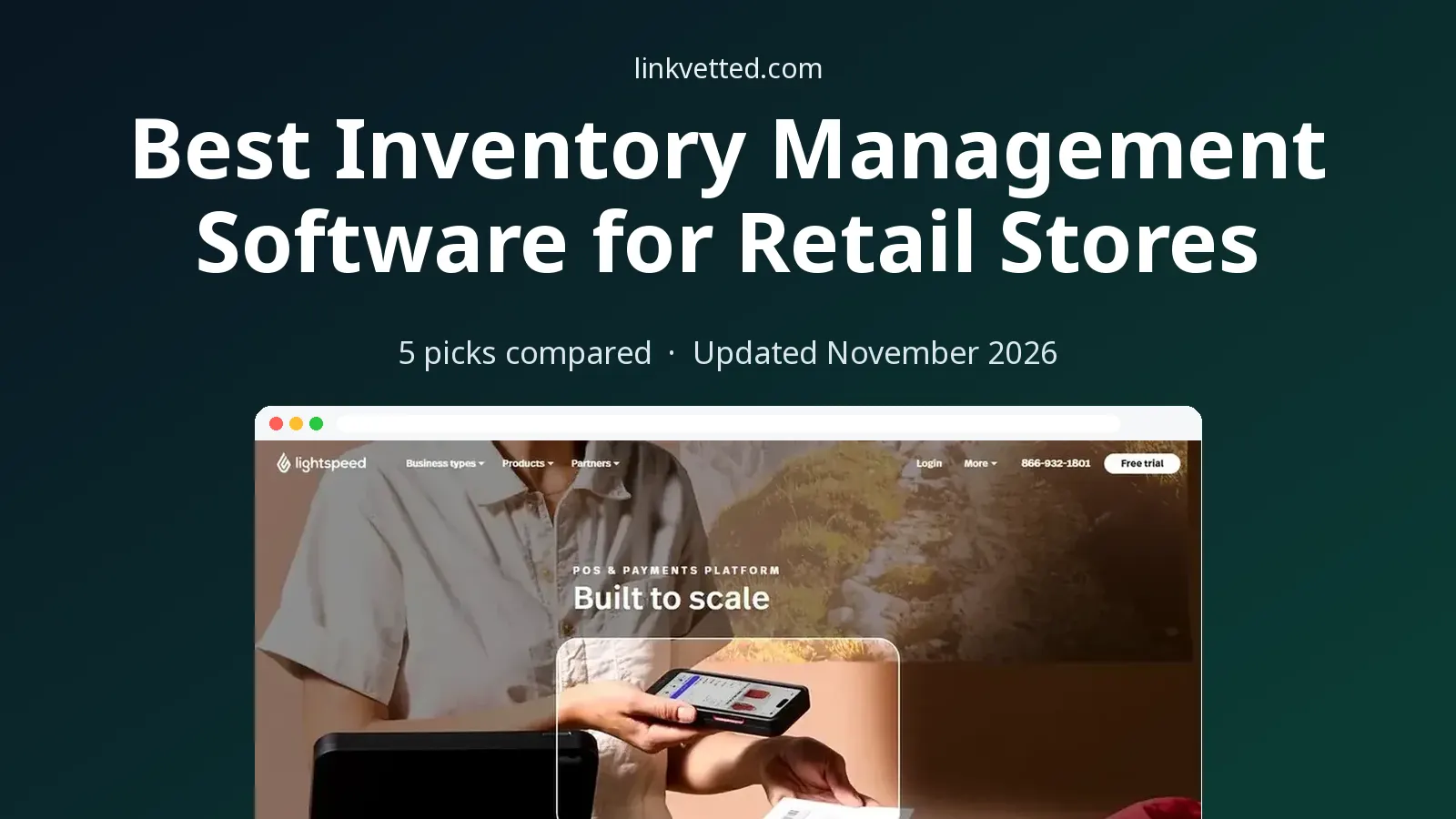
 Lightspeed Retail
Unified POS and inventory for in-person retail
Starts atSee websiteVisit lightspeedhq.comFull review
Direct answer
If you need online inventory, orders and shipping, Zoho Inventory is the first tool to look at here. Listed starting prices: Fishbowl Inventory from $229 a month. For a different need, Fishbowl Inventory covers QuickBooks and Xero inventory tracking and Lightspeed Retail covers unified POS and inventory for in-person retail. Details, prices and limits for the rest of the 5 tools are below.
TL;DR:
- Zoho Inventory takes the first slot, best suited to online inventory, orders and shipping.
- Before buying Fishbowl Inventory, weigh this: warehouse focus may exceed small shop needs.
- Shopify POS is the one to check for retailers already selling on Shopify.
- Starting prices begin at $229 per month with Fishbowl Inventory.
- Zoho Inventory, Shopify POS and the 3 others all need a premium plan or a trial, since no free plan is listed.
Last checked November 2026. Prices and plan details were read from the vendors' own pages in November 2026; vendors change plans often, so confirm the current price on the vendor site before you buy.
Quick comparison
| Tool | Best for | Starts at | Free plan? | |
|---|---|---|---|---|
| Zoho Inventory | Online inventory, orders and shipping | See website | Not stated | Visit |
| Fishbowl Inventory | QuickBooks and Xero inventory tracking | $229 a month | Not stated | Visit |
| Lightspeed Retail | Unified POS and inventory for in-person retail | See website | Not stated | Visit |
 Cin7 Core | Small business inventory and ERP | See website | Not stated | Visit |
 Shopify POS | Retailers already selling on Shopify | See website | Not stated | Visit |
Our 5 inventory management software for retail stores
If you are comparing inventory management software for retail stores, this page covers 5 tools in one place: what each is best for, what it costs to start, whether it has a free plan, and the main limit to know about.
Zoho Inventory was built for online inventory, orders and shipping. Zoho Inventory is inventory management software that makes it possible for firms to deal with inventory, orders, shipping and warehouses.
Drawbacks to consider: Retail checkout needs a separate POS.
Reasons to shortlist it: Handles several warehouses.
On top of that, the homepage emphasizes simplicity. It is not positioned as a full retail POS, so in-store checkout would come from another system. Pricing for Zoho Inventory is not stated here, so ask the vendor for current figures. Free access: Not stated.
- Orders and shipping
- Easy-to-use positioning
- Advanced retail workflows may need extras
For QuickBooks and Xero inventory tracking, Fishbowl Inventory is a natural candidate. Fishbowl Inventory is presented as inventory management software for QuickBooks and Xero, with tools to track stock, automate reorders and handle warehouses.
It suits retailers with warehouse-style stock and accounting workflows tied to those systems. Price to start with Fishbowl Inventory: $229 per month. Free access: Not stated.
Limits to weigh: Retail checkout is not its stated focus.
- Run warehouses
- Positioned for QuickBooks and Xero users
- Warehouse focus may exceed small shop needs
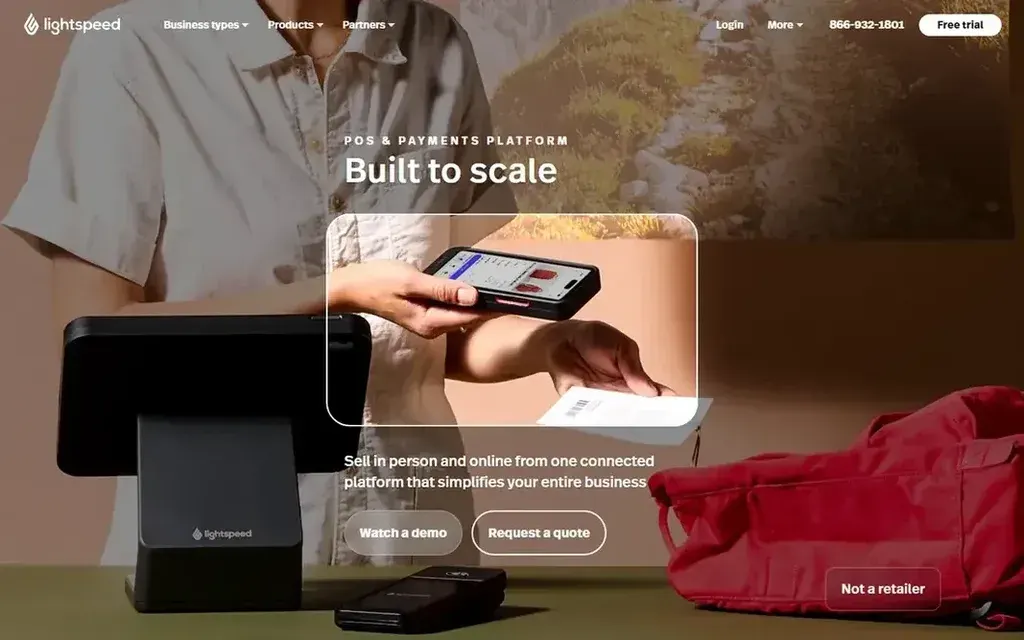
For unified POS and inventory for in-person retail, Lightspeed Retail is a natural candidate. Lightspeed Retail is a point-of-sale system designed for in-person retail, bringing wholesale buying, inventory management and selling into one place.
Trade-offs to know: Feature depth can need setup time.
If your priority is deep back-office inventory and order routing across numerous channels, compare Cin7 Core or Fishbowl Inventory before deciding. The system is oriented toward retail operations, so firms that chiefly need warehouse or manufacturing inventory control may find other tools more specialized. Check the vendor site for Lightspeed Retail pricing; none is listed in this comparison. Free plan details: Not stated.
- Designed for in-person retail operations
- Inventory and selling
- May be more than a tiny shop needs
In short, Cin7 Core is for small business inventory and ERP. Keeps that primarily need quick in-store checkout may find a dedicated retail POS more straightforward.
Cin7 Core shows no starting price here, so confirm the cost on the vendor site. Trial and free access: Not stated.
Trade-offs to know: Setup can need process review.
- Inventory management plus ERP processes
- Simplifies e-commerce inventory
- May be more than a straightforward POS needs
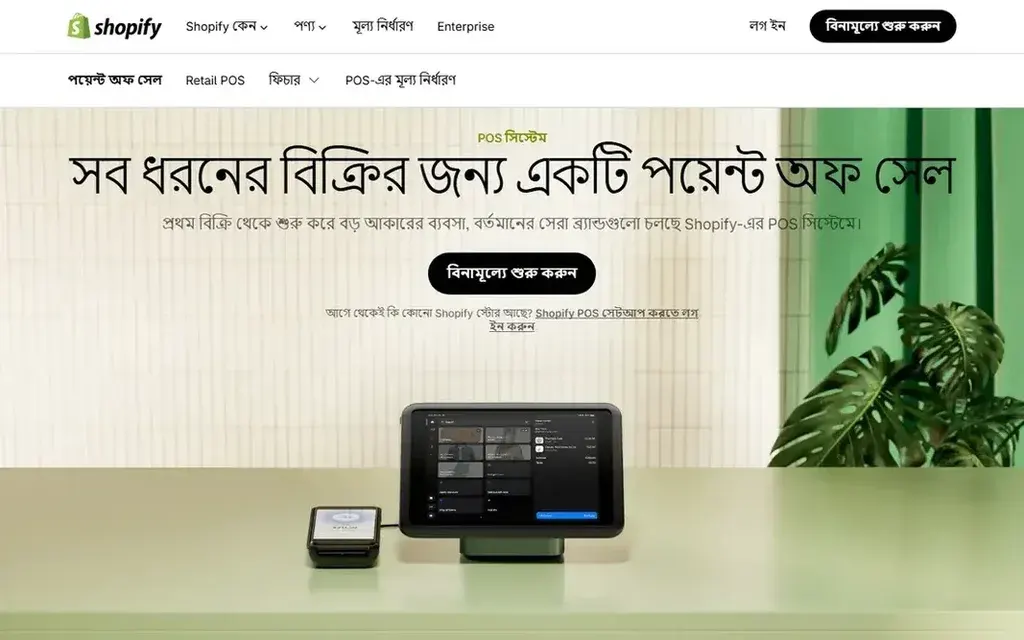
Where Shopify POS fits: retailers already selling on Shopify. It suits retailers who already sell online through Shopify and want their physical store to share the same product and stock data.
On top of that, keeps planning to grow across channels will appreciate the single view of inventory. Shopify POS shows no starting price here, so confirm the cost on the vendor site. On free options: Not stated.
Downsides: Best value if you use Shopify already.
- Integrates inventory management and checkout
- Familiar interface for Shopify users
- Retail depth may trail dedicated POS suites
How the list was put together
Things to verify first
- Get a written quote from Zoho Inventory, Lightspeed Retail, Cin7 Core and Shopify POS; the list shows no starting price for them.
- Read the limits listed for Zoho Inventory first: Retail checkout needs a separate POS.
- Involve the people who will use Fishbowl Inventory daily; a short pilot beats a long feature checklist.
- Add up seats, add-ons and usage charges for Shopify POS before comparing it with cheaper entries.
- Check whether the features you need in Lightspeed Retail sit on the entry plan or only on higher tiers.
FAQ
Do these tools publish their prices?
Not all of them. Zoho Inventory, Lightspeed Retail, Cin7 Core and Shopify POS publish no starting price, so expect a quote request for those. The rest, Fishbowl Inventory included, show a starting price, though seats and billing terms still change the final cost.
Does any tool for inventory management software for retail stores here have a free plan?
No tool in this list, Zoho Inventory and Shopify POS included, has a permanent free plan. Trials and quotes are the usual route, so plan a short evaluation period.
Is Zoho Inventory the right pick for everyone comparing inventory management software for retail stores?
No single tool suits every team. Zoho Inventory comes first because it fits online inventory, orders and shipping, while Fishbowl Inventory suits QuickBooks and Xero inventory tracking and Lightspeed Retail suits unified POS and inventory for in-person retail. Match the tool to your own size, budget and workflow before deciding.
What is the cheapest option for inventory management software for retail stores in this list?
On published monthly entry prices, Fishbowl Inventory is the lowest here at $229 per month. Entry price is only part of the cost, because seats, add-ons and billing terms can change the total. Each of the 5 options in this inventory management software for retail stores guide has its own card above with the price, free plan and limits.
Sources
- https://www.zoho.com/inventory
- https://www.fishbowlinventory.com
- https://www.lightspeedhq.com/retail
- https://www.cin7.com/core
- https://www.shopify.com/pos