Best Inventory Management Software for Ecommerce Sellers in 2026: 6 Tools Compared
Weighing the best inventory management software for ecommerce sellers? We lined up 6 products by cost, free access and fit. Caveats come with every verdict.
- Editor's choiceKatana Cloud Inventory
Live stock, orders and production
Starts atSee websiteVisit katanamrp.comFull review - Great alternative
 NetSuite
Inventory with full cloud ERP
Starts atSee websiteVisit netsuite.comFull review - Also consider
 Zoho Inventory
Simple online inventory for smaller sellers
Starts atSee websiteVisit zoho.comFull review
Direct answer
For live stock, orders and production, Katana Cloud Inventory is where this list starts. Listed starting prices: Fishbowl Inventory from $229 a month and Cin7 Core from $349 a month. NetSuite fits Inventory with full cloud ERP; Zoho Inventory fits easy online inventory for smaller sellers. Details, prices and limits for the rest of the 6 tools are below.
TL;DR:
- This list starts with Katana Cloud Inventory, which is built for live stock, orders and production.
- Just one of the 6 tools, Katana Cloud Inventory, has a free plan.
- Check the limits for Zoho Inventory before you commit: may lack depth for complicated operations.
- Fishbowl Inventory is the lowest-priced starter here at $229 per month.
Last checked November 2026. Prices and plan details were read from the vendors' own pages in November 2026; vendors change plans often, so confirm the current price on the vendor site before you buy.
Quick comparison
| Tool | Best for | Starts at | Free plan? | |
|---|---|---|---|---|
| Katana Cloud Inventory | Live stock, orders and production | See website | Yes | Visit |
| NetSuite | Inventory with full cloud ERP | See website | Not stated | Visit |
| Zoho Inventory | Simple online inventory for smaller sellers | See website | Not stated | Visit |
 Extensiv Order Manager | Order and warehouse workflows including 3PL | See website | Not stated | Visit |
 Fishbowl Inventory | Inventory tied to QuickBooks or Xero | $229 a month | Not stated | Visit |
 Cin7 Core | Inventory plus small business ERP | $349 a month | No | Visit |
Our 6 inventory management software for ecommerce sellers
If you are comparing inventory management software for ecommerce sellers, this page covers 6 tools in one place: what each is best for, what it costs to start, whether it has a free plan, and the main limit to know about.
Katana Cloud Inventory
Best for: Live stock, orders and production
Katana Cloud Inventory targets live stock, orders and production. Katana Cloud Inventory is cloud inventory management software for product firms, running stock, orders and production on one live system that can be set up around how you work.
Companies with intricate manufacturing or fulfillment requirements should verify specific capabilities. It is wise to confirm setup and integration details with the vendor before deciding. No starting price is listed for Katana Cloud Inventory here; confirm pricing on the vendor site. Free access exists with Katana Cloud Inventory.
Where it falls short: Complicated operations need feature checks. Main advantages: Cloud-based live system.
- Orders and production together
- Set up around existing workflows
- Production focus may not suit pure resellers
NetSuite works best for Inventory with full cloud ERP. The full ERP scope is substantial, and implementation usually demands real planning and resources, which can be heavy for a small seller.
Watch-outs: Broad ERP scope is substantial.
It suits ecommerce companies that want inventory tied straight to accounting and customer data, especially expanding businesses that require a single platform for finance and operations instead of separate tools stitched together. No starting price is listed for NetSuite here; confirm pricing on the vendor site. Trial and free access: Not stated.
- Spans CRM and accounting too
- Merges inventory with financial management
- Likely overkill for small catalogs
Zoho Inventory targets simple online inventory for smaller sellers. Zoho Inventory is online inventory management software for handling inventory, orders, shipping and warehouses, positioned as simple to use. From a buyer's view, as an easy-to-use option, it may not include every advanced requirement of large or highly complicated operations.
Where it falls short: Advanced needs may need other Zoho apps.
In daily use, sellers with multi-warehouse complexity or deep ERP needs should compare broader systems. It is worth confirming which features are included for your workflow on the vendor site. This comparison lists no price for Zoho Inventory; ask the vendor. Trial and free access: Not stated.
- Presented as easy to use
- Handles inventory
- May lack depth for complicated operations
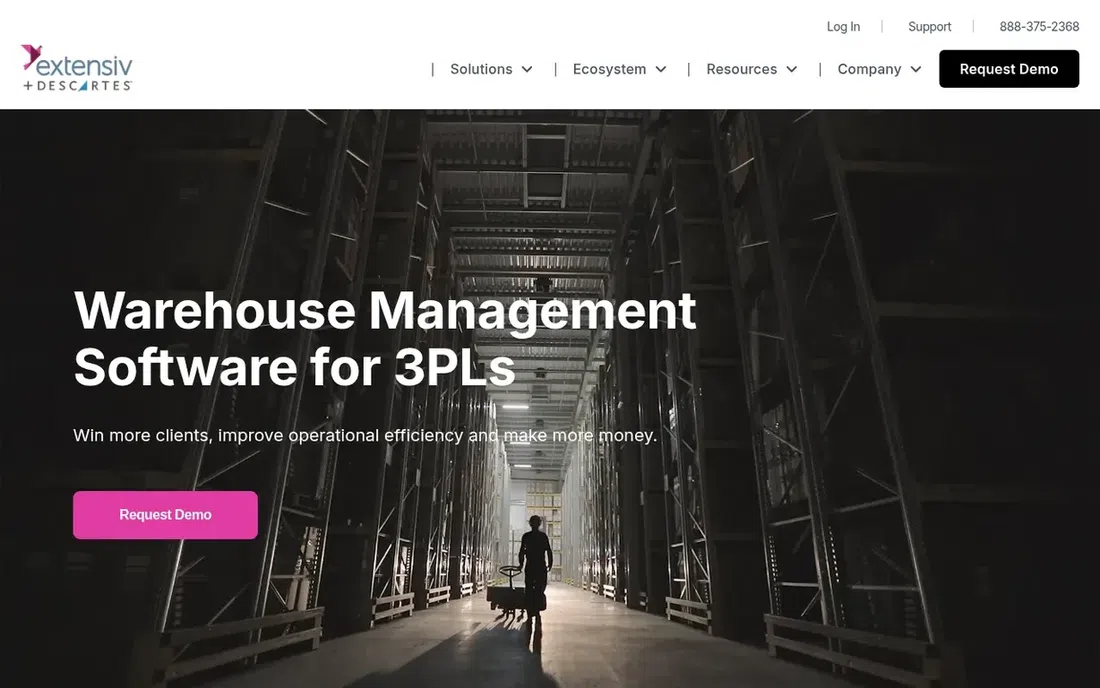
Extensiv Order Manager is built with Order and warehouse workflows including 3PL in mind. Extensiv Order Manager is described as warehouse management software serving 3PLs and clients with big and bulky or serialized inventory, alongside wholesale and ecommerce needs.
More specifically, the positioning leans toward warehouse and 3PL operations, so a small direct-to-consumer seller may find it more than needed. Beyond that, companies wanting a straightforward stock and order tool should compare lighter choices, and anyone with complicated integrations should confirm compatibility on the vendor site first. Extensiv Order Manager shows no starting price here, so confirm the cost on the vendor site. Trial and free access: Not stated.
Downsides: Setup may need integration planning.
- Supports ecommerce and wholesale order flows
- EDI and integrations mentioned
- Positioned around warehouse and 3PL use
Fishbowl Inventory was built for Inventory tied to QuickBooks or Xero. Its emphasis on accounting integration means the value relies on using QuickBooks or Xero.
Sellers on other accounting stacks may find the fit weaker. Starting cost for Fishbowl Inventory: $229 per month. Free plan details: Not stated.
Limits to weigh: Centred on accounting integration.
- Automatic reorder features mentioned
- Stock tracking and warehouse management
- May suit manufacturers as much as ecommerce
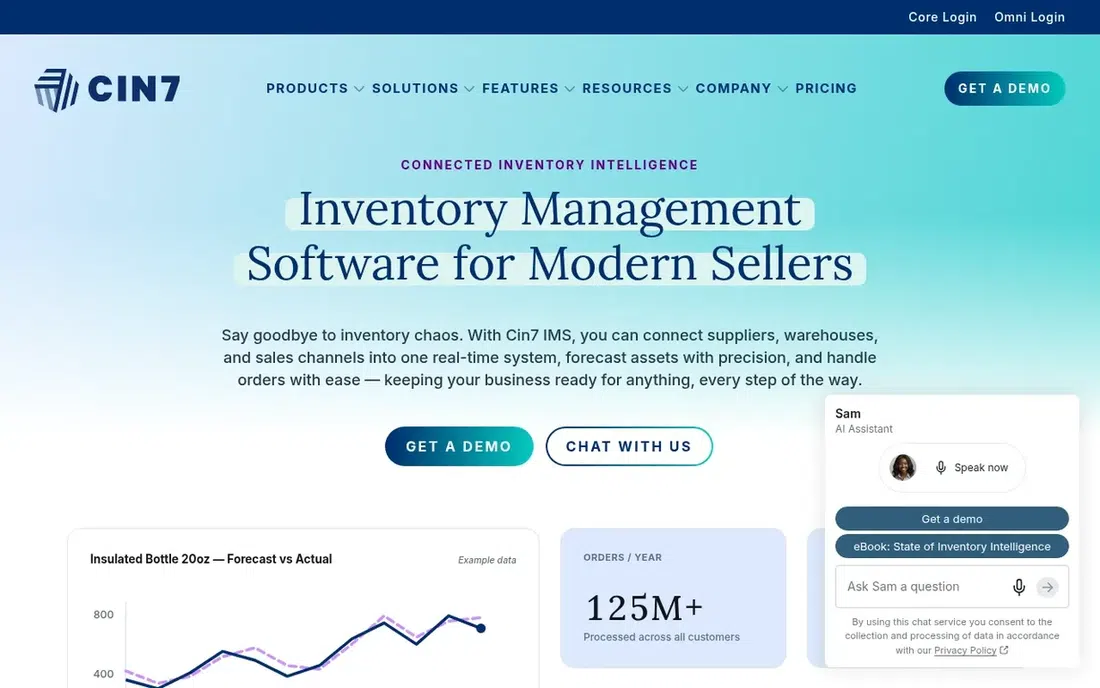
Think of Cin7 Core for Inventory plus small business ERP. It suits ecommerce companies that have outgrown spreadsheets or standalone stock tools and want a more connected setup for inventory and related operations as order volume grows.
Limits to weigh: Wide feature set can take time to learn.
More specifically, sellers who only need entry-level order and stock handling may prefer a lighter choice, whereas those planning to scale should confirm module coverage on the vendor site. Starting cost for Cin7 Core: $349 per month. Cin7 Core has no free tier.
- Designed for small business operations
- Simplifies stock tracking workflows
- May exceed needs of very small sellers
How we chose
Questions to settle before buying
- Get a written quote from Katana Cloud Inventory, NetSuite, Zoho Inventory and Extensiv Order Manager; the list shows no starting price for them.
- Test the free plan from Katana Cloud Inventory against your real workload before relying on it.
- Read the limits listed for Katana Cloud Inventory first: production focus may not suit pure resellers.
- Ask Zoho Inventory about contract length, onboarding fees and user minimums before you sign.
- Total up the real monthly cost of NetSuite, including add-ons, extra users and usage-based fees.
FAQ
Which options for inventory management software for ecommerce sellers have a free plan?
Katana Cloud Inventory is the only tool in this list with a free plan. Free plans usually cap users, projects or features, so check the limits on the vendor page. All 6 picks in this inventory management software for ecommerce sellers comparison list a starting price, free plan details and the main limits on their cards above.
Can inventory software link to my accounting system?
Multiple choices address this straight. Fishbowl Inventory is built around QuickBooks and Xero users, and NetSuite merges inventory with cloud accounting and financial management. Confirm the specific integration you need with each vendor before deciding.
What is the cheapest option for inventory management software for ecommerce sellers in this list?
On published monthly entry prices, Fishbowl Inventory is the lowest here at $229 per month. Entry price is only part of the cost, because seats, add-ons and billing terms can change the total. For the full picture, the cards above cover all 6 entries of this inventory management software for ecommerce sellers list, including price, free plan and limits.
Do these tools publish their prices?
Not all of them. Katana Cloud Inventory, NetSuite, Zoho Inventory and Extensiv Order Manager publish no starting price, so expect a quote request for those. The rest, Fishbowl Inventory included, show a starting price, though seats and billing terms still change the final cost.
Which inventory software is a good match for a small ecommerce seller?
For most readers this guide would start with Katana Cloud Inventory, built for live stock, orders and production. NetSuite is the alternative for Inventory with full cloud ERP, and Zoho Inventory for simple online inventory for smaller sellers. The right answer depends on budget and workflow.
How are the tools for inventory management software for ecommerce sellers ordered?
The order follows typical fit for inventory management software for ecommerce sellers, with Katana Cloud Inventory first and Cin7 Core last, then price clarity and free access. It is editorial judgement, not a score, so another team could rank the tools differently.
Sources
- https://www.katanamrp.com
- https://www.netsuite.com
- https://www.zoho.com/inventory
- https://www.extensiv.com
- https://www.fishbowlinventory.com
- https://www.cin7.com