Practices for Embedded Software Development in 2026: The 6 Best Options Side by Side
Weighing the best practices for embedded software development? We lined up 6 products by cost, free access and fit. Honest caveats for every entry. No hype.
- Editor's choiceLauterbach TRACE32
Advanced debug and trace
Starts atPricing on requestVisit lauterbach.comFull review - Great alternativeGreen Hills MULTI
Safety-certified embedded development
Starts atPricing on requestVisit ghs.comFull review - Also considerIAR Embedded Workbench
Integrated toolchain for embedded development
Starts atPricing on requestVisit iar.comFull review
Direct answer
Lauterbach TRACE32 comes first here, mainly for advanced debug and trace. If your case is different, Green Hills MULTI suits safety-certified embedded development and IAR Embedded Workbench suits integrated toolchain for embedded development. Details and limits for the rest of the 6 tools are below. None of these vendors publish plan prices, so pricing is on request for every option.
TL;DR:
- Number one here is Lauterbach TRACE32, a fit for advanced debug and trace.
- One limit worth knowing about FreeRTOS: restricted built-in safety certifications.
- Every tool from Lauterbach TRACE32 to Keil MDK works by quote, with no list price shown.
- For Arm Cortex-M development suite, Keil MDK is worth a look.
- Lauterbach TRACE32, Keil MDK and the 4 others all need a premium plan or a trial, since no free plan is listed.
Last checked November 2026. Pricing on request: vendors did not publish plan prices when this guide was last checked (November 2026), so ask each vendor for a written quote.
Quick comparison
| Tool | Best for | Starts at | Free plan? | |
|---|---|---|---|---|
| Lauterbach TRACE32 | Advanced debug and trace | Pricing on request | Not stated | Visit |
| Green Hills MULTI | Safety-certified embedded development | Pricing on request | Not stated | Visit |
| IAR Embedded Workbench | Integrated toolchain for embedded development | Pricing on request | Not stated | Visit |
| FreeRTOS | Compact live kernel for small systems | Pricing on request | Not stated | Visit |
| Wind River VxWorks | Mission-critical intelligent systems | Pricing on request | Not stated | Visit |
| Keil MDK | Arm Cortex-M development suite | Pricing on request | Not stated | Visit |
Practices for Embedded Software Development compared in detail
If you are comparing practices for embedded software development, this page covers 6 tools in one place: what each is best for, what it costs to start, whether it has a free plan, and the main limit to know about.
Lauterbach TRACE32
Best for: Advanced debug and trace
Choose Lauterbach TRACE32 for advanced debug and trace. The tools are meant to offer deep visibility into software execution, helping developers diagnose complicated issues. As for the details, TRACE32 is primarily a debugging and tracing tool, so it complements instead of replaces a full development environment.
Honest limits: May need extra setup.
It may be an additional investment for teams that only need entry-level debugging. More specifically, consider Lauterbach TRACE32 when advanced trace capabilities are essential for your embedded project. Lauterbach TRACE32 shows no starting price here, so confirm the cost on the vendor site. Free access: Not stated.
- Long-standing community trust
- Full debug and trace tools
- Hardware-focused tool
Green Hills MULTI
Best for: Safety-certified embedded development
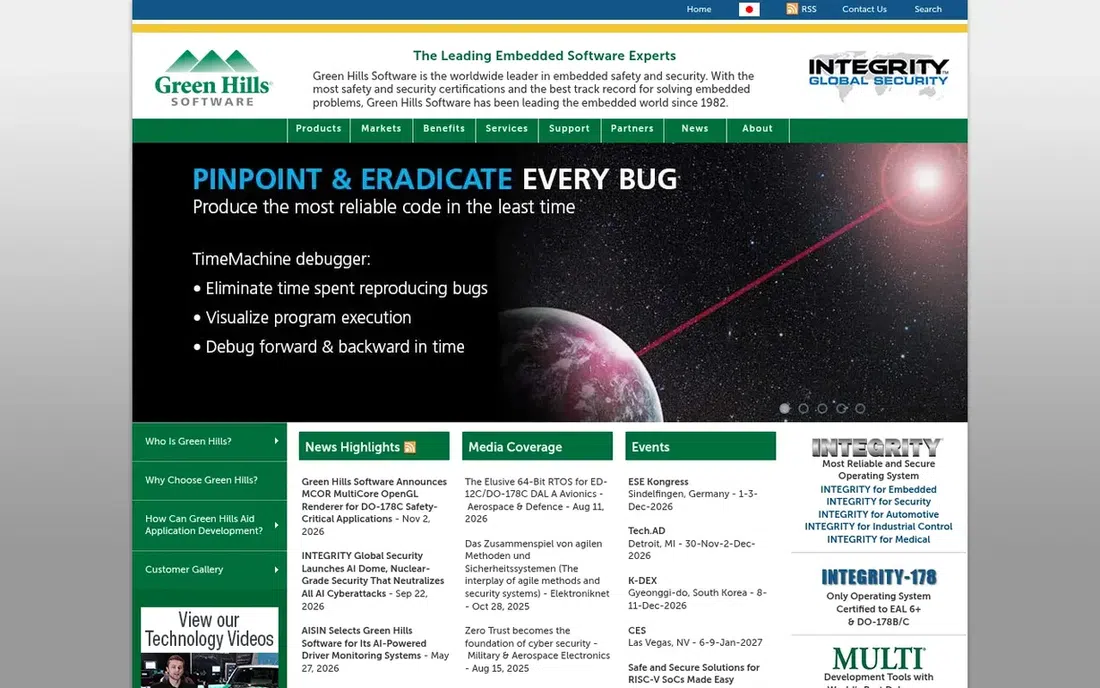
Pick Green Hills MULTI if this describes you: safety-certified embedded development. Green Hills MULTI is an integrated development environment and toolchain that emphasizes safety and security certifications. It comes with optimizing compilers and a debugger, and is built for embedded systems where certification and reliability are critical.
In practice, the toolchain is proprietary and may be more complicated than general-purpose alternatives, so teams should assess their certification needs and budget. In practice, choose Green Hills MULTI when certification and advanced optimization are priorities. Green Hills MULTI shows no starting price here, so confirm the cost on the vendor site. On free options: Not stated.
The main drawbacks: May have higher complexity.
- Capable safety and security certifications
- Optimizing compilers and IDE
- Proprietary and specialized
IAR Embedded Workbench
Best for: Integrated toolchain for embedded development

IAR Embedded Workbench is a good fit for integrated toolchain for embedded development. IAR Embedded Workbench is an integrated development environment that bundles a compiler, debugger, and other tools for embedded software development. It is built to enhance security and efficiency, making it a fit for teams that want a cohesive toolchain from a single vendor.
Honest limits: Restricted to supported architectures.
More specifically, consider IAR when an integrated, vendor-supported environment is preferred. The product supports a set of microcontroller architectures and is commonly chosen for projects where code quality and reliability are priorities. More specifically, the toolchain is proprietary, so teams should verify architecture support and licensing terms before committing. If your project depends on open-source tools or a highly customized build system, alternatives like FreeRTOS combined with other compilers may be more adaptable. IAR Embedded Workbench does not show a starting price in this comparison, so check the vendor site for current pricing. Trial and free access: Not stated.
- Focus on security and efficiency
- Merges compiler, debugger, IDE
- May need ramp-up time
FreeRTOS
Best for: Compact live kernel for small systems
Choose FreeRTOS for compact live kernel for small systems. FreeRTOS is a free live operating system kernel for embedded devices. It is widely used in microcontroller projects where a small footprint and live scheduling are needed.
Honest limits: Restricted built-in safety certifications.
It may lack the certifications required for safety-critical industries, where commercial RTOS like QNX or VxWorks are better suited. Choose FreeRTOS for adaptable, low-resource projects that can benefit from open-source components. Check the vendor site for FreeRTOS pricing; none is listed in this comparison. As for free access: Not stated.
- Open-source with community support
- Light and widely used
- Requires integration with other tools
Wind River VxWorks
Best for: Mission-critical intelligent systems
Pick Wind River VxWorks if this describes you: mission-critical intelligent systems. Wind River VxWorks is a live operating system aimed at mission-critical intelligent systems. As for the details, consider VxWorks when you need a proven RTOS for complex, mission-critical deployments.
Points against: May need specialized expertise.
VxWorks is a commercial RTOS, so licensing and support terms should be confirmed with the vendor. It may be more than needed for straightforward projects, where FreeRTOS could be a lighter alternative. Wind River VxWorks shows no starting price here, so confirm the cost on the vendor site. Trial and free access: Not stated.
- Live operating system
- Focus on safety and security
- Proprietary RTOS
Keil MDK
Best for: Arm Cortex-M development suite
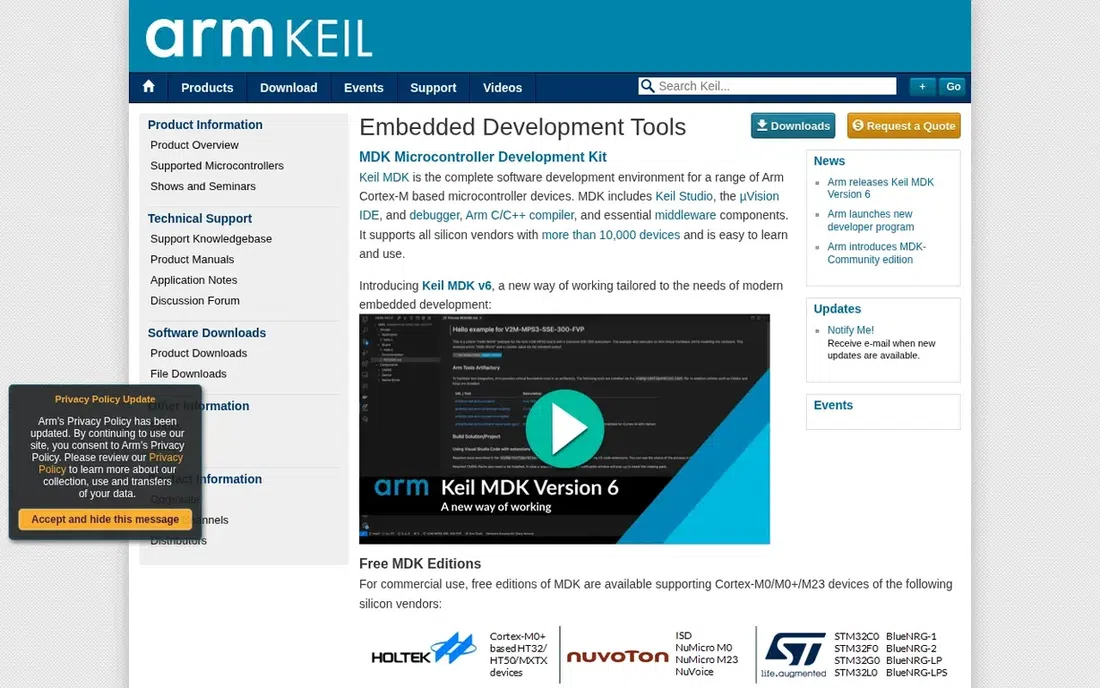
For Arm Cortex-M development suite, Keil MDK is a natural candidate. Keil MDK is a thorough embedded development suite that contains C compilers, macro assemblers, live kernels, debuggers, simulators, and integrated environments.
Watch-outs: May be complicated for straightforward projects.
In practice, the suite offers a complete workflow from code creation to debugging and is widely used in the embedded community. Pricing for Keil MDK is not stated here, so ask the vendor for current figures. Free plan details: Not stated.
- Includes RTOS and debug tools
- Wide support for Arm Cortex-M
- Primarily centred on Arm devices
What went into this list
We compared the tools on published pricing, free plan or trial availability, feature coverage for practices for embedded software development, and the limits each vendor documents. Where a price is missing, the vendor does not list one publicly or ties it to a quote. Always confirm before budgeting. The order reflects how well each tool fits the most common buying scenario for practices for embedded software development, then price clarity, then free plan access. It is a starting point, not a verdict.
A buyer's checklist
- Ask each vendor, from Lauterbach TRACE32 to Keil MDK, for a written quote; none of them publishes a starting price.
- Read the limits listed for Lauterbach TRACE32 first: hardware-focused tool.
- Check whether the features you need in Wind River VxWorks sit on the entry plan or only on higher tiers.
- Let daily users try IAR Embedded Workbench on real work; their feedback beats any feature checklist.
- Confirm that Green Hills MULTI connects to the apps your team already uses, on the plan you would actually buy.
FAQ
How are the tools for practices for embedded software development ordered?
The order follows typical fit for practices for embedded software development, with Lauterbach TRACE32 first and Keil MDK last, then price clarity and free access. It is editorial judgement, not a score, so another team could rank the tools differently.
Is Lauterbach TRACE32 the right pick for everyone comparing practices for embedded software development?
No single tool suits every team. Lauterbach TRACE32 comes first because it fits advanced debug and trace, while Green Hills MULTI suits safety-certified embedded development and IAR Embedded Workbench suits integrated toolchain for embedded development. Match the tool to your own size, budget and workflow before deciding.
What should I check before buying a debug and trace tool?
Check whether the tool supplies the trace depth and debugging features you need. Also review vendor support and any extra hardware requirements.
Can I try these tools before paying?
Not by default. None of the tools, from Lauterbach TRACE32 to Keil MDK, lists a free plan or a free trial here, so ask each vendor for a demo before committing.
Do these tools publish their prices?
No. None of the tools, from Lauterbach TRACE32 to Keil MDK, shows a fixed starting price here, so budget time for quotes.
Sources
- https://www.lauterbach.com
- https://www.ghs.com
- https://www.iar.com
- https://www.freertos.org
- https://www.windriver.com
- https://www.keil.com