Best Embedded Software Development Tools (2026): 6 Picks Checked on Vendor Pages
Searching for the best embedded software development tools? Here are 6 options with prices and free plans. Honest caveats for every entry. Quick to scan.
- Editor's choiceKeil MDK
Arm microcontroller development
Starts atPricing on requestVisit keil.comFull review - Great alternativeLauterbach TRACE32
Advanced debugging and trace
Starts atPricing on requestVisit lauterbach.comFull review - Also considerMathWorks Simulink
Model-based design and simulation
Starts atPricing on requestVisit mathworks.comFull review
Direct answer
Keil MDK comes first here, mainly for arm microcontroller development. Lauterbach TRACE32 fits advanced debugging and trace; MathWorks Simulink fits model-based design and simulation. The remaining 3 options are covered below with pricing notes and limits. None of these vendors publish plan prices, so pricing is on request for every option.
TL;DR:
- Number one here is Keil MDK, a fit for arm microcontroller development.
- One limit worth knowing about Wind River VxWorks: proprietary and potentially expensive.
- A permanent free plan is missing from all 6 tools, Keil MDK and IAR Embedded Workbench included; plan for a trial or a premium start.
- IAR Embedded Workbench is the one to check for full IDE for embedded development.
Last checked November 2026. Pricing on request: vendors did not publish plan prices when this guide was last checked (November 2026), so ask each vendor for a written quote.
Quick comparison
| Tool | Best for | Starts at | Free plan? | |
|---|---|---|---|---|
| Keil MDK | Arm microcontroller development | Pricing on request | Not stated | Visit |
| Lauterbach TRACE32 | Advanced debugging and trace | Pricing on request | Not stated | Visit |
| MathWorks Simulink | Model-based design and simulation | Pricing on request | Free trial | Visit |
| Wind River VxWorks | Mission-critical intelligent edge systems | Pricing on request | Not stated | Visit |
| Green Hills INTEGRITY | Safety and security certified systems | Pricing on request | Not stated | Visit |
| IAR Embedded Workbench | Thorough IDE for embedded development | Pricing on request | Not stated | Visit |
Our 6 embedded software development tools
LinkVetted compared 6 embedded software development tools. The goal is a practical shortlist: published prices, free plan facts, best-fit use cases and honest limits for every entry.
Keil MDK
Best for: Arm microcontroller development
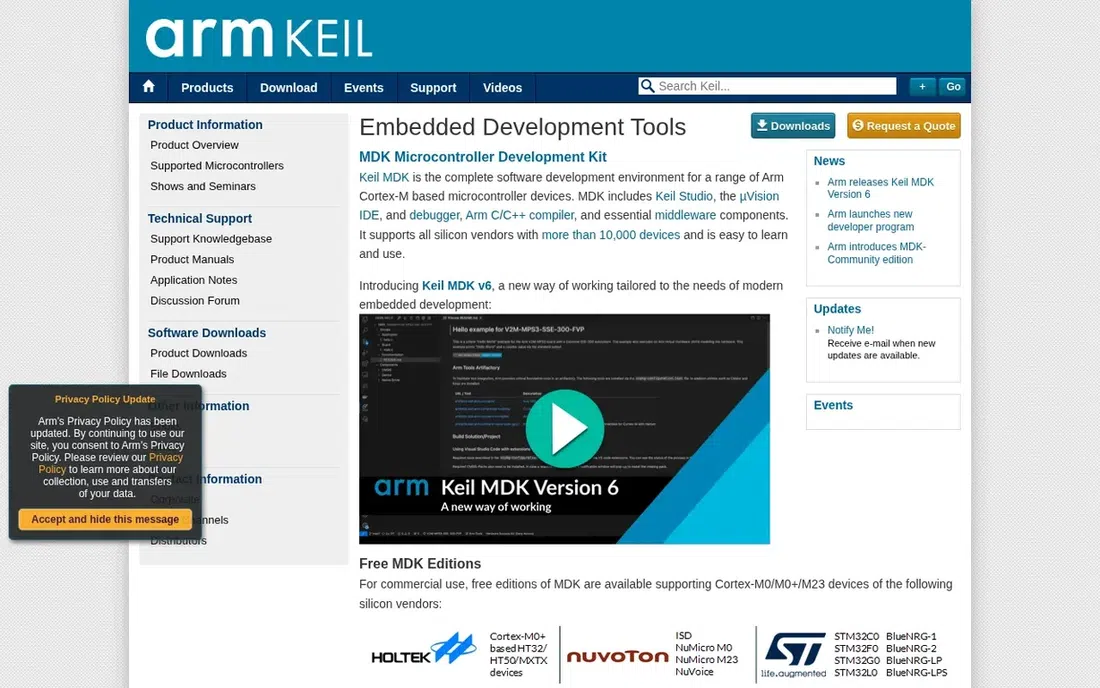
Think of Keil MDK for arm microcontroller development. Keil MDK is a mature development suite for Arm-based microcontrollers, offering C compilers, macro assemblers, live kernels, debuggers, and simulators.
Also, the toolchain also has a proprietary nature, which could be a limitation for teams preferring open-source options. Pricing for Keil MDK is not stated here, so ask the vendor for current figures. Trial and free access: Not stated.
Points against: May lack advanced features for non-Arm targets.
- Support for several microcontroller families
- C compilers and debuggers for Arm Cortex-M
- Primarily concentrated on Arm and legacy architectures
Lauterbach TRACE32
Best for: Advanced debugging and trace
Lauterbach TRACE32 makes the most sense for advanced debugging and trace. It is used by developers who require advanced visibility into their code and hardware behavior.
For everyday use, TRACE32 is primarily a hardware-based debugging option, which may need significant investment and setup effort. Lauterbach TRACE32 shows no starting price here, so confirm the cost on the vendor site. Free options: Not stated.
Downsides: Hardware-focused.
- Long-standing expertise in embedded debugging
- Broad support for plenty of processor architectures
- Complicated setup for straightforward debugging needs
MathWorks Simulink
Best for: Model-based design and simulation
MathWorks Simulink is a good fit for model-based design and simulation. MathWorks Simulink is a block diagram environment for model-based design, simulation, and analysis.
Points against: May be less suited for low-level firmware development.
It is not a traditional IDE and may not be well suited to low-level firmware development or debugging. Pricing for MathWorks Simulink is not stated here, so ask the vendor for current figures. Free plan details: Free trial.
- Supports automatic code generation
- Visual modeling and simulation environment
- Needs MATLAB, which brings complexity
Wind River VxWorks
Best for: Mission-critical intelligent edge systems

Wind River VxWorks targets mission-critical intelligent edge systems. Wind River VxWorks is a real-time operating system built for mission-critical intelligent systems at the edge. It supplies deterministic performance and is used in industries like aerospace, defense, and industrial automation.
The main drawbacks: Proprietary and potentially expensive.
On top of that, the product is built to support secure and steady operation in demanding environments, making it suitable for large-scale deployments. Consider alternatives if you need an open-source RTOS or if your application does not need hard live guarantees. Pricing for Wind River VxWorks is not stated here, so ask the vendor for current figures. Trial and free access: Not stated.
- Solid ecosystem for safety and security
- Scalable for intelligent edge applications
- Complicated for straightforward projects
Green Hills INTEGRITY
Best for: Safety and security certified systems
Green Hills INTEGRITY works best for safety and security certified systems. Green Hills INTEGRITY is a live operating system and development tool suite concentrated on safety and security certifications. It bundles optimizing compilers and an IDE, and is used in applications where certification and reliability are critical, like automotive and medical devices.
For everyday use, the system is recognised for its solid isolation and memory protection features. It is also tailored for certified environments, which could be unnecessary for general-purpose embedded projects. Worth adding: Explore other choices if you need a more light or open-source RTOS. No starting price is listed for Green Hills INTEGRITY here; confirm pricing on the vendor site. Free plan details: Not stated.
Trade-offs to know: High complexity and specialized use.
- Proven track record in embedded systems
- Optimizing compilers and IDE included
- Proprietary ecosystem
IAR Embedded Workbench
Best for: Thorough IDE for embedded development

IAR Embedded Workbench serves thorough IDE for embedded development. IAR Embedded Workbench is a complete integrated development environment for embedded applications, offering compilers, debuggers, and analysis tools. It emphasizes security and efficiency, making it a good match for teams building solid firmware across several microcontroller architectures.
Consider other tools if you need wide open-source community support or if your target hardware is not officially supported. As for the details, the system supports a specific set of architectures, so projects using less typical processors may need alternatives. The toolchain is widely used in industries where code quality and reliability are paramount. No starting price is listed for IAR Embedded Workbench here; confirm pricing on the vendor site. Free access: Not stated.
Where it is weaker: May need ramp-up time for new users.
- Integrated development environment with optimizing compilers
- Focus on security and efficiency
- Restricted to supported architectures
How we built this list
The comparison looks at four things: starting price, free access, how well the feature set matches embedded software development tools, and the main limit of each tool. Treat prices as a snapshot: vendors change plans often, so check the vendor site for the figure that applies today. We ordered the tools by general fit, then by how clearly pricing is shown, then by free access. A buyer with unusual needs may reorder them.
Pre-purchase checklist
- Request quotes from Keil MDK, IAR Embedded Workbench and the others; the list shows no fixed prices.
- Take the trial from MathWorks Simulink and push a live task through it before you pay.
- Read the limits listed for Keil MDK first: primarily centred on Arm and legacy architectures.
- Look at which plan of Wind River VxWorks unlocks the features you need; entry tiers are often cut down.
- Confirm minimum seats and billing terms with Lauterbach TRACE32 before you commit to an annual plan.
FAQ
How are the tools for embedded software development tools ordered?
Keil MDK sits first and IAR Embedded Workbench last because the order follows typical fit for embedded software development tools, then price clarity and free access. It is a judgement call, so read each profile for fit and limits.
Can I try these options before paying?
Often, yes. MathWorks Simulink offers a free trial. Use your own data and a real task during the test, and check what the free tier or trial limits before you rely on it.
How do I choose between a RTOS and a general-purpose embedded toolchain?
A RTOS like Wind River VxWorks or QNX Neutrino is essential for applications requiring deterministic timing and multitasking. Evaluate your system's live constraints and safety requirements to decide.
Are open-source embedded development tools as good as commercial ones?
Open-source tools can be highly capable and economical, but commercial tools frequently offer certified safety features, dedicated support, and advanced debugging. Numerous developers use a mix of both.
What is the best embedded software development tool for beginners?
The first pick on this list is Keil MDK, because it suits arm microcontroller development. Lauterbach TRACE32 is better for advanced debugging and trace, and MathWorks Simulink for model-based design and simulation. Check price and limits against your own needs before choosing.
Is Keil MDK the right pick for everyone comparing embedded software development tools?
No single tool suits every team. Keil MDK comes first because it fits arm microcontroller development, while Lauterbach TRACE32 suits advanced debugging and trace and MathWorks Simulink suits model-based design and simulation. Match the tool to your own size, budget and workflow before deciding.
Sources
- https://www.keil.com
- https://www.lauterbach.com
- https://www.mathworks.com
- https://www.windriver.com
- https://www.ghs.com
- https://www.iar.com