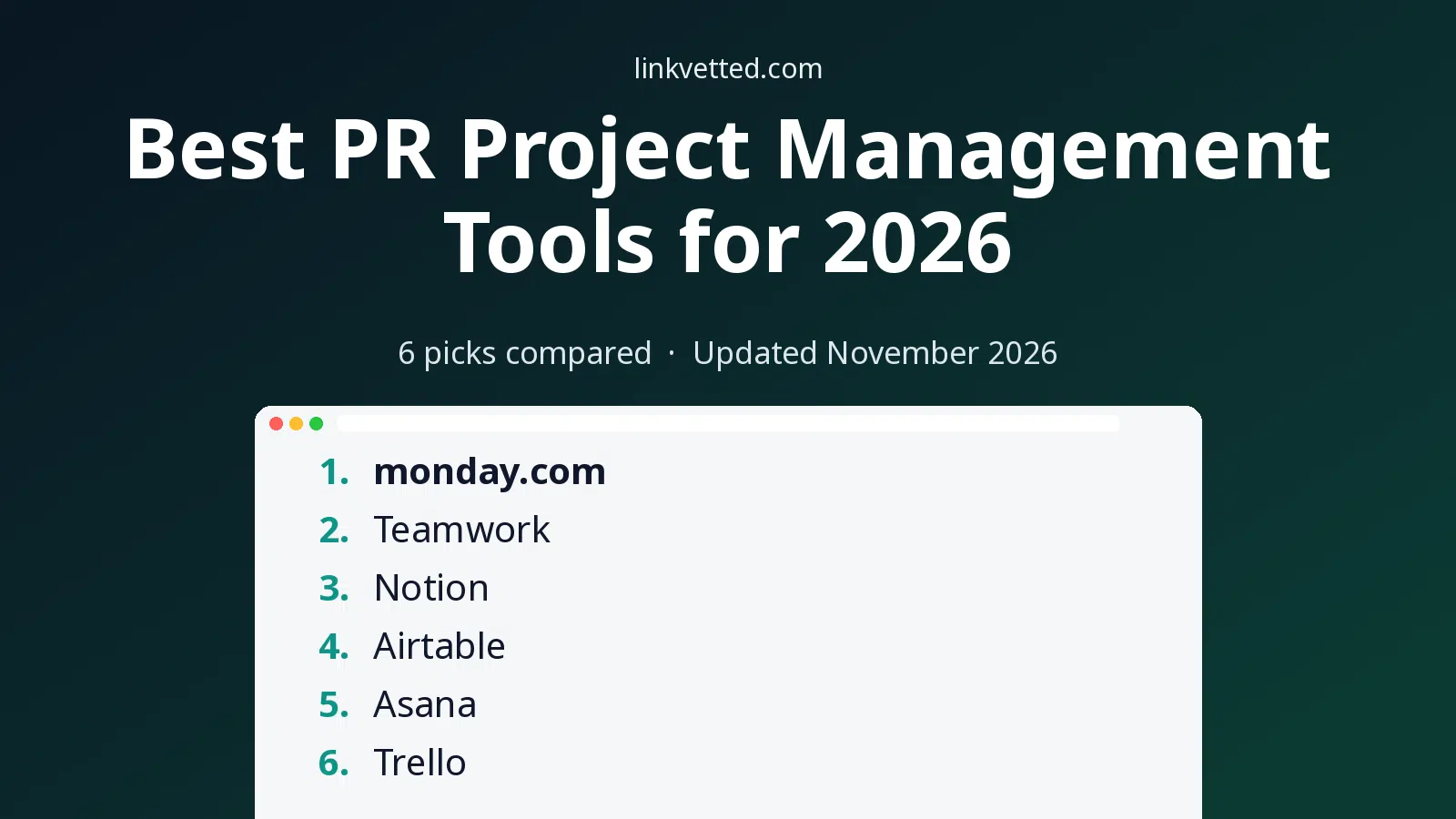
Best PR Project Management Tools for 2026: Our 6 Vetted Picks
A practical guide to the best PR project management tools for 2026, compared from vendor documentation and public sources, with limits and fit notes.
- Editor's choice
 monday.com
Flexible campaign and outreach boards
Starts atSee websiteVisit monday.comFull review - Great alternative
 Teamwork
Agencies tracking time and budgets
Starts atSee websiteVisit teamwork.comFull review - Also consider
 Notion
Lightweight shared PR workspace
Starts atSee websiteVisit notion.comFull review
Direct answer
My top pick is monday.com, because its boards, timelines and automations map cleanly onto PR workflows like campaign calendars, media lists and approval steps. For teams that live inside a full agency stack, Teamwork is the stronger fit, and for PR shops that want a simple shared workspace with less setup, Notion works well. Each one suits a different size of team and different reporting needs.
TL;DR:
- monday.com is the most flexible general pick for campaign planning, media outreach tracking and client reporting in one place.
- Teamwork suits agencies that need budgets, billable time and client portals alongside PR task management.
- Notion fits small PR teams that prefer a lightweight workspace over a rigid project system.
- Airtable is useful when your media lists, coverage logs and campaign data need a database structure.
- Asana and Trello remain solid choices, but each has trade-offs in reporting depth or structure.
Last checked November 2026. Plan prices are not quoted in this guide because they change often; see each vendor's own pricing page for current figures before you buy.
Quick comparison
| Tool | Best for | Starts at | Free plan? | |
|---|---|---|---|---|
| monday.com | Flexible campaign and outreach boards | See website | Free plan | Visit |
| Teamwork | Agencies tracking time and budgets | See website | Free trial | Visit |
| Notion | Lightweight shared PR workspace | See website | Free plan | Visit |
 Airtable | Media lists and coverage databases | See website | Free plan | Visit |
 Asana | Cross-team campaign coordination | See website | Free plan | Visit |
 Trello | Simple outreach and editorial boards | See website | Free plan | Visit |
The best PR project management tools compared
I compared these tools from vendor documentation and public sources, including help centres, feature pages and published plan comparisons. I did not run hands-on tests, so treat this as a fit guide rather than a lab review. The aim is to help you match a tool to how your PR team actually works.
monday.com is a work management platform built around boards, groups and columns. For PR work, that structure fits campaign calendars, media outreach pipelines and editorial approval flows. It suits teams that want to shape their own process rather than adopt a fixed PR template, and it works for both in-house comms teams and agencies juggling several clients.
In practice, you can build a board for each campaign, track journalists and outlets as items, and move each pitch through stages like drafted, sent, follow-up and covered. Automations can nudge owners when a follow-up date arrives, and dashboards can pull coverage counts and task status into a client view. That reduces the manual chasing that eats into PR team time.
The limits show up on bigger accounts. Boards with many columns and items become hard to scan, and the more useful reporting and automation options are tied to higher plans. Small teams with simple needs may find it heavier than necessary.
- Visual boards and timelines
- automations for reminders and status changes
- dashboards for client reporting
- Large boards can get cluttered
- advanced features sit on higher tiers
Teamwork is project management software aimed at agencies and client services teams. It combines tasks, milestones, time tracking and budget visibility, which suits PR agencies that bill by retainer or by hour and need to show where effort went across accounts.
For PR work, you can set up a project per client, break campaigns into task lists, and log time against media outreach, writing and reporting. Client users can be given limited access to see progress without exposing internal notes. That makes it a reasonable fit for agencies that want project management and commercial tracking in one system.
The trade-off is setup effort. Teams used to simple boards will need time to configure projects, rates and permissions. Solo PR consultants or in-house teams that do not bill time may find the agency features unnecessary.
- Built-in time tracking and billing
- client-facing project views
- task lists and milestones
- More configuration up front
- interface can feel dense for non-agency users
Notion is a workspace tool that mixes documents, databases and pages. PR teams use it for editorial calendars, campaign briefs, press release drafts and media contact lists, often in one connected space rather than several separate apps.
For PR project management, the database features are the useful part. You can create a campaign database with status fields, owners and dates, then view it as a table, board or calendar. Briefs and coverage notes can live alongside the tasks, which helps when a campaign involves a lot of writing and reference material.
The limits are in reporting and process enforcement. Notion does not push work through stages the way dedicated project tools do, and there are no built-in time or budget views. Small teams that value flexibility over structure will get on with it; larger teams may outgrow it.
- Combines notes, docs and databases
- flexible page structure
- good for editorial calendars
- Project reporting is basic
- needs discipline to stay organised
Airtable is a database and collaboration tool with spreadsheet-like tables and multiple views. It suits PR teams whose main pain is messy media lists, coverage trackers and contact records rather than task boards alone.
You can build a media contacts table, link it to an outlets table, and log coverage against both. Views can filter by beat, region or status, and interfaces can present a clean coverage summary. For teams that want their PR data structured and reusable, this is a practical option.
It is less comfortable as a pure task manager. Workflow stages and approvals need to be designed rather than switched on, and a badly planned base becomes hard to maintain. Teams that mainly need task tracking should look at the board-style tools above.
- Strong database views and filters
- links records across tables
- useful for coverage logs
- Less natural for task management
- base design takes planning
Asana is a project and task management platform used widely across marketing and communications teams. It organises work into projects, tasks and subtasks, with owners, due dates and dependencies, which suits PR campaigns that involve several people and handoffs.
For PR work, you can run a campaign project with sections for planning, content, outreach and reporting, and assign each pitch or asset to an owner. Dependencies help when a press release cannot go out until legal review is done. It is a good fit when PR sits alongside other marketing functions and needs a shared system.
The main limit is reporting on lower tiers, where portfolio and advanced reporting features are restricted. Teams that need detailed client dashboards may need to look at higher plans or pair it with another tool.
- Clear task ownership and dependencies
- multiple project views
- works well across departments
- Reporting is limited on lower plans
- can feel rigid for fast PR cycles
Trello is a card-based board tool that is simple to set up and easy for a team to adopt. For PR, it works well for outreach pipelines, where each card is a pitch or a journalist contact and lists represent stages like to contact, pitched and covered.
It suits small teams and solo PR practitioners who want a clear visual pipeline without training. Editorial calendars and content production can also run as boards, with checklists inside cards for each step.
The limits appear as campaigns grow. Multi-stage campaigns with dependencies, budgets and detailed reporting are awkward on Trello, and useful automation and reporting sit on paid plans. Teams with complex client reporting should treat it as a starting point rather than a full system.
- Easy to learn
- card-based boards suit pipelines
- quick to set up
- Weak for complex campaigns
- limited reporting without add-ons
How I chose
I picked these tools by reading vendor documentation and public sources, including feature pages, help articles and published plan comparisons. I looked at how each tool handles the parts of PR work that cause friction: campaign planning, media outreach tracking, approvals, coverage logging and client reporting. I also noted where each tool's documented limits would matter for a PR team.
I did not run hands-on tests, so I have not scored speed, support quality or reliability from direct use. Instead, I weighed fit against team size and workflow. Tools that need heavy setup were flagged for agencies with admin capacity, while simpler tools were noted as better for small teams. Where a tool's lower plans restrict reporting or automation, I said so, because that affects PR teams that report to clients regularly.
What to check before you buy
- Confirm how the tool handles media outreach pipelines, not just generic tasks, since PR work is stage-heavy.
- Check whether client or stakeholder access is included, and what those users can see.
- Look at reporting options on the plan you can afford, especially coverage summaries and campaign status views.
- Check how approvals and review steps work if press releases and statements need sign-off.
- Confirm whether time tracking or budget features are needed, since only some tools include them.
- Read the vendor's own documentation on limits, such as board size, automation runs or file storage.
FAQ
What is the best PR project management tool overall?
monday.com is my general pick because its boards, timelines and dashboards can be shaped around campaign planning, outreach tracking and client reporting. Teamwork is a better fit for agencies that bill time, and Notion suits small teams that want one flexible workspace. The right choice depends on team size and reporting needs.
Do PR teams need dedicated PR software instead of general project tools?
Not always. General project management tools cover campaign calendars, task ownership and status tracking well. Dedicated PR platforms add media database and monitoring features, which are separate from project management. Many teams use a project tool for workflow and a media database for contacts, rather than expecting one product to do both.
Can I manage media outreach in a project management tool?
Yes, and it often works better than a spreadsheet. You can create a board or list where each item is a pitch, with fields for outlet, journalist, status and follow-up date. Views can group pitches by campaign or owner, and automations can remind people when follow-ups are due.
Is a free plan enough for a small PR team?
It can be for basic boards and task tracking, but free plans usually limit reporting, automation and guest access. If you report to clients or need approval steps, check the paid tiers before committing. The vendor's own plan comparison is the most reliable place to confirm what each tier includes.
How long does it take to set up a PR workflow?
A simple board can be set up in an afternoon. A full agency setup with client projects, time tracking, permissions and reporting takes longer and usually needs a short trial period with real campaign data. Testing with one live campaign before rolling out to the whole team is a sensible approach.
Sources
- https://monday.com
- https://www.teamwork.com
- https://www.notion.com
- https://www.airtable.com
- https://asana.com
- https://trello.com