Best Platforms for Financial Document Automation (2026): 6 Picks Checked on Vendor Pages
Compare 6 picks for the best platforms for financial document automation, with prices, free plans and who each fits. Real limits included. Choose faster.
- Editor's choice
 Workiva
Governed finance reporting and assurance
Starts atSee websiteVisit workiva.comFull review - Great alternative
 Adobe Acrobat Sign
E-signatures inside PDF workflows
Starts atSee websiteVisit adobe.comFull review - Also consider
 Rossum
AI processing of transactional documents
Starts at$18,000 a yearVisit rossum.aiFull review
Direct answer
This list puts Workiva first for governed finance reporting and assurance. Listed starting prices: Rossum from $18,000 a year and DocuSign from $45 per user a month. Look at Adobe Acrobat Sign for E-signatures inside PDF workflows, and at Rossum for AI processing of transactional documents. All 6 tools are compared below on price, free plan and limits.
TL;DR:
- This list starts with Workiva, which is built for governed finance reporting and assurance.
- BlackLine fits financial operations and close workflows.
- Before buying ABBYY, weigh this: needs setup and process design.
- The lowest published monthly entry price here is $45 per user per month, from DocuSign.
Last checked November 2026. Prices and plan details were read from the vendors' own pages in November 2026; vendors change plans often, so confirm the current price on the vendor site before you buy.
Quick comparison
| Tool | Best for | Starts at | Free plan? | |
|---|---|---|---|---|
| Workiva | Governed finance reporting and assurance | See website | Not stated | Visit |
| Adobe Acrobat Sign | E-signatures inside PDF workflows | See website | Not stated | Visit |
| Rossum | AI processing of transactional documents | $18,000 a year | Free trial | Visit |
 ABBYY | OCR and document understanding at scale | See website | Not stated | Visit |
 DocuSign | Agreement signing and lifecycle management | $45 per user a month | Not stated | Visit |
 BlackLine | Financial operations and close workflows | See website | Not stated | Visit |
Platforms for Financial Document Automation profiles
LinkVetted compared 6 tools for platforms for financial document automation. The goal is a practical shortlist: published prices, free plan facts, best-fit use cases and honest limits for every entry.
In short, Workiva is for governed finance reporting and assurance. Workiva is not made for scanning invoices or capturing signatures, so it complements instead of replaces document capture tools.
Best features of Workiva: Governed data foundation.
Workiva positions its system as AI purpose-built for finance, audit, risk and sustainability, unifying teams around governed data, grounded AI and the assurance stakeholders expect. Worth adding: organizations with straightforward reporting needs may find it more system than required. Pricing for Workiva is not stated here, so ask the vendor for current figures. Free options: Not stated.
Trade-offs to know: Targeted at reporting and assurance work.
- Grounded AI for reporting
- Risk and sustainability teams
- Not a document capture tool
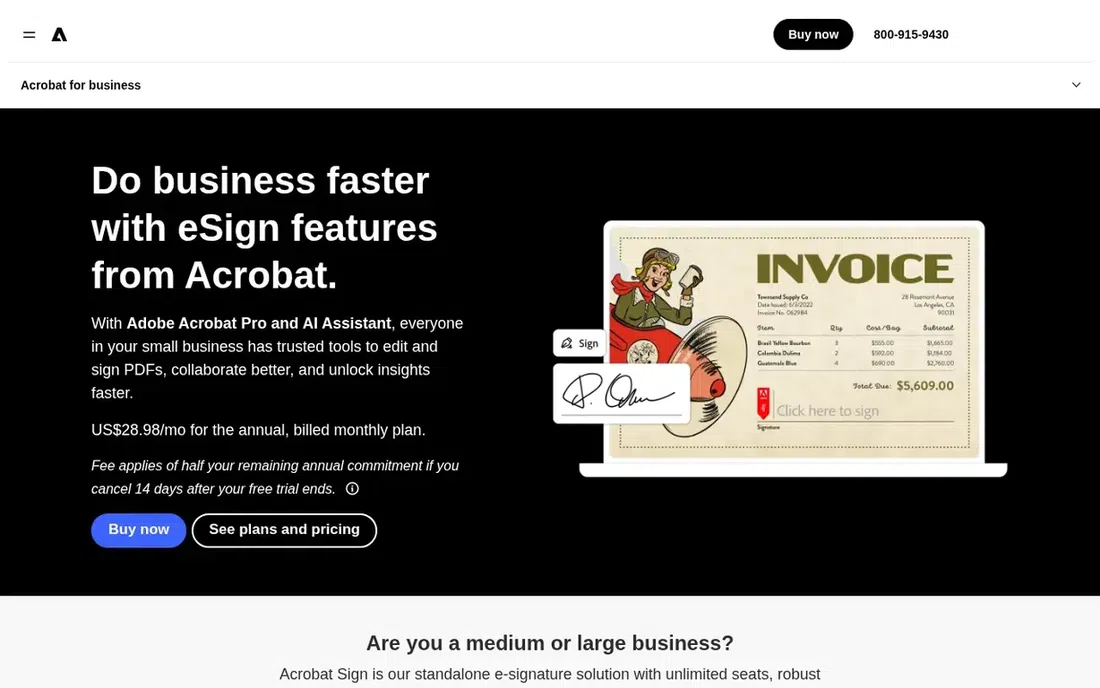
Adobe Acrobat Sign is built with E-signatures inside PDF workflows in mind. Adobe Acrobat Sign is e-signature software for companies that want to sign documents, collect digital payments and accept electronic signatures on a website. Its scope is signing and related form workflows instead of deep financial data extraction or reconciliation.
Pick Acrobat Sign when your documents already live in PDF form and signing is the primary bottleneck. Teams that need automatic invoice processing or ledger matching should look to a document AI platform. This comparison lists no price for Adobe Acrobat Sign; ask the vendor. Free options: Not stated.
Where it falls short: Narrower automation beyond signing.
- Works for website and business signing
- Familiar Acrobat environment
- Best value if already using Adobe tools
Rossum is designed for AI processing of transactional documents. Rossum gives you AI document processing for transactional workflows, aiming to automate complicated processes, cut manual tasks and increase accuracy. That makes it a natural fit for invoice and transaction-heavy document flows where staff spend time keying data.
Watch-outs: Narrower than full finance suites.
Finance operations teams that process plenty of similar documents can benefit from its targeted approach. In practice, Rossum concentrates on transactional document automation rather than signing, reporting or reconciliation across the entire finance function. Rossum pricing: $18,000 per year. Trial and free access: Free trial.
- AI document processing
- Aims to cut manual tasks
- Concentrated on transaction documents

ABBYY is a good fit for OCR and document understanding at scale. Getting value from ABBYY relies on thoughtful process design and integration work, so smaller teams may find it heavy for straightforward tasks.
Downsides: Broader system than signing alone.
It also is not an e-signature tool. From a buyer's view, for financial documents, that means capturing text from statements, invoices and forms and turning it into usable process data. No starting price is listed for ABBYY here; confirm pricing on the vendor site. As for free access: Not stated. Main advantages: Process understanding capabilities.
- NLP and OCR combined
- AI
- Needs setup and process design
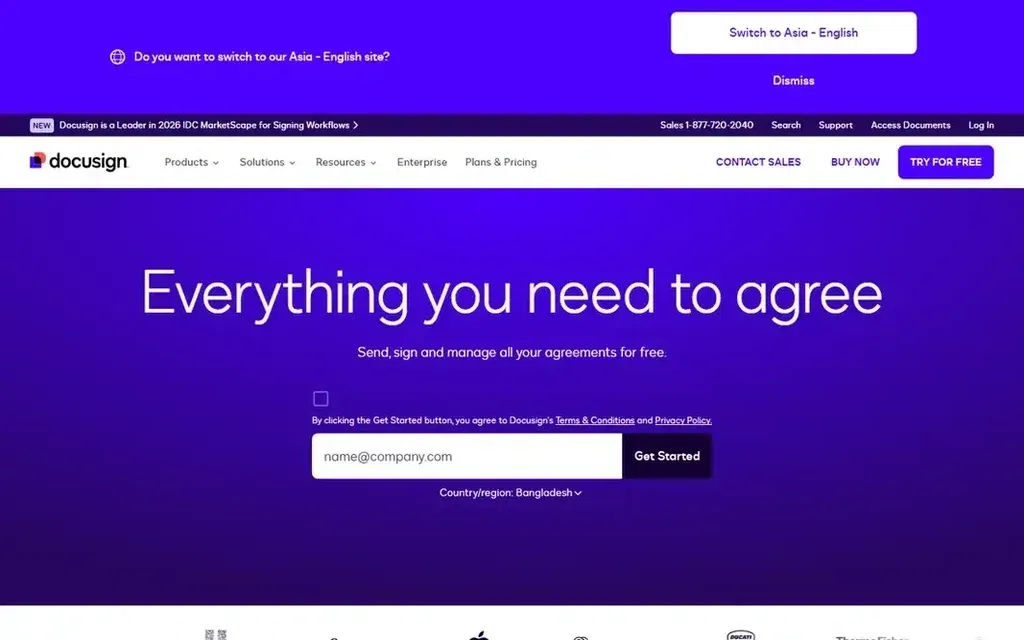
DocuSign serves agreement signing and lifecycle management. For financial documents for example contracts, approvals and forms, it manages the signing and tracking layer that numerous finance teams need first.
Where it falls short: Less centred on deep data extraction.
For everyday use, choose DocuSign when signature capture and agreement visibility are the priority, and pair it with an extraction product for structured financial data. What you pay to start with DocuSign: $45 per user per month. Free plan details: Not stated.
- Electronic signature built in
- Wide integration ecosystem
- Core strength is signing, not finance close
For financial operations and close workflows, BlackLine is a natural candidate. Pick it when financial operations and close discipline are the central challenge.
What to check first: Not a document capture engine.
BlackLine shows no starting price here, so confirm the cost on the vendor site. Free plan details: Not stated.
- Agentic product positioning
- Financial operations focus
- Best for accounting operations teams
Selection criteria
The comparison looks at four things: starting price, free access, how well the feature set matches platforms for financial document automation, and the main limit of each tool. Where a vendor does not publish a price, the entry says quote. Where a price depends on seats or billing term, the entry says so. Position on the page reflects fit for a typical buyer first, with price clarity and free access breaking ties. Treat it as a guide, not a ruling.
Before you commit
- Get a written quote from Workiva, Adobe Acrobat Sign, ABBYY and BlackLine; the list shows no starting price for them.
- Run a trial of Rossum with real work before paying for a year; your own workflow is the best test.
- Before choosing Workiva, weigh its main limit: not a document capture tool.
- Verify that exporting from Workiva is possible on your plan and covers all your records.
- Ask whether DocuSign integrates with your current software, and whether that comes standard or as an add-on.
FAQ
Which product is a good match for invoice processing?
This list starts with Workiva, which fits governed finance reporting and assurance. For other needs, Adobe Acrobat Sign is aimed at E-signatures inside PDF workflows, and Rossum at AI processing of transactional documents. Check each tool's price and main limit first.
How should a finance team choose between these tools?
Start by identifying the biggest bottleneck, whether that is signatures, unstructured data capture, transactional documents or close and reporting work. Then confirm integrations, security and implementation effort with each vendor.
Is Workiva the right pick for everyone comparing platforms for financial document automation?
No single tool suits every team. Workiva comes first because it fits governed finance reporting and assurance, while Adobe Acrobat Sign suits E-signatures inside PDF workflows and Rossum suits AI processing of transactional documents. Match the tool to your own size, budget and workflow before deciding.
Can I try these tools before paying?
Often, yes. Rossum offers a free trial. Use your own data and a real task during the test, and check what the free tier or trial limits before you rely on it.
Do these tools publish their prices?
Not all of them. Workiva, Adobe Acrobat Sign, ABBYY and BlackLine publish no starting price, so expect a quote request for those. The rest, Rossum included, show a starting price, though seats and billing terms still change the final cost.
Can these systems replace my accounting system?
No. These systems automate document-related steps for example signing, extraction and reporting, and they connect with accounting systems instead of replacing them. BlackLine and Workiva support financial operations and reporting around those systems.
Sources
- https://www.workiva.com
- https://www.adobe.com/sign.html
- https://rossum.ai
- https://www.abbyy.com
- https://www.docusign.com
- https://www.blackline.com