Best Point of Sale Accounting Software in 2026: 8 Tools Compared
We compared the best point of sale accounting software on sales, inventory, payments and accounting links, with current pricing for shops and restaurants.
- Editor's choice
 Square POS
Small shops and quick-serve businesses
Starts atFreeVisit squareup.comFull review - Great alternative
 Lightspeed Retail
Inventory-heavy retail shops
Starts at$89 per monthVisit lightspeedhq.comFull review - Also consider
 Toast
Full-service restaurants and cafes
Starts atSee websiteVisit pos.toasttab.comFull review
TL;DR:
- Square suits small shops starting out, while Lightspeed suits inventory-heavy retail and Toast suits restaurants.
- Check whether accounting sync is automatic, daily summary or manual, since that decides your bookkeeping time.
- Processing fees often matter more than monthly fees, so compare your real sales volume.
- Hardware costs vary widely, so price registers, printers and terminals before you commit.
Quick comparison
| Tool | Best for | Starts at | Free plan? | |
|---|---|---|---|---|
| Square POS | Small shops and quick-serve businesses | Free | Yes | Visit |
| Lightspeed Retail | Inventory-heavy retail shops | $89 per month | Free trial | Visit |
| Toast | Full-service restaurants and cafes | See website | Yes | Visit |
 Shopify POS | Shops selling online and in person | $39 per month | Free trial | Visit |
 Clover | Shops wanting flexible hardware | See website | No | Visit |
 QuickBooks Online | Firms wanting accounting first | See website | Free trial | Visit |
 KORONA POS | High-risk and specialty retailers | $59 per month | Free trial | Visit |
 TouchBistro | Restaurants wanting iPad POS | See website | Free trial | Visit |
The best point of sale accounting software
A point of sale system that does not talk to your books creates double work and reconciliation errors. The tools below take sales and payments at the counter or table, track inventory, and send clean totals to accounting software such as QuickBooks Online or Xero. We compared official pricing and features, and we favored systems with a clear accounting link, not just a sales screen.
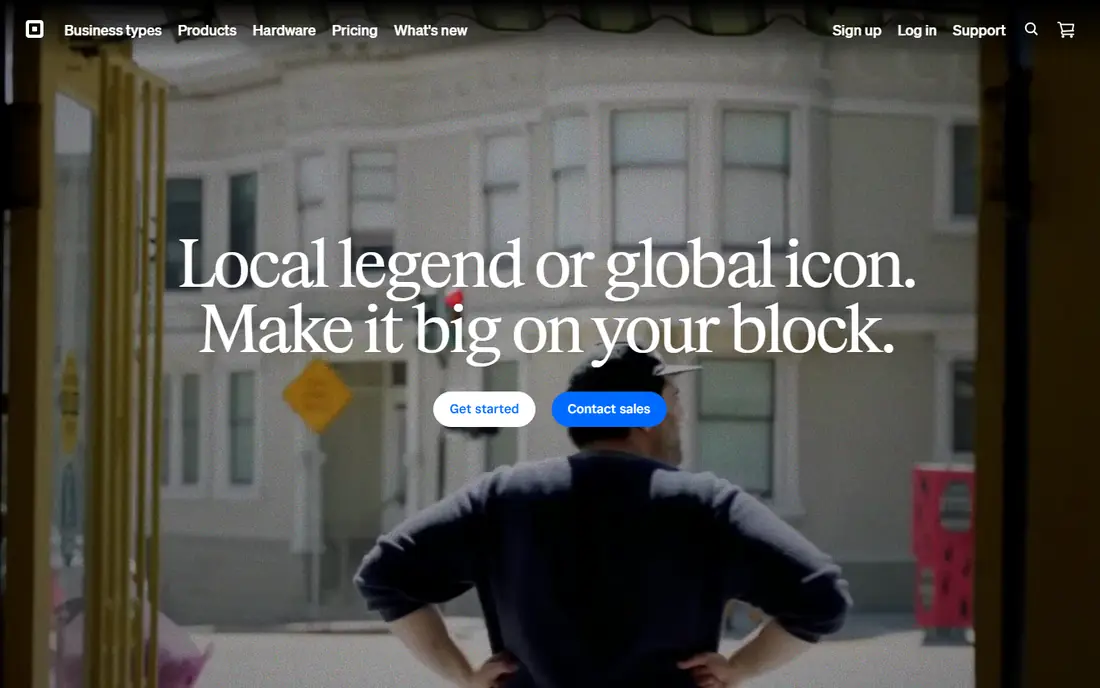
Square is the easiest place for a small business to start. The core POS app is free, you pay processing when you take a payment, and you can begin with a reader and scale to a full counter setup. It handles retail and quick-serve sales, inventory and reporting, and links to accounting tools such as QuickBooks and Xero.
The tradeoff is processing cost at volume and lighter industry depth than Toast for restaurants or Lightspeed for complex retail. Paid plans add features and slightly lower processing rates. For a small shop that wants a fast, low-risk start, Square is the default pick.
On pricing, Square POS starts at Free, with a free plan status of Yes. Check the vendor pricing page before you buy, since plans, user counts and add-ons change the total. If that price and scope fit your team, put it on a shortlist and test it with real data before you sign.
- Free core POS
- Easy setup
- QuickBooks and Xero links
- Processing fees add up at volume
- Industry depth trails specialists
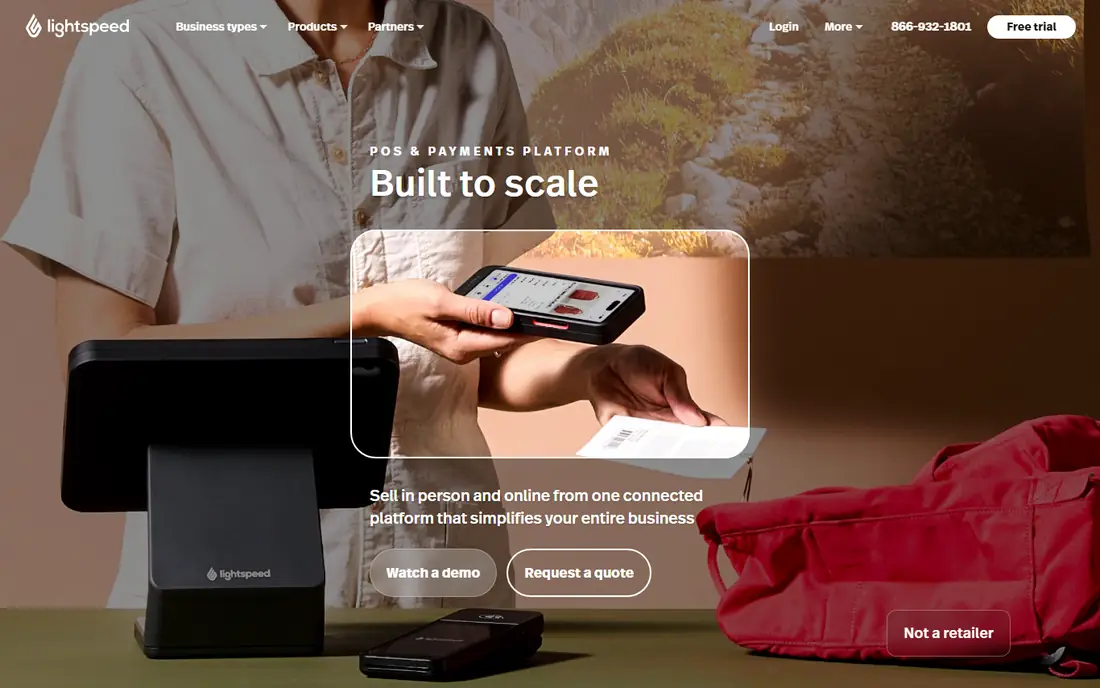
Lightspeed Retail suits shops with large catalogs, variants and several locations. Inventory tracking, purchase orders and reporting are deeper than general POS tools, and accounting links help keep books in step. Multi-location stock views help owners move inventory where it sells.
The monthly price is higher than Square, and a large catalog takes time to set up well. Small shops with few products may not need the depth. For an inventory-heavy retailer, Lightspeed gives control that simpler tools cannot match.
On pricing, Lightspeed Retail starts at $89 per month, with a free plan status of Free trial. Check the vendor pricing page before you buy, since plans, user counts and add-ons change the total. If that price and scope fit your team, put it on a shortlist and test it with real data before you sign.
- Deep inventory and variants
- Multi-location support
- Accounting links
- Higher monthly price
- Setup effort for large catalogs
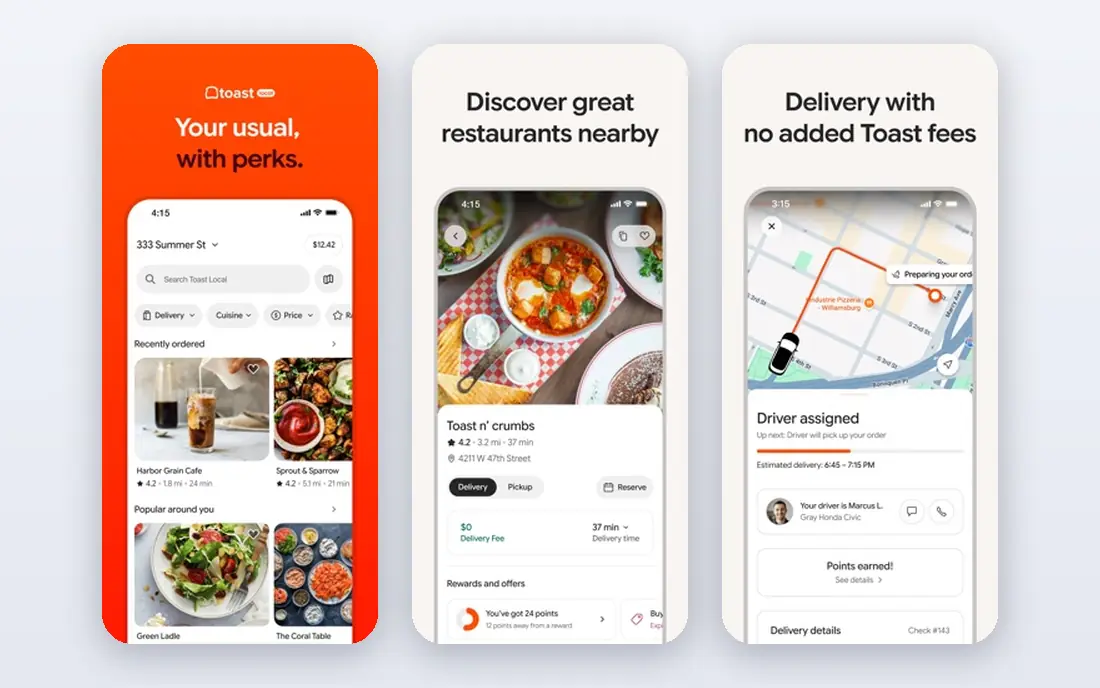
Toast is built for restaurants, with table and menu management, kitchen display, online ordering and tipping in one system. Hardware is designed for busy kitchens, and the starter option gives restaurants a low-cost entry. Its depth in food service beats general POS tools in daily service.
It is only for food service, so retailers should look elsewhere. Pricing above the starter tier is quoted, so get terms in writing, including hardware and contract length. For a cafe, bar or full-service restaurant, Toast is the system to beat.
On pricing, Toast starts at See website, with a free plan status of Yes. Check the vendor pricing page before you buy, since plans, user counts and add-ons change the total. If that price and scope fit your team, put it on a shortlist and test it with real data before you sign.
- Restaurant workflows
- Kitchen display
- Online ordering and tipping
- Food service only
- Higher tiers are quote-based
Shopify POS suits shops that sell both online and in person, since inventory, customers and orders stay in one system. The basic plan covers in-store selling, while POS Pro adds staff permissions, advanced inventory and more registers. Accounting links through apps connect sales to QuickBooks and Xero.
POS Pro adds a per-location fee on top of the Shopify plan, so total cost needs careful math. Shops that do not sell online get less value from the Shopify base. For an omnichannel retailer already on Shopify, the unified inventory is a clear win.
On pricing, Shopify POS starts at $39 per month, with a free plan status of Free trial. Check the vendor pricing page before you buy, since plans, user counts and add-ons change the total. If that price and scope fit your team, put it on a shortlist and test it with real data before you sign.
- Online plus in-store selling
- Unified inventory
- Accounting app links
- POS Pro adds cost per location
- Best inside Shopify
Clover offers a wide hardware range, from handheld devices to full counter systems, plus an app marketplace for added functions. It suits shops that want hardware choice and a payment system built into the device. Many banks and processors resell Clover, so local support is often available.
Pricing varies by reseller, so monthly fees, processing rates and contract terms need a close read. Accounting links depend on the apps you add. For a shop that wants hardware flexibility and local support, Clover is a practical, widely available choice.
On pricing, Clover starts at See website, with a free plan status of No. Check the vendor pricing page before you buy, since plans, user counts and add-ons change the total. If that price and scope fit your team, put it on a shortlist and test it with real data before you sign.
- Flexible hardware range
- App marketplace
- Payment processing built in
- Pricing varies by reseller
- Check contract and processing terms
QuickBooks Online is the accounting side of this list, not a counter system on its own. Its value here is that many POS tools sync sales, tax, tips and fees into it, giving owners tax-ready books and payroll options in one place. Firms that already use QuickBooks for books should start from this link.
You still need a separate POS system and hardware, and the discontinued QuickBooks Desktop POS is not an option for new setups. Costs also rise as you add payroll and other tools. For a firm that puts accounting first, QuickBooks Online plus a linked POS is the cleanest stack.
On pricing, QuickBooks Online starts at See website, with a free plan status of Free trial. Check the vendor pricing page before you buy, since plans, user counts and add-ons change the total. If that price and scope fit your team, put it on a shortlist and test it with real data before you sign.
- Full accounting plus POS links
- Sales tax and payroll options
- Wide app set
- No built-in POS hardware
- POS needs a separate linked system
KORONA POS is a retail system with strong inventory, customer and reporting features, plus a QuickBooks link for accounting. It suits specialty and high-risk retailers that need flexible payment options and a system that handles varied product types. Cloud access lets owners check sales from anywhere.
As a smaller brand, it has less marketplace and support coverage than Square or Lightspeed in some areas. Hardware and support terms should be confirmed for your location. For a specialty retailer that wants a capable, affordable POS with accounting links, KORONA is worth a trial.
On pricing, KORONA POS starts at $59 per month, with a free plan status of Free trial. Check the vendor pricing page before you buy, since plans, user counts and add-ons change the total. If that price and scope fit your team, put it on a shortlist and test it with real data before you sign.
- Strong retail features
- QuickBooks link
- Flexible payment options
- Smaller brand than Square
- Check hardware and support coverage
TouchBistro is an iPad-based POS built for restaurants, with table management, menu modifiers, staff tools and reporting. It suits cafes and full-service restaurants that want a mobile, modern counter setup without a large hardware install. Offline resilience and simple training help in busy service.
Pricing is quoted, and it is restaurant only, so retailers should skip it. Accounting link depth varies by setup, so confirm how sales and tax flow to your books. For a restaurant that wants an iPad system with strong table tools, TouchBistro is a solid option.
On pricing, TouchBistro starts at See website, with a free plan status of Free trial. Check the vendor pricing page before you buy, since plans, user counts and add-ons change the total. If that price and scope fit your team, put it on a shortlist and test it with real data before you sign.
- IPad-based restaurant POS
- Table and menu tools
- Reporting
- Quote-based pricing
- Restaurant only
- Check accounting link depth
How we picked these
We compared official product pages, pricing pages and app store listings, and we checked that each product exists, works today and truly fits the topic. We favored tools with clear pricing or a clear quote path, honest limits, and a track record in the category. We did not claim hands-on testing that did not happen, and we left out tools that did not fit, even when they were well known in a nearby category.
How to choose POS accounting software
Start with your sales flow. Retail needs barcode scanning, variants and stock counts. Restaurants need table management, kitchen display and tipping. A general tool can serve both, but a specialist will handle your peak hours better. Test the flow with your busiest hour in mind, not a quiet demo.
Next, check the accounting link in detail. Some tools sync sales, taxes, tips, refunds and fees automatically, while others export a daily summary that your bookkeeper must map. Ask which accounts sales, tax and fees land in, and whether inventory cost moves too. A clean map saves hours each month.
Payments, inventory and hardware
Compare processing rates for card-present, online and keyed sales, since rates differ by plan. Inventory should track stock, variants and purchase orders if you sell many products. Hardware should fit your counter, and offline mode matters if your internet is unreliable.
Total cost
Add monthly fees, processing fees, hardware and any accounting software fee together. A free POS app with higher processing rates can cost more than a paid plan at high volume. Run the math on your last three months of sales before you choose.
FAQ
What is point of sale accounting software?
It combines a sales system with accounting links, so sales, taxes, payments and refunds flow into your books. Some tools include full accounting, while others sync to QuickBooks or Xero. The goal is fewer manual entries and cleaner reconciliation.
Does Square replace QuickBooks?
No. Square handles sales, payments and basic reporting, but most firms still use QuickBooks or Xero for full accounting. Square can sync sales data to those tools. If you need payroll, tax filing and full books, keep an accounting tool in the stack.
How much does POS software cost?
Entry POS apps are free, with processing fees on each sale. Paid plans range from about 30 to 150 dollars per location per month, plus hardware. Processing fees usually matter more than monthly fees at higher volumes.
Can it track inventory?
Yes, most retail POS tools track stock, variants and low-stock alerts. Restaurant tools track menu items and modifiers more than retail stock. Check inventory depth for your product range before you buy.
Do I need special hardware?
You can start with a phone or tablet and a card reader, but a busy shop benefits from a register, receipt printer and cash drawer. Check hardware compatibility and cost before signing, since hardware terms vary by vendor.