5 Document Management Software for Accountants Worth Shortlisting in 2026
Best document management software for accountants in 2026: 5 tools with starting prices, free plans and limits. Weak spots flagged for every entry. Plain facts.
- Editor's choiceiManage
Knowledge work in professional services
Starts atSee websiteVisit imanage.comFull review - Great alternative
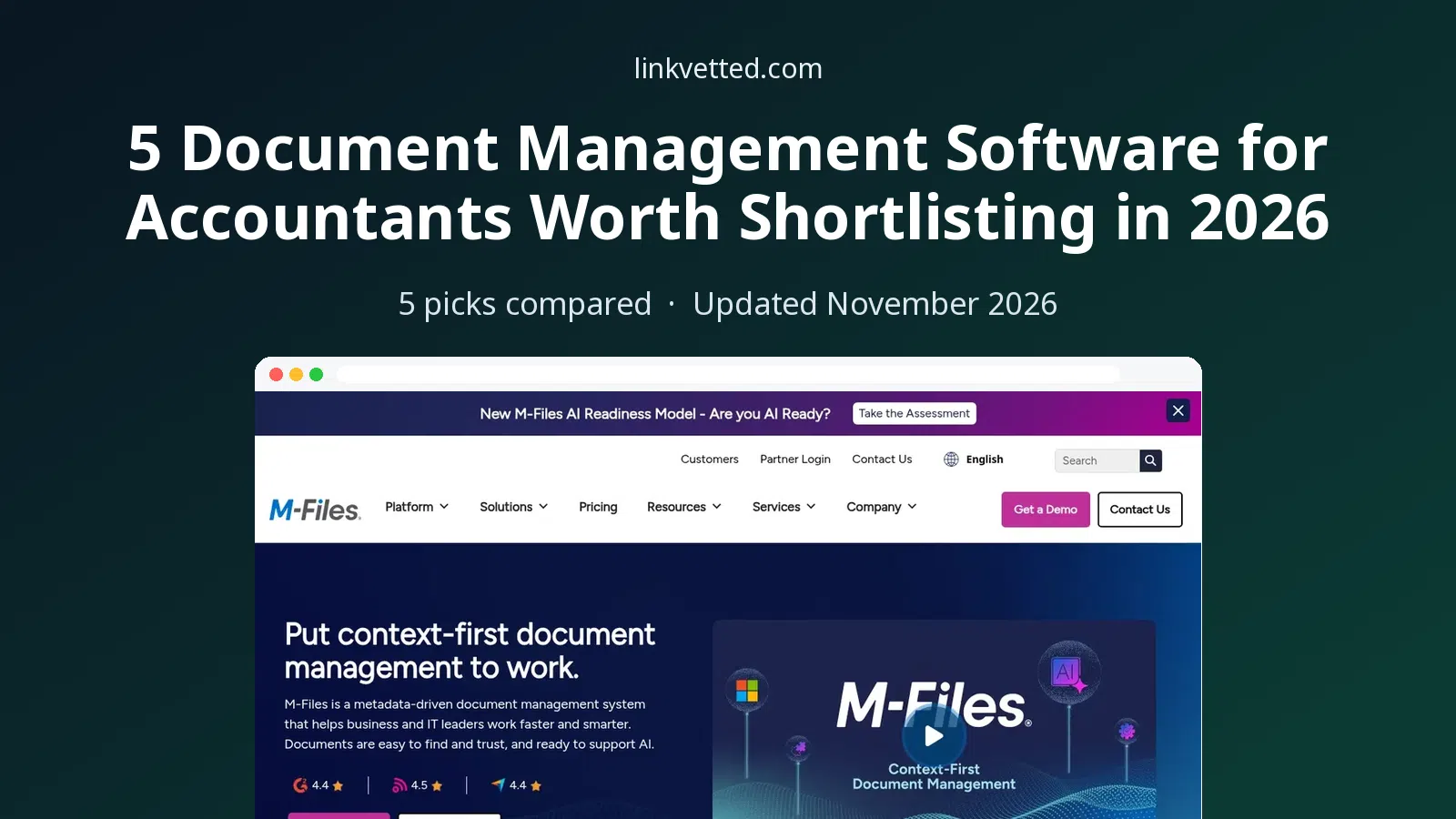
 M-Files
Metadata-based document organization
Starts at€65 per seat per monthVisit m-files.comFull review - Also consider
 DocuWare
Workflow-driven document processing
Starts atSee websiteVisit start.docuware.comFull review
Direct answer
Start with iManage if you need knowledge work in professional services. Listed starting prices: M-Files from €65 per seat per month and Laserfiche from $42 per user per month. If your case is different, M-Files suits metadata-based document organization and DocuWare suits workflow-driven document processing. Details, prices and limits for the rest of the 5 tools are below.
TL;DR:
- iManage is the opening pick, best for knowledge work in professional services.
- For the cheapest start, look at Laserfiche: $42 per user per month.
- For process automation with forms and analytics, Laserfiche is worth a look.
- NetDocuments comes with a trade-off: oriented toward professional services.
Last checked November 2026. Prices and plan details were read from the vendors' own pages in November 2026; vendors change plans often, so confirm the current price on the vendor site before you buy.
Quick comparison
| Tool | Best for | Starts at | Free plan? | |
|---|---|---|---|---|
| iManage | Knowledge work in professional services | See website | Not stated | Visit |
| M-Files | Metadata-based document organization | €65 per seat per month | Not stated | Visit |
| DocuWare | Workflow-driven document processing | See website | Not stated | Visit |
 NetDocuments | Secure document and email management | See website | Not stated | Visit |
 Laserfiche | Process automation with forms and analytics | $42 per user per month | Not stated | Visit |
5 document management software for accountants in detail
If you are comparing document management software for accountants, this page covers 5 tools in one place: what each is best for, what it costs to start, whether it has a free plan, and the main limit to know about.
iManage
Best for: Knowledge work in professional services
Pick iManage if this describes you: knowledge work in professional services. iManage describes itself as an AI knowledge work system that runs and activates knowledge for legal and professional services.
Also, choose iManage when knowledge management and secure AI-assisted access are strategic goals. For accountants, that translates into organizing client and firm knowledge so it can be found and reused, with security built into how people and AI link to it. Check the vendor site for iManage pricing; none is listed in this comparison. Free plan details: Not stated.
Drawbacks to consider: Pitched at professional services businesses.
- Handles and activates knowledge
- AI knowledge work product
- May be elaborate for entry-level filing
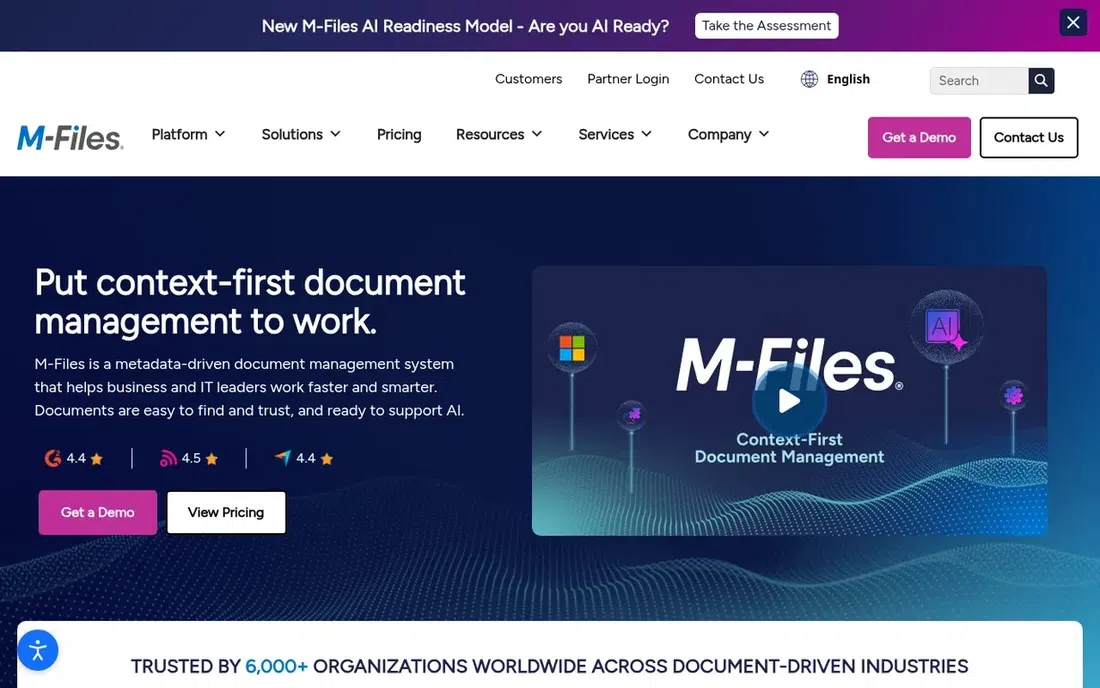
Choose M-Files for metadata-based document organization. M-Files is an AI-powered document management system that organizes documents in context instead of relying only on folders.
Teams wanting minimal setup may find it more involved than expected. On cost, M-Files starts like this: €65 per seat per month. Free access: Not stated.
Downsides: Metadata model needs planning.
- AI-powered automation
- Organizes documents in context
- Can be complicated for straightforward filing needs
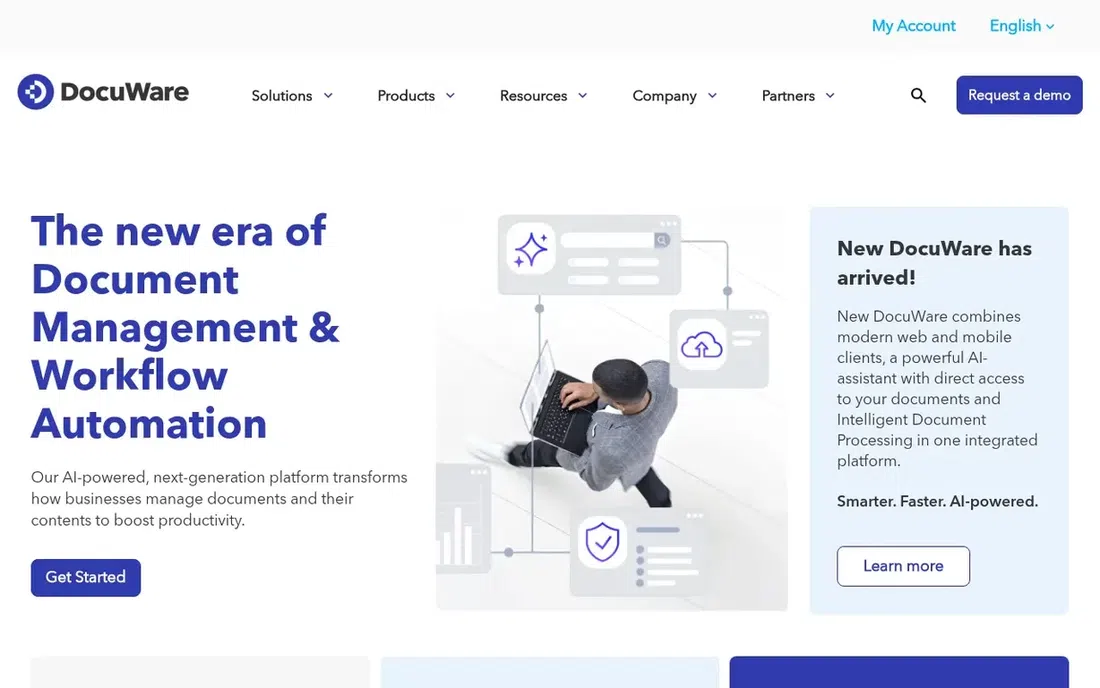
DocuWare was built for workflow-driven document processing. DocuWare is a document management and workflow system built around improving how organizations process documents.
Where it falls short: Automation depth may exceed small firm needs.
Worth adding: choose DocuWare when process automation is central to your document strategy. In daily use, businesses that chiefly want shared file storage with light structure might prefer a more straightforward collaboration system. DocuWare does not show a starting price in this comparison, so check the vendor site for current pricing. Trial and free access: Not stated.
- Central document storage and retrieval
- Designed for improving document processing
- Setup and configuration take effort
NetDocuments makes the most sense for secure document and email management. Pick NetDocuments when secure, compliant document and email management is the core requirement. In daily use, NetDocuments gives you document and email management pitched at legal businesses and departments, with a secure, compliant system accessible from anywhere.
Points against: Oriented toward professional services.
Accounting teams with similar needs, such as controlled access to client correspondence and records, can benefit from centralized email and document handling. Its design leans toward professional services workflows, so general business users may find parts less relevant. Small practices may not need the full depth of controls. NetDocuments does not show a starting price in this comparison, so check the vendor site for current pricing. Free plan details: Not stated.
- Secure
- Compliant product
- Feature depth may exceed small practice needs
Laserfiche was built for process automation with forms and analytics. Laserfiche offers document management and process automation, combining workflows, electronic forms, document management and analytics. A small practice with straightforward filing needs may not use the automation depth.
What to check first: Automation setup takes time.
Choose Laserfiche when process improvement and reporting are priorities alongside document storage. For everyday use, the breadth of workflow, forms and analytics features means implementation needs planning and staff time. Laserfiche starts at: $42 per user per month. On free options: Not stated.
- Focus on accelerating work
- Document management with analytics
- May be more than small businesses need
How the list was put together
For each of the 5 tools we noted price, free plan or trial, fit for document management software for accountants and the main limit, using vendor pages and documentation. Where a price is missing, the vendor does not list one publicly or ties it to a quote. Always confirm before budgeting. The sequence is a judgement call: typical use case first, then pricing transparency, then free access. Use the profiles to check fit.
Pre-purchase checklist
- Get a written quote from iManage, DocuWare and NetDocuments; the list shows no starting price for them.
- Read the limits listed for iManage first: geared toward professional services firms.
- Confirm you can export your data from DocuWare, so leaving later does not mean losing records.
- Ask M-Files which support channels and response times come with the plan you would buy.
- Pick one real project and run it in iManage first; a small pilot shows fit faster than a checklist.
FAQ
How are the tools for document management software for accountants ordered?
iManage sits first and Laserfiche last because the order follows typical fit for document management software for accountants, then price clarity and free access. It is a judgement call, so read each profile for fit and limits.
How do M-Files and DocuWare differ?
DocuWare emphasizes workflow automation around document processing, whereas M-Files centers on organizing documents in context through metadata and AI. The better fit relies on whether your priority is routing work through processes or structuring how documents relate to each other.
Does any tool for document management software for accountants here have a free plan?
No tool in this list, iManage and Laserfiche included, has a permanent free plan. Trials and quotes are the usual route, so plan a short evaluation period.
Do these tools publish their prices?
Not all of them. iManage, DocuWare and NetDocuments publish no starting price, so expect a quote request for those. The rest, M-Files included, show a starting price, though seats and billing terms still change the final cost.
What is the cheapest option for document management software for accountants in this list?
On published monthly entry prices, Laserfiche is the lowest here at $42 per user per month. Entry price is only part of the cost, because seats, add-ons and billing terms can change the total. Each of the 5 options in this document management software for Accountants guide has its own card above with the price, free plan and limits.
Sources
- https://imanage.com
- https://www.m-files.com
- https://start.docuware.com
- https://www.netdocuments.com
- https://www.laserfiche.com